
Blog
Posts
Insights, tutorials, and stories on AI video creation and virtual influencers.

Your Voice and an Avatar
A reel can use your voice and an avatar if the avatar stays the same person and you do not pretend the avatar is a customer.

Burned-In Captions on a Talking Head
Burn captions into a talking-head reel so the words survive a repost. Keep them short and off the bottom buttons.

Founder Update Reel Off Camera
A founder update can stay off camera. One number or one decision, a picture of it, and a host or a diagram to say it.

UGC-Style Reel Without Hiring
A UGC-style reel without hiring uses your real product and a plain voice. It should feel like a person showing a thing, not like an ad with no product.

Record a Reel Voiceover on Your Phone
Record a reel voiceover on your phone in a quiet room, one line at a time, with the mic close. Music comes later.

Faceless Listicle Reel
A faceless listicle reel shows three items with pictures and captions. No presenter. Each item is one beat.
Podcast Clip into a Vertical Reel
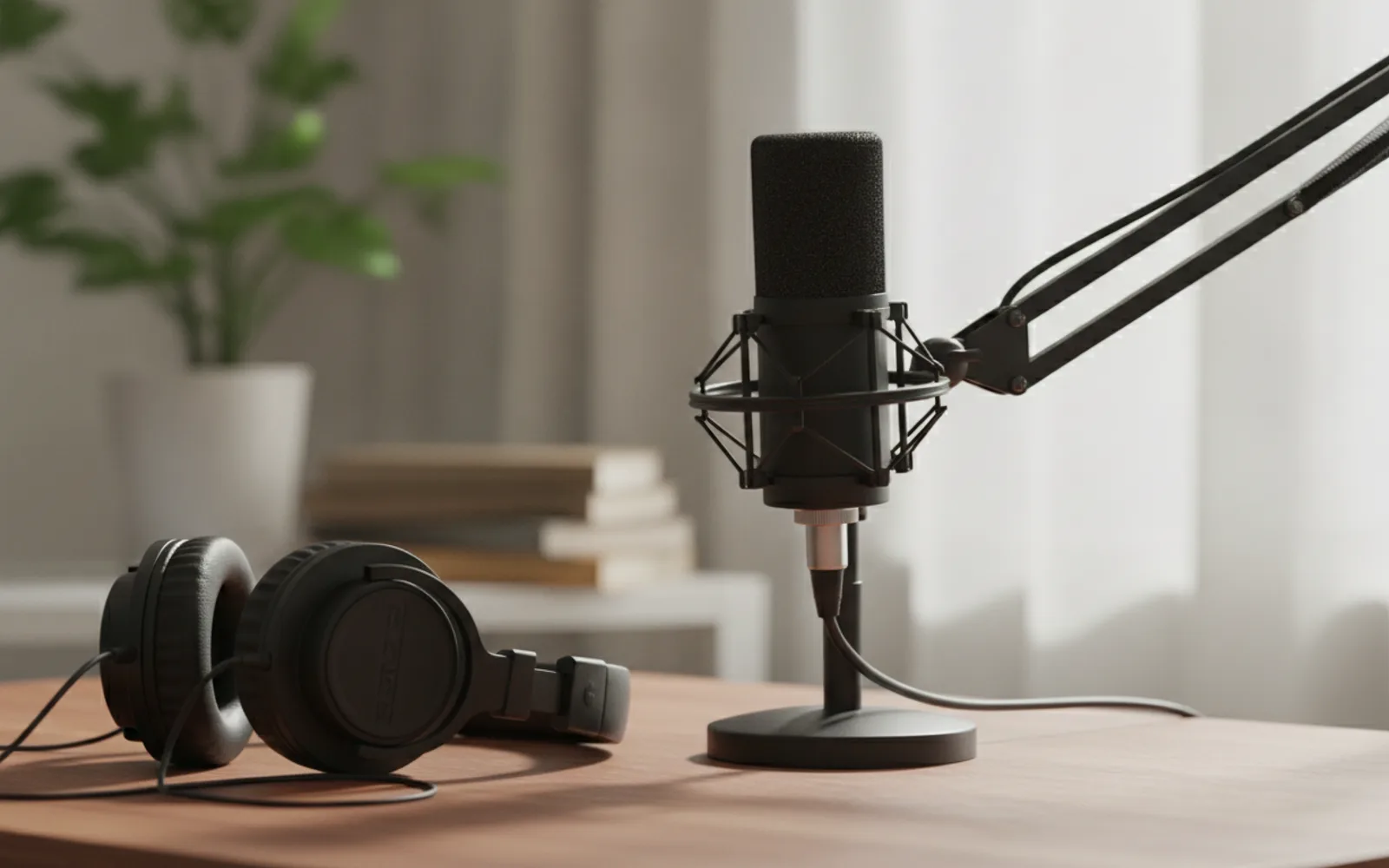
Turn a podcast clip into a vertical reel by cutting one claim, stacking the face or the waveform tight, and captioning the claim.

Talking-Head Captions in Two Languages
Two-language captions work when one language is spoken and the other is a short line, not a second full script.

Same AI Host Face Every Week
Use the same AI host face every week by locking one reference and rejecting any still that drifts. New clothes are allowed. A new head is not.
Screen Recording Tutorial Reel
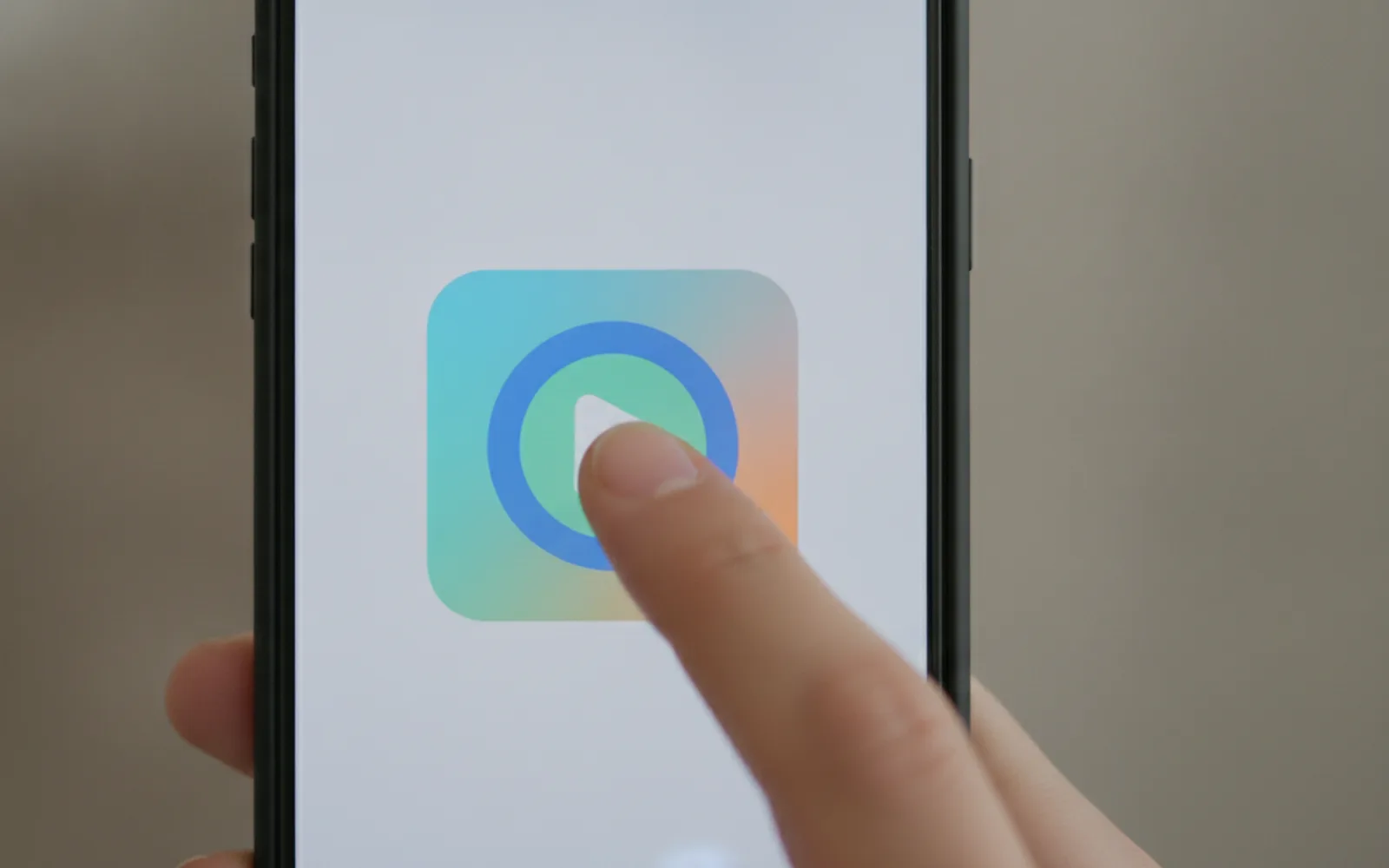
A screen-recording tutorial reel crops to the click that matters and says one line per click. Do not record the whole desktop.

Hands-Only Product Reel
A hands-only product reel shows the real package in use. No face, no second product, one action.

Faceless Tutorial with Voiceover
A faceless tutorial with voiceover shows the steps in pictures and says one line per step. You never walk into frame.