
Screen Recording Tutorial Reel
A screen-recording tutorial reel crops to the click that matters and says one line per click. Do not record the whole desktop.
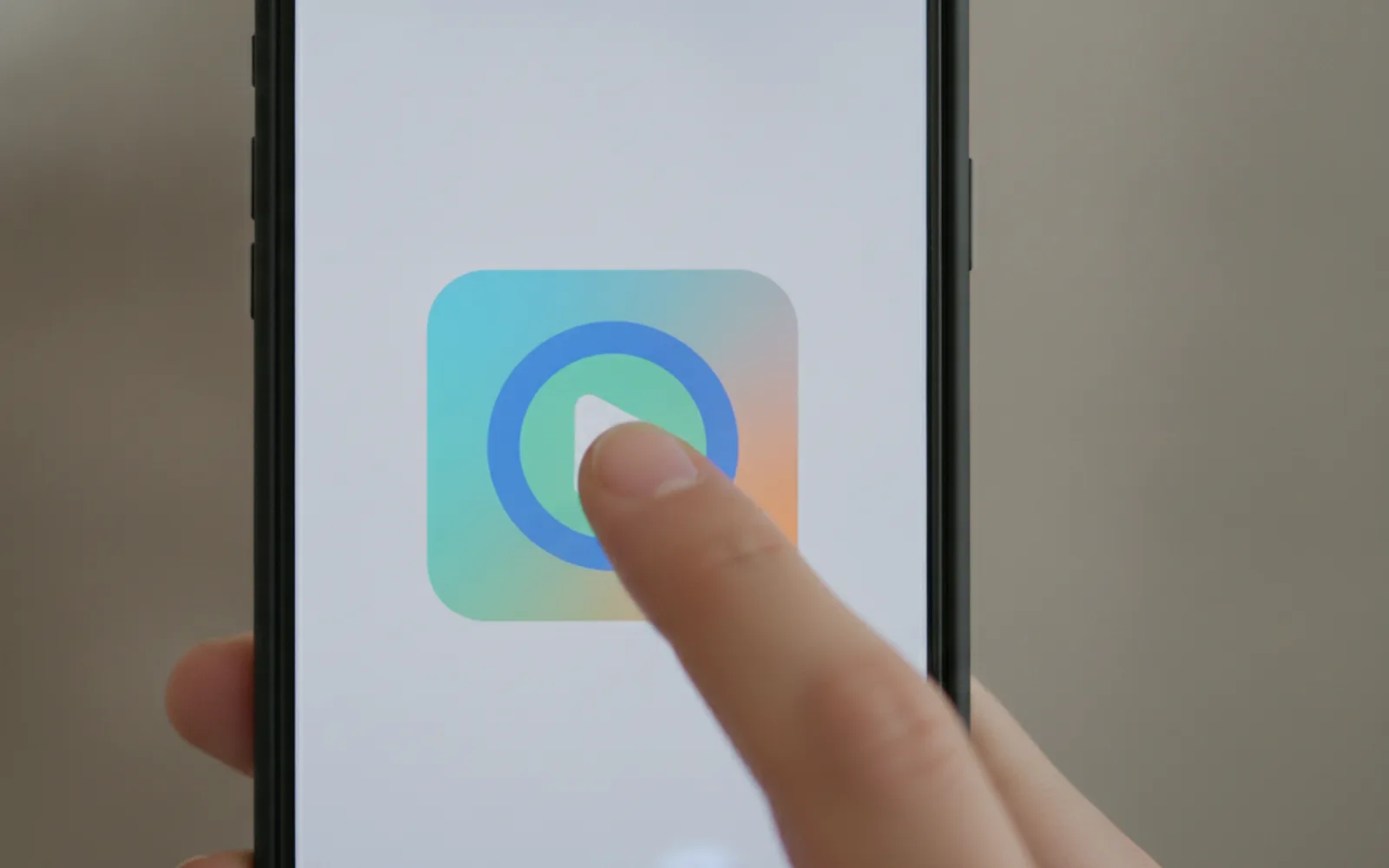
A screen-recording tutorial reel shows the one control the viewer must hit, in a vertical crop. A full desktop recording is unreadable on a phone. Zoom to the control, cut the mouse wandering, and say what the click does. Hide notifications, inboxes, and customer names before you record.
Crop to the control
If the button is a speck, the tutorial failed. Record a close crop or punch in. The surrounding app chrome is not the lesson.
One click per beat
Three clicks are three beats with three lines. A single take of you navigating for forty seconds is a meeting, not a reel.
No private data
Blur names, numbers, and inboxes before export. A tutorial that leaks a customer is worse than no tutorial.
A worked example
Beat 1: "Export 9:16." Beat 2: the aspect control, cropped. Beat 3: the file with no bars. Voice matches. A notification was turned off before recording.
Before you post
- The button is large enough to see.
- Each click has a line.
- Customer data is not visible.
Where Scro fits
Where a doodle is clearer than a UI capture, Scro can redraw the step as an explainer beat. Approve the still, caption the line, export 9:16.
Turn the clicks into beats. Finished samples are on the examples page.
Related: Same AI Host Face Every Week.