
OfferNew accounts keep every subscription at 85% of the list price, forever, plus 20 free credits. Extra credit packs include 5% more.
Create accountScro
Explainer director · Whiteboard style
Turn product concepts into crisp explainer shorts.
Use Scro’s explainer director with the whiteboard doodle style to storyboard and render beautiful shorts that make complex ideas feel simple — for promo, decks, email, and social.
Director + whiteboard
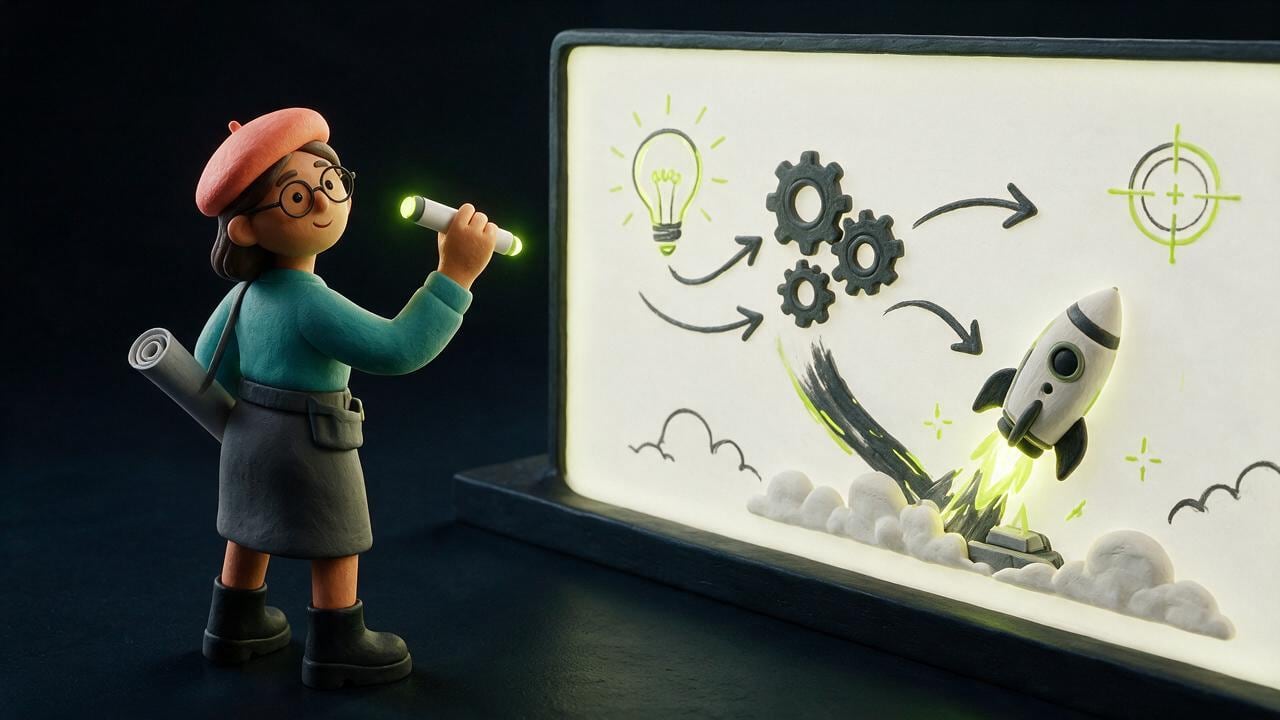
A director that plans the story. A style that reads in seconds.
The explainer director structures hooks, beats, and VO. Whiteboard doodle keeps every frame clear on mute — diagrams, arrows, and one idea per clip.
Where it works
Promo, present, email, social — same cut.
One explainer can do more than a long deck. Ship the same clear story across the channels your buyers already open.
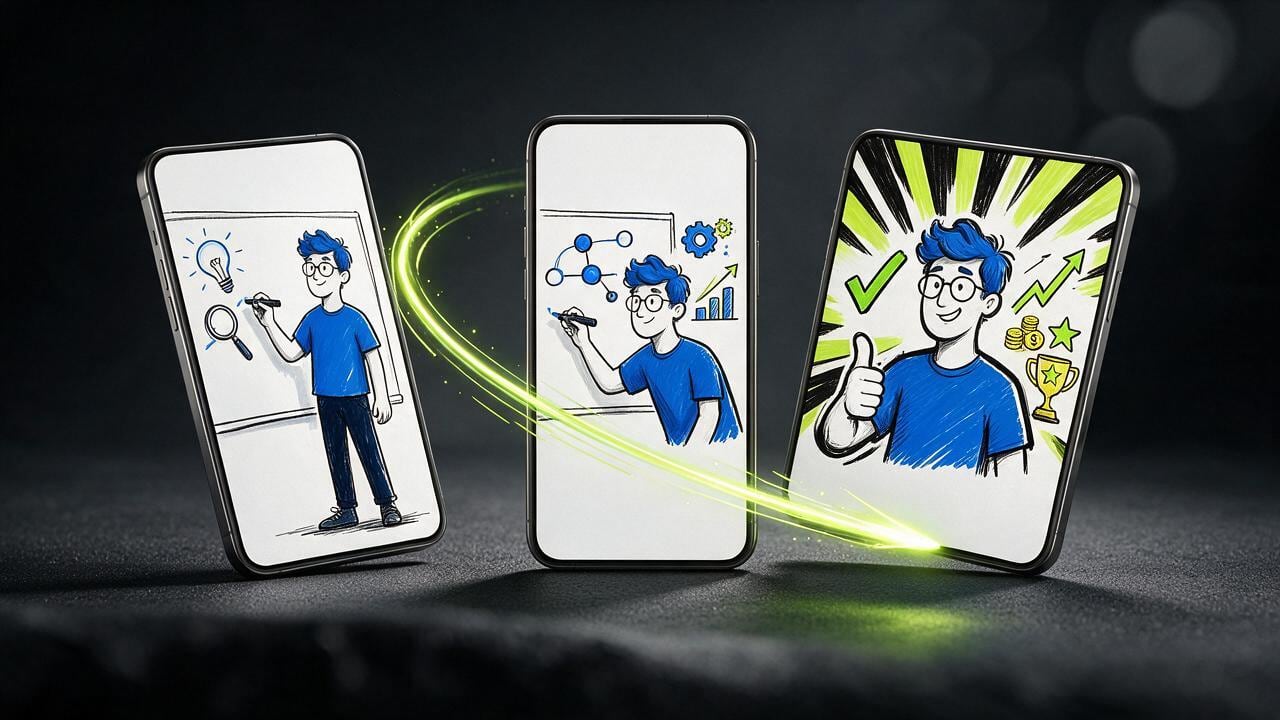
Fast path
Concept in. Elegant explainer out.
Paste the product idea, sketch optional storyboard drafts or co-write clips in AI chat, and generate full-bleed 9:16 whiteboard clips.
Pick explainer director
Whiteboard-ready planning for concept breakdowns across 21 languages.
Sketch or AI-draft clips
Draw rough layouts on the sketchpad or chat with AI to plan each clip — or let the director plan automatically.
Approve & generate
Keyframe stills first — then the motion cut with editable artistic subtitles.
New in Scro Studio · Creator Engine
From live mic voice cloning & sketchboards to AI auto-editing.
Four built-in studio upgrades remove the friction between your raw idea and a retention-ready vertical reel — all inside one workspace.
01 · Mic Recording & 21 Languages
In-browser mic recorder + 21 voiceover languages
Record a 15-second voice sample right in your browser with built-in teleprompter scripts, or upload audio files. Clone your voice and generate videos across 21 matched languages including English, Cantonese, Mandarin, Japanese, Korean, Spanish, Indonesian, and more.
Live Mic RecorderBuilt-in Teleprompter21 Matched Languages
02 · Storyboard Sketchpad & AI Chat
Draw rough layout sketches + co-write clips with AI
In Step 03 Storyboard Drafts, add custom clips, sketch where characters and diagrams sit on a canvas, or chat with the AI assistant on the right to draft visual explanations and VO lines from your script — or leave it blank for full AI auto-planning.
Interactive SketchpadAI Draft ChatroomOptional Auto-Plan
03 · Silence Trim & Free Stock B-Roll
Auto dead-air removal + 1-click Stock B-Roll cutaways
OpenCut analyzes audio RMS on load to trim leading and trailing dead air with smooth 15ms micro-fades so clips flow without awkward pauses. Search free stock photos & videos in-panel or click Auto Insert B-Roll to overlay cutaways automatically.
Auto Silence TrimSeamless Clip Flow1-Click Stock B-Roll
04 · Artistic Subtitles & Root Face Lock
13 artistic caption styles, Google Fonts & drift-free wardrobe
Generate editable native subtitle tracks from your VO in one click with 13 artistic presets (stroke, 3D shadow, neon glow, pill strips) and bilingual Google Fonts — while root-anchored wardrobe edits keep facial geometry 100% identical from v1 to v10.
13 Artistic CaptionsBilingual Google FontsDrift-Free Wardrobe Lock
Examples
Concepts that read on mute.
A funnel, a node map, a meeting-room deck, and three phone frames.
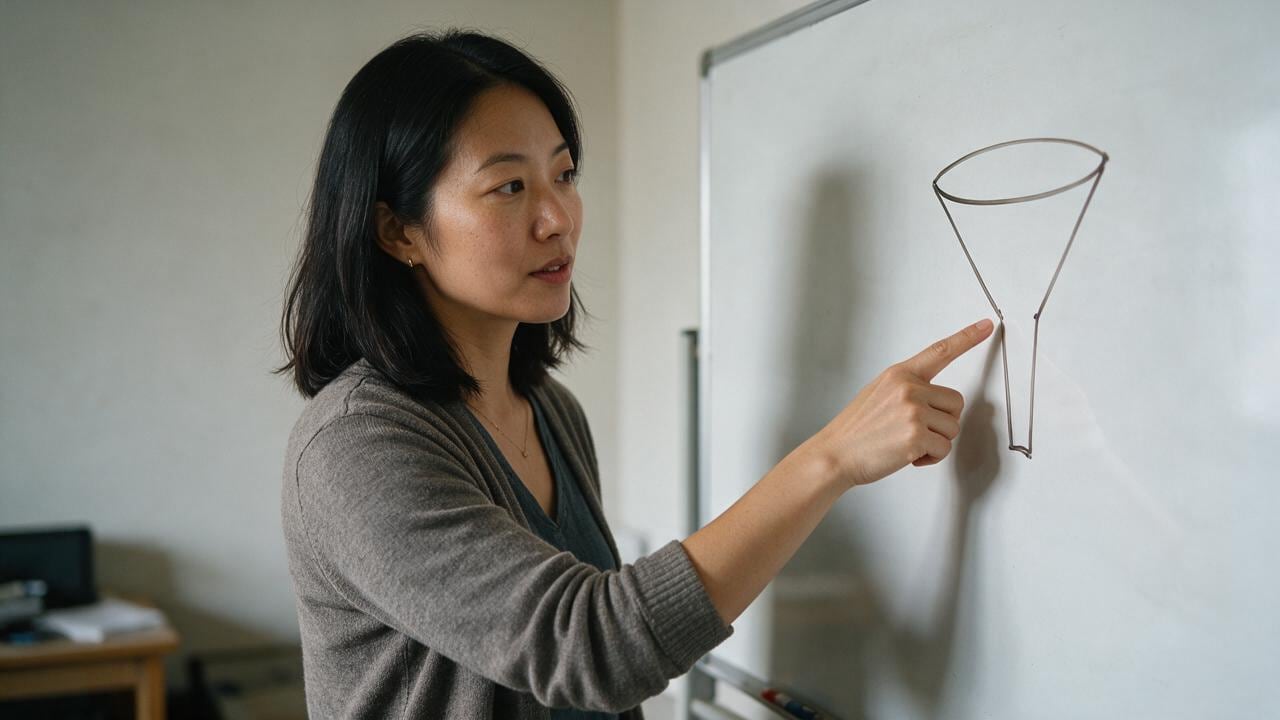
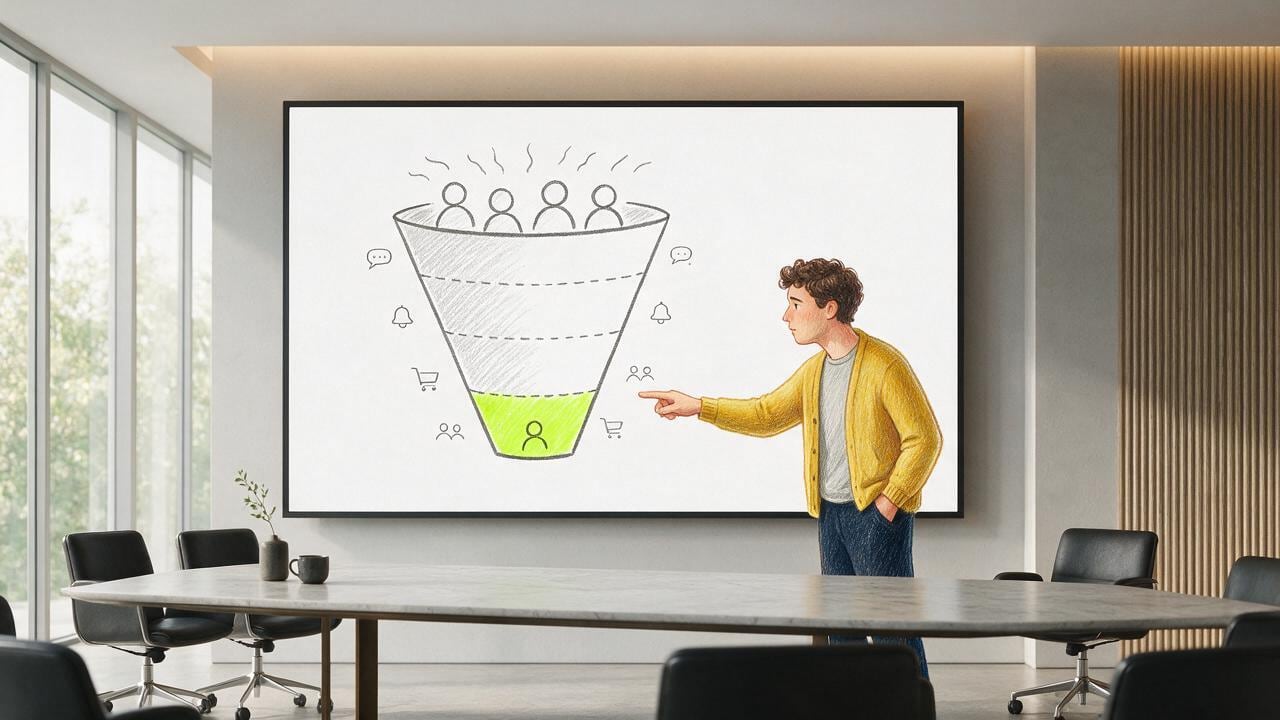
Funnel on the board
One drawing that shows the path in a glance.

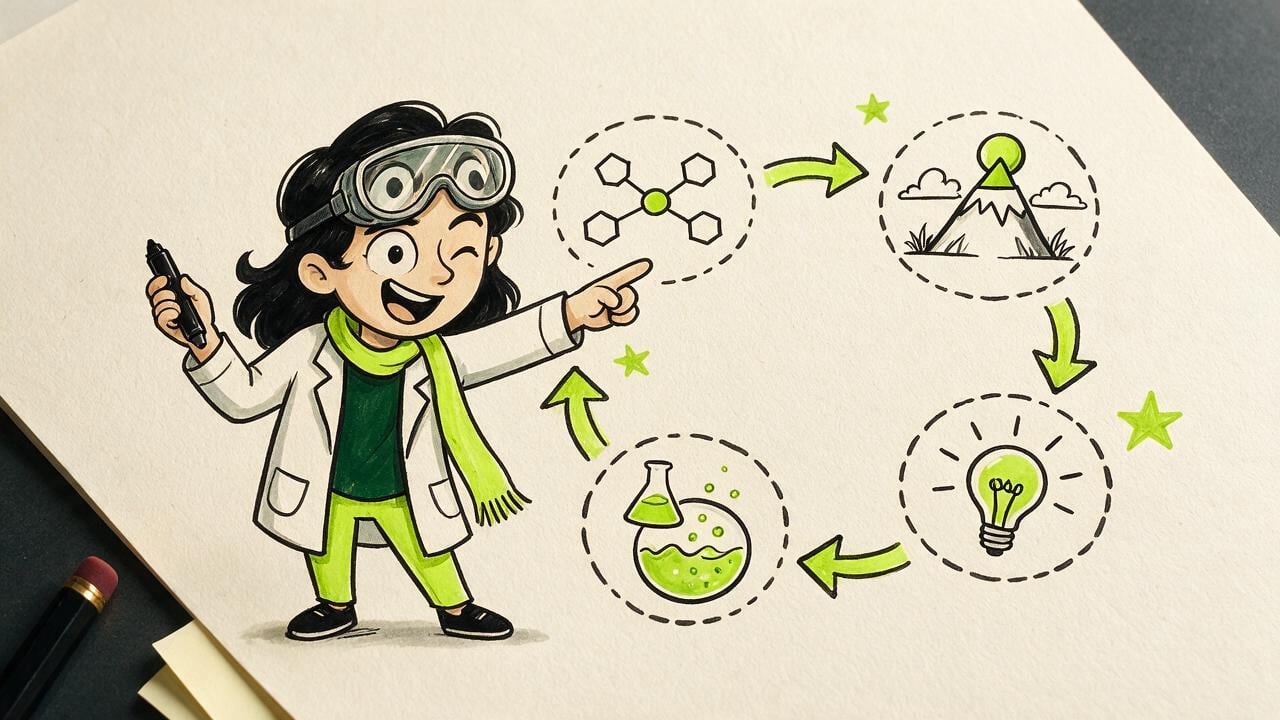
Linked ideas
Four nodes, arrows, no paragraph of text.

Deck in the room
A presenter and a simple diagram on the screen.
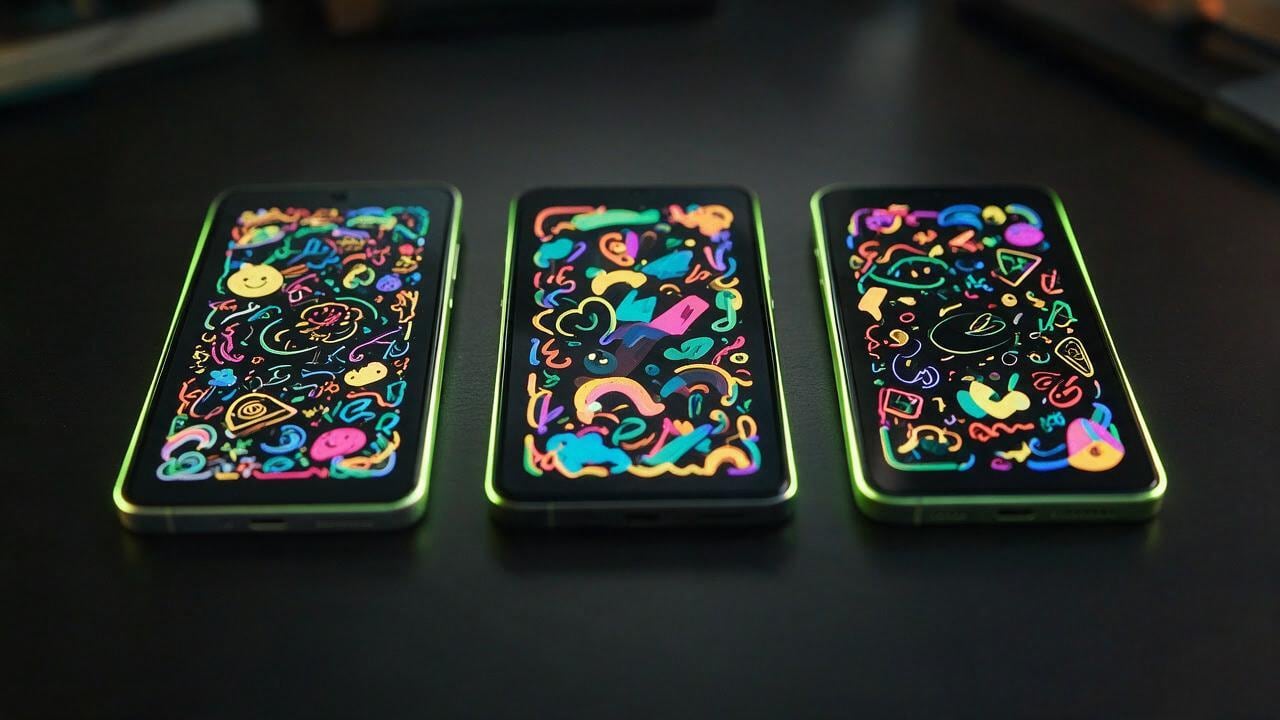
Phone frames
The same explainer, cut for a vertical feed.
Post
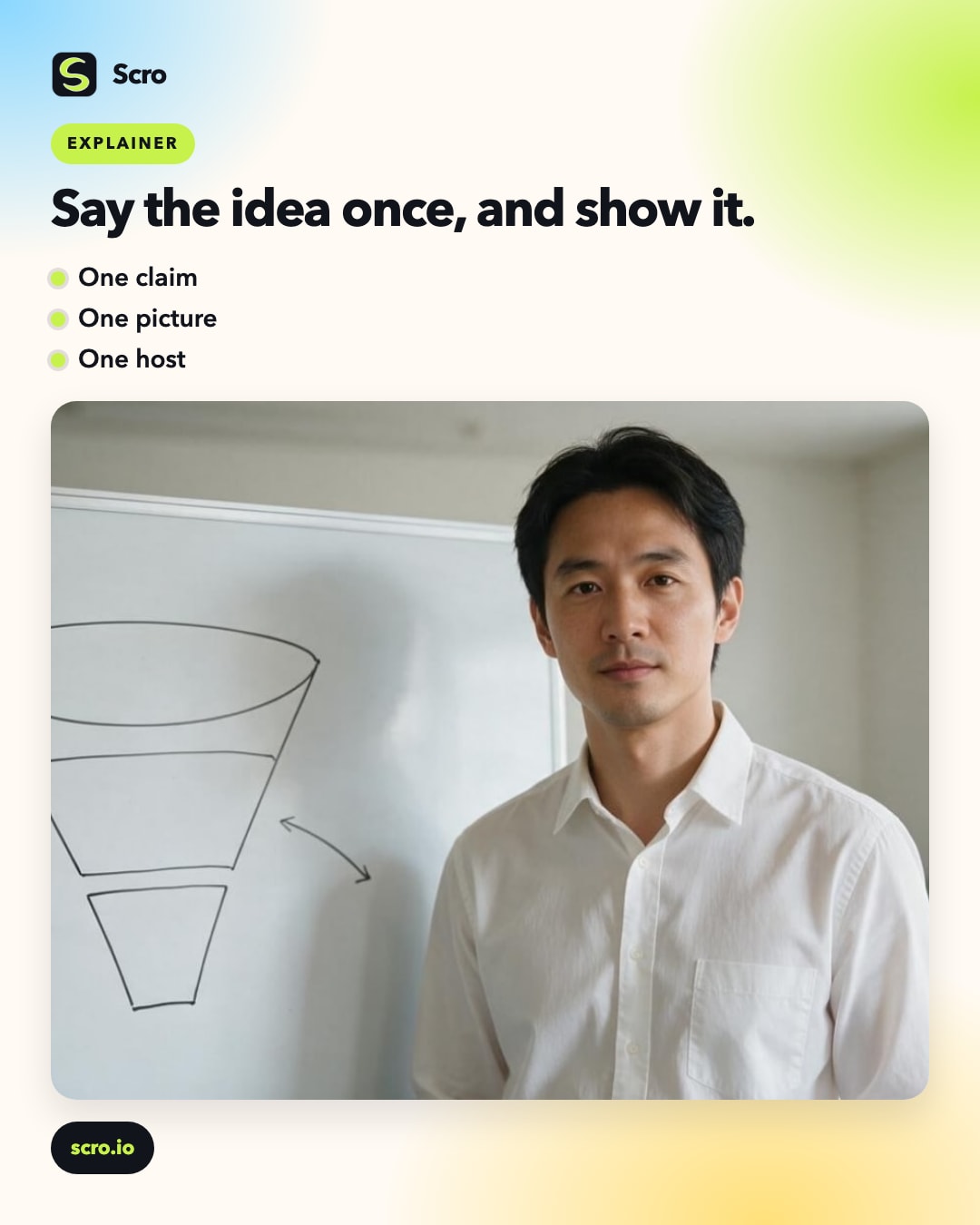
Say the idea once, and show it.
An explainer is a short argument: one claim, a picture that makes it obvious, and a person who can walk you through it.
A funnel on a board, a few connected nodes, a deck in a meeting room. The drawing carries the structure. The host carries the sentence you actually mean.
You do not need a cartoon department for a single concept. Write the point, pick the picture, and let the same character explain it the way you would in a room.
When the idea changes, change the line and the drawing. The face stays, so the next explainer still feels like the last one.
Explain it beautifully
Your concept deserves a clear 45 seconds.
Claim free credits, pick the explainer director, set whiteboard style, and ship a short your audience finishes.