
Talking-head read
Face-to-camera lines with locked framing and captions.
Make a talking-head clipOfferNew accounts keep every subscription at 85% of the list price, forever, plus 20 free credits. Extra credit packs include 5% more.
Create accountScro
Stop paying to learn prompting, then burning credits on blind retries. Scro packs AI directors, virtual influencer tools, and a built-in edit desk — generate, finish the cut, publish.
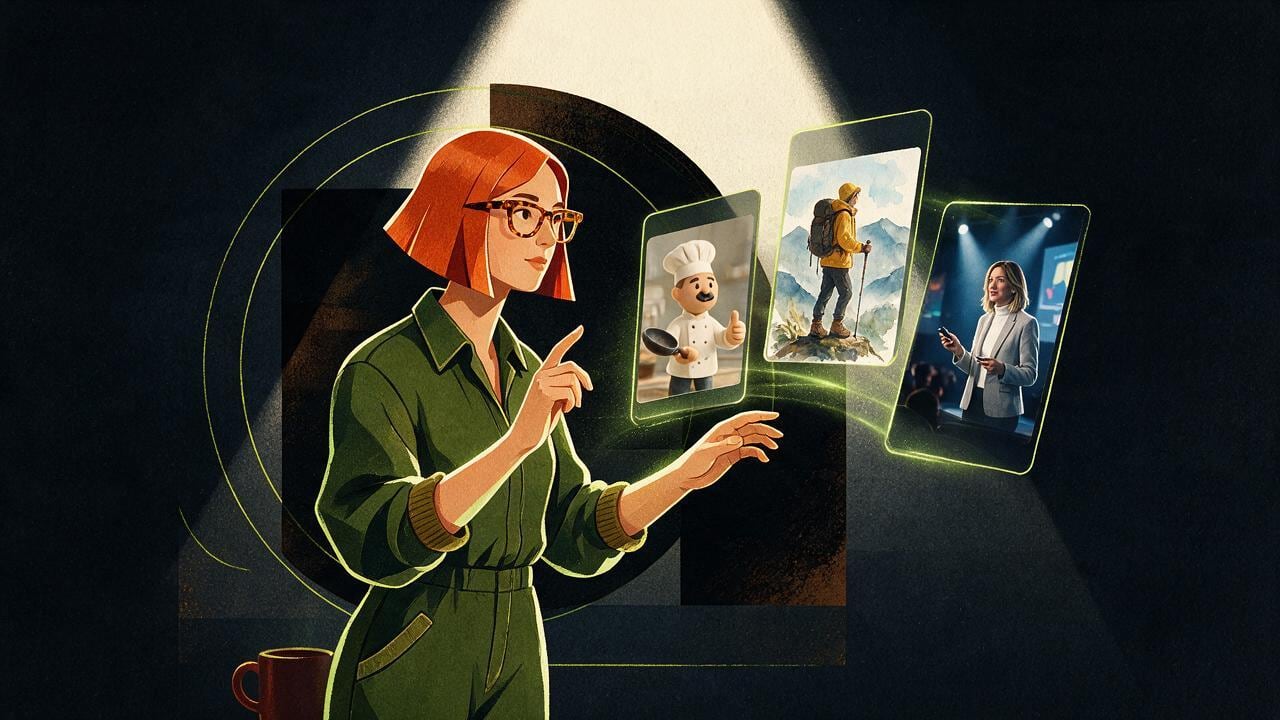
The expensive detour
Most creators lose weeks watching tutorials, then pay again every time an AI playground guesses wrong. You don’t need another syllabus — you need a production system.
Built-in AI directors
Storyboards, hooks, and shot plans ship with Scro — so you spend time on the idea, not on inventing a film school workflow.
Face-to-camera lines with locked framing and captions.
Make a talking-head clipConcept breakdowns with doodle scenes and VO.
Make an explainerPain → reveal → features in use, ad-ready.
Promote my productNumbered tips, one beat per clip, save-worthy.
Build my AI InfluencerShow the result first, then each clear step.
Make a Cantonese reelStory beats from your message — no film crew.
See generate → editVirtual influencer toolkit
Instead of learning every model and plugin, use the tools that already lock face, wardrobe, Life posts, and short video around one AI Influencer.
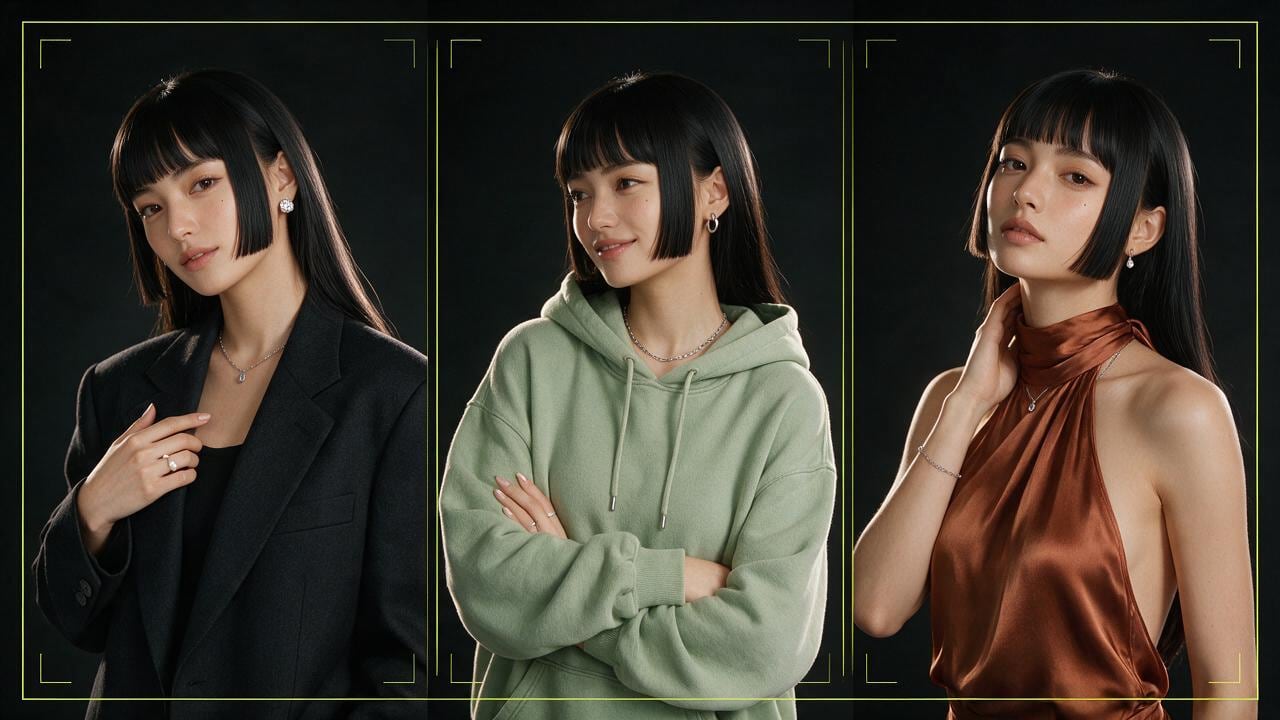
Design a recognizable face and looks your audience can follow.
Create an AI Influencer
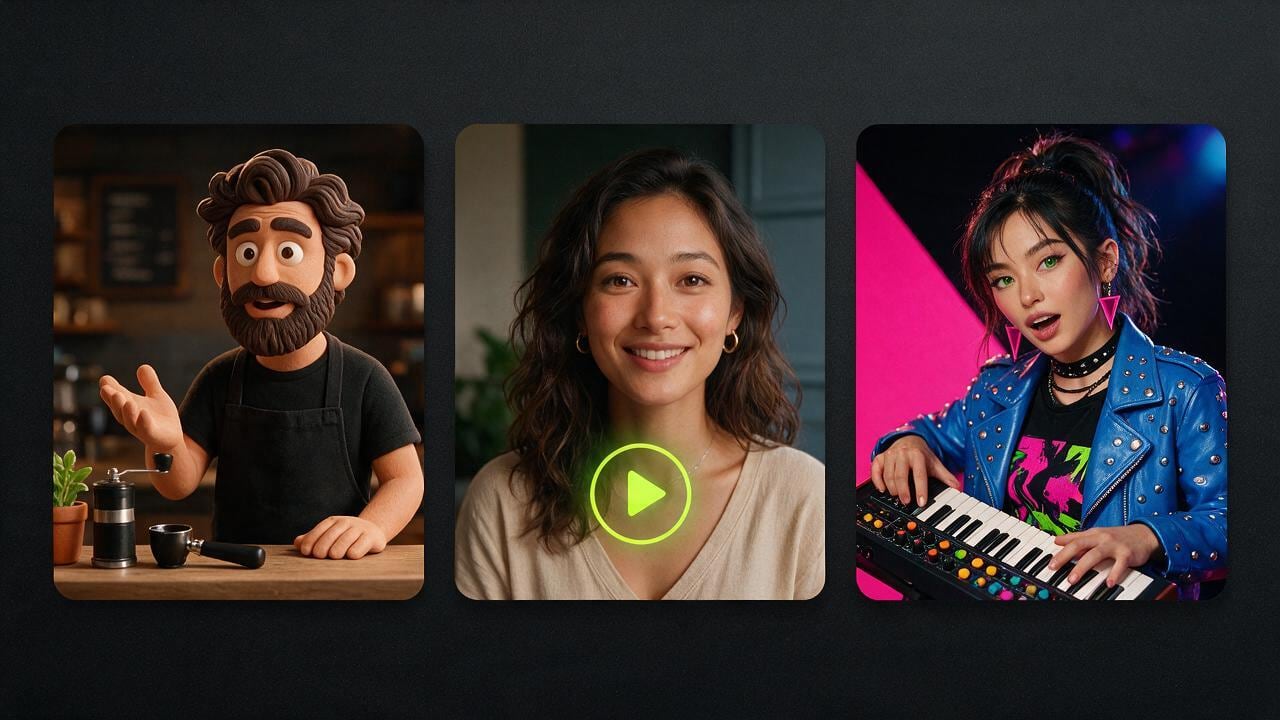
Reuse the same soul for talking-head, UGC, and tutorials.
Make a talking-head clipGenerate → edit → export
Clips land on a timeline you can keep shaping: auto silence trimming, 13 artistic subtitle presets with Google Fonts, 1-click Stock B-Roll cutaways, and music — one pipeline from idea to published video.
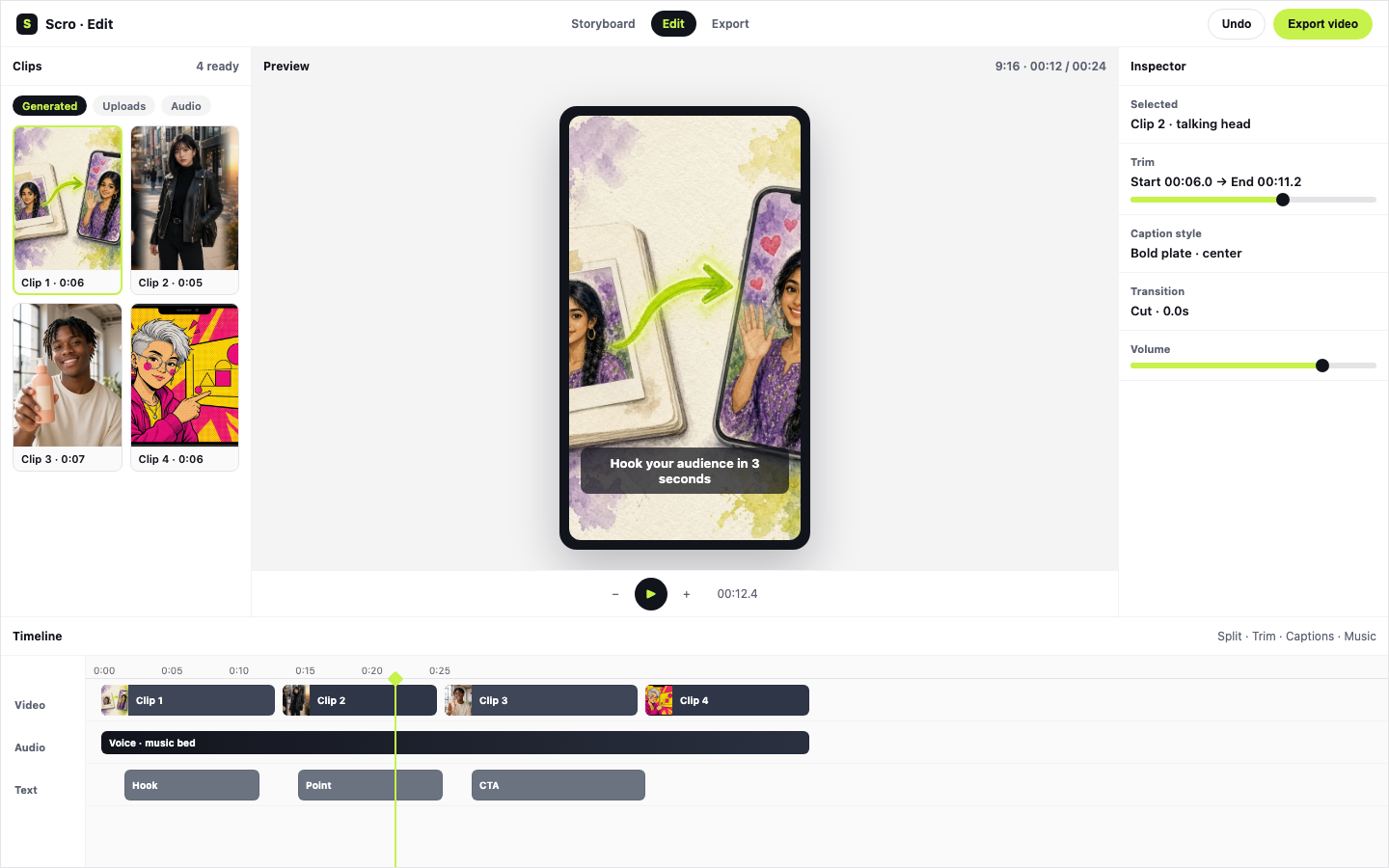
Automatically trims leading/trailing dead air with 15ms micro-fades so clip transitions play without awkward pauses.
Style VO into 13 editable caption presets with bilingual Google Fonts, and overlay free Stock B-Roll in one click.
Ship 9:16 ready for Reels, Shorts, and TikTok from the same desk.
New in Scro Studio · Creator Engine
Four built-in studio upgrades remove the friction between your raw idea and a retention-ready vertical reel — all inside one workspace.
Record a 15-second voice sample right in your browser with built-in teleprompter scripts, or upload audio files. Clone your voice and generate videos across 21 matched languages including English, Cantonese, Mandarin, Japanese, Korean, Spanish, Indonesian, and more.
In Step 03 Storyboard Drafts, add custom clips, sketch where characters and diagrams sit on a canvas, or chat with the AI assistant on the right to draft visual explanations and VO lines from your script — or leave it blank for full AI auto-planning.
OpenCut analyzes audio RMS on load to trim leading and trailing dead air with smooth 15ms micro-fades so clips flow without awkward pauses. Search free stock photos & videos in-panel or click Auto Insert B-Roll to overlay cutaways automatically.
Generate editable native subtitle tracks from your VO in one click with 13 artistic presets (stroke, 3D shadow, neon glow, pill strips) and bilingual Google Fonts — while root-anchored wardrobe edits keep facial geometry 100% identical from v1 to v10.
Examples
Talking-head, whiteboard, product promo, then the edit desk — pick the format, finish in the same place.
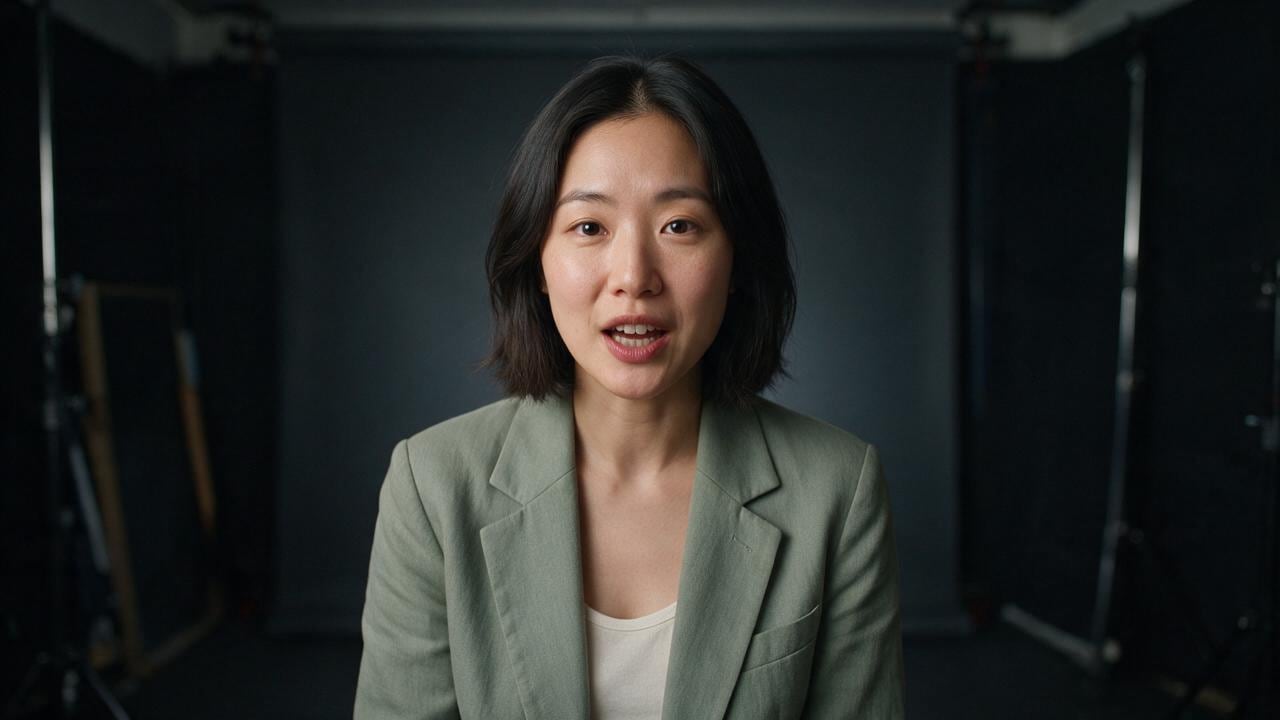
A host to camera, ready for captions.

One diagram, one idea, readable on mute.
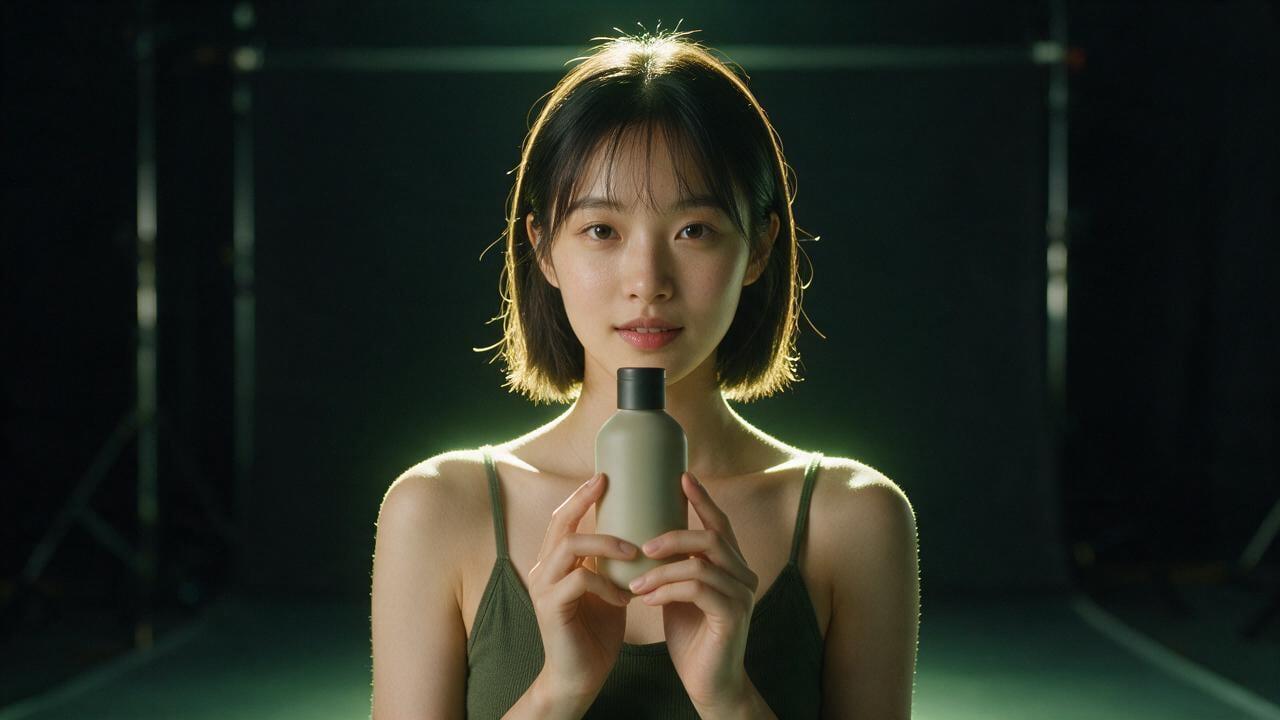
The host and the product share the frame.

Trim, sound, and captions after the draft.
Post
The right tool is the one that takes a character from the first line to a finished cut, without five subscriptions and a folder of exports.
Write the piece, pick the director, and let the storyboard follow the same face. Talking-head, explainer, and promo are different jobs. They should not be different products.
The edit stays in the same place as the generation. Captions, pacing, and the final frame are part of the film, not a second app you open after the render.
When the character, the script, and the cut live together, you can change one line and see the film again. That is the whole point of having one tool.
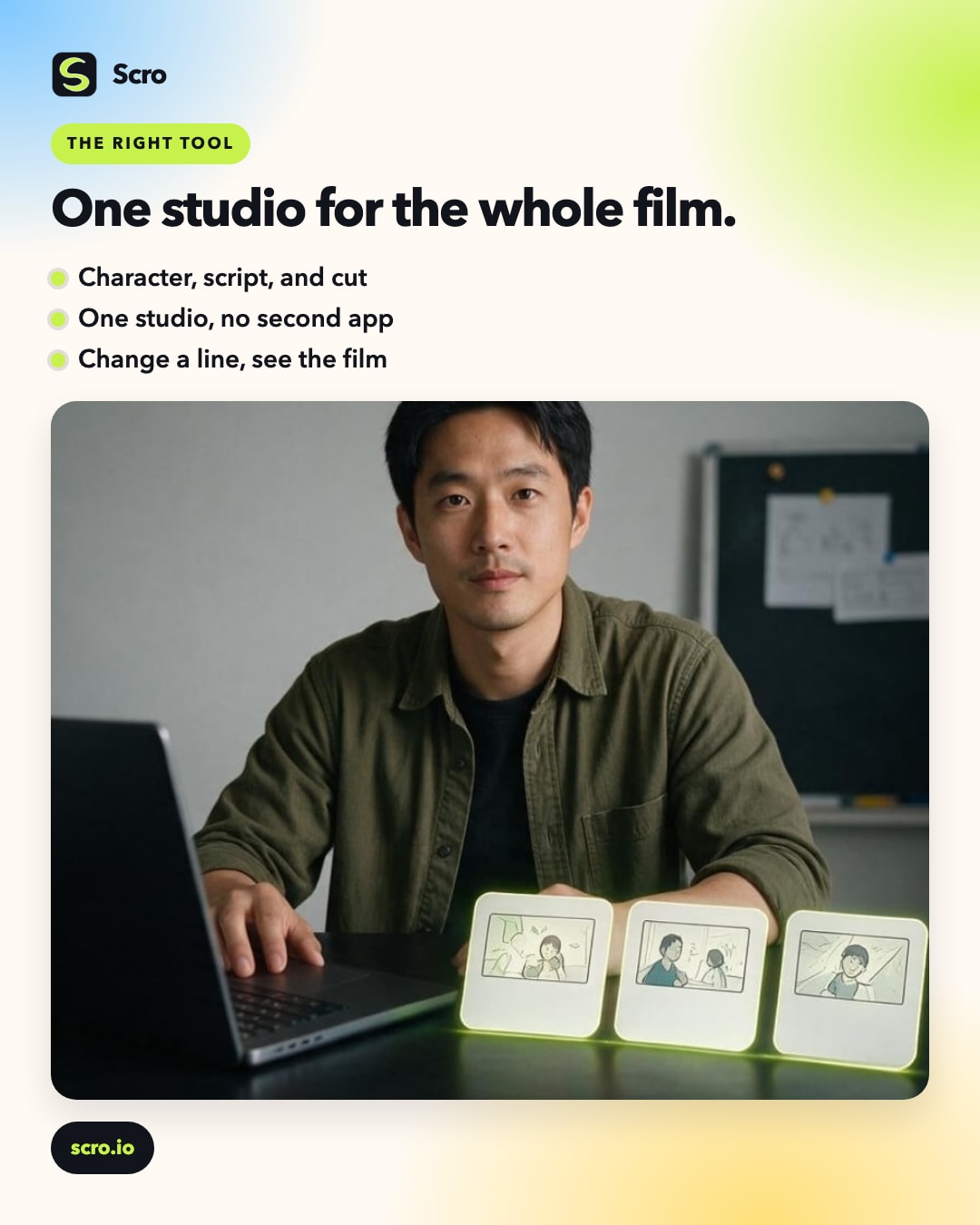
Pick the right tool
Claim free credits, pick a director, lock an AI Influencer, edit the cut, and publish — without another course or a stack of failed generations.