

01
SME & solo founders
Record-quality talking-heads without leaving the shop or workshop.
Make a Cantonese reelOfferNew accounts keep every subscription at 85% of the list price, forever, plus 20 free credits. Extra credit packs include 5% more.
Create accountScro
Built for Hong Kong SMEs and one-person companies. Upload several clips of your Cantonese voice, then generate captioned videos that speak in that voice.

For bosses who sell
When you need product explainers and daily pitches in real Hong Kong Cantonese — without hiring a crew every week.
Record-quality talking-heads without leaving the shop or workshop.
Make a Cantonese reel
Show the item, speak the offer, keep captions readable on mute.
Promote my product
Upload several clips of your Cantonese voice. The host speaks with it on every new video.
Make a talking-head clipSame simple path
Then open the edit desk for auto silence trimming, bilingual Google Fonts captions, and 1-click Stock B-Roll.
Read the built-in Cantonese teleprompter into your mic or upload clips. New videos speak in your voice.
Your pitch, your wording — the host reads what you write across Cantonese or 20 other languages.
13 artistic caption styles, auto dead-air trimming, and Stock B-Roll before you publish.
New in Scro Studio · Creator Engine
Four built-in studio upgrades remove the friction between your raw idea and a retention-ready vertical reel — all inside one workspace.
Record a 15-second voice sample right in your browser with built-in teleprompter scripts, or upload audio files. Clone your voice and generate videos across 21 matched languages including English, Cantonese, Mandarin, Japanese, Korean, Spanish, Indonesian, and more.
In Step 03 Storyboard Drafts, add custom clips, sketch where characters and diagrams sit on a canvas, or chat with the AI assistant on the right to draft visual explanations and VO lines from your script — or leave it blank for full AI auto-planning.
OpenCut analyzes audio RMS on load to trim leading and trailing dead air with smooth 15ms micro-fades so clips flow without awkward pauses. Search free stock photos & videos in-panel or click Auto Insert B-Roll to overlay cutaways automatically.
Generate editable native subtitle tracks from your VO in one click with 13 artistic presets (stroke, 3D shadow, neon glow, pill strips) and bilingual Google Fonts — while root-anchored wardrobe edits keep facial geometry 100% identical from v1 to v10.
Examples
Cha chaan teng, boutique, workshop, and a night stall — local rooms for a Cantonese host.

Milk tea on the counter, the owner to camera.

A folded shirt, a small shop, a product pitch.
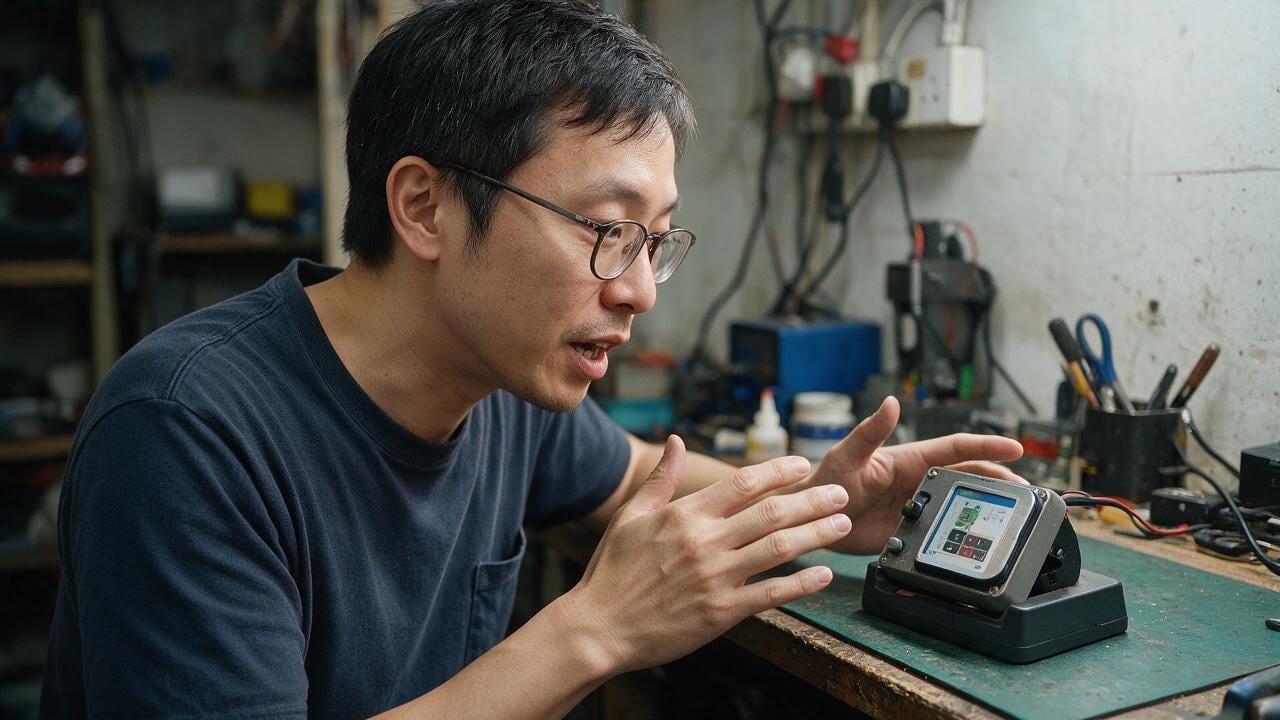
Explain a gadget on the bench, in the shop.
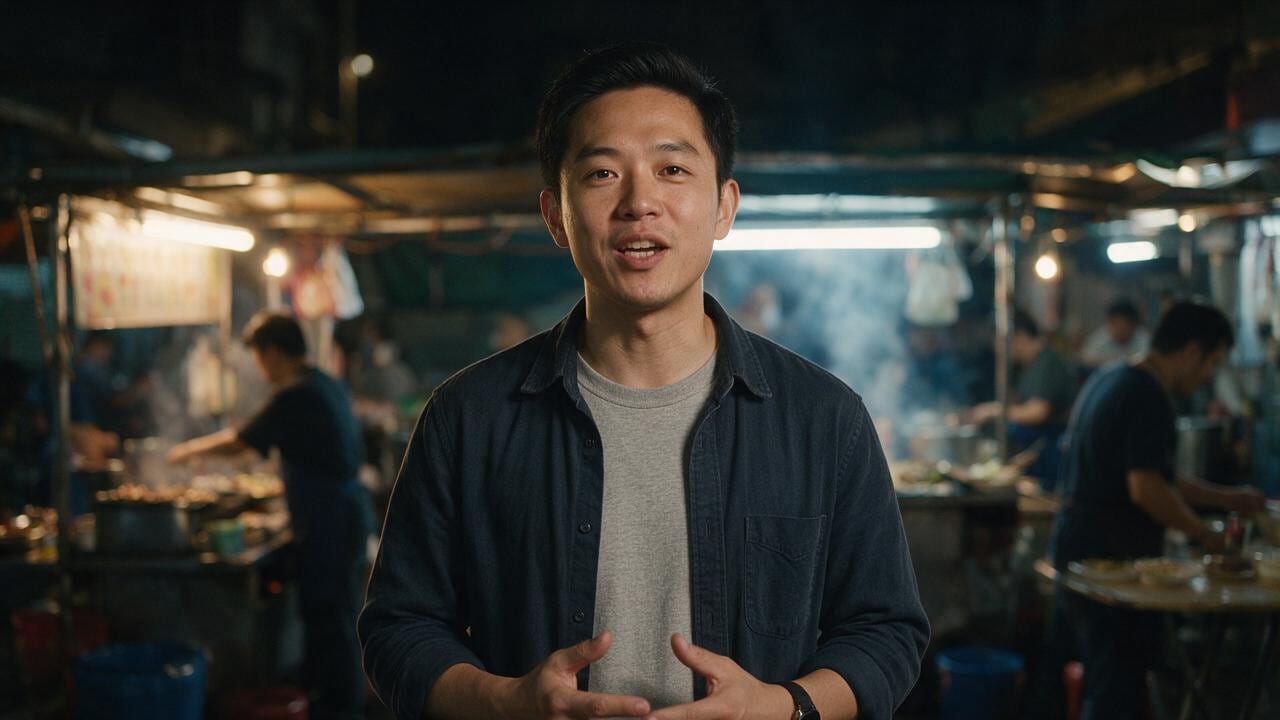
Street food, evening light, a direct pitch.
Post
Cantonese on screen only works when the words, the place, and the person belong in the same city.
A cha chaan teng, a small shop, a workshop, a night stall. The host talks the way a Hong Kong business actually talks: short, specific, and local. The subtitle matches that speech.
This is for a product, a service, or a lesson you would explain across the table. The film can still be short. The language should not sound like it was written somewhere else and dubbed later.
Lock the character once. Then make the Cantonese version of the explainer, the promo, and the talking-head from the same face.
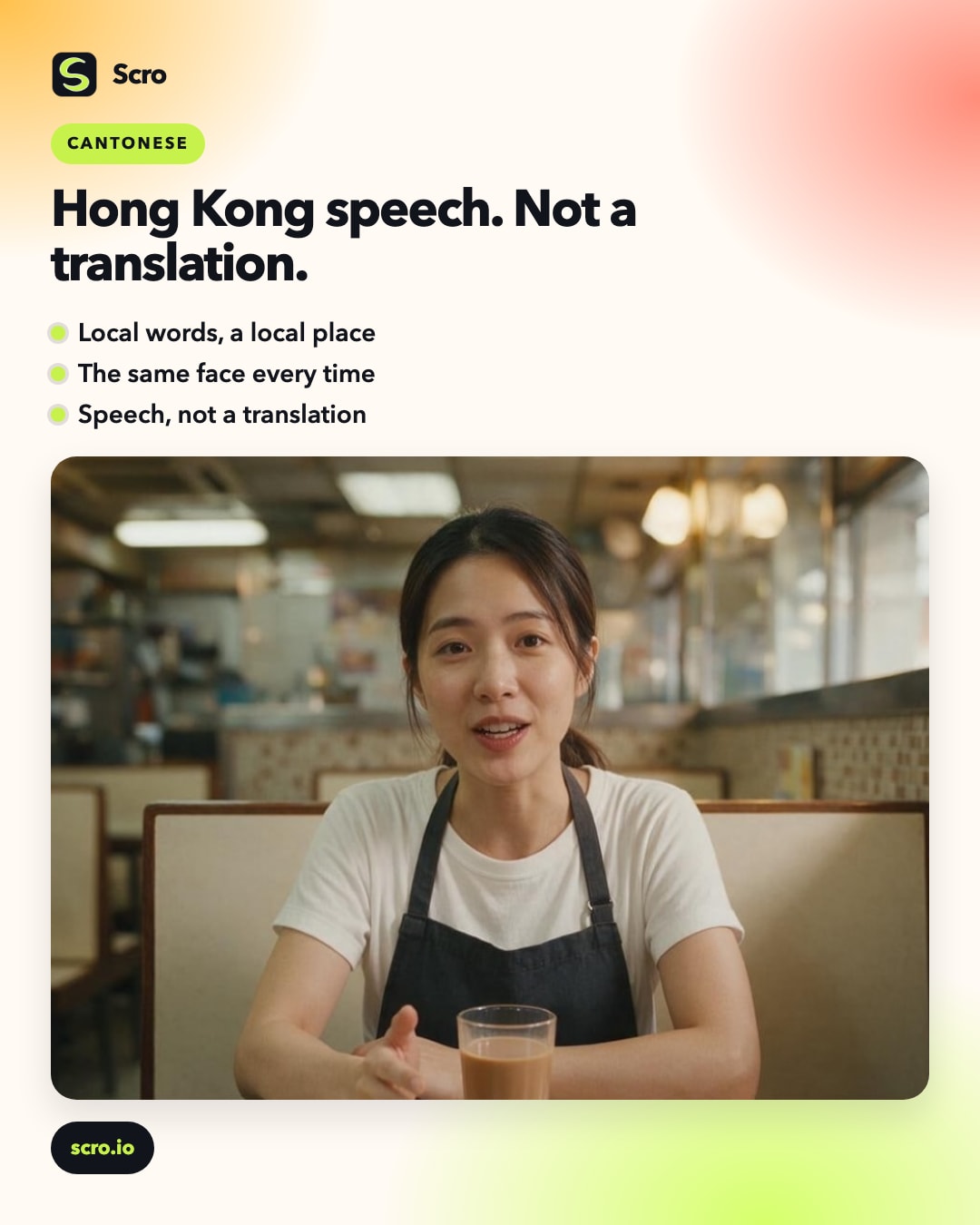
Ship in Cantonese
Claim free credits and produce Cantonese talking-heads your customers actually understand — without a film crew.