
01
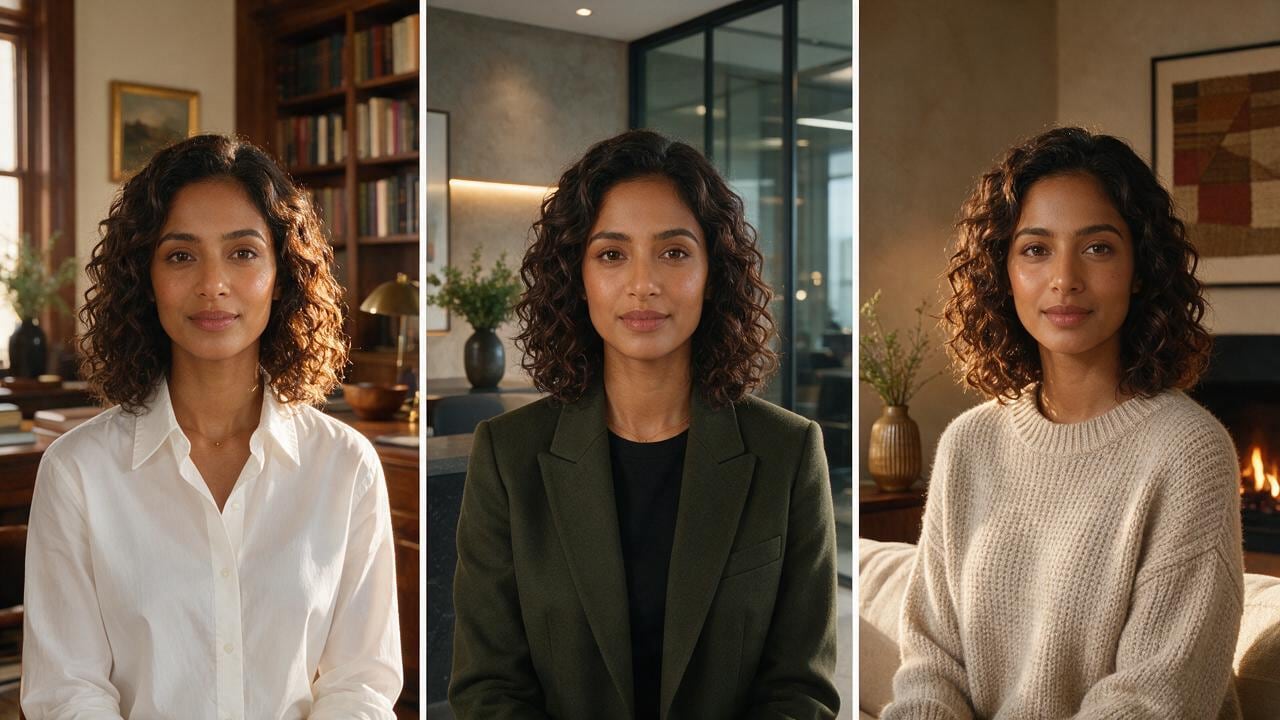
Choose character & outfit
Lock face, wardrobe, and a simple set your audience will recognize.
Create an AI InfluencerOfferNew accounts keep every subscription at 85% of the list price, forever, plus 20 free credits. Extra credit packs include 5% more.
Create accountScro
Pick your AI Influencer’s outfit and set, paste the script they should read, and Scro generates the clip with captions ready. Then fine-tune in the editor — SFX, music, final polish.
Three moves
No camera crew. No prompting bootcamp. Lock the look, write what they say, generate a captioned talking-head ready for Reels.
Lock face, wardrobe, and a simple set your audience will recognize.
Create an AI Influencer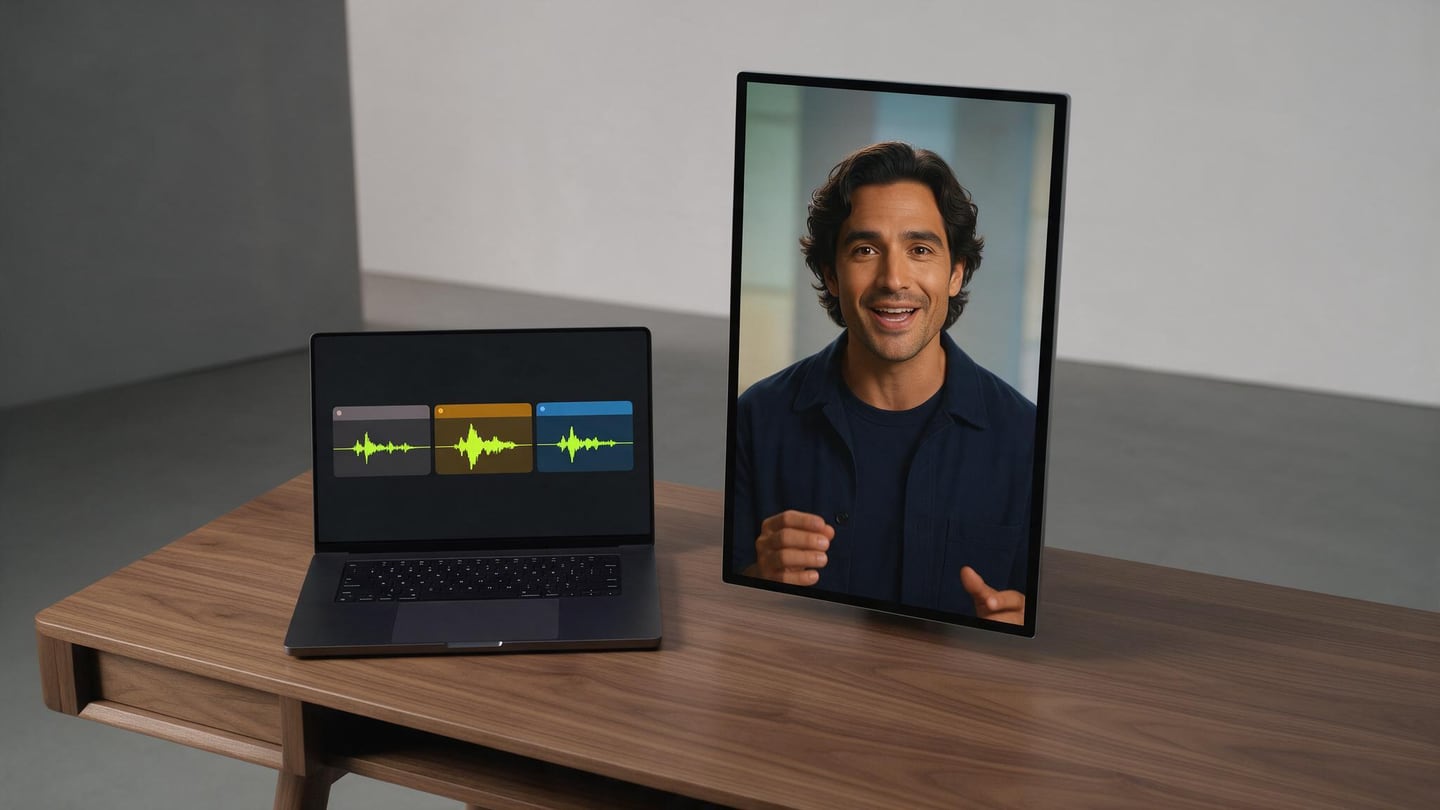
Paste the lines to read. Scro splits them into short clips that lip-sync.
Make a talking-head clip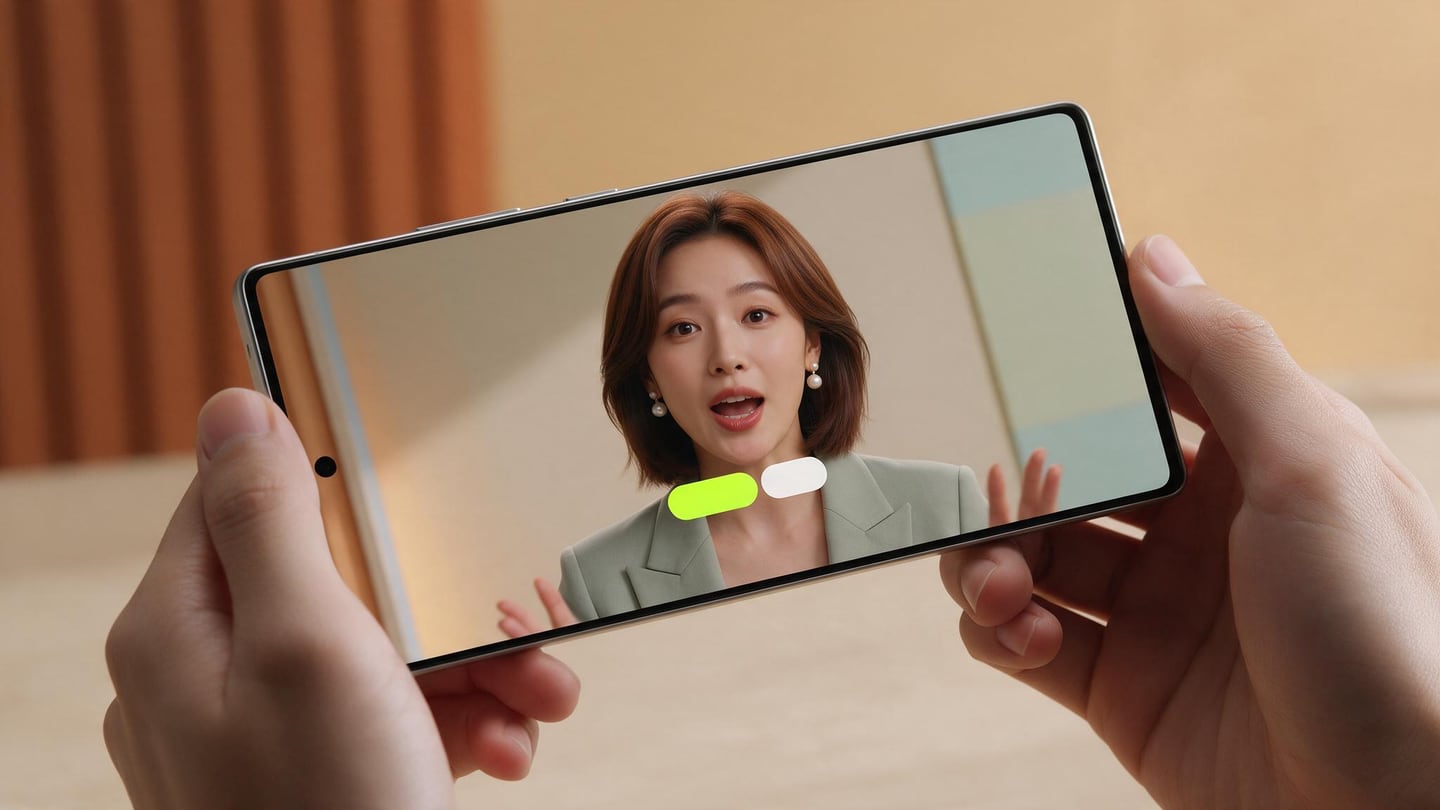
Get a talking-head cut with on-screen captions — scroll-stop ready.
Make a Cantonese reel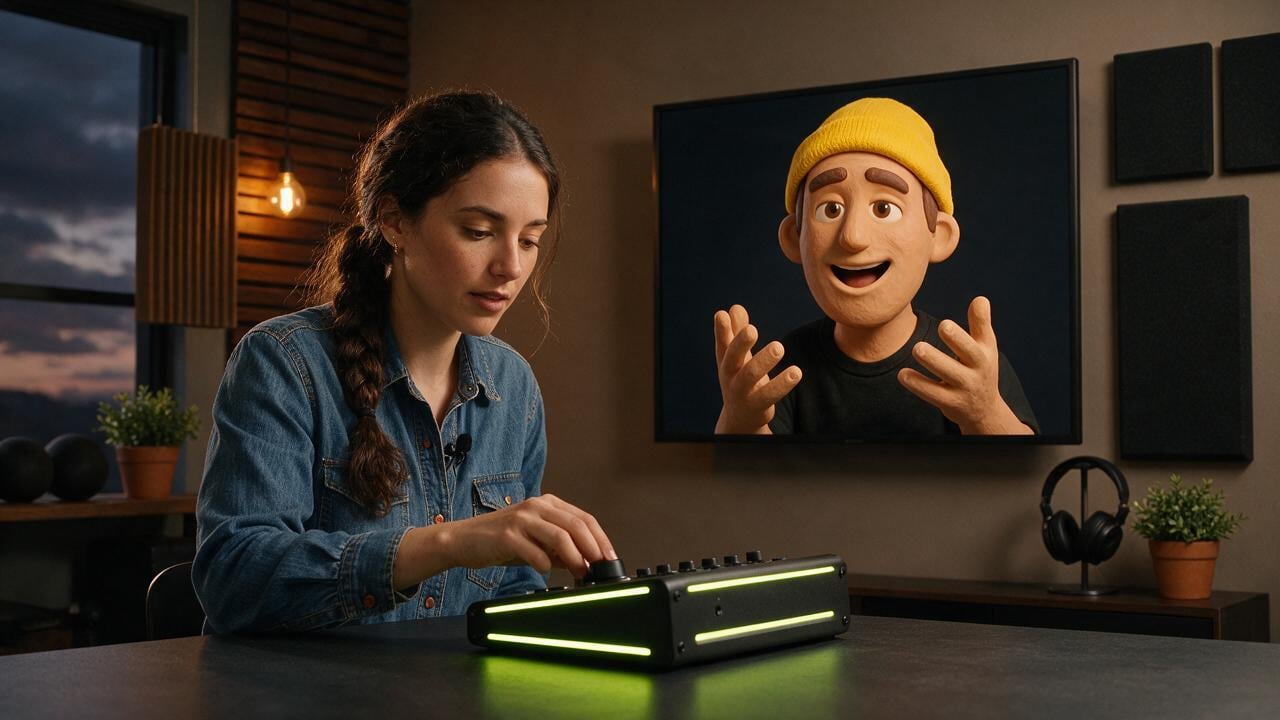
AI draft + human finish
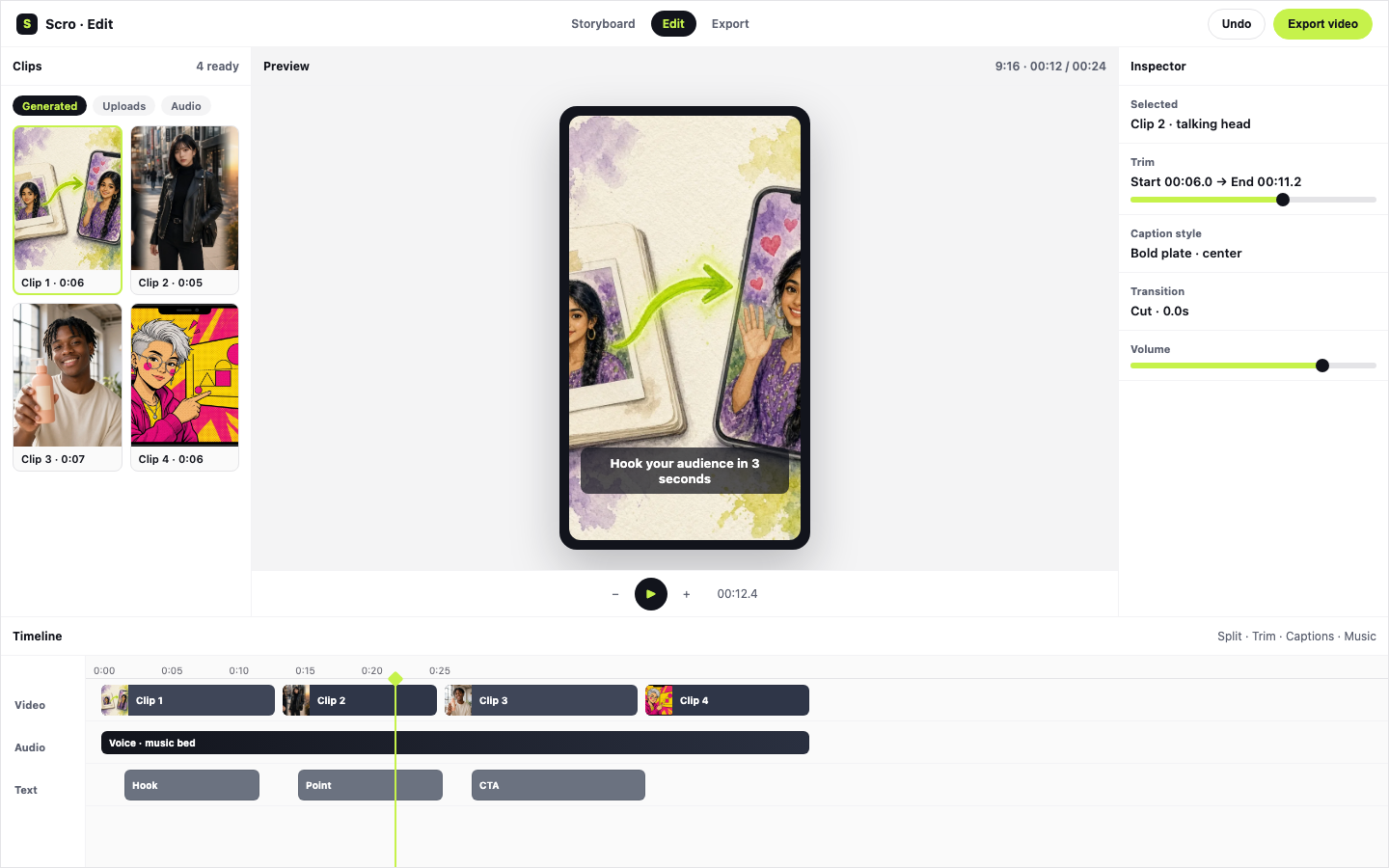
Balance speed and craft: let AI build the talking-head, then auto-trim dead air, style artistic captions, insert Stock B-Roll, and export the Reel from the same desk.
Automatically cuts leading and trailing silence with smooth audio micro-fades so clips connect seamlessly.
Apply 13 artistic subtitle styles with Google Fonts, auto-insert free Stock B-Roll, and layer SFX & music.
9:16 out the door for Reels, Shorts, and TikTok.
New in Scro Studio · Creator Engine
Four built-in studio upgrades remove the friction between your raw idea and a retention-ready vertical reel — all inside one workspace.
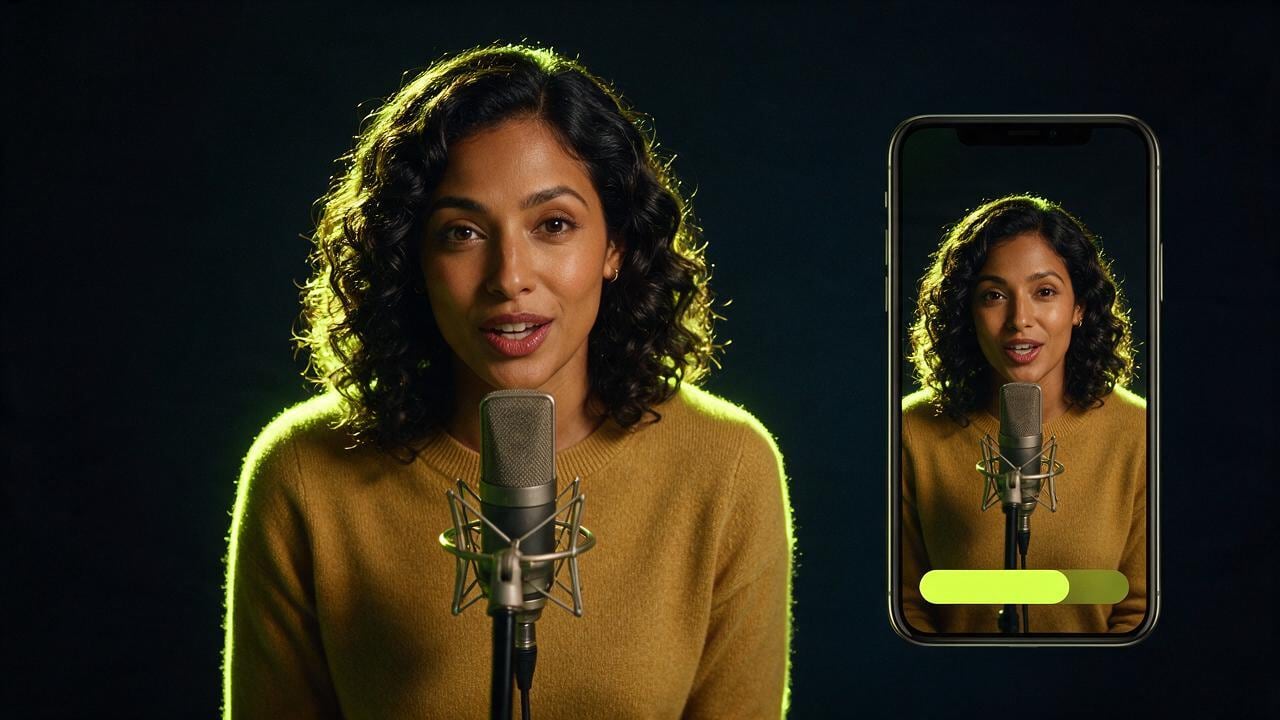
Record a 15-second voice sample right in your browser with built-in teleprompter scripts, or upload audio files. Clone your voice and generate videos across 21 matched languages including English, Cantonese, Mandarin, Japanese, Korean, Spanish, Indonesian, and more.
In Step 03 Storyboard Drafts, add custom clips, sketch where characters and diagrams sit on a canvas, or chat with the AI assistant on the right to draft visual explanations and VO lines from your script — or leave it blank for full AI auto-planning.
OpenCut analyzes audio RMS on load to trim leading and trailing dead air with smooth 15ms micro-fades so clips flow without awkward pauses. Search free stock photos & videos in-panel or click Auto Insert B-Roll to overlay cutaways automatically.
Generate editable native subtitle tracks from your VO in one click with 13 artistic presets (stroke, 3D shadow, neon glow, pill strips) and bilingual Google Fonts — while root-anchored wardrobe edits keep facial geometry 100% identical from v1 to v10.
Examples
Living room, vertical frame, wardrobe already picked, or a podcast desk.
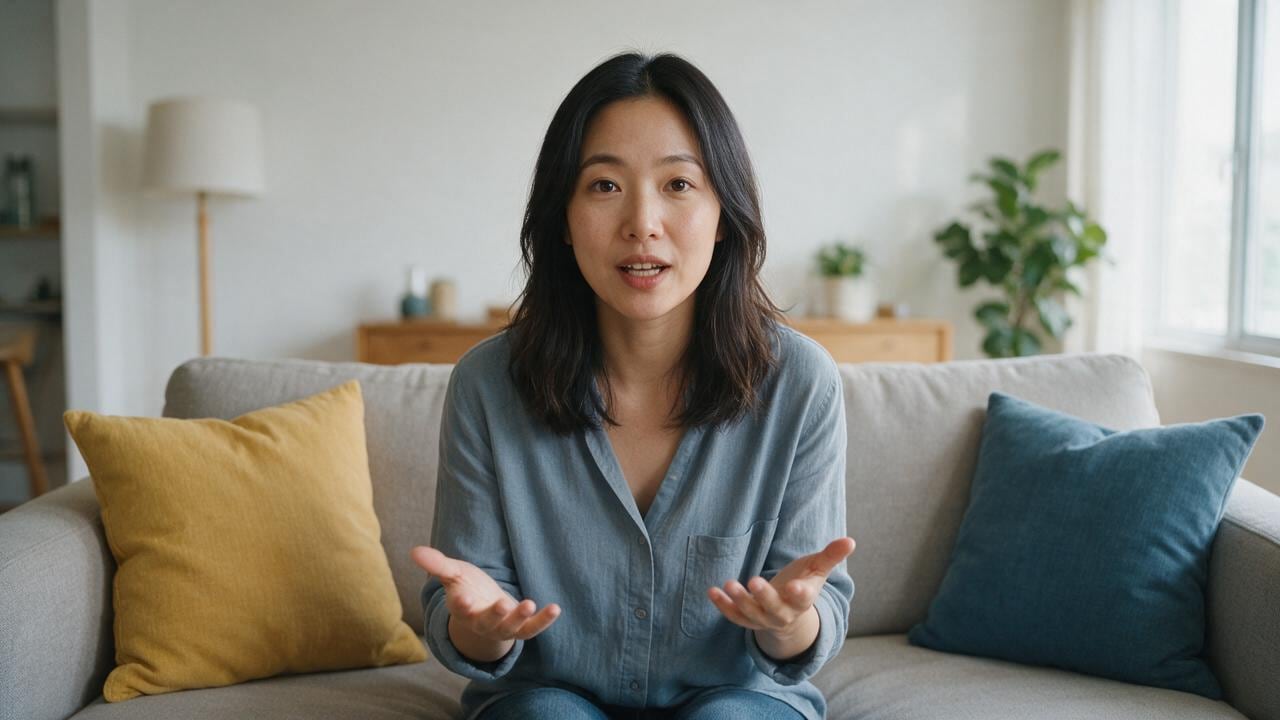
Speak from the sofa. No crew in the shot.
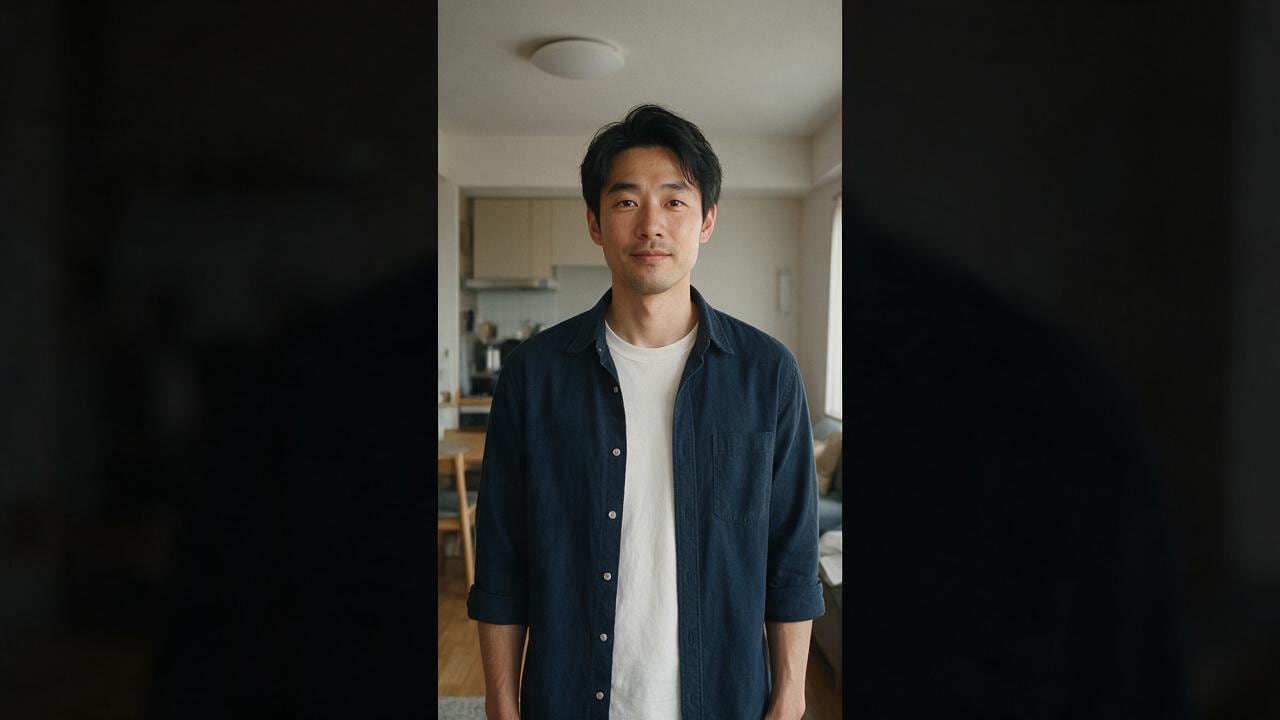
Composed for a phone, head fully in frame.
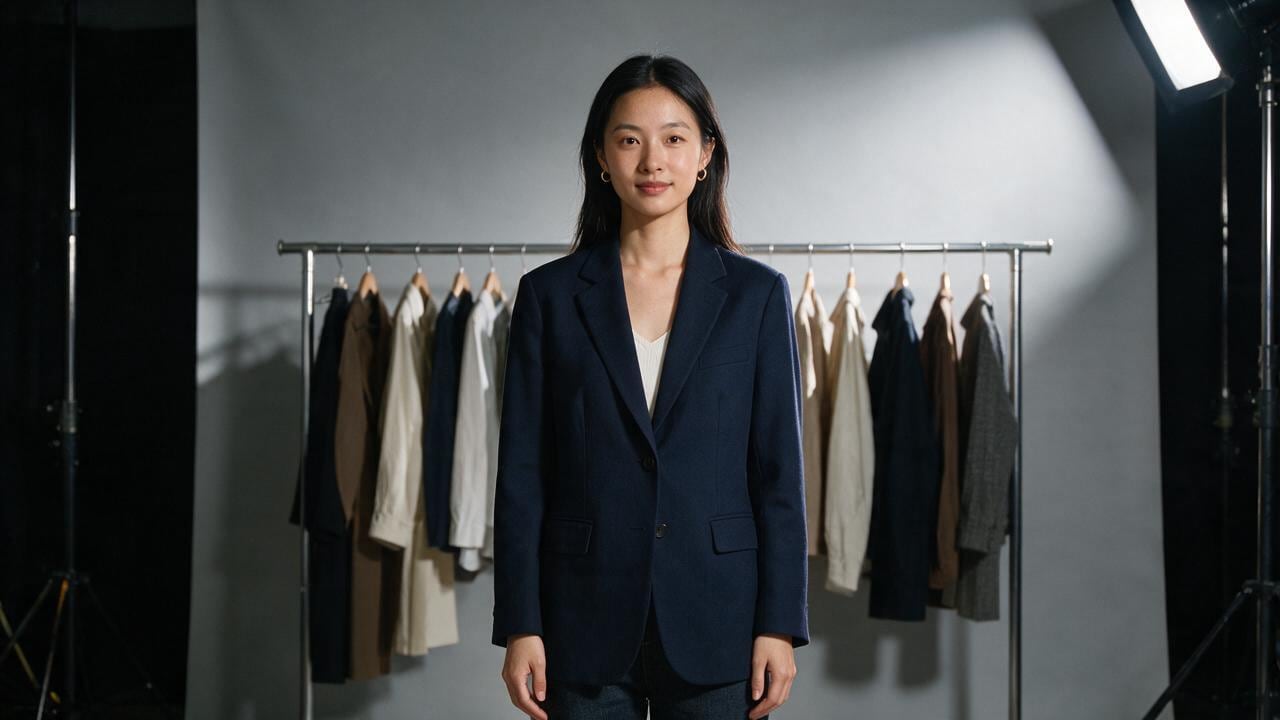
The outfit is chosen before you hit generate.
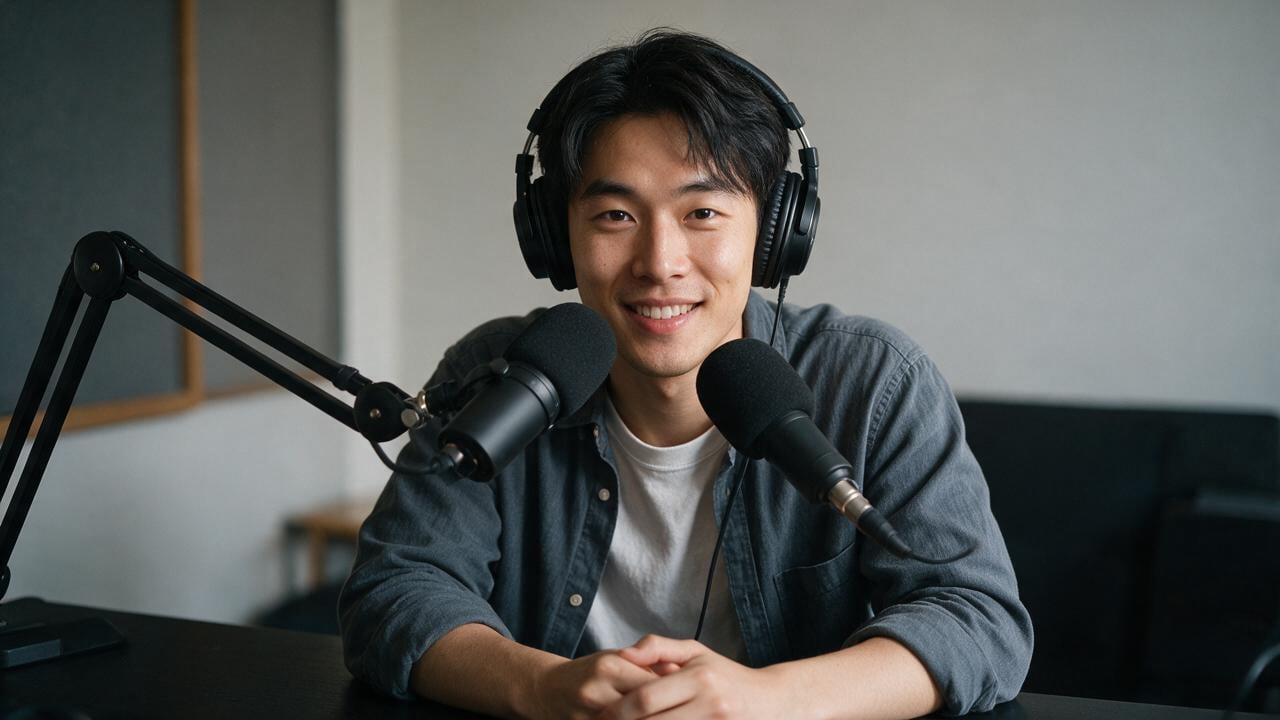
Mic, headphones, a darker talking-head setup.
Post
A talking-head film is a person looking at the audience and saying one thing clearly. It does not require you to set up lights every morning.
The character sits in a real room: a sofa, a phone frame, a wardrobe, a podcast desk. The shot feels like a creator filming at home, because that is the grammar people already trust.
You write the words. Scro keeps the face, the voice, and the framing. A vertical phone video and a wide living-room take can be the same person on the same day.
Use it when the idea is yours and the delivery should feel personal. The audience hears a host. You keep the afternoon.
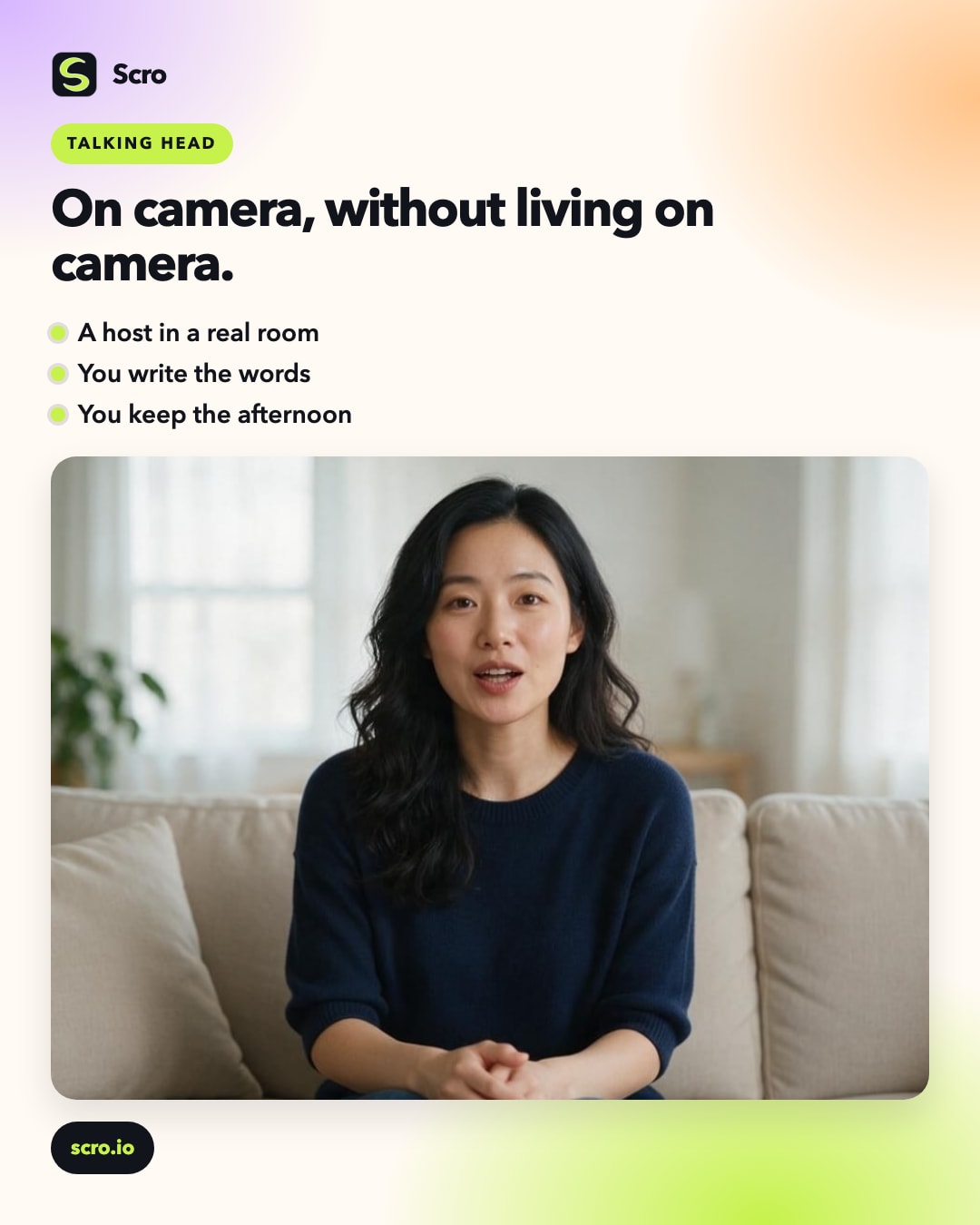
Talking head in minutes
Claim free credits, lock an AI Influencer, type the script, and publish a captioned talking-head — then polish with SFX if you want.