
Leave Space for Captions Up Top
Leave the upper middle of a vertical still empty. Captions, titles, and interface chrome all compete for the bottom.
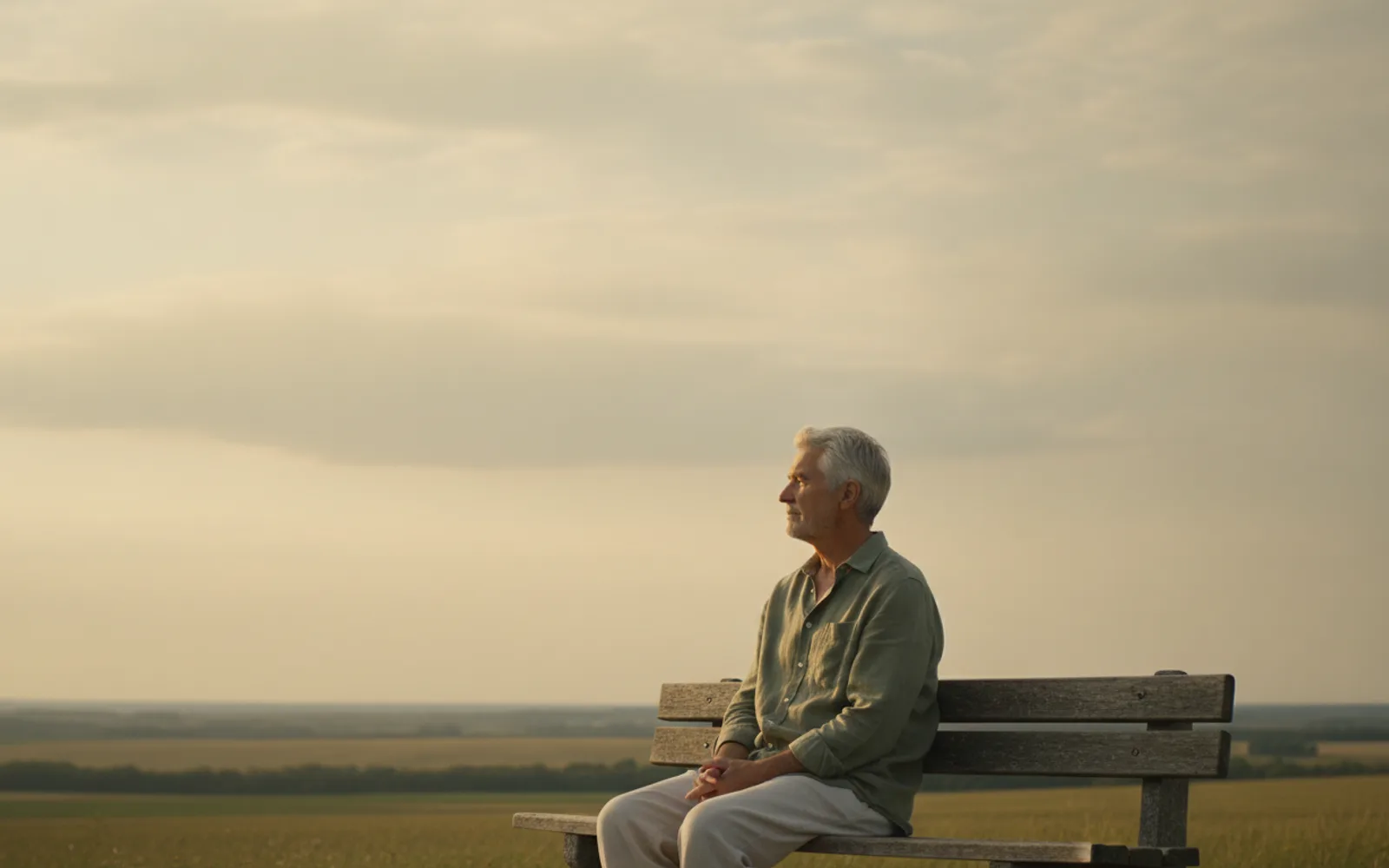
Leave space for captions in the upper middle of the frame. The bottom of a Reel is where likes, the caption field, and your hands already live. If the face or the product fills every corner, the words you burn in will cover the thing you made the picture for. Compose the still with an empty band above the subject, then put the title there.
Subject low, not tiny
The person or the object stays large. The empty area is a band, not a landscape with a speck in it. A title of a few words needs a quiet patch, not a second scene.
Do not put the logo there
A bright sign, a poster with writing, or a busy window in that band will fight the title. Ask for a plain wall or sky. The still itself should contain no letters.
Burn the words in if you cross-post
A sticker that only exists inside one app disappears on TikTok or Shorts. The quiet band is where a burned-in line can sit. Keep it short enough to read in the first three seconds.
A worked example
A single object on a table, wall above it empty. The title sits in that wall for three seconds. The object is never covered.
Check the still
- The upper middle is quiet.
- The subject stays large.
- No sign or poster occupies the title band.
Where Scro fits
Scro can put the hook title on screen for the opening, or leave the frame clean if you turn scene text off. Approve the still with that empty band already in it. Export 9:16.
Leave the upper third empty. Finished samples are on the examples page.
Related: Product Photo with One Shadow.