
Product Photo with One Shadow
A product still needs one shadow that touches the object. A second shadow, or none, makes the pack look pasted on.
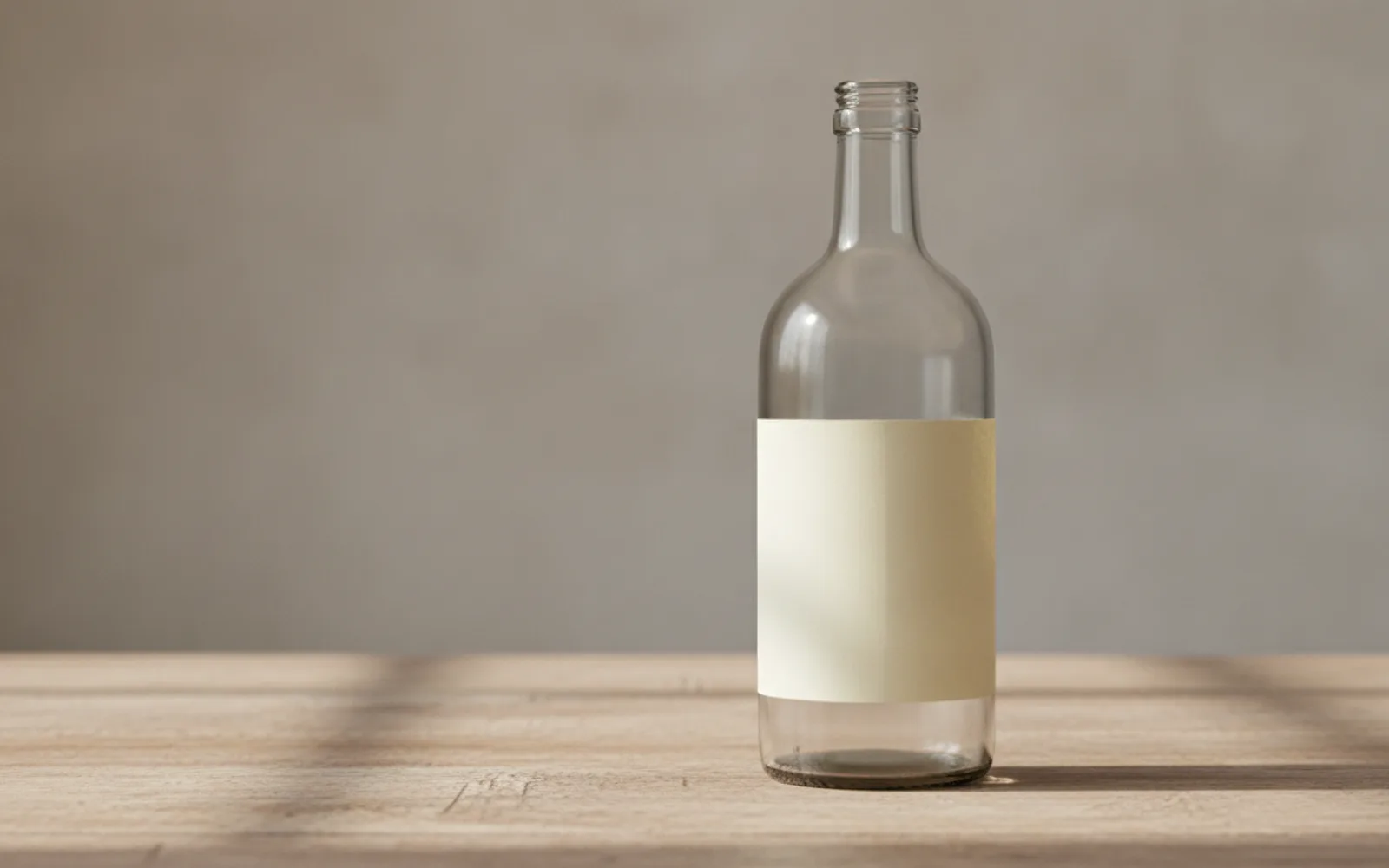
A product photo with one shadow looks placed, not pasted. The light comes from one side. A soft contact shadow anchors the pack to the table. A second shadow from a mystery lamp, or no shadow at all, is how AI packs start to float. The label and the color still have to be the real ones when you use your own photo. This tip is about the light around them.
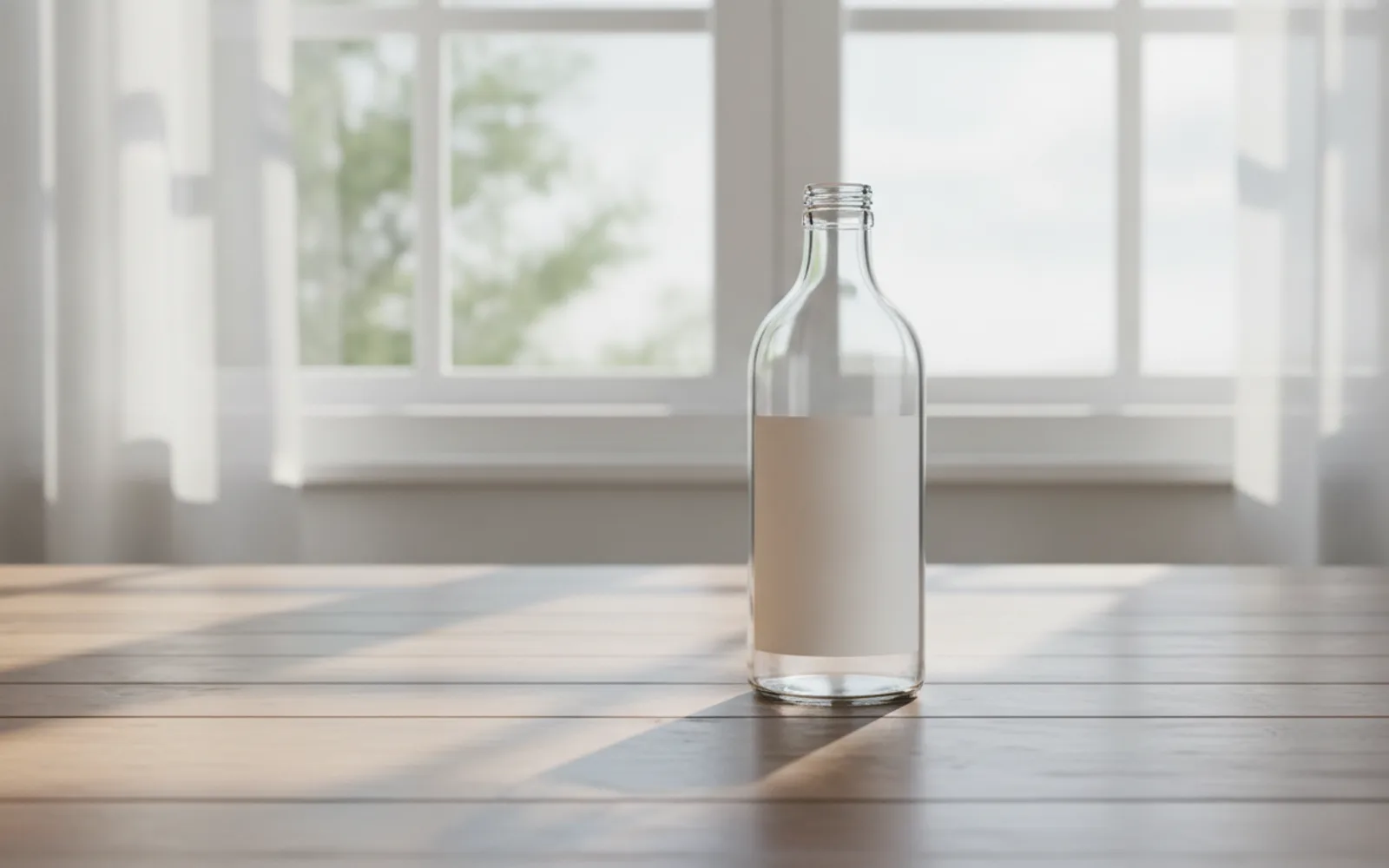
One side, one shadow
Name the window or the soft box side. The shadow should fall the other way and touch the base. A halo of darkness all around the object is a cut-out, not a shadow.
Do not relight the label away
A glare that wipes the front of the pack hides the thing you sell. If you are generating a stand-in, keep the label area blank rather than inventing words. If you are using the real photo, reject a still that rewrites them.
The table is part of the light
A wood top, a stone top, a paper sweep. Each takes the shadow differently. "Floating on white" with a studio glow is a catalog cliché, and it rarely matches a shop counter.
A worked example
Blank bottle, window camera-left, one soft shadow to the right, contact at the base. No second shadow. No invented brand name.
Check the still
- Only one shadow direction.
- The shadow touches the base.
- The label was not rewritten.
Where Scro fits
Scro's product demo should start from your photo so the real label survives. Approve the still if the shadow doubles or the color shifts. One use, then export 9:16.
Approve the pack and its one shadow. Finished samples are on the examples page.
Related: Reflective Pack, No Invented Logo.