
Record a Reel Voiceover on Your Phone
Record a reel voiceover on your phone in a quiet room, one line at a time, with the mic close. Music comes later.
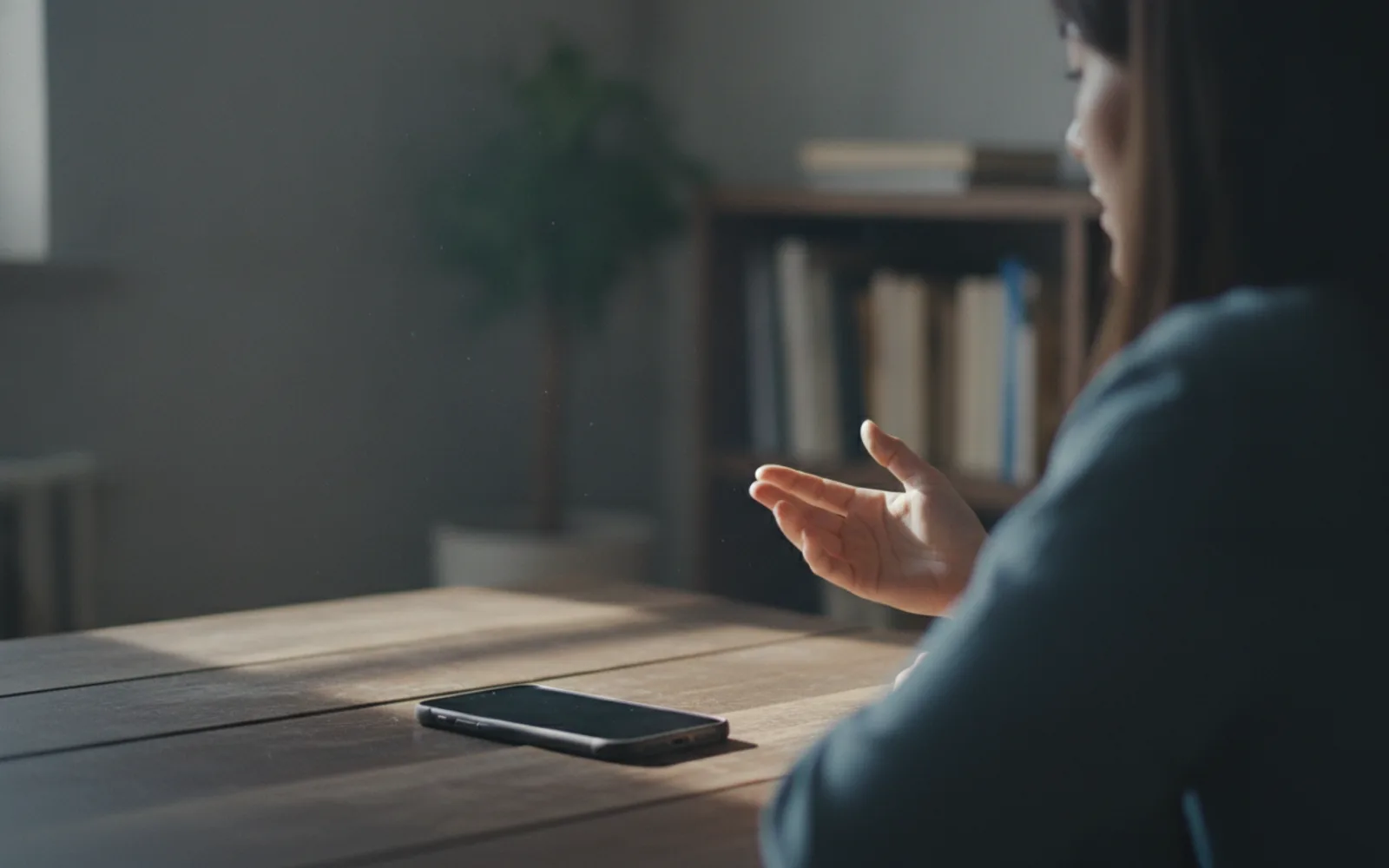
Record a reel voiceover on your phone by treating it as a mic, not as a camera. Quiet room, phone a hand's width from your mouth, one line per take. Do not play the music while you talk. You can mix music after, if you have the right to use it. Captions will copy whatever you say, including the stumble.
One line, then stop
A full read in one breath sounds like a race and leaves you no clean edit. Stop at the end of the line. Breathe. Next line. You will cut the gaps.
Listen back on the phone speaker
Headphones hide room echo. The viewer hears the speaker. If the room sounds like a bathroom, move closets or hang a blanket. Do not fix it with music.
Match the pictures
Say the line that belongs to beat two while looking at beat two. A script read blind drifts off the pictures and you only notice in the edit.
A worked example
Four lines, four takes, closet, phone close. The "um" takes are deleted. Music is added after, quieter than the voice. Captions match the kept takes.
Before you post
- The room is quiet.
- Each line is its own take.
- You listened on the speaker.
Where Scro fits
Scro can take that phone recording as the voice, trim the silence between lines, and caption it. Or clone the clean sample for the next reel. Approve pictures first so the lines have a home.
Record the lines. Finished samples are on the examples page.
Related: UGC-Style Reel Without Hiring.