
Podcast Clip into a Vertical Reel
Turn a podcast clip into a vertical reel by cutting one claim, stacking the face or the waveform tight, and captioning the claim.
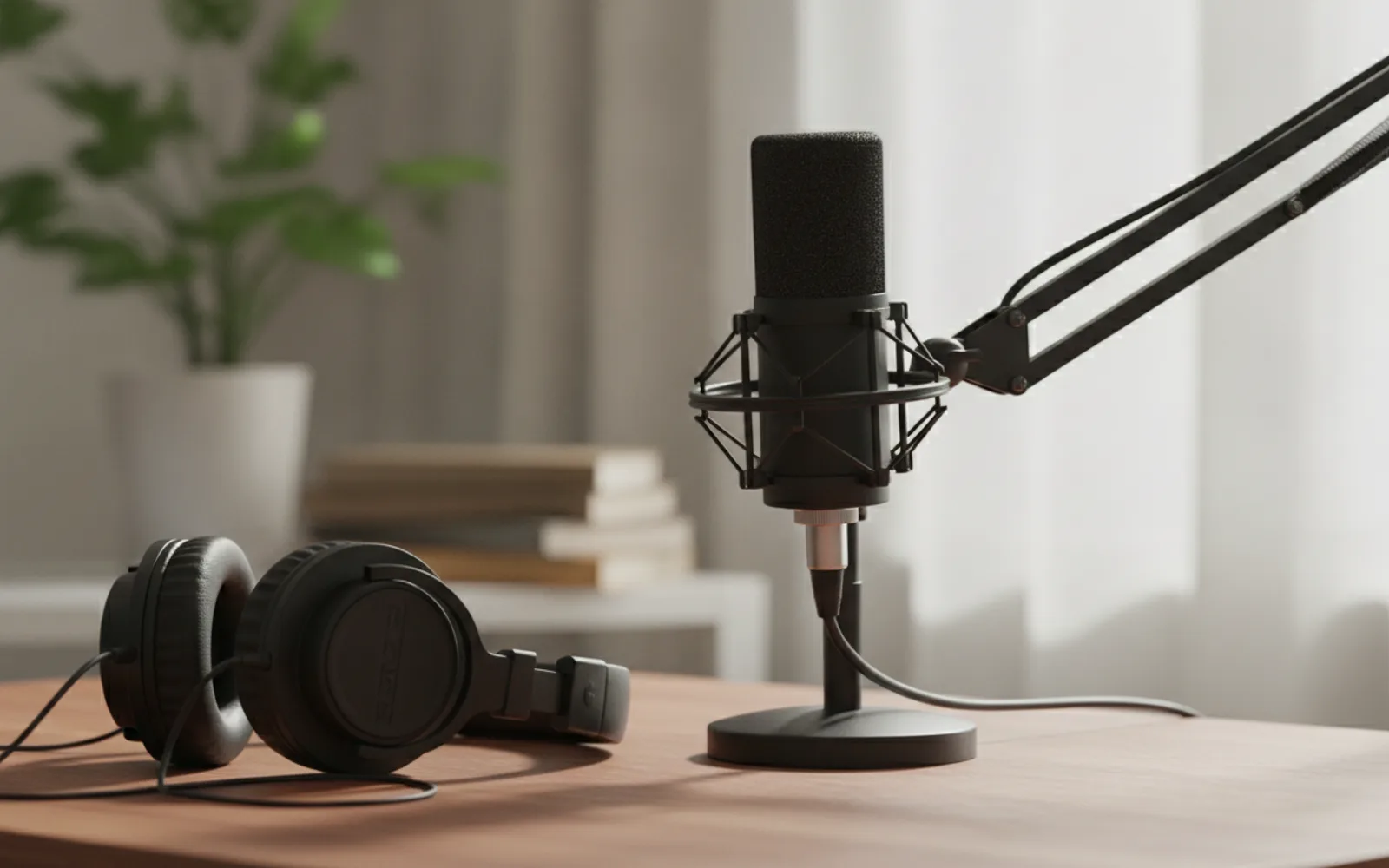
Turn a podcast clip into a vertical reel by extracting one claim, not a five-minute answer. Crop to 9:16. Caption the claim in short lines. The guest's full context can stay on the podcast. The reel is the sentence someone would send to a friend.
Find the sentence
Play until you can quote one line without the setup. That line opens the reel. The setup, if you need ten words of it, goes after, not before.
Crop the face or the object
A wide studio shot becomes a speck. Fill the vertical frame with the speaker or with the microphone and captions. Cut when the speaker wanders off the point.
Permission and labels
Use audio you have the right to cut. If the voice on the reel is synthesized rather than the guest, do not present it as the guest, and label realistic AI audio.
A worked example
From a 40-minute talk, one line: "Six prices is no price." Twelve seconds, captions, 9:16. The rest of the answer stays in the episode. Caption links the episode.
Before you post
- One claim, not a summary.
- The crop fills 9:16.
- You have rights to the audio.
Where Scro fits
Scro can rebuild that claim as a talking-head with a locked host if you cannot show the guest, using your voice and burned-in captions. Approve the still, trim the start, export 9:16.
Cut one claim. Finished samples are on the examples page.
Related: Faceless Listicle Reel.