
Blog
Posts
Insights, tutorials, and stories on AI video creation and virtual influencers.
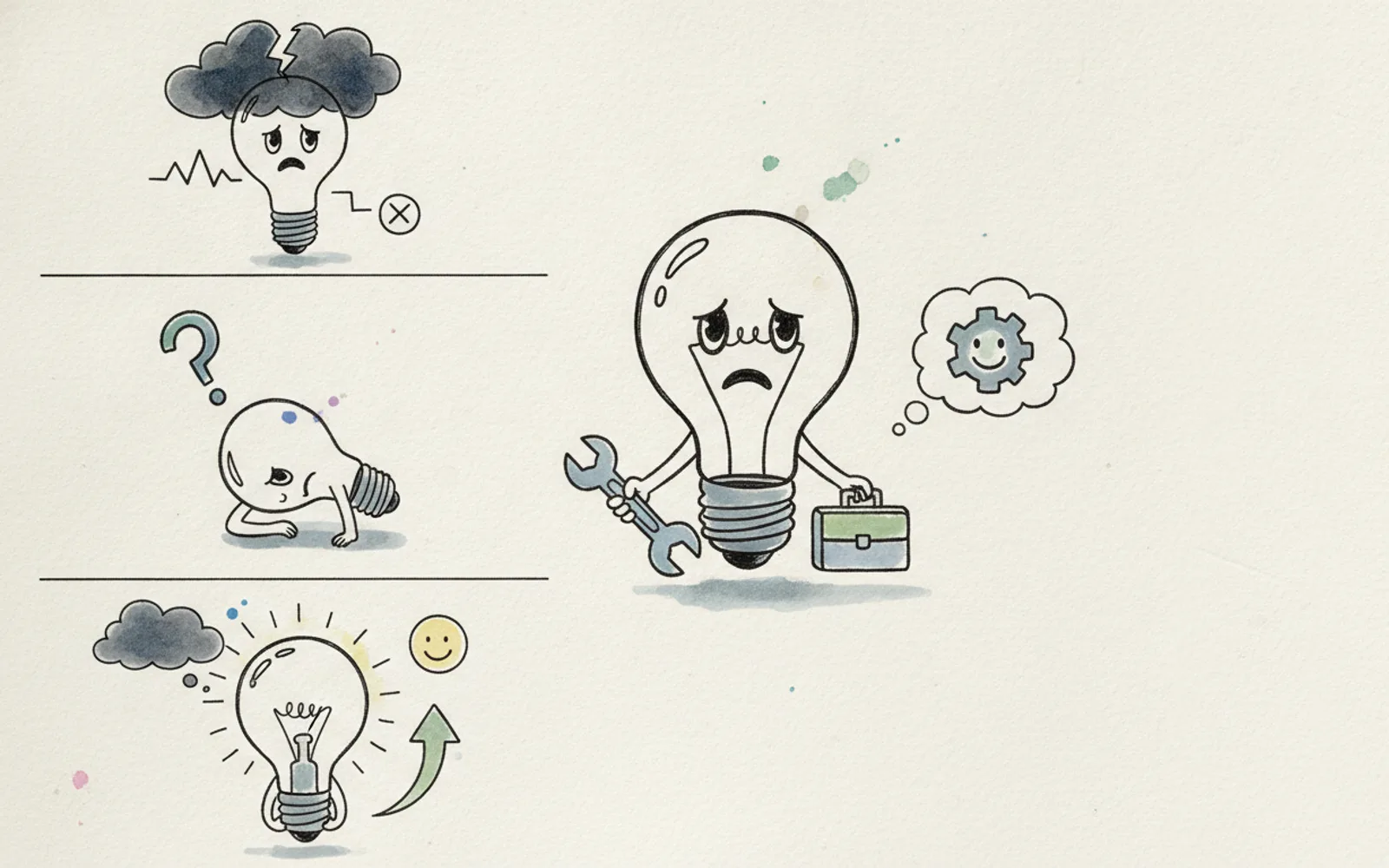
One Idea in Four Cartoon Beats
Explain one idea in four cartoon beats: title, problem, fix, ask. If you need a fifth, you have a second idea.
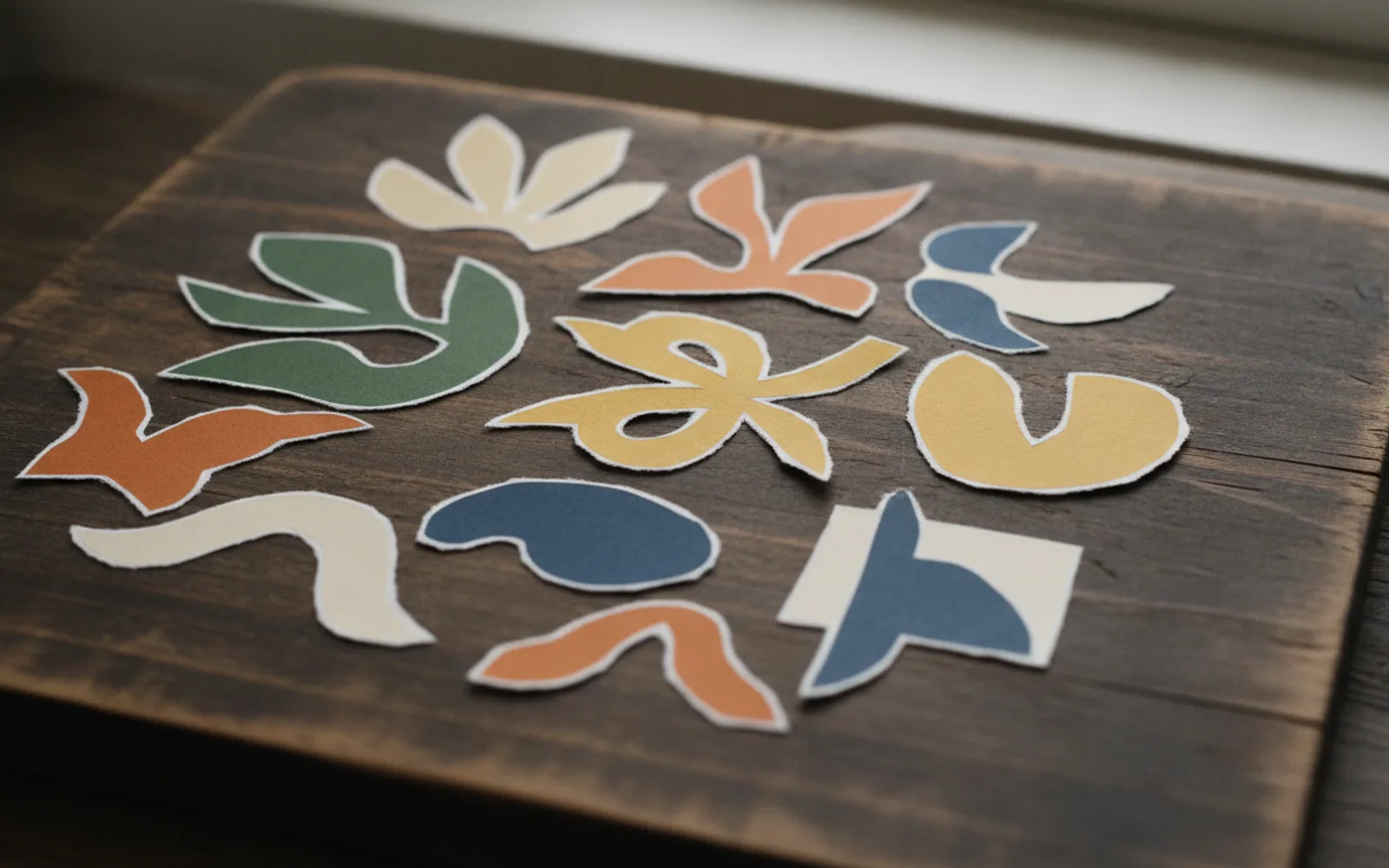
Paper-Cutout Explainer Video
A paper-cutout explainer sticks cut-out pieces on one board. Keep the same board in every clip so it feels like one film.
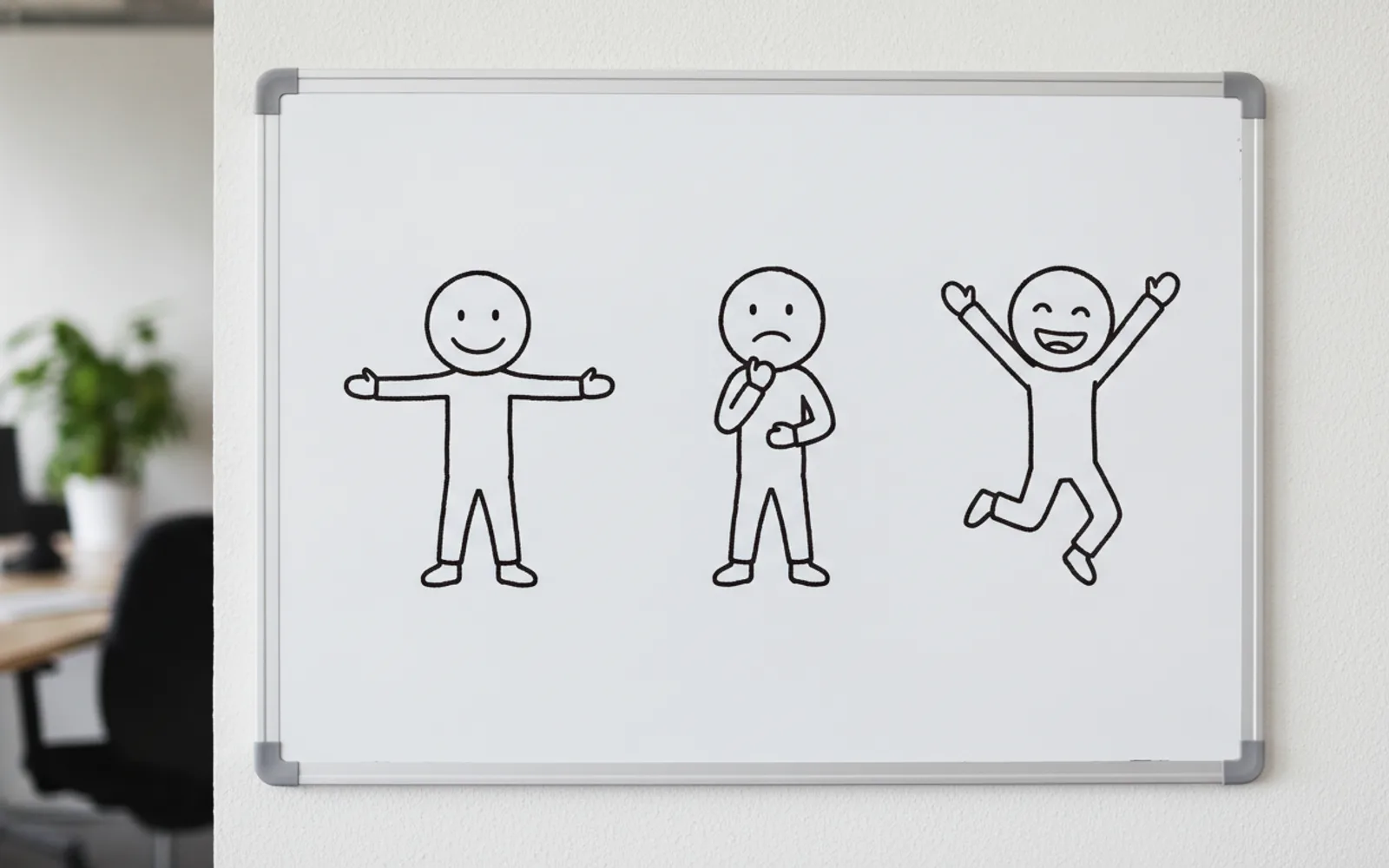
Same Cartoon Character in Every Clip
Use the same cartoon character in every clip by locking one design before the second beat. A new face each cut is a new show.
Turn a Script into a Cartoon Reel
Turn a script into a cartoon reel by cutting it into picture beats. A paragraph that has no picture does not belong in the reel.
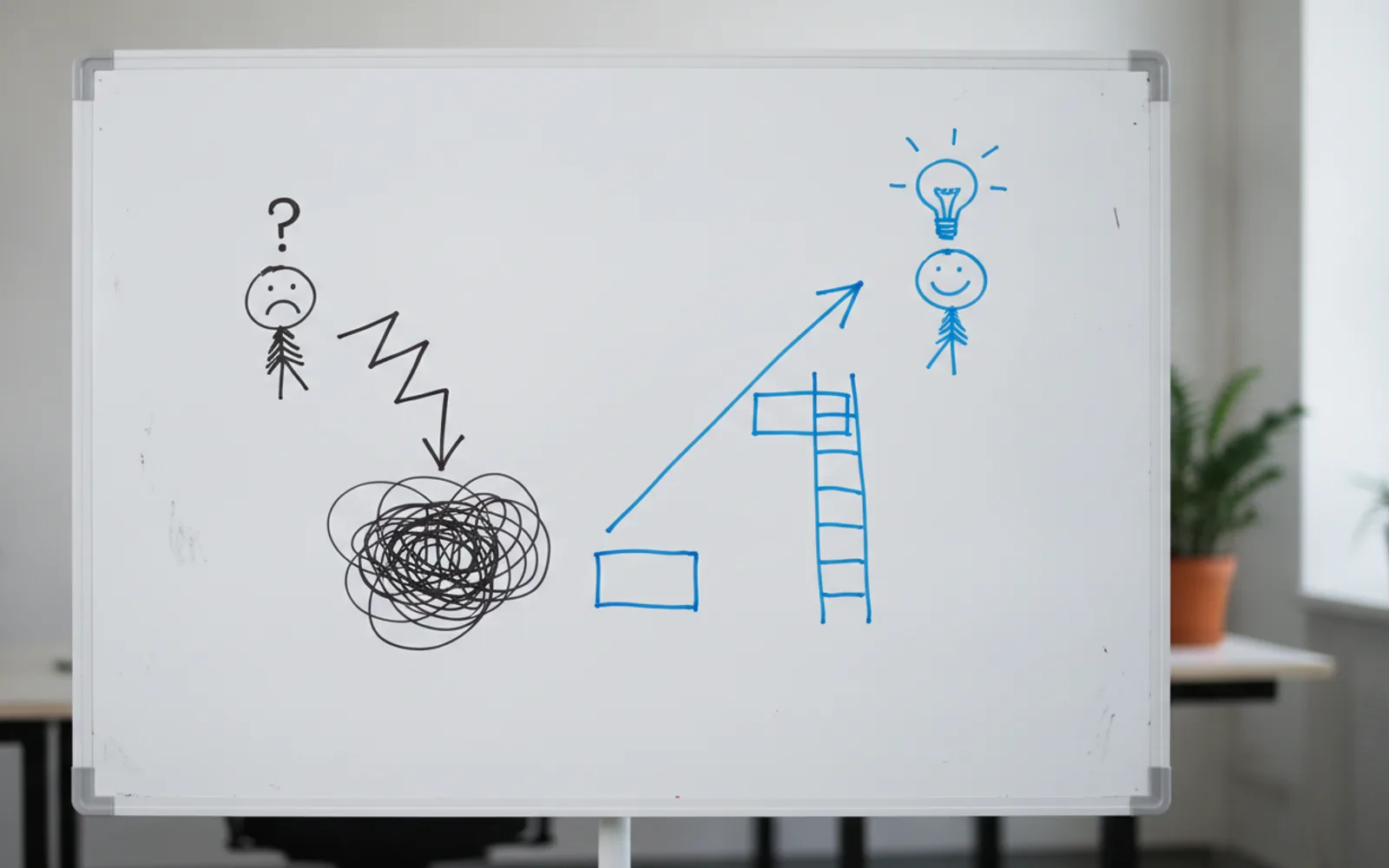
Whiteboard Explainer for Instagram
A whiteboard explainer for Instagram is a vertical doodle with one idea and a narrator. Keep the marks simple and the board consistent.
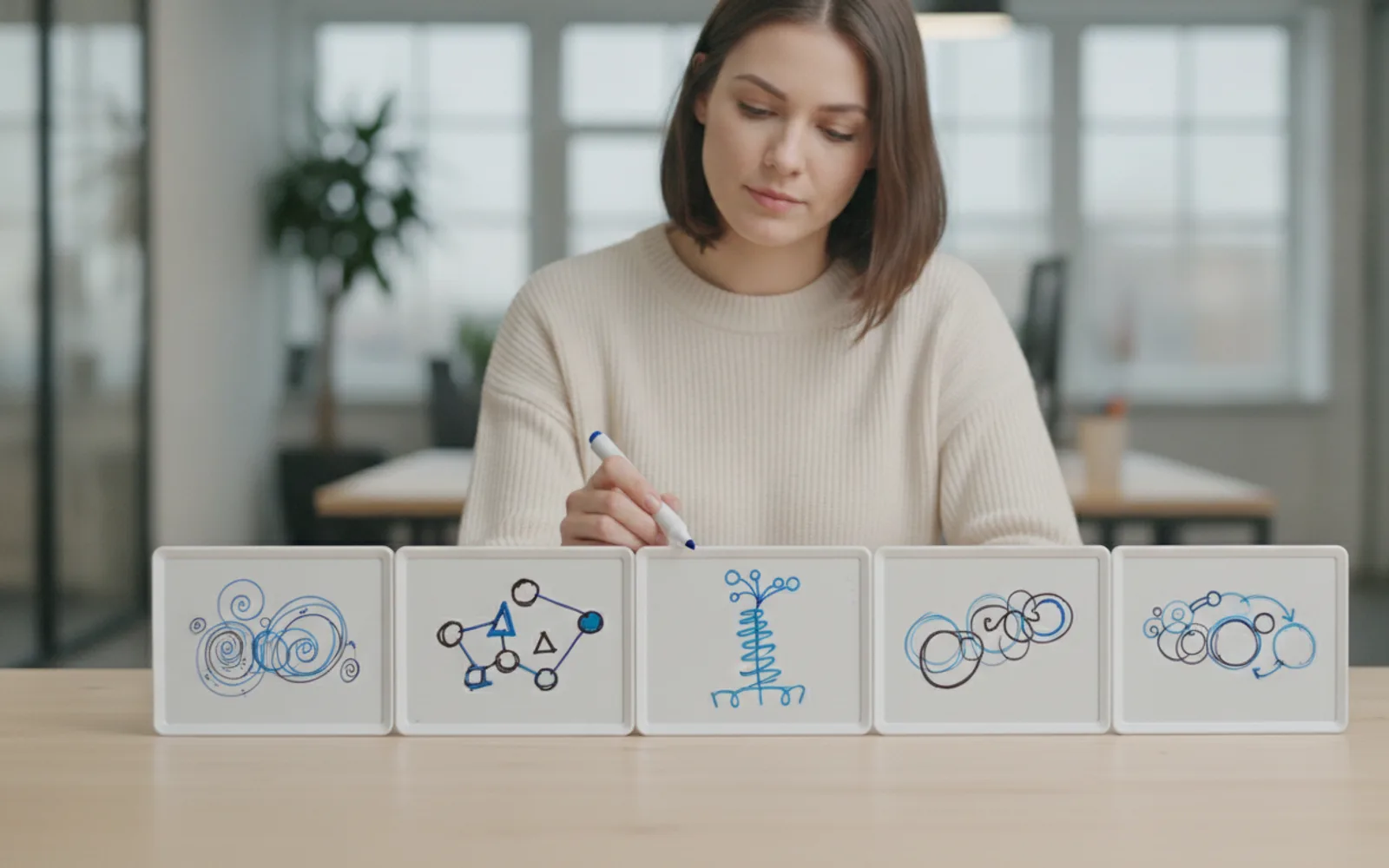
Cartoon Clips, One Beat at a Time
Generate cartoon clips one beat at a time. Each beat is one picture. Approve the stills before you turn them into motion.
Check a Hook in the First 3 Seconds
Check a reel hook by watching the first three seconds as a stranger. If you cannot say the point, the hook is not done.

Test Two Hooks for the Same Reel
Test two hooks by changing only the first three seconds. Keep the proof the same, and judge the hold, not the likes.
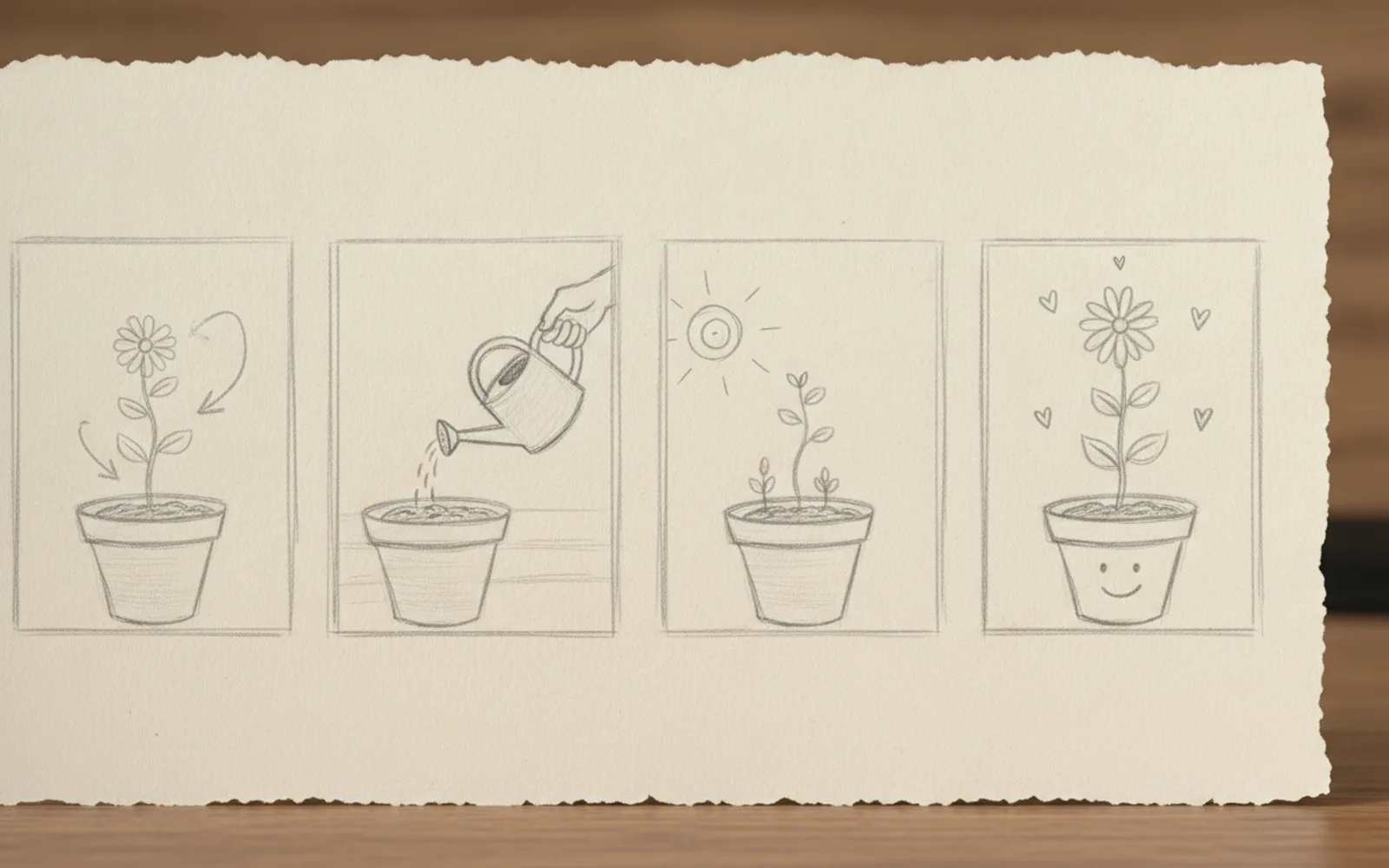
Storyboard a 30-Second Reel
Storyboard a 30-second reel as four beats before you generate or film anything. Each beat is one picture and one line.

Make a Reel from a Blog Post
Make a reel from a blog post by taking one heading, not the article. The post can live in the caption link.
One Reel for TikTok and Shorts
Repurpose one reel by exporting a clean 9:16 file with burned-in captions. Do not depend on a sticker that only exists inside Instagram.
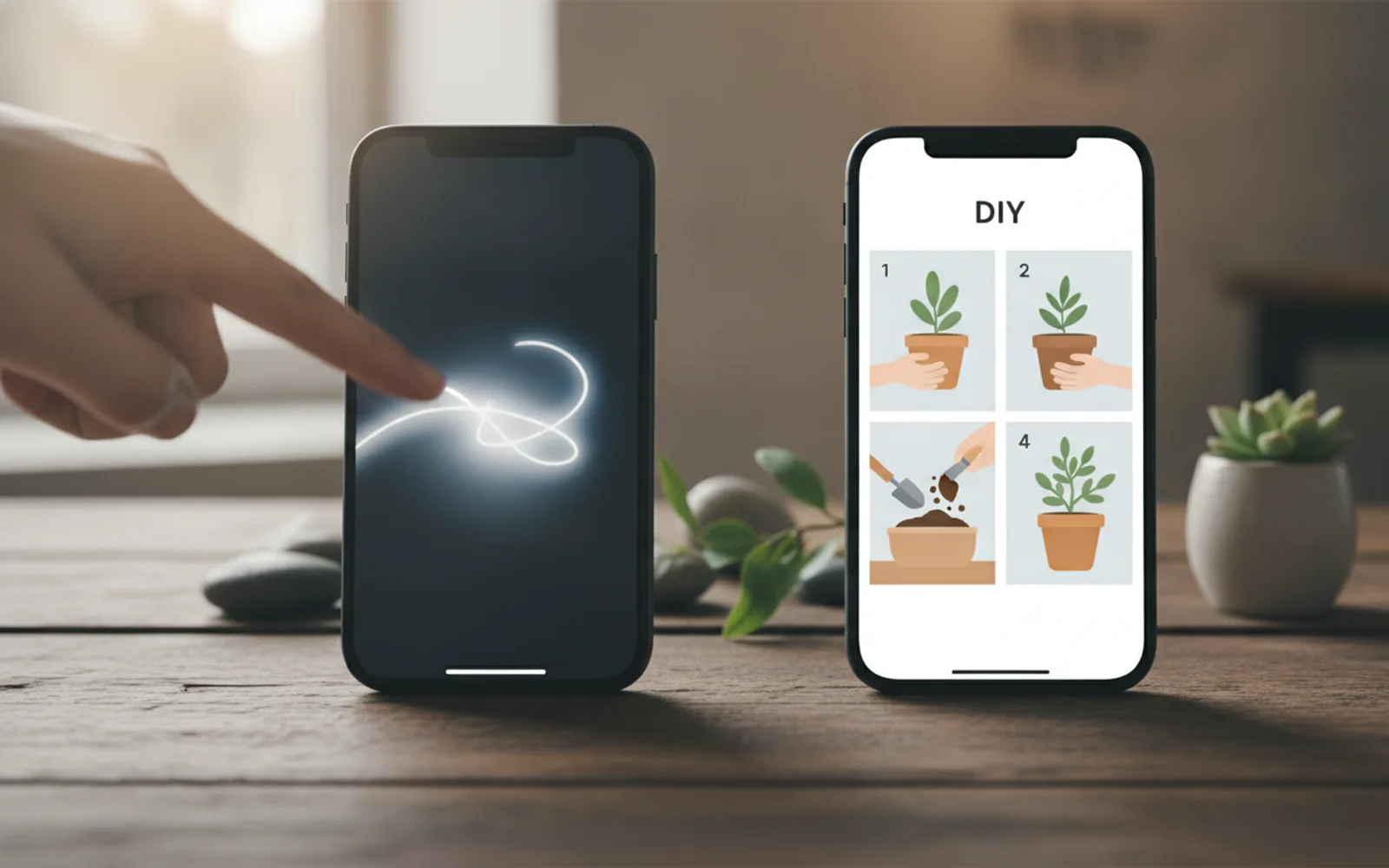
Reel Length for a Tutorial or a Trend
A trend reel is usually under 15 seconds. A tutorial reel can run longer if every few seconds shows the next step.