
Cartoon Clips, One Beat at a Time
Generate cartoon clips one beat at a time. Each beat is one picture. Approve the stills before you turn them into motion.
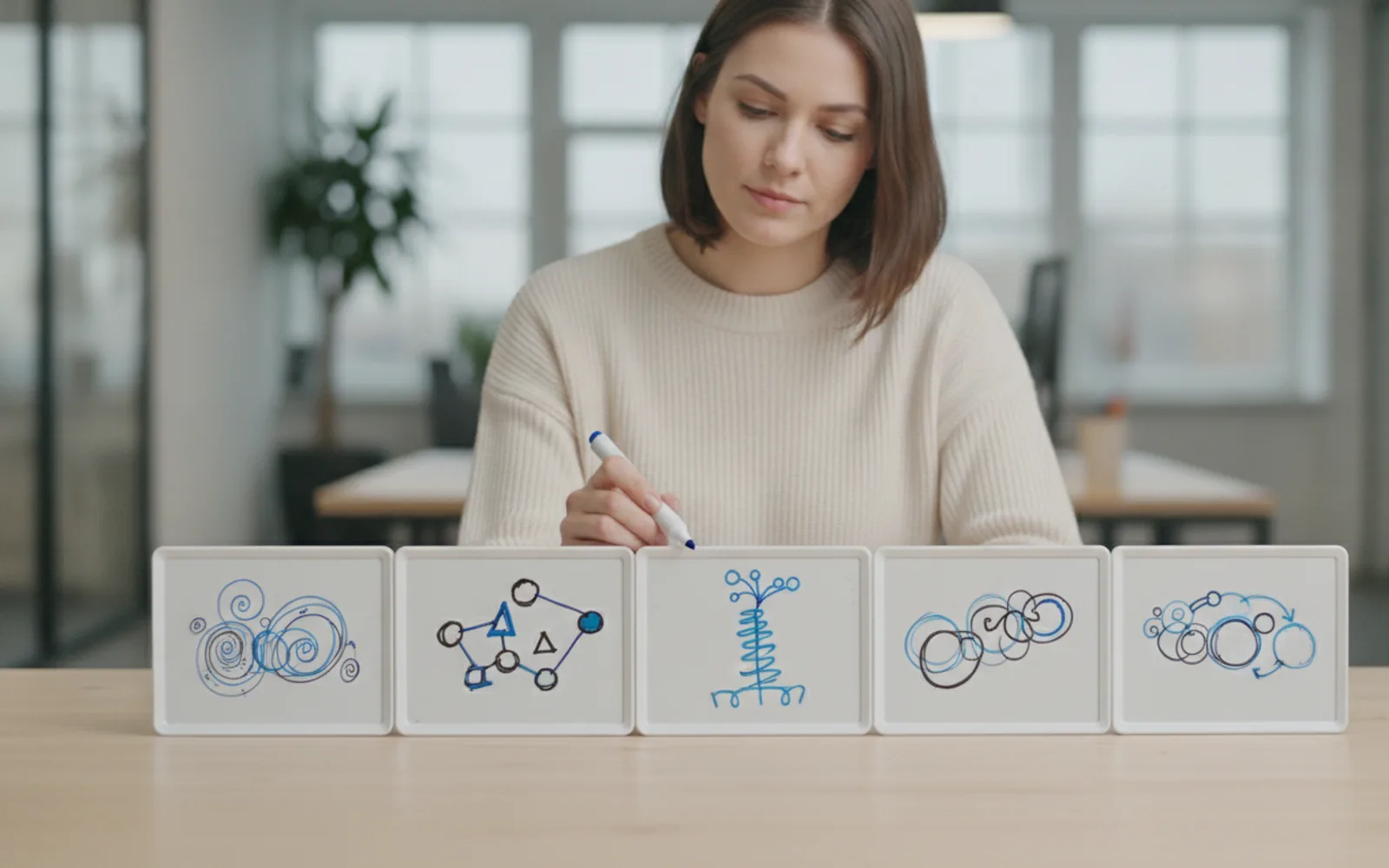
Generate cartoon clips for a reel one beat at a time so each picture does one job. A title. A problem. A fix. An ask. If you ask for the whole story in one frame, you get a poster, not a clip. Motion comes after the stills look right.
Write the beats as pictures
"Show the crowded menu, then one card" is a beat list. "Make it viral and educational" is not. The generator needs the picture, and so do you, because you have to approve it.
One move per beat
An arrow plus a label plus a second diagram is three beats pretending to be one. On a phone that frame is noise. Split it.
Then move
When the four stills tell the story with the sound off, generate motion. Fixing a wrong object after it moves means redoing the clip.
A worked example
Beat 1: title "They left at 3 seconds." Beat 2: a tiny unreadable opener on a phone. Beat 3: one bold title filling the phone. Beat 4: "Write the title first." Same doodle hand throughout.
Before you post
- Each beat is one picture.
- The stills work muted.
- Motion started after approval.
Where Scro fits
Scro storyboards cartoon beats as a whiteboard or paper-cutout explainer and waits for still approval. The opening title can be on screen. Export 9:16 after the beats are right.
Generate the beats. Finished samples are on the examples page.
Related: Whiteboard Explainer for Instagram.