
Turn Loom and Screen-Record Dumps Into Storyboarded Teach Reels
Extract one teach intent per Loom, rewrite UI proof as still/clip beats, and cut dead air—never publish the raw dump as the Reel.
Turn Loom and Screen-Record Dumps Into Storyboarded Teach Reels
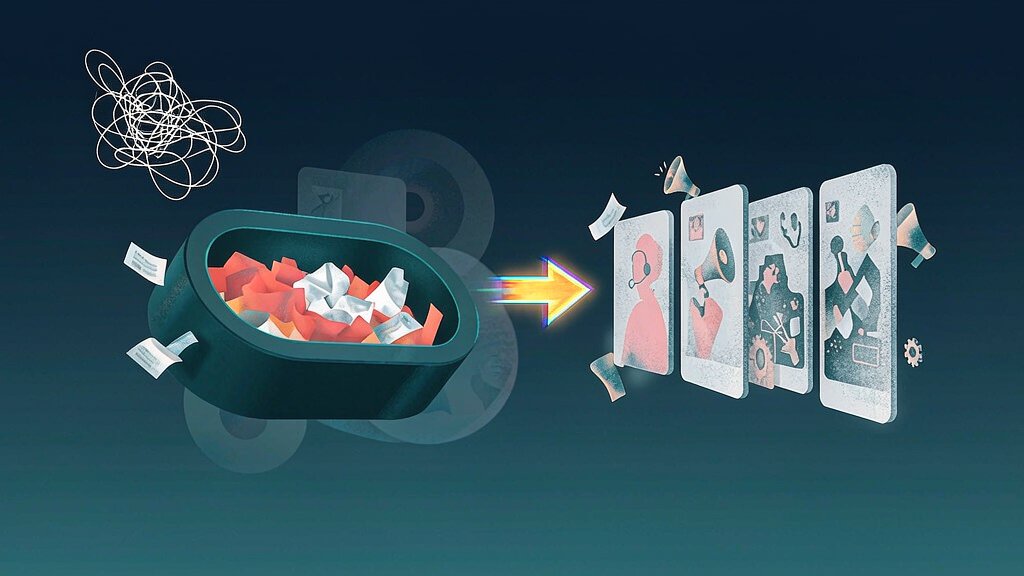
Convert a raw Loom or screen recording into a vertical teach with a real beat plan—not a captioned dump of the original take. One recording yields one teach intent; UI proof becomes still or clip beats; dead air, mouse wander, and private tabs get cut before anyone renders.
Founders, PMM, and educators sit on libraries of “quick walks.” Those files are research gold and publish poison. Viewers who never watched your Loom should still understand the Reel mute-first in under a minute.
One recording → one teach intent
Do not turn a 14-minute tour into one Reel. Extract a single viewer job:
| What you recorded | Reel-worthy intent (≤12 words) | Park or split |
|---|---|---|
| Full product walk for a teammate | “Invite without duplicate seats” | Rest of tour → other boards |
| Bug repro with three digressions | “Filter order before export” | Digressions stay private |
| Sales demo with pricing asides | “Choose annual vs monthly for teams” | Pricing aside → separate or deck |
| Personal brainstorm aloud | Maybe one tip | Diary beats stay offline |
Write the intent as if a stranger will see it. If you still need the prior ten minutes for context, you do not have a Reel yet—you have source tape.
This is distinct from webinar → week of verticals, podcast → storyboarded teaches, and office-hours → micro boards. Those start from live sessions or long audio. Here the source is an async screen dump—your job is to rebuild the teach, not speed-ramp the mouse.
Cut list before any board leaves private space
Strip these before beats or prompts:
- Dead air — pauses while you find the menu
- Mouse wander — circling the same button for emphasis
- Private tabs — Slack, CRM, invoices, customer names in the URL bar
- Wrong starts — “wait, let me share the right screen”
- Internal asides — “as we told Acme last week…”
- Cursor theater — wiggles that teach nothing
- Notification toasts — calendar pings and DMs
- Unrelated scroll — hunting for the feature mid-sentence
If cutting removes the only proof, redraw a clean UI still instead of shipping the messy take. Pair with cut a product demo into teach beats when the recording was already a structured demo; Loom dumps are usually messier and need a harder rewrite.
Rewrite UI proof as still / clip beats
Map the surviving proof to board fields—not to “trim points” on the timeline:
| Beat job | Prefer still | Prefer short clip |
|---|---|---|
| Define the job | Label + one clean frame | — |
| Show wrong path | Annotated still of the mistake | 1–2s hover only if motion is the lesson |
| Show right path | Numbered stills | Clip only for irreversible multi-step motion |
| Fail tip | Static callout | — |
| Soft next step | End-card still | — |
Decide B-roll vs demo UI per beat using your existing B-roll vs demo UI guide. Most Loom dumps overuse raw UI; metaphors and clean redraws often teach faster than the original cursor path.
Board fields (minimum)
- Public micro-intent (no teammate nouns)
- Source file ID / date (internal only)
- Cut list signed off
- Beat sketch: hook → wrong → right → fail tip → soft CTA
- Still vs clip plan per beat
- Privacy note (tabs, names, data)
Approve a new board per intent. Never publish the raw Loom as the Reel body with captions on top.
What “storyboarded” means here
A storyboard is not a list of Loom chapter markers. It is a mute-first teach spine:
- Hook that states the viewer job in half a second (first-frame clarity)
- Contrast or definition
- Two to four proof beats
- One constraint / fail tip
- Soft series or docs card—not “watch the 14-min Loom”
Mute-first sound rules still apply: labels must teach with audio off (mute-first sound design).
Worked example: “duplicate invite” Loom
Source: 11-minute Loom for a new CSM covering invites, SSO, and billing. Public intent extracted: “Invite a teammate without creating duplicate seats.”
Cut: SSO deep dive, billing aside, three wrong-tab moments, and a customer email visible in the URL.
Board:
- Hook — “Duplicate seats waste budget”
- Wrong — re-invite same email (clean still, not the Loom frame with real addresses)
- Right — check pending invites first (numbered stills)
- Fail tip — SSO mapping caveat (one line)
- Soft CTA — related setup teaches
The original Loom stays in the internal wiki. The Reel never asks viewers to “watch the full recording.”
Anti-patterns
- Speed-ramping the dump and calling it a Reel
- Burning the entire transcript into on-screen text
- Shipping private tabs with a blur that still leaks layout fingerprints
- Three intents in one Reel “because they were one Loom”
- Reusing last month’s board with only the caption changed
Soft operating rule for teams with Loom libraries
Weekly triage sheet: file · candidate intent · cut risk (PII?) · disposition (board / private / split) · owner · ship week. Storyboard-first pipelines that gate render spend on an approved board (tools like Scro included) stop “just post the Loom” from eating the calendar. Measure success as completion and fewer “where was that again?” pings—not as how many minutes of source tape you reused.
Roles for founder / PMM / educator libraries
| Step | Who | Output |
|---|---|---|
| Library triage | Ops or EA | Weekly candidate list |
| Intent extract | Founder or PMM | ≤12-word intent |
| Cut / privacy | Whoever owns the file | Signed cut list |
| Board draft | PMM / educator | Beat sketch |
| Approve + render | Same owner | Ship only approved boards |
Without ownership, Loom folders become graveyards of “we should turn that into content someday.”
Caption and landing pairing
Write captions that restate the intent without “link to the full Loom.” Pair the Reel with a docs H2 or FAQ when one exists. Soft CTAs belong at the end (soft CTAs), not as “watch 14 minutes for the real answer.”
One-line operating rule
One Loom intent → one board → still/clip rewrite—never publish the dump as the teach.