
Still Frames vs Motion Clips: Match Movement to Each Teach Beat
Use a beat-type → still/motion matrix so you spend AI video budget only where movement teaches—definition, proof, transition, and CTA tradeoffs.
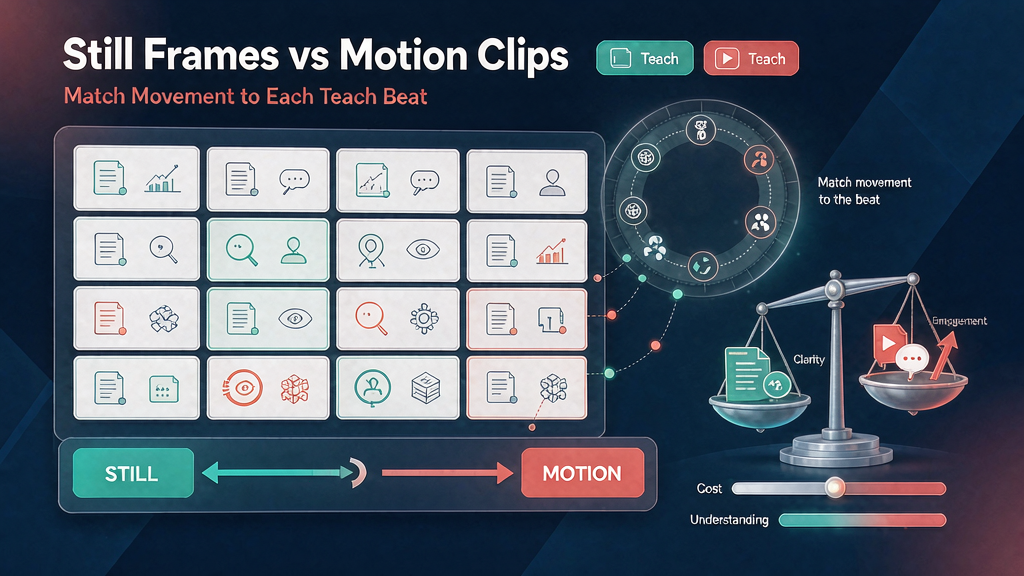
Still Frames vs Motion Clips: Match Movement to Each Teach Beat
Decide which beats need motion and which work better as locked stills. Movement should teach—or earn attention for a transition—not burn budget on decorative drift.
Creators and PMMs optimizing AI video cost and clarity get punished twice for over-motion: higher render spend, and viewers who cannot read the rule because everything wiggles. Pair this choice with B-roll vs demo UI per beat so visual type and motion are both intentional.
Beat-type → still/motion matrix
| Beat type | Default | Prefer motion when | Prefer still when |
|---|---|---|---|
| Definition / term card | Still | Rare—animated underline only | Always for dense terms |
| Problem stakes | Still or short motion | Showing a failing process over time | Single failure state is enough |
| Method step (UI) | Hybrid | Cursor path / state change is the lesson | Settings screen is readable as a crop |
| Method step (concept) | Still + caption | Metaphor needs transformation | Metaphor is a single icon |
| Proof | Still | Before→after morph clarifies | Side-by-side stills are clearer |
| Transition | Motion | Bridging topics or scenes | Hard cut + caption works |
| Hook | Either | Motion stops the scroll honestly | Static bold claim wins mute-first |
| CTA / end | Still | Soft loopable end needs motion | Card CTA is cleaner still |
| Disclaimer | Still | Never—motion reduces readability | Always still + high contrast |
Default to still; promote to motion only with a reason you can write on the board.
Cost and attention tradeoffs
Cost
- Stills: cheaper to generate, easier to regenerate for QA fails, easier to localize
- Clips: higher unit cost, longer iteration loops, more failure modes (identity drift, jitter)
Attention
- Motion attracts the eye—but can steal it from captions
- Stills favor reading and saves; motion favors demonstration of change over time
- Constant motion flattens emphasis; selective motion creates hierarchy
If every beat moves, nothing is special. If nothing moves, process lessons that are change-over-time feel dead. Thumbnail/cover frames often should stay still even when the hook uses motion (thumbnail frames that match the hook).
Decision test (write on the board)
For each beat, answer:
- Does the viewer need to see a state change to understand?
- Will motion hide the caption at 9:16?
- Can a still + 2s hold + caption teach the same thing?
- Is this beat reused across campaigns? (Stills catalog better in a beat library)
- Will localization need new motion (expensive) or only new captions (cheap)?
If (1) is no and (3) is yes → still.
Practical board markup
Annotate each frame: S (still), M (motion), H (hybrid: still base + micro-motion).
Hybrid patterns that work:
- Locked UI still with a single animated highlight
- Host still with subtle ken-burns only on hooks (use sparingly)
- Proof pair crossfade (short) instead of full generative video
- Step number fade-in on an otherwise locked card
Avoid: full generative clips behind paragraph captions; decorative particle fields; random camera moves on definition cards; motion under disclaimer text.
Post-render, run a QA checklist for AI explainers that includes “motion justified?” as a pass/fail. Pacing holds must still match readable durations (pacing templates).
Budgeting pattern for a 10-Reel week
- Board all beats with S/M/H tags
- Count M and H; set a hard cap (example policy: ≤30% of beats may be M)
- Generate stills for the whole week first
- Spend remaining budget on motion only where tags require it
- If over cap, demote the weakest M to H or S
Policies beat vibes when invoices arrive.
Common failure modes
Motion theater — generative clips that look expensive but never change a teachable state. Viewers remember the vibe, not the step.
Still overload — a 45s Reel of cards with no demonstration where a cursor path would have taught the UI in three seconds.
Hybrid muddle — ken-burns on every still, which is motion without meaning and still costs attention.
Localization traps — baking language into motion frames so bilingual distribution requires double generative spend. Prefer language-agnostic motion with caption/VO swaps.
When you A/B hooks on a locked body (A/B hooks on one locked storyboard body), keep motion tags identical across variants except the hook beat itself—otherwise you are testing budget, not hooks.
Teaching change-over-time without full clips
When you need to show change but want still economics:
- Two stills with a labeled “before → after” caption
- Three-frame comic strip inside one vertical card
- Short crossfade (H) instead of generative video
Reserve full motion for cursor paths and physical processes that stills cannot imply.
Soft production tip
Mark still vs clip on the board so you only render what must move. Storyboard-first tools like Scro make that markup part of approval—finance and clarity both improve when motion is a deliberate line item.
Mini workflow
- Draft the beat list and captions first
- Tag S/M/H before any generation
- Generate all stills; approve
- Generate only tagged motion
- Edit with holds long enough to read
- Reject any motion that forces caption re-layout
Match movement to teach need. Your budget and your completion rate will agree.