
Blog
Posts
Insights, tutorials, and stories on AI video creation and virtual influencers.

Cut a Product Demo Recording Into Standalone Teach Beats
Turn a long product demo into vertical teach clips with intent extraction and a beat map—rebuild scenes, do not stitch the raw recording.

How to Annotate a Storyboard So Non-Designers Give Useful Feedback
Give marketers a shared markup legend—claim, cut, keep, unclear—plus a marked-frame example so non-designers review intent, not fonts.
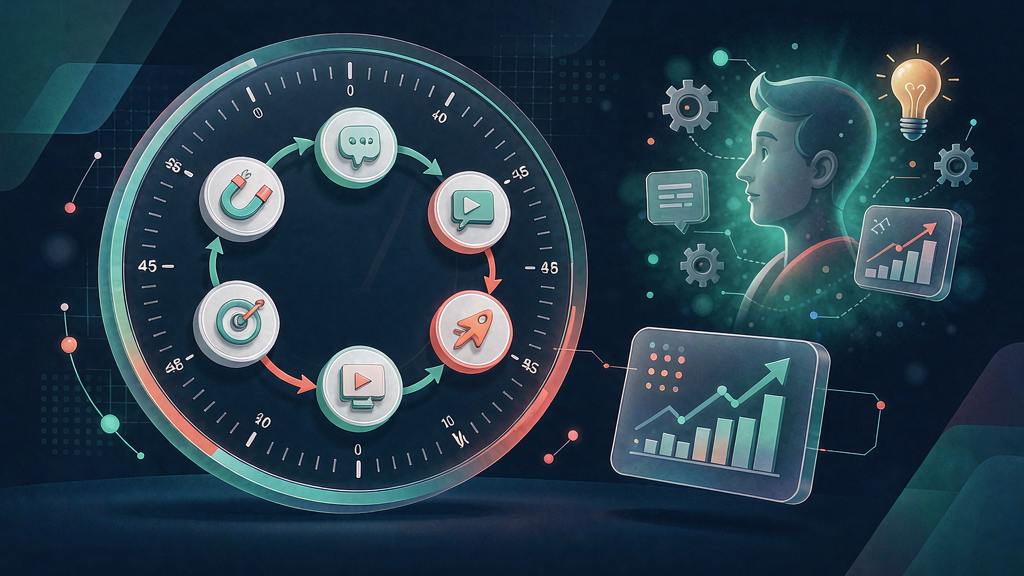
Teaching One SaaS Feature in Under 45 Seconds
Compress one SaaS feature into hook → claim → demo → CTA under a tight word ceiling—and know when 45 seconds is the wrong length.

VO Tone Guide for AI Explainers: Authority Without Stiffness
Specify coach, peer, or expert VO tone for AI explainers—with banned phrases and sample rewrites—so narration stays authoritative without stiffness.

From LinkedIn Carousel to Vertical Explainer Without Losing Clarity
Repurpose LinkedIn carousels into stand-alone teach Reels with a slide→beat map—rebuild as a new board instead of stitching slides into video.
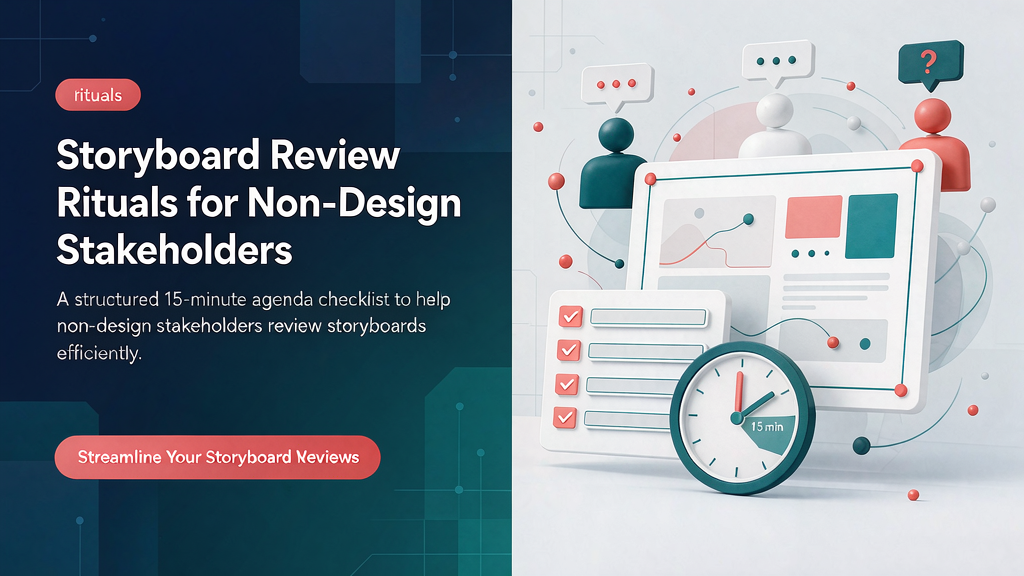
Storyboard Review Rituals for Non-Design Stakeholders
Run a 15-minute storyboard review so founders and sales mark intent, claim, and CTA—not font polish—before anyone spends render credits.

Safe Zones and Crop Planning for 9:16 Educational Reels
Keep titles, demos, and CTAs readable after IG/TikTok UI crop with concrete margins and a failure gallery—mark zones in storyboard frames first.

Changelog to Teach Reels: A 3-Video Shipping Pattern
Ship each release as a Why / How / Gotcha teach Reel trio with one shared visual bible—no giant launch video required.

Turn Support FAQs Into a Weekly Storyboard Backlog
Triage support FAQs by frequency × confusion × demo risk, then map each to a one-beat storyboard for a weekly teach Reel queue.

Hook Formulas for Teach Reels That Don't Feel Clickbaity
Six educational hook patterns—promise, contrast, mistake, demo-first, question, stakes—plus anti-patterns that bait-and-switch viewers.

From One Webinar to a Week of Vertical Explainers
Repurpose a webinar into daily vertical teaches by extracting 5–7 micro-intents and storyboarding each as a standalone Reel—not cutting the long take.

Building a Reusable AI Character Bible for a Teach Series
Prevent series character drift with bible fields for face, wardrobe, props, lighting, and do/don’ts—plus a weekly QA checklist.