
How to Do a GRWM Loading Bar Reel
A GRWM loading bar reel shows the percentage climbing from 0 to 100. Each step is one cut, and the last look is the payoff.
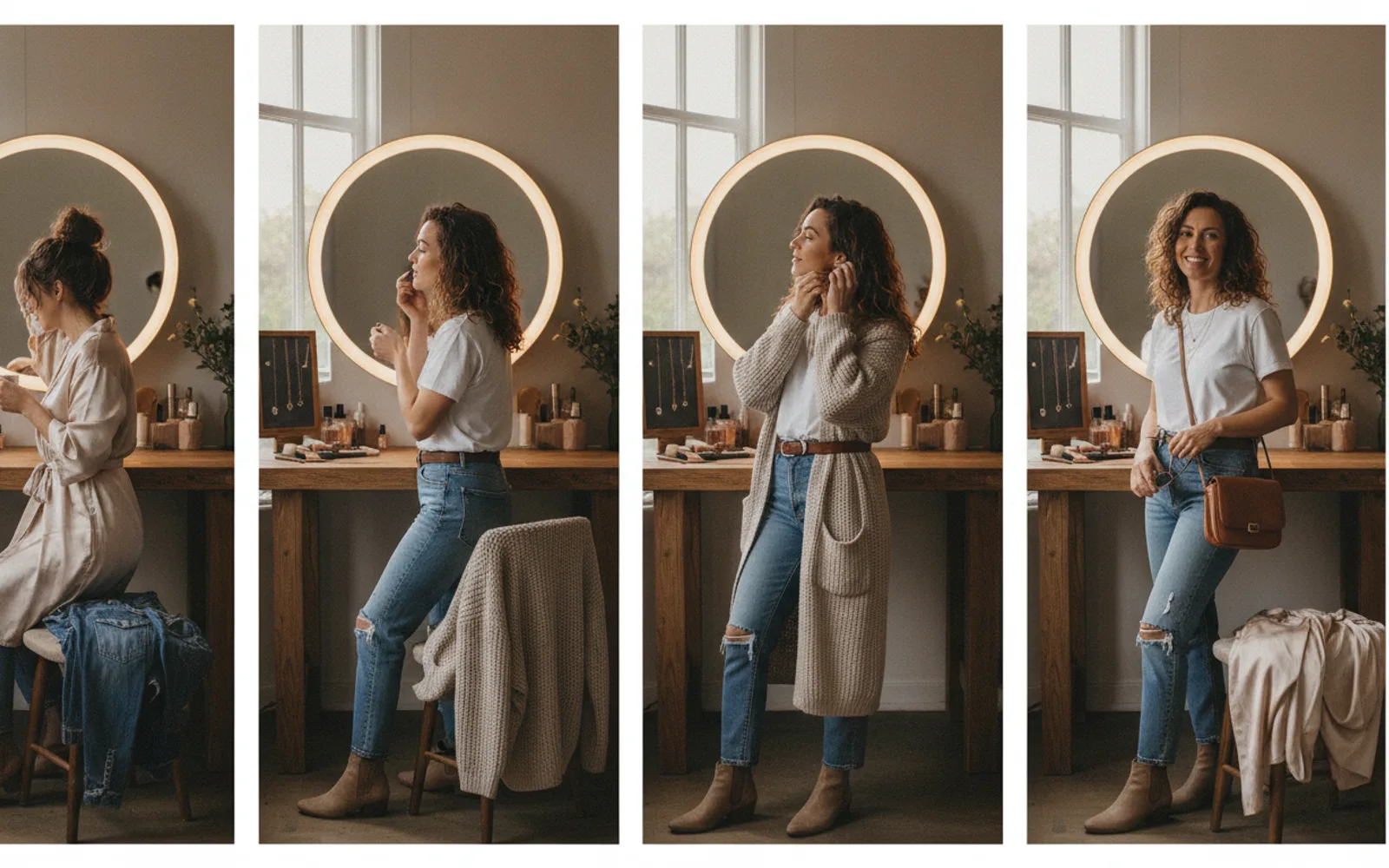
To do a GRWM loading bar reel, film or generate five states of one routine and cut on the climb from 0% to 100%. The bar is the reason people stay: they want to see the finished look. The routine itself can be makeup, a work outfit, or a shop opening. The structure is the same.
Put the change on the cut
Do not morph slowly between looks. A hard cut sells the loading joke. Keep the camera height and the chair in the same place so the only thing that moves is the person and the percentage.
Say almost nothing
This format is visual. A voiceover that explains each percentage fights the joke. One spoken line at 100% is enough: where you are going, or what the look is for. Captions can carry that line for people with the sound off.
Skip trending audio you cannot use
October 2026 versions of this trend rode a sped-up track. If that track is not cleared for a business account, use your own room tone or a track you have rights to. The bar still works without the meme audio.
A worked example
A florist opens the shop. 0% is the lights off and an apron. 50% is buckets on the bench. 100% is the same person, same apron knot, lights on, one bouquet in frame. Caption: "Open at 9."
Before you post
- Camera height does not jump between beats.
- Only one spoken line, at the end.
- The audio is one you can post on a business account.
Where Scro fits
Scro can host this as a talking-head if you want one line at the end, with the face locked and captions in one of 13 styles. Approve the five stills before you render motion, then export 9:16.
Make the talking reel. Finished samples are on the examples page.
Related: Same Face Across GRWM Loading Frames.