
Window Light for a Real AI Face
A real AI face needs one window, not a realism slogan. Put the person beside the glass and let one cheek fall darker.
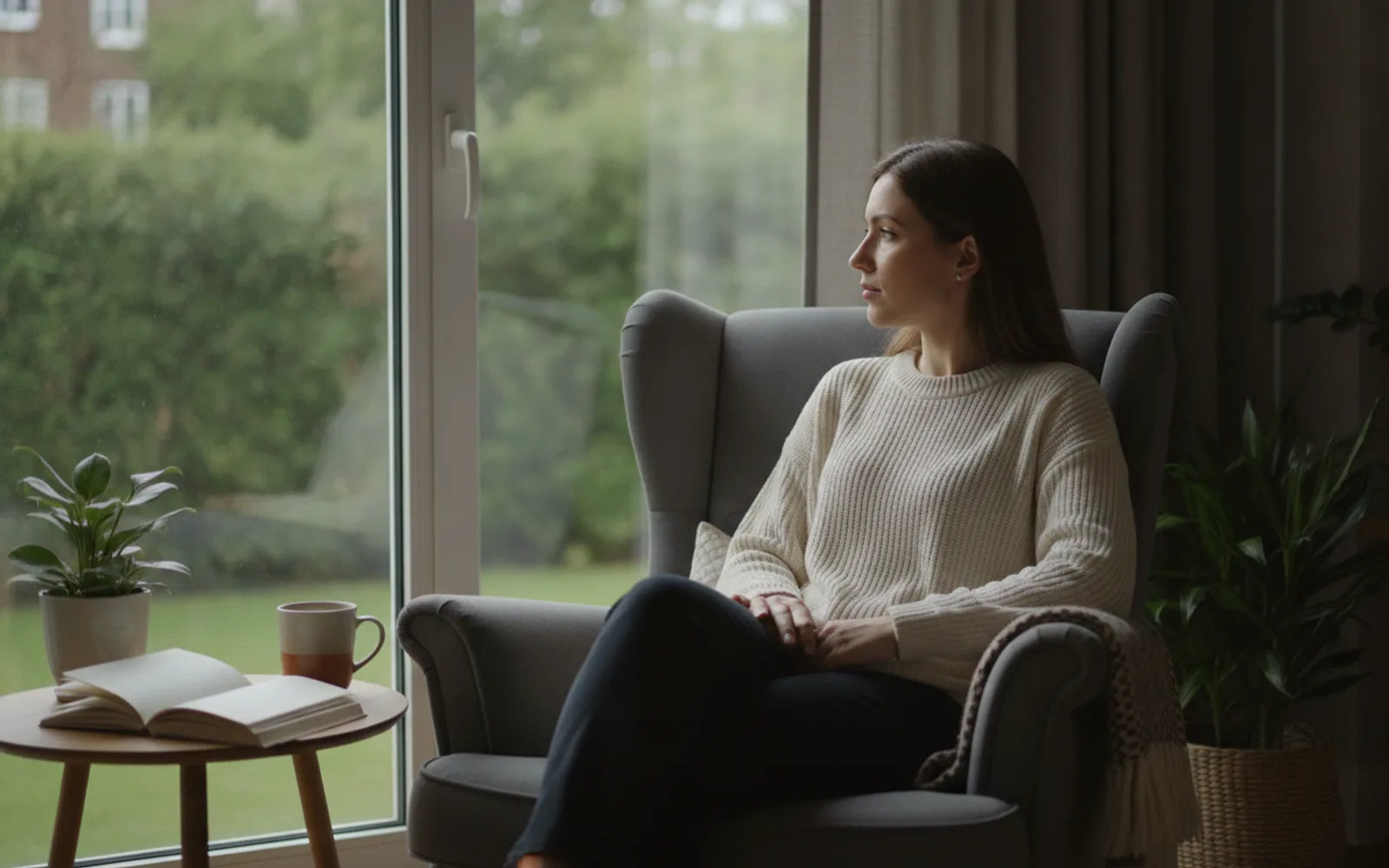
Window light makes an AI face look real because the brightness has a direction. Sit the person a step from the glass, not under a ring of lights. The near cheek is brighter, the far cheek drops off, and each eye carries one small window-shaped catchlight. If both cheeks match, the still was lit from nowhere, and no amount of the word photorealistic will fix that.
Name the window
Say which side the glass is on, and whether it is morning or late day. "North window, late morning, one step from the glass" is a light. "Ultra realistic portrait" is a wish. The model can obey a place. It cannot obey a compliment.
Leave the far side darker
A second light as strong as the window flattens the head into a passport photo. If you need the shadow side readable, ask for a weak bounce from a pale wall, not a second sun. You should still be able to point at the bright side.
One catchlight
Each eye should show the same small rectangle. Two different shapes mean two lights. A catchlight at the bottom of the iris means the light is on the floor, which is rarely what a room does.
A worked example
A host at a kitchen table, window on frame left. Left cheek bright, right cheek a stop darker, kettle out of focus behind. No beauty filter, no second lamp. That still is the one you keep.
Check the still
- You can point to the bright side.
- The far cheek is darker.
- Both eyes share one catchlight shape.
Where Scro fits
Scro locks this face and waits for you to approve the still before any talking clip. If the light is flat, change the still. A later wardrobe change should not invent a new head. Life photos can reuse the same person. Export 9:16.
Lock the face, then approve the light. Finished samples are on the examples page.
Related: Stop Prompting 8K Photorealistic.