
White Balance for an AI Portrait
White balance means a white wall stays white. If the wall, the shirt, and the skin are all one tint, the still is graded by accident.
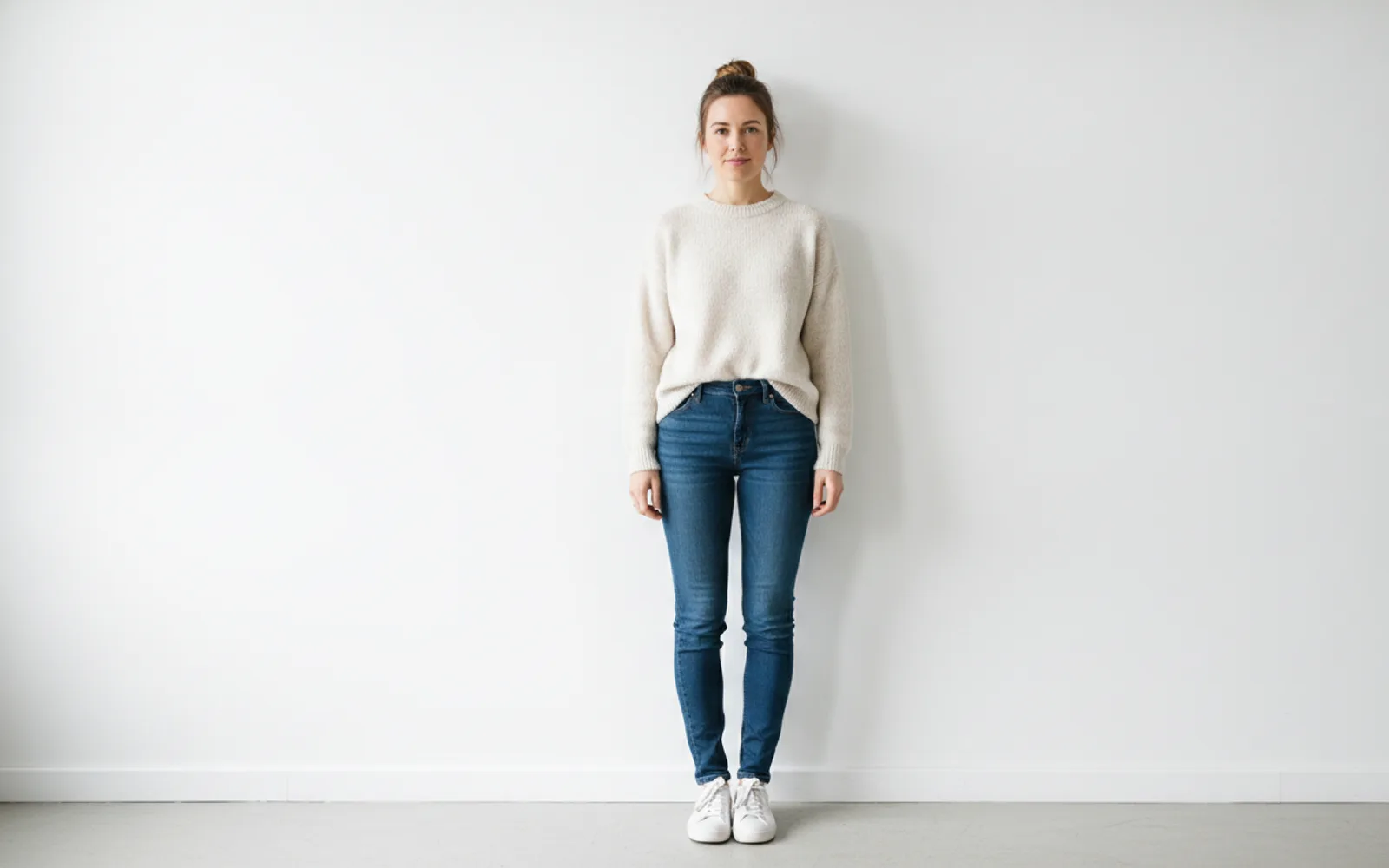
White balance is the decision that a white wall stays white. AI stills drift green under "office" and yellow under "cozy" because those words are moods, not colors. Put a known neutral in the frame — a white wall, a grey shirt, paper — and look at it first. If the neutral is tinted, the skin is lying too.
Mood is not a color cast
Cozy can mean a lamp. It should not mean the whole frame goes mustard. Clinical can mean a plain room. It should not mean the skin goes green. Describe the lamp or the window, then stop.
Mixed light is a choice
Window plus a warm lamp will split the color, and that can be honest if you meant both. If you did not, turn one of them off in the prompt. Two color temperatures without a plan look like a mistake.
Check the eyes
The whites of the eyes pick up the cast early. If they are yellow or blue and the person is not standing in that light, reject the still. You will not fix it with a caption.
A worked example
Grey shirt, white wall, north window. The wall stays white. A "cozy" pass that yellowed the shirt is rejected.
Check the still
- A white or grey surface stays neutral.
- Eye whites match the light you named.
- You did not stack cozy and clinical.
Where Scro fits
Lock the approved color with the face in Scro. Later stills and Life photos should not drift into a new tint. Approve before the mouth moves. Export 9:16.
Keep one white surface honest. Finished samples are on the examples page.
Related: Crop 9:16 Without Cutting Eyes.