
Crop 9:16 Without Cutting Eyes
A 9:16 crop keeps the eyes in the upper third and leaves the chin in frame. Cutting the eyes to fit a caption wastes the still.
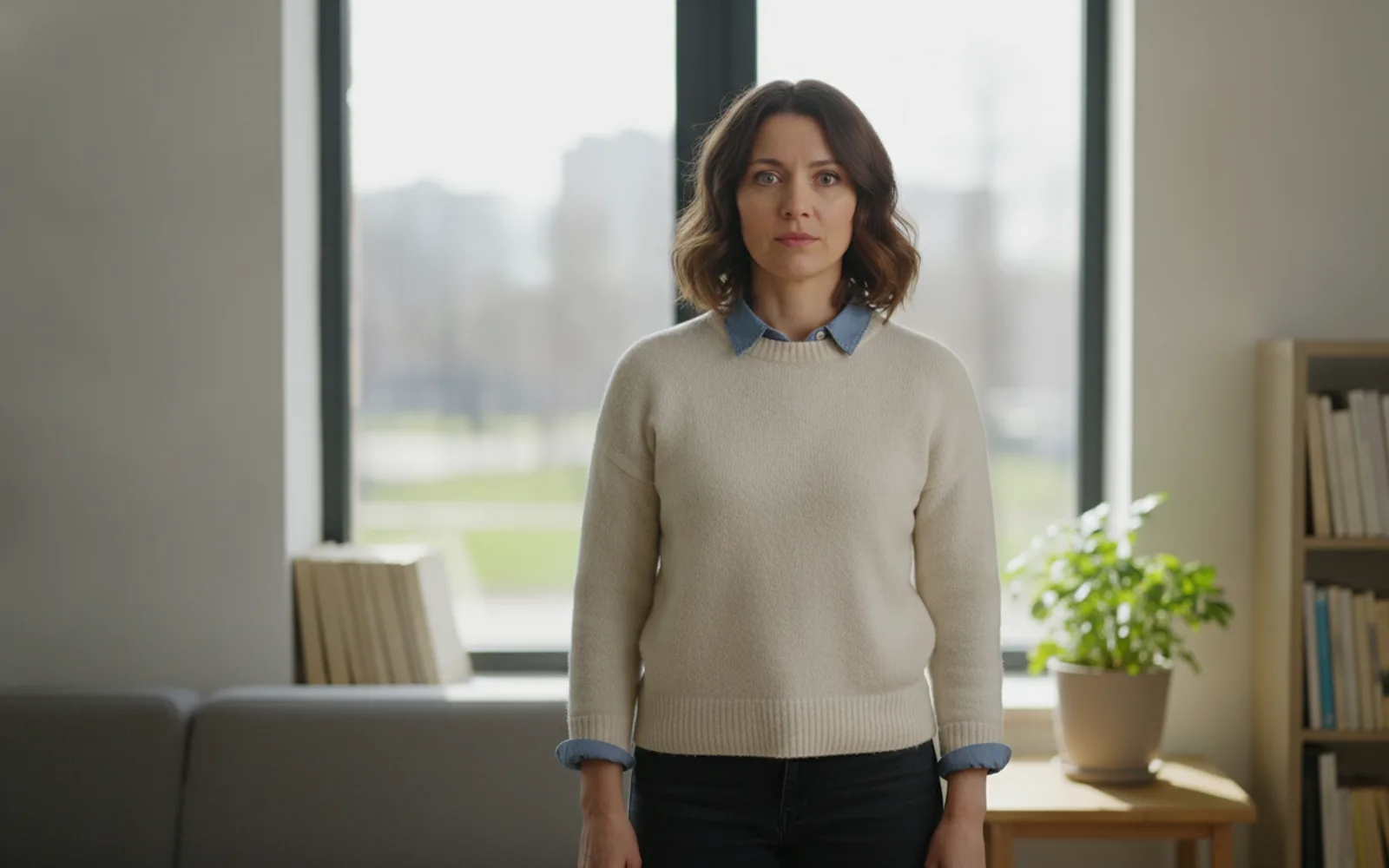
Crop to 9:16 without cutting the eyes by framing the head with room above it and the chin inside the picture. Vertical video will slice the sides of a wide still. If the eyes sit on the top edge, the slice plus a caption will remove them. Put the eyes in the upper third, not on the border, and do not rely on a later zoom to invent forehead.
Headroom is small but real
A little space above the hair, not a ballroom of ceiling. Too much headroom pushes the eyes into the caption zone at the lower middle. Too little clips the hair the moment the format goes vertical.
Protect the sides you will lose
A wide two-shot becomes a one-shot in 9:16, often the wrong person. Generate the still as a vertical subject already: one face, centered, hands not at the extreme edge unless they can be cropped.
Do not crop the mouth of a talk
A talking head that loses the chin looks broken the moment the mouth moves. Leave the collar in frame. The caption can sit above the head, in the space you left.
A worked example
One host, eyes a third of the way down, chin and collar visible, empty space above for a short title. A wide desk shot that would lose the face is not the still.
Check the still
- Eyes sit in the upper third, fully in frame.
- Chin and collar survive a vertical crop.
- The subject is already centered.
Where Scro fits
Scro exports 9:16 after you approve the still. Put the title in the first three seconds in that upper space, or turn on-screen text off. Captions have 13 styles. They need the eyes to stay visible.
Frame the eyes, then export 9:16. Finished samples are on the examples page.
Related: Leave Space for Captions Up Top.