
Overcast Daylight for AI Portraits
Overcast daylight is soft and directionless only in the sky. A face by a window still has a brighter side.
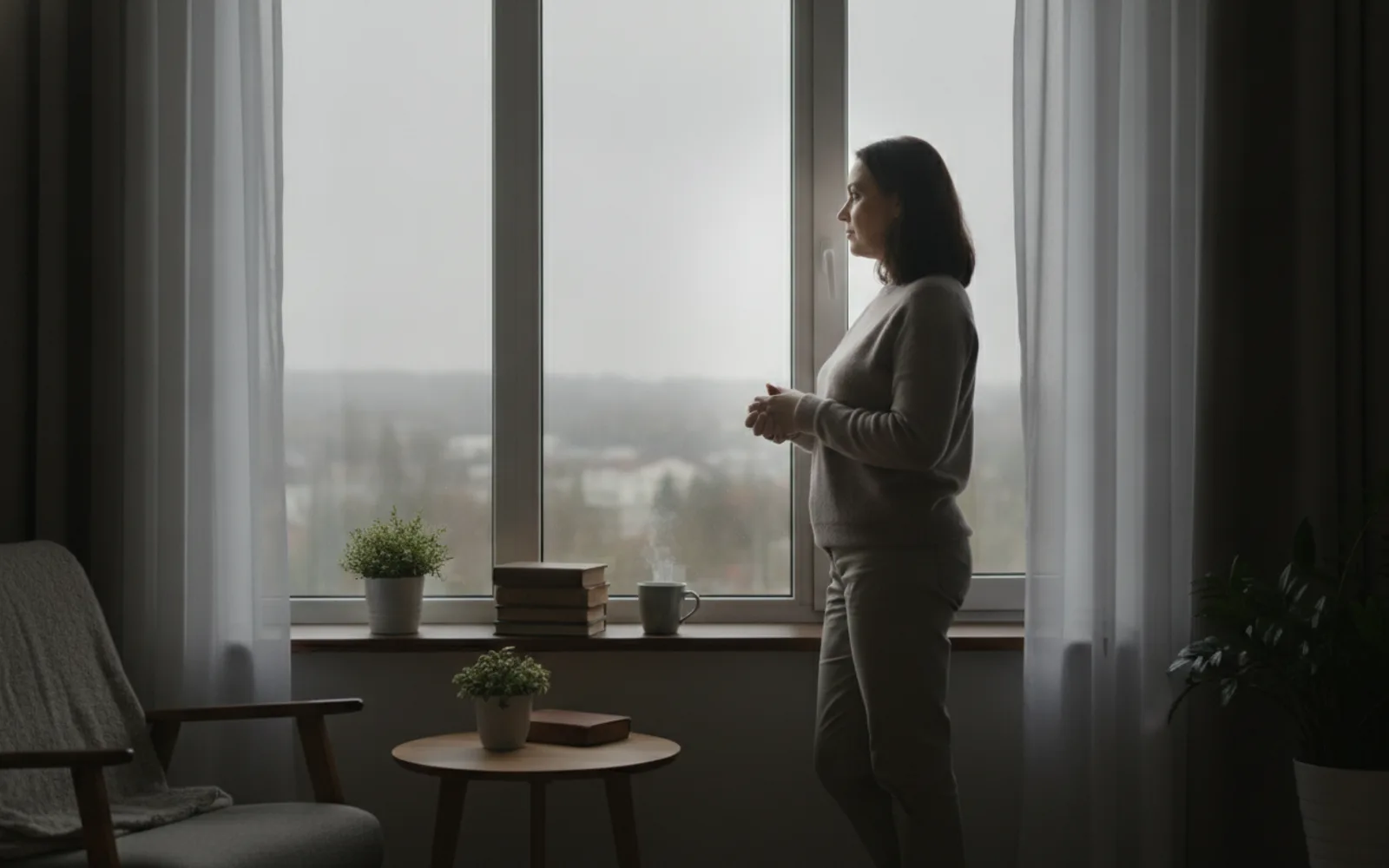
Overcast daylight is the easiest honest light for an AI portrait because the sky is a giant soft source. It is not a license for a face with no shading at all. Stand near a window or a doorway so one side is still a little brighter. Flat grey light from every direction is what makes skin look like a render, even when the weather in the prompt is correct.
Soft does not mean flat
Ask for a large soft source and a gentle falloff, not "even lighting, no shadows." No shadows is the sentence that deletes the nose. You want the shadow to be faint, not missing.
Stay out of the open
A person in the middle of an empty overcast field can go flat. A person next to a wall or a window gets a side. Give the model a nearby surface so the light has somewhere to fall.
Color stays quiet
Overcast is slightly cool, not blue. If the skin goes cyan, you over-corrected. A pale wall should look pale, and the face should look like the same weather.
A worked example
Doorway, cloudy noon, person half a step inside. The outdoor side of the face is lighter, the indoor side is gently darker. No ring light, no blue cast.
Check the still
- One side is slightly brighter.
- The nose still has a soft shadow.
- Skin is not cyan.
Where Scro fits
This is a good still to lock in Scro, because later wardrobe and Life photos have a simple light to match. Approve it before motion. A talking clip cannot invent shade the frame never had.
Use a soft day, not a flat face. Finished samples are on the examples page.
Related: Match the Shadow to the Window.