
Introducing SoClip: YouTube and Twitch Links Into Captioned Shorts
SoClip turns a YouTube or Twitch link into vertical captioned shorts — finds the best moments, reframes 9:16, and adds animated captions with free monthly credi
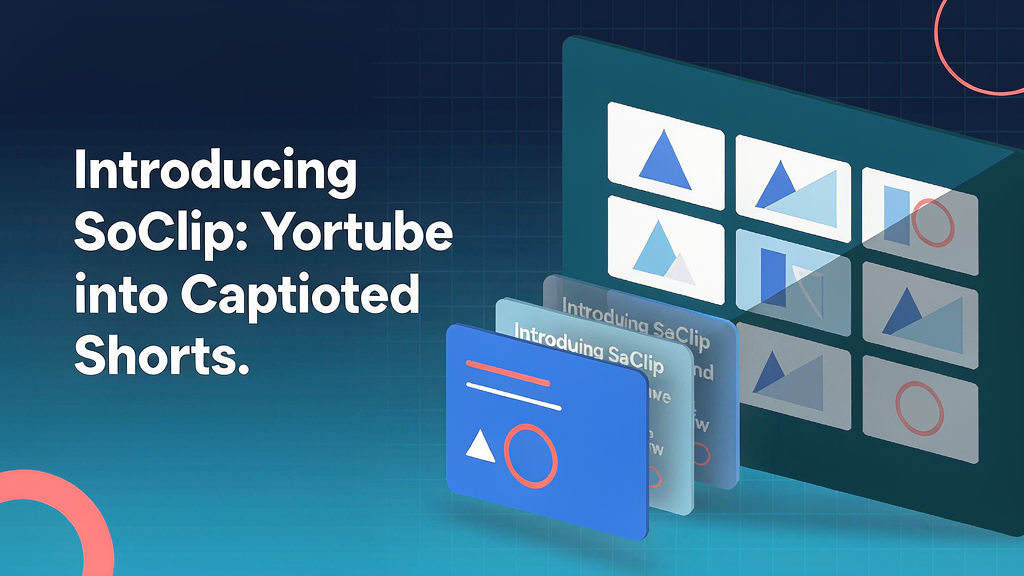
Introducing SoClip: YouTube and Twitch Links Into Captioned Shorts
Repurposing a stream or YouTube upload should not mean a full afternoon in the editor. SoClip turns a YouTube or Twitch link into vertical captioned shorts: it finds the best moments, reframes them for 9:16, and adds animated captions — with free monthly credits and no card required to start.
What SoClip does
SoClip is a link-in, shorts-out packaging workflow:
- Paste a YouTube or Twitch URL — no heavy local project setup
- Best-moment detection — surface clips that stand alone
- Vertical reframe — 9:16 framing for Shorts, Reels and TikTok
- Animated captions — readable text baked into the short
- Free credits each month — try the loop before you commit
Explore:
- SoClip
- Email support@soclip.pro
Who it is for
Streamers, educators and social teams who already publish long videos on YouTube or Twitch and want a faster path into captioned vertical clips.
Where it fits in a content stack
SoClip owns link → short packaging. Scripting tools shape the talk track; SoClip multiplies finished long-form into feed-ready pieces. Complementary to storyboard-first explainers, not a replacement for them.
Why captions + vertical still win
Silent autoplay is the default. Captioned vertical clips travel farther than uncaptioned landscape cuts of the same moment.
Quick tips if you try SoClip
- Pick episodes with clear speech — detection follows audio quality.
- Spot-check reframes when speakers move around the frame.
- Keep caption style consistent across a weekly batch.
- Use free credits to validate the workflow before scaling.
- Write support@soclip.pro if something in the export looks off.
Soft close — related tool
If you also need concept → storyboard → animated or whiteboard explainer / Reels (not talking-avatar presenters), see Scro Explainer. Scro (by NOVAX) is built around approving an AI storyboard before you render — useful when the job is teaching a process before you package clips. Keep SoClip as the focus of this intro; Scro is only a related option for storyboard-first explainers.