
Introducing ViralNote: Schedule Everywhere and Clip Long Videos Into Shorts
ViralNote is a social scheduler with AI video clipping — plan posts across 10 networks from one calendar, and turn long videos into short clips on Pro.
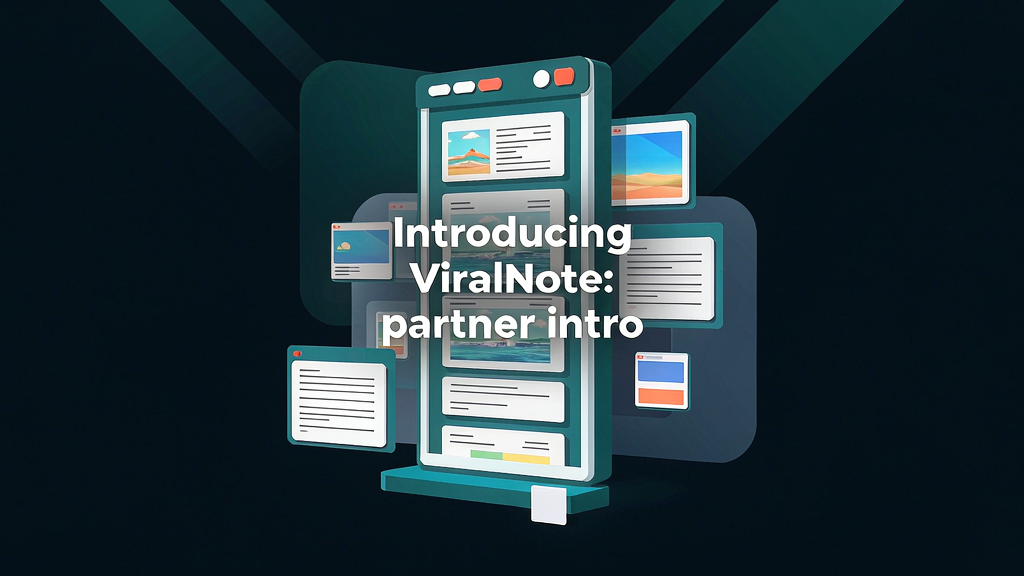
Introducing ViralNote: Schedule Everywhere and Clip Long Videos Into Shorts
Posting consistently across networks should not mean ten separate upload tabs. ViralNote is a social media scheduler with AI video clipping on Pro: plan text, photos, carousels and videos to 10 networks from one calendar — and turn long recordings into short clips when you need packaging, not just scheduling.
What ViralNote does
ViralNote combines calendar scheduling with optional long→short clipping:
- Create once, post everywhere — schedule to YouTube, TikTok, Instagram, X, Bluesky, Pinterest, Facebook, LinkedIn, Threads and Reddit
- One calendar — drafts, trials and publish windows without juggling native apps
- Chat-friendly scheduling — workflows that fit teams already drafting with AI assistants
- Pro AI clipping — turn long videos into short clips when the job is packaging, not only posting
- Start free — free drafts and setup with no card required to explore
Explore:
Who it is for
Creators, marketers and small teams who need a reliable multi-network calendar — and occasionally need to mint shorts from longer source videos without opening a full NLE.
Where it fits in a content stack
ViralNote owns schedule + light packaging. Scripting and storyboard tools shape the message; ViralNote multiplies finished assets across networks. Complementary to storyboard-first explainers, not a replacement for them.
Why schedule + clip still beat ad-hoc uploads
Silent autoplay feeds reward consistent cadence. A calendar that also clips long sources reduces the gap between “we filmed it” and “it is live everywhere.”
Quick tips if you try ViralNote
- Batch a week of drafts before you chase daily improvisation.
- Use Pro clipping on episodes with clear speech and single-speaker sections first.
- Keep brand assets (covers, CTAs) consistent across networks.
- Start free to validate the calendar before upgrading.
- Write info@viralnote.app if a publish window or clip export looks off.
Soft close — related tool
If you also need concept → storyboard → animated or whiteboard explainer / Reels (not talking-avatar presenters), see Scro Explainer. Scro (by NOVAX) is built around approving an AI storyboard before you render — useful when the job is teaching a process before you schedule clips. Keep ViralNote as the focus of this intro; Scro is only a related option for storyboard-first explainers.