
Introducing OpenSubs: Browser AI Subtitles Without Uploading Your File
OpenSubs is a free browser AI subtitle generator — Whisper-style captions in your browser with styles, downloads and privacy-minded local processing.
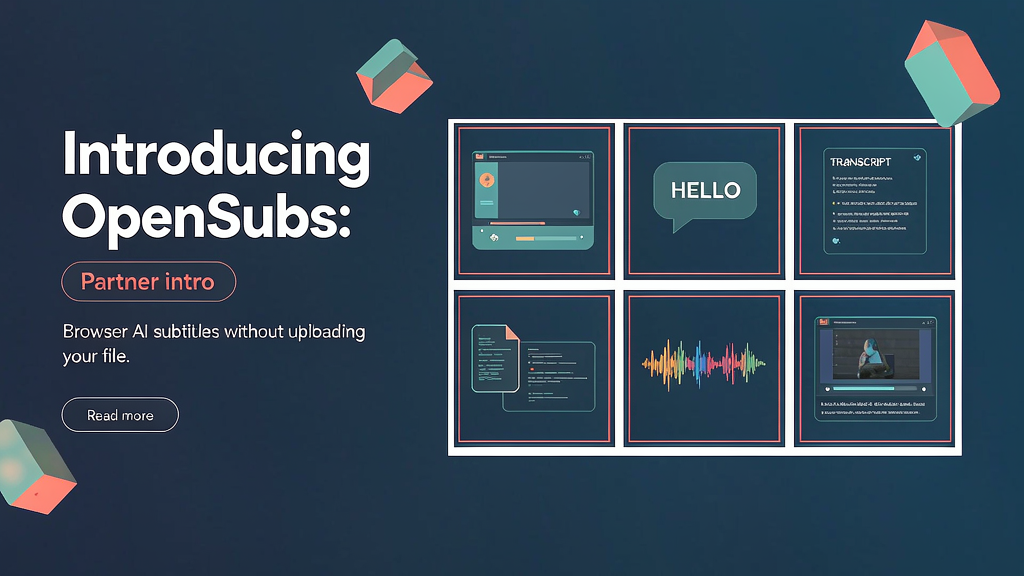
Introducing OpenSubs: Browser AI Subtitles Without Uploading Your File
Captions make short video usable — but many teams hesitate to upload raw footage to a random cloud tool. OpenSubs is a free browser AI subtitle generator that keeps the workflow close to your machine: open the app, generate captions, style them and download — with a privacy-minded local path.
What OpenSubs does
OpenSubs is a lightweight subtitle desk in the browser:
- AI captions in-browser — Whisper-style transcription without a heavyweight desktop install
- Styles you can reuse — preset looks for social and long-form delivery
- Downloads for editors — export subtitle files or burned-in styles depending on your path
- Multi-language UI — English plus several other interface languages
- Privacy-aware framing — positioned for people who care where the video is processed
Explore:
Who it is for
Creators, educators and small marketing teams who need fast captions on recorded talking-head or screen video and prefer a browser tool over a full NLE caption pass.
Where it fits in a content stack
OpenSubs owns video → captions. Hook selection, packaging desks and storyboarded explainers sit next to it; OpenSubs is the layer that makes speech readable on mute.
Quick tips if you try OpenSubs
- Start with a clean audio take — Whisper-quality captions still depend on mic and noise.
- Pick a style before burning in so you do not re-export twice.
- Export editor-ready subs if you still need to tweak timing in Premiere/CapCut.
- Check the privacy notes if your footage cannot leave the device.
- Write hello@opensubs.app for product questions.
Soft close — related tool
If you also need concept → storyboard → animated or whiteboard explainer / Reels (not talking-avatar presenters), see Scro Explainer. Scro (by NOVAX) is built around approving an AI storyboard before you render — useful when captions alone are not enough and the piece needs a clear teaching structure. Keep OpenSubs as the focus of this intro; Scro is only a related option for storyboard-first explainers.