
5 Onboarding Explainers That Cut Support Calls
Save hours of repetitive client calls with 5 animated onboarding explainer videos—illustrated with Seedream 5.0 Pro visual examples.

Service businesses, agencies, and SaaS teams lose hours every week answering the exact same five questions from new customers: 'What happens next?', 'What files do you need from me?', and 'How do revisions work?' Sending a 3-page welcome PDF rarely works because clients skim or ignore walls of text. Embedding five short 30-second animated explainers on your welcome page gets every client aligned in under three minutes.
1. The First-7-Days Kickoff Timeline

Buyer's remorse happens in the silence between payment and delivery. A 25-second kickoff timeline showing the exact three milestones of Week 1 reassures the client immediately after checkout.
2. The '3 Assets We Need From You' Intake Checklist
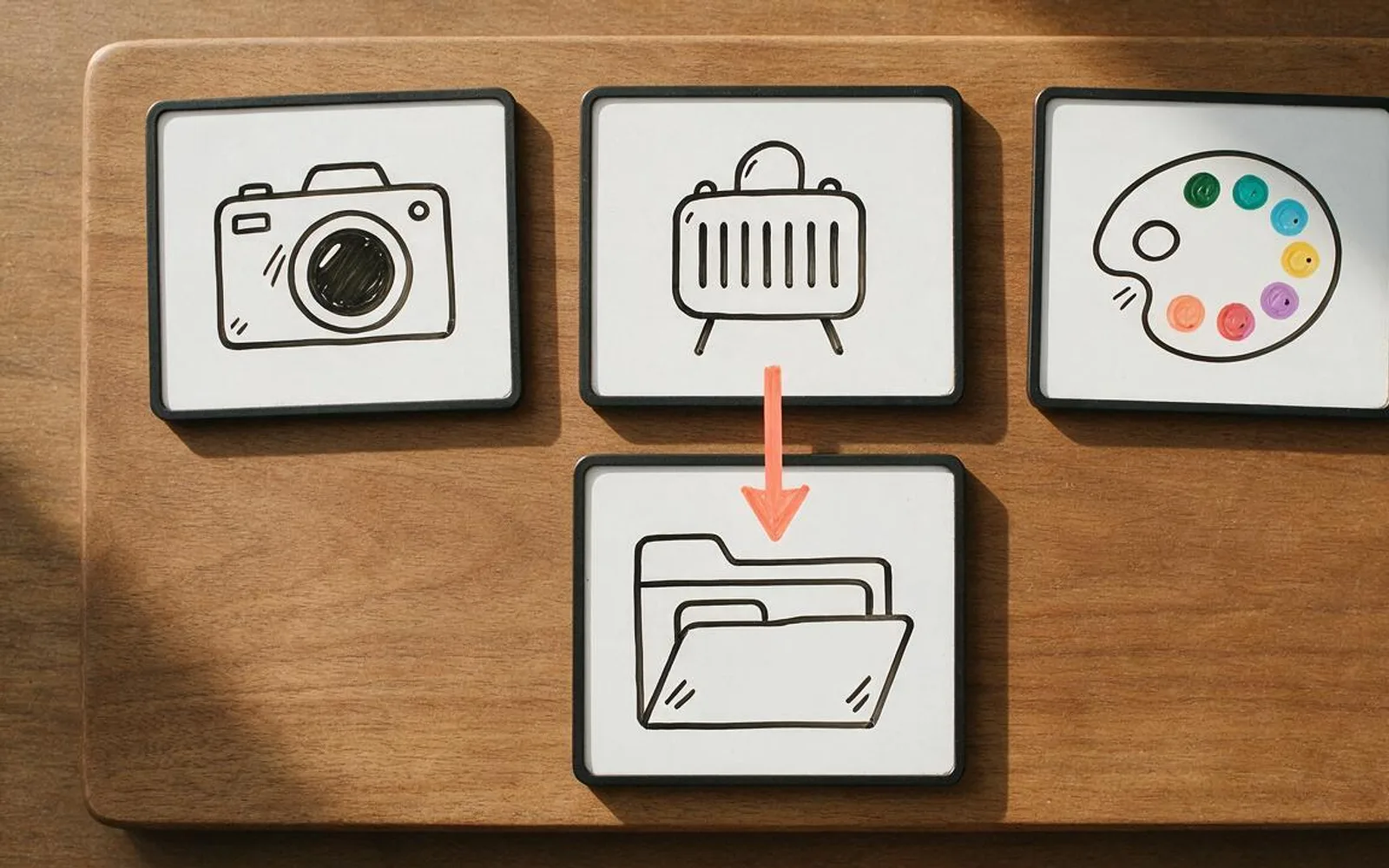
Projects stall when clients delay sending their brand assets or intake forms. A 20-second whiteboard checklist showing the exact three items needed to start gets intake forms completed on the same day.
3. How Feedback & Revisions Work (Scope Protection)

Prevent endless piecemeal emails by explaining your revision policy visually: collect all team feedback into one consolidated round so the final approval lands on schedule.
4. Billing, Renewals & Deliverable Schedule

Clear visual expectations around when monthly deliverables drop and when invoices renew eliminate billing surprises and increase client retention.
5. The 30-Second Visual Troubleshooting & FAQ Card
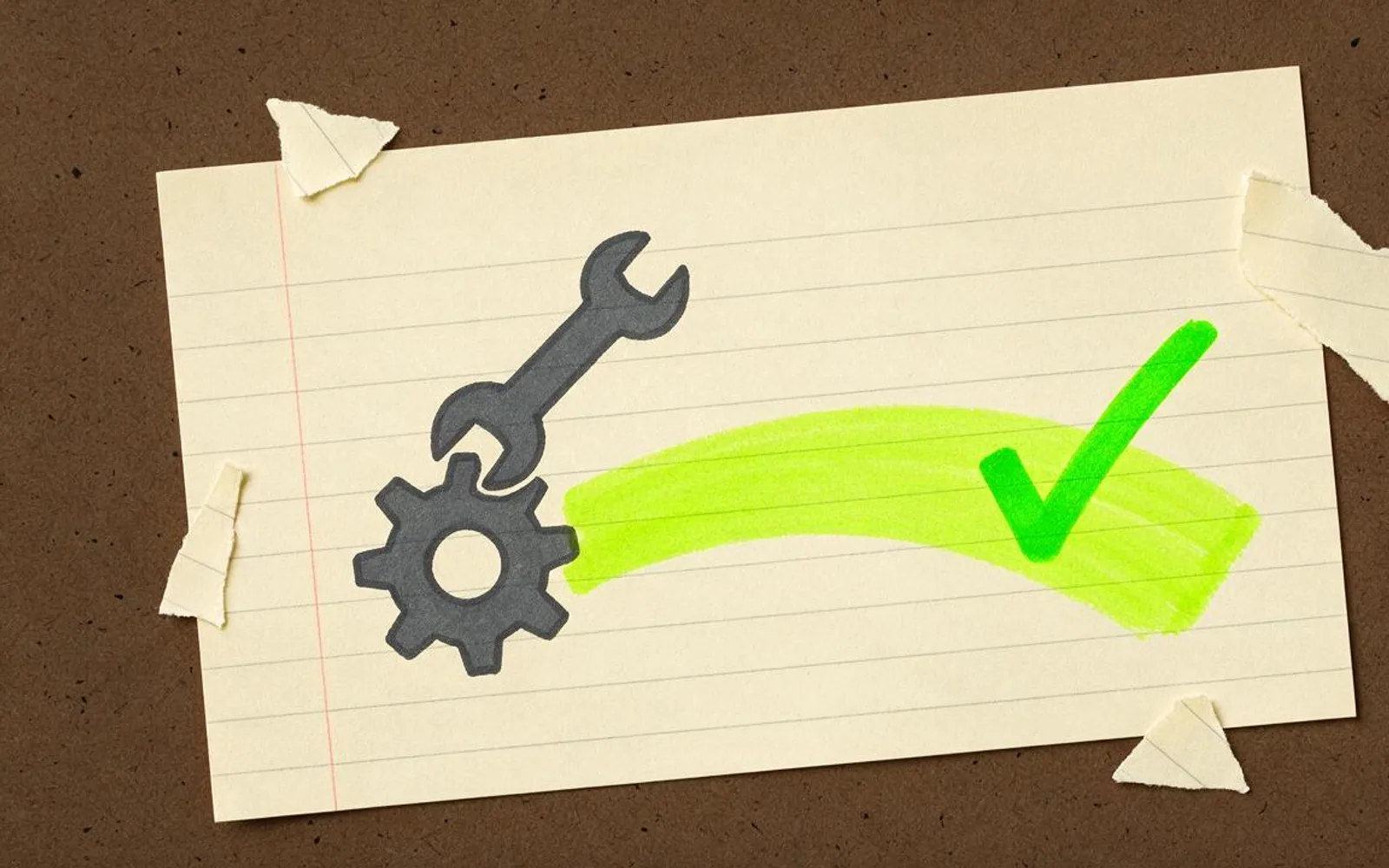
Take your top three support tickets and turn each into a 25-second visual fix. Support agents can reply with a direct video link instead of typing paragraphs.
A worked production example
A boutique marketing agency replaces its 6-page welcome PDF with three 30-second Paper Cutout explainers embedded on a Notion welcome portal. Client asset submission time drops from 9 days to under 24 hours.
Before you generate motion
- Keep each onboarding video under 35 seconds and focused on one action.
- Place the 'What we need from you' video right above the upload form.
- Use burned-in captions so clients can watch on their phone between meetings.
Where Scro fits
Scro lets you clone your founder's voice once and generate an entire library of consistent onboarding explainers whenever your process updates.
Automate client onboarding videos in Scro. Finished samples are on the examples page.
Related: 一人公司接單:5 款企業最肯買單嘅解說動畫服務.