
Introducing CaptionCreator: Auto Subtitles in 76 Languages, Burn-In or SRT
CaptionCreator is a free-tier AI subtitle generator — upload video/audio or paste a public Shorts URL, get transcription or translation in 76 languages, then bu
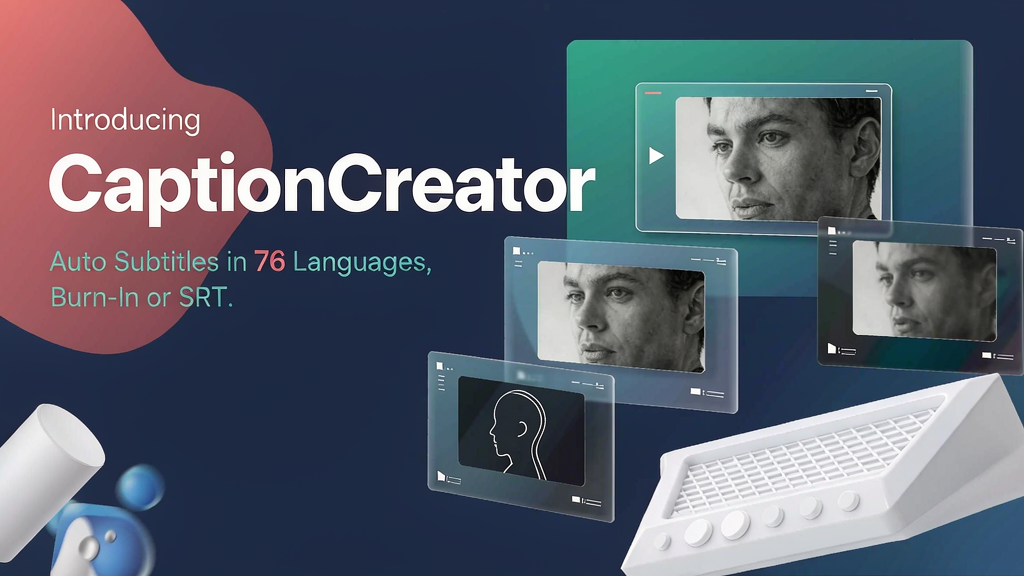
Introducing CaptionCreator: Auto Subtitles in 76 Languages, Burn-In or SRT
Muted autoplay is the default on Shorts and Reels — without captions, many viewers never hear the line that sells the clip. CaptionCreator is a browser AI subtitle tool: upload video/audio (or paste a public Shorts-style URL), transcribe or translate in 76 languages, then burn captions into the video or export SRT/VTT/plain text.
What CaptionCreator does
CaptionCreator keeps the job narrow and practical:
- Transcribe — audio/video → subtitles or text automatically
- Translate — same pipeline into any of 76 supported languages
- Burn-in or export — add subtitles to the video, or download SRT/VTT/text for your editor
- URL import — public links from YouTube Shorts, TikTok, Instagram, Facebook, X (with size/provider limits)
- Noisy / multilingual / accented audio — positioned for real-world recordings, not studio-only takes
- Free + paid — daily free allowance for short files; monthly credit plans for longer libraries
Explore:
Who it is for
Creators, educators and small teams who need fast captions on short-form or course clips without opening a full NLE for every export.
Where it fits in a content stack
CaptionCreator owns subtitle packaging. Hook selection, B-roll and storyboarded explainers still sit upstream or alongside; captions are the last mile that makes a cut readable on mute.
Quick tips if you try CaptionCreator
- Start on the free daily allowance with a 60–120 second clip.
- Spot-check names, brands and jargon before you burn-in.
- Prefer file upload when a social URL is private or fails to fetch.
- Export SRT if you still need timeline control in Premiere/CapCut.
- Write hello@captioncreator.cc for account or plan questions.
Soft close — related tool
If you also need concept → storyboard → animated or whiteboard explainer / Reels (not talking-avatar presenters), see Scro Explainer. Scro (by NOVAX) is built around approving an AI storyboard before you render — useful when the job is teaching a process or product story, not only packaging existing footage. Keep CaptionCreator as the focus of this intro; Scro is only a related option for storyboard-first explainers.