
How to Generate Cartoon Clips for a Reel
Cartoon clips for a Reel are short vertical scenes that explain one idea. Sketch the beats, approve the stills, then generate the motion and export 9:16.
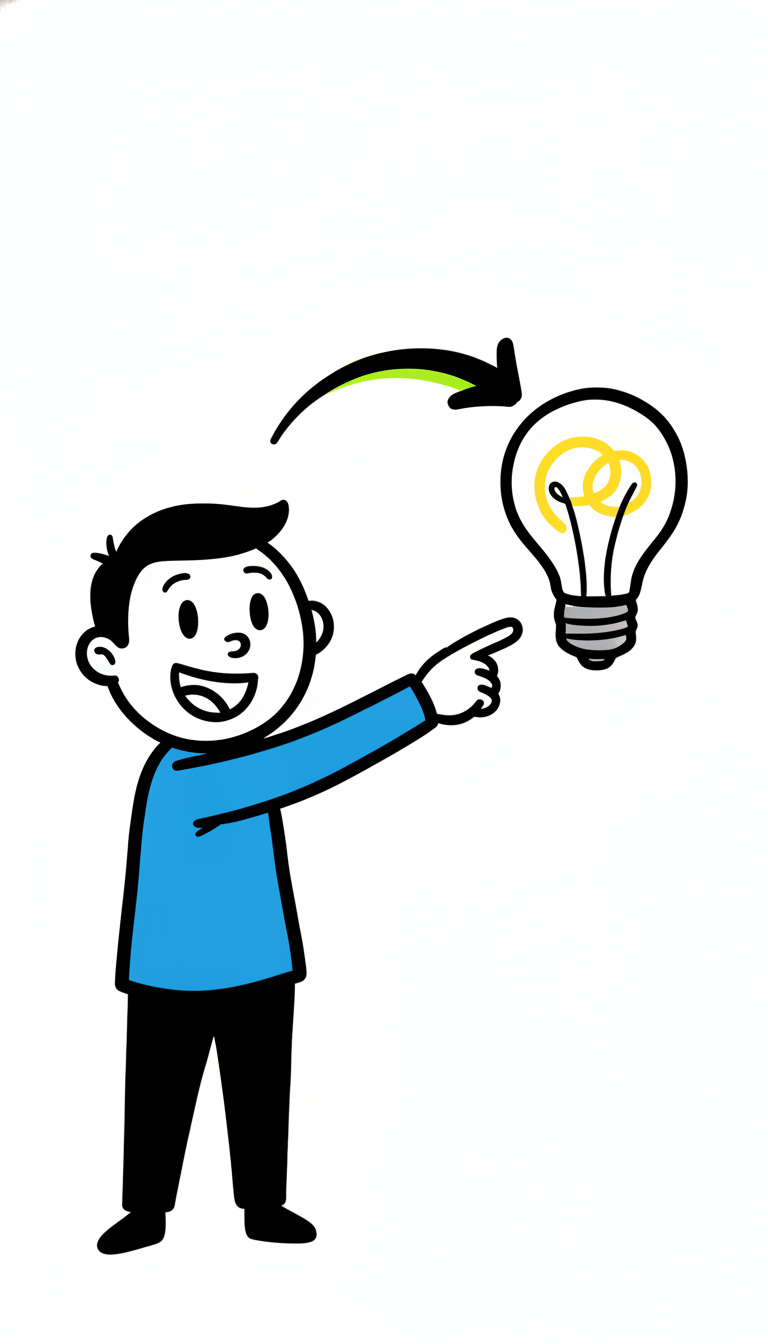
Cartoon clips for a Reel are short vertical scenes that explain one idea with drawings instead of a person on camera. You generate them by writing the beats, choosing a look, approving the still frames, and only then turning those frames into motion.
Pick one look and stay with it
Two looks cover most explainer Reels. A whiteboard doodle is the right choice when you are teaching a concept: simple marks, one idea per beat, a narrator over the drawing. A paper-cutout collage is the right choice when you want a crafted feel: cut-out people and objects on one dark wooden craft board, the same board in every clip.
Do not switch from a doodle to a collage halfway through. The viewer should feel one film, not a folder of unrelated clips.
One clear visual move per beat
Each beat does one thing. A title appears. A problem is shown. A piece is added. An ask is made. If a beat needs an arrow, a label, and a second diagram, it is two beats. Crowded frames read as noise on a phone.
Write the beats as a list before you generate anything:
- Beat 1, the first three seconds: a large title, two to six words.
- Beat 2: the problem, one picture.
- Beat 3: the fix, one picture.
- Beat 4: what to do next.
When on-screen text is on, that opening title is part of the picture, in the language you chose. If you turn on-screen text off, leave the writing out of every beat, including the hook.
Approve the stills, then generate motion
Scro storyboards the beats and shows you the stills first. Change a label, a character, or a layout while it is still a frame. Motion comes after you accept the stills, which is how you avoid paying for a clip that already looks wrong.
The narrator can be your own voice. The editor trims silence, adds captions, and exports 9:16 for Reels, TikToks, and Shorts. See finished explainer clips on the examples page.
A cartoon example
Topic: why a Reel dies in the first three seconds.
- Title card: "They left at 3 seconds."
- A doodle phone with a tiny, unreadable opener.
- The same phone with one bold title filling the frame.
- Ask: "Write the title before the pictures."
Generate cartoon clips for a Reel. For the upload and cover steps, read how to make an Instagram Reel.