
Animated Explainer Without a Camera
An animated explainer without a camera still needs a script, four pictures, and a voice. The camera was never the hard part.
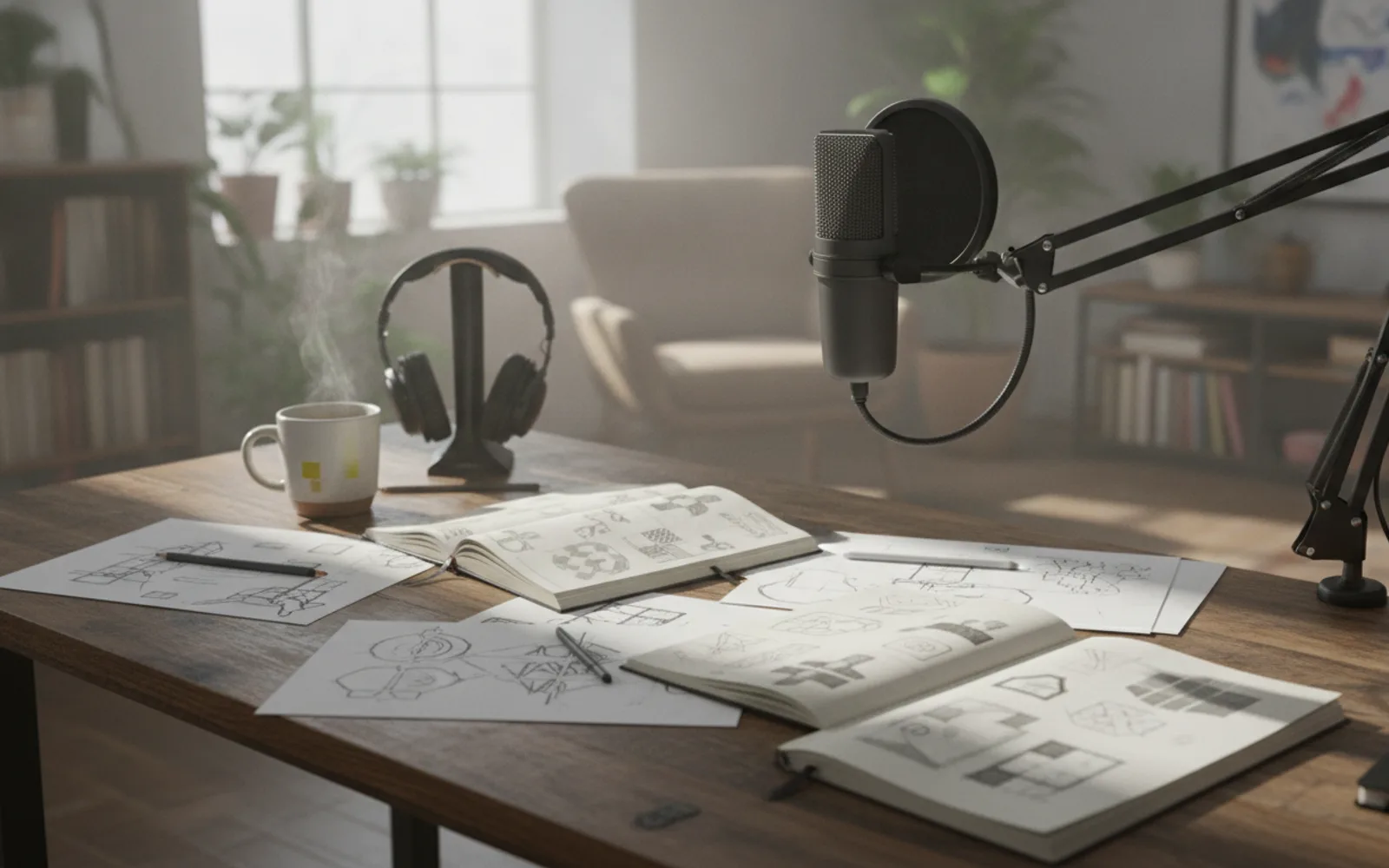
You can make an animated explainer without a camera by writing the beats, approving drawn stills, and recording the voice. Nothing has to be filmed. Something still has to be decided: the one idea, the pictures, and the line. Skipping those and prompting "an explainer about my brand" produces a montage.
The mic is the camera
Record the voice cleanly, one line per beat. A noisy room hurts a cartoon as much as it hurts a talking head, because the captions and the tone come from that take.
Pick one drawing style
Whiteboard or paper-cutout, then stay. A mix looks like stock. The style is how someone recognises the next reel.
Review stills on a phone
A drawing that looks clever on a laptop can be mud at arm's length. Approve it at phone size before you animate.
A worked example
No camera. Four doodles about a late invoice, voiced in one take, captions burned in, 9:16. The "brand story" paragraph stayed in the blog post.
Before you post
- The voice is one clean take per line.
- One drawing style.
- You approved the stills on a phone.
Where Scro fits
Scro is built for this path: storyboard, still approval, voice, captions, 9:16. You do not set up a shot. You do approve the frames.
Start from the script. Finished samples are on the examples page.
Related: Voiceover on a Cartoon Reel.