
5 Reel Cover Compositions for Profile Grids
Double profile grid clicks with 5 high-contrast Reel cover compositions—illustrated with Seedream visual examples and safe-zone rules.
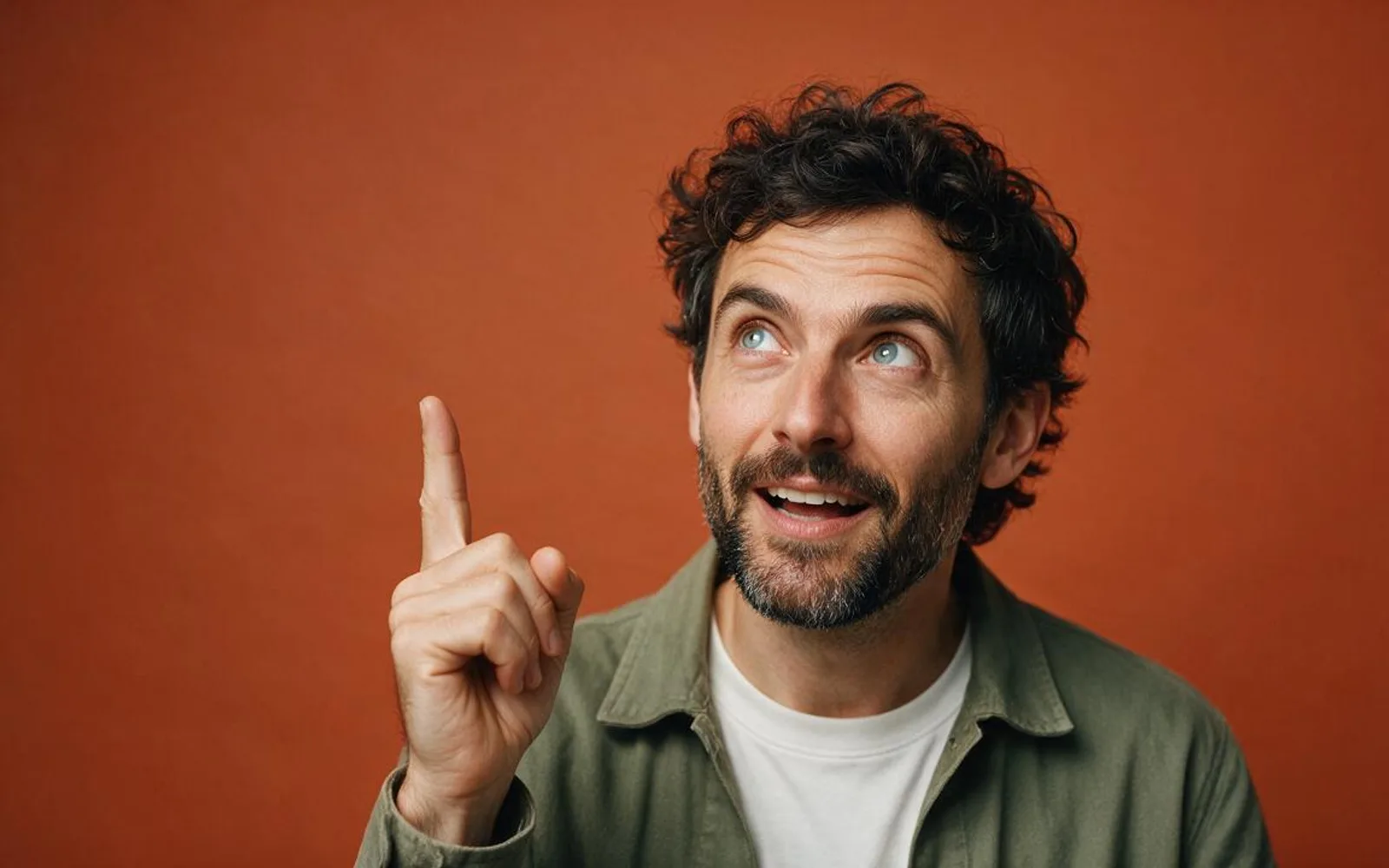
When someone taps onto your Instagram or TikTok profile, your Reels grid is a wall of tiny 3:4 and 9:16 thumbnails. If your cover frame is a mid-blink motion blur or a tiny figure lost in a dark room, visitors leave without clicking a single video. A high-converting Reel cover combines one unmistakable focal subject with clean upper-middle space for a 3-to-5 word hook title. Here are five thumbnail cover compositions you can generate with Seedream 5.0 Pro.
1. Expressive Close-Up + Clean Upper-Third Title Zone
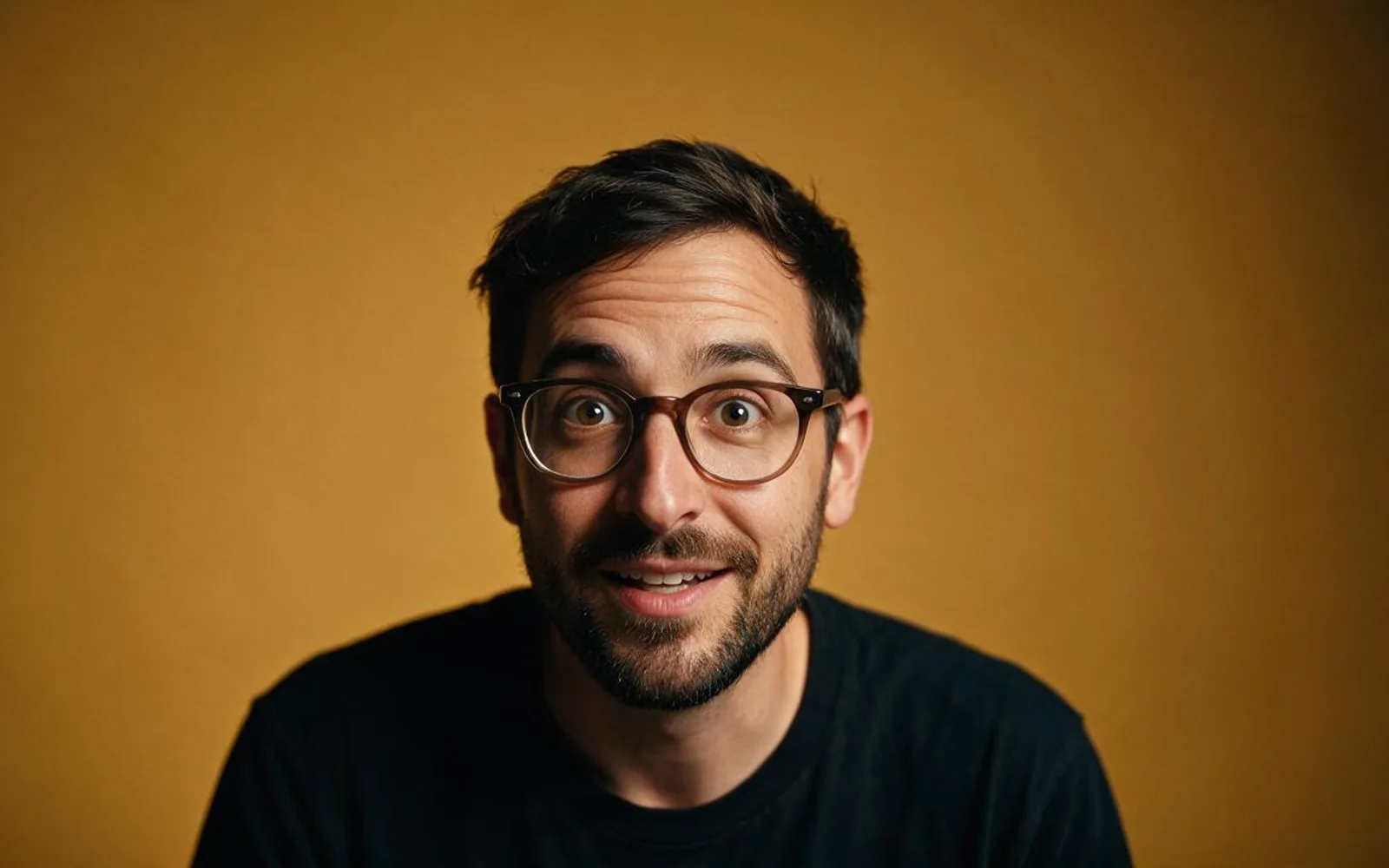
The highest-clicking cover on Instagram places a sharp face with raised eyebrows or an engaged smile in the bottom two-thirds while keeping the top third a solid, uncluttered color block. That guarantees your 4-word cover title remains readable both in the 9:16 Reels tab and the cropped 3:4 profile grid.
2. Object-in-Hand Foreground Macro Reveal
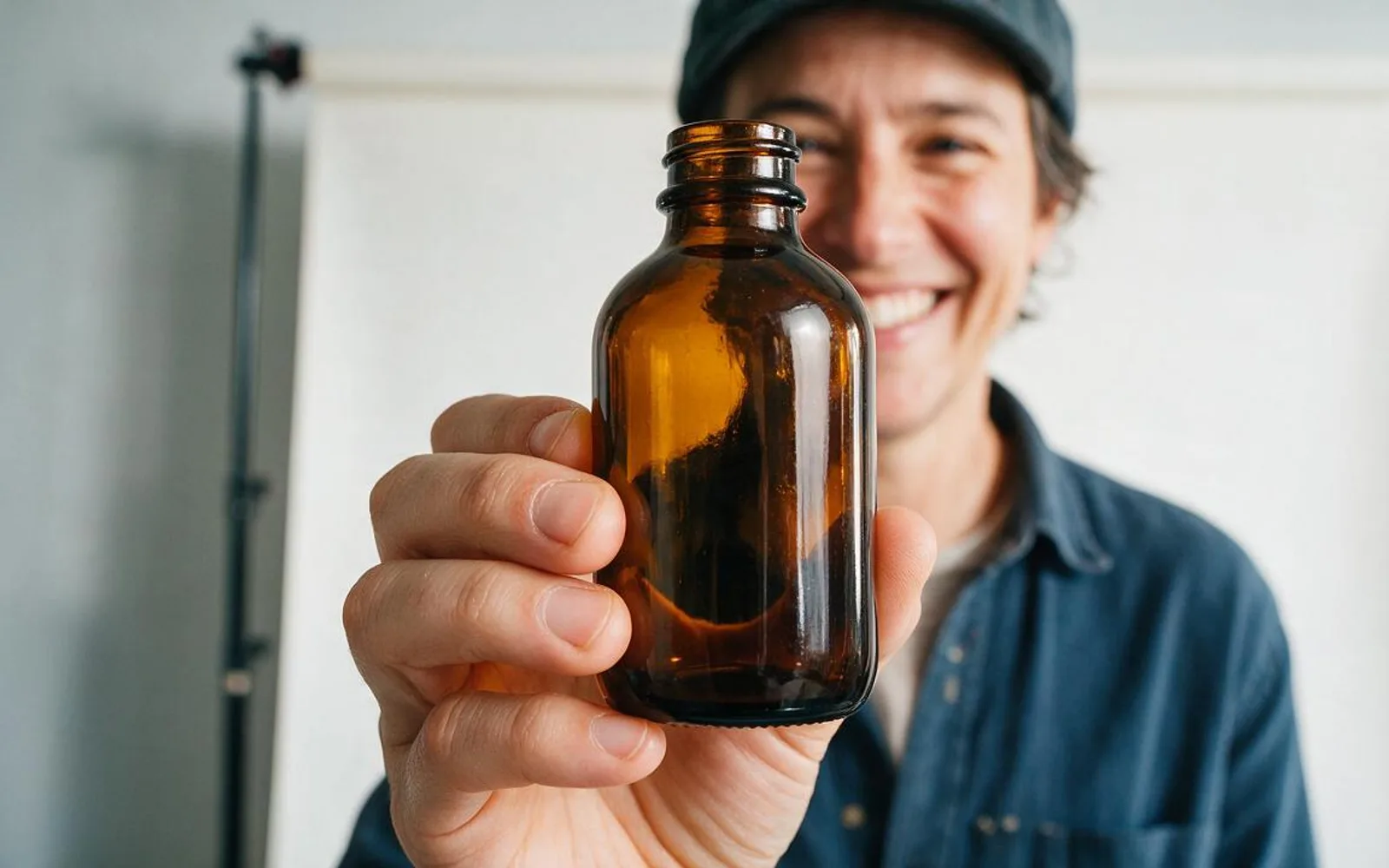
Holding the hero object slightly closer to the lens than the speaker's face creates dramatic perspective scale that immediately tells product shoppers what the video reviews.
3. Side-by-Side Before/After Contrast Split
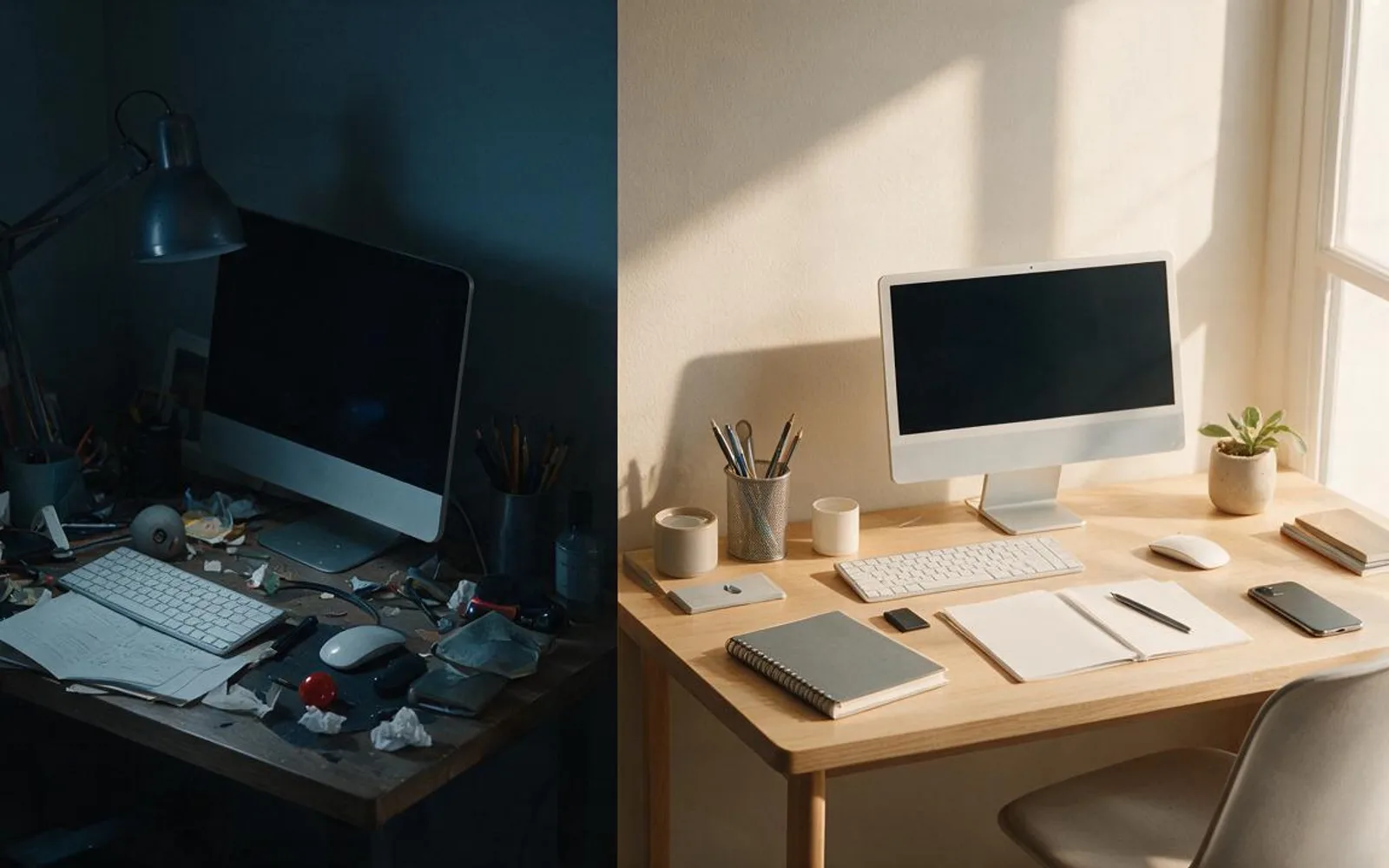
Transformation reels—room makeovers, lighting upgrades, wardrobe edits, or workflow fixes—get clicked when the cover shows the 'Before' and 'After' states in a single frame.
4. Over-the-Shoulder Board & Diagram Reveal

For educational and B2B explainers, an over-the-shoulder shot pointing at a visual diagram promises concrete frameworks rather than vague talking points.
5. Color-Blocked Editorial Studio Portrait (Brand Grid Signature)
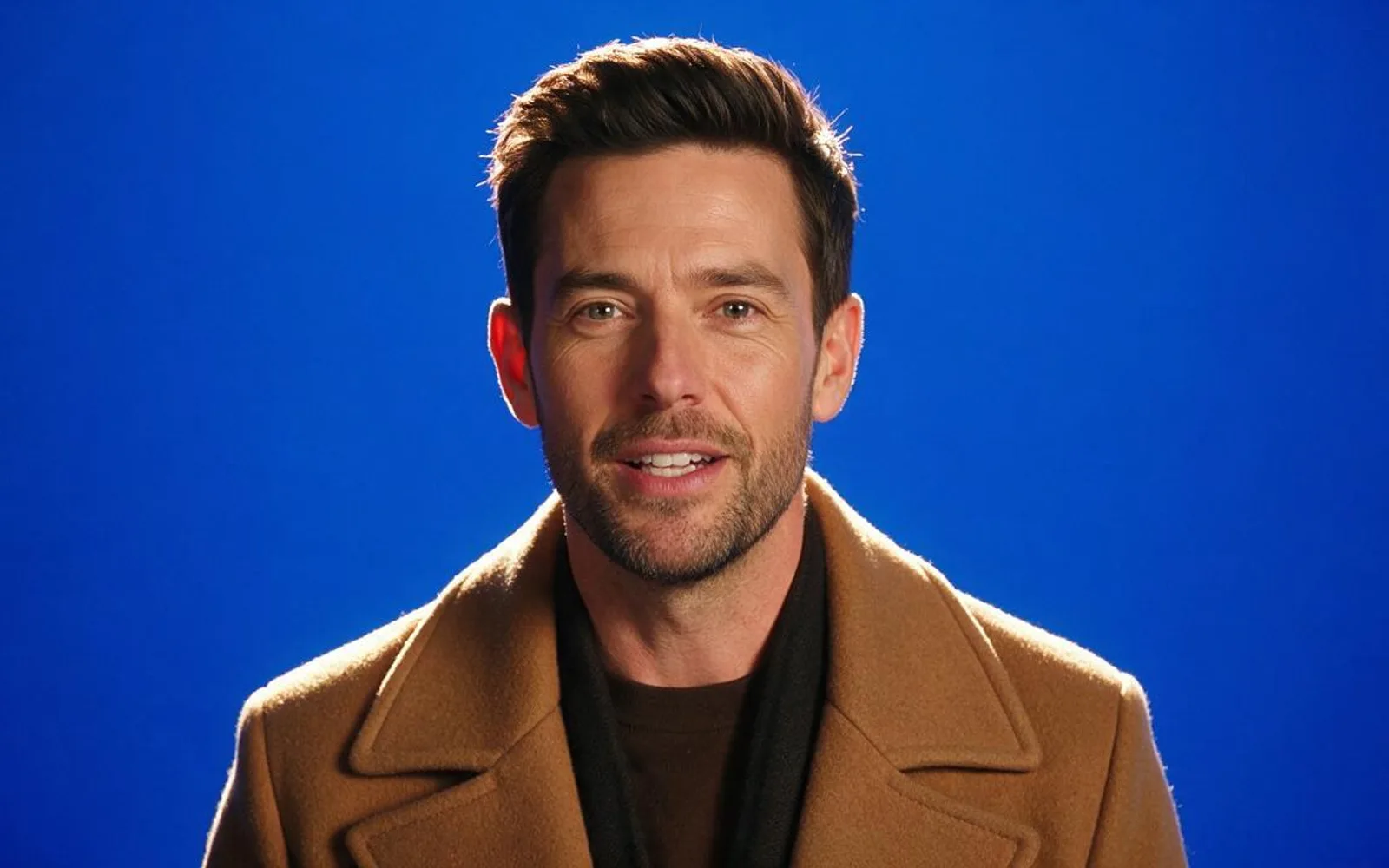
Complementary color blocking—such as a warm camel coat against a deep cobalt backdrop, or sage green against terracotta—makes your thumbnail pop out of a sea of beige and grey competitor videos.
A worked production example
A creator replaces random mid-sentence video frames with Expressive Close-Up covers generated in Seedream 5.0 Pro, keeping the same locked face and a consistent 4-word title zone across every post on their grid.
Before you generate motion
- The subject and title zone stay inside the center 3:4 grid crop.
- Eyes are wide open and sharp—never mid-blink.
- High tonal or color contrast separates the subject from the background.
Where Scro fits
Scro automatically generates a dedicated cover still for every video project and gives you Poster Studio with 2K Seedream 5.0 Pro + SAM 3 inpainting to craft custom carousel and Reel covers.
Design 2K Reel covers & posters in Scro. Finished samples are on the examples page.
Related: 唔出樣拍教學片:5 款解說動畫與圖表範例.