
5 Outdoor Scenes for AI Video Teleport
Relocate your talking-head clips into 5 cinematic outdoor locations—from golden hour city streets to glasshouse gardens—with Seedream examples.
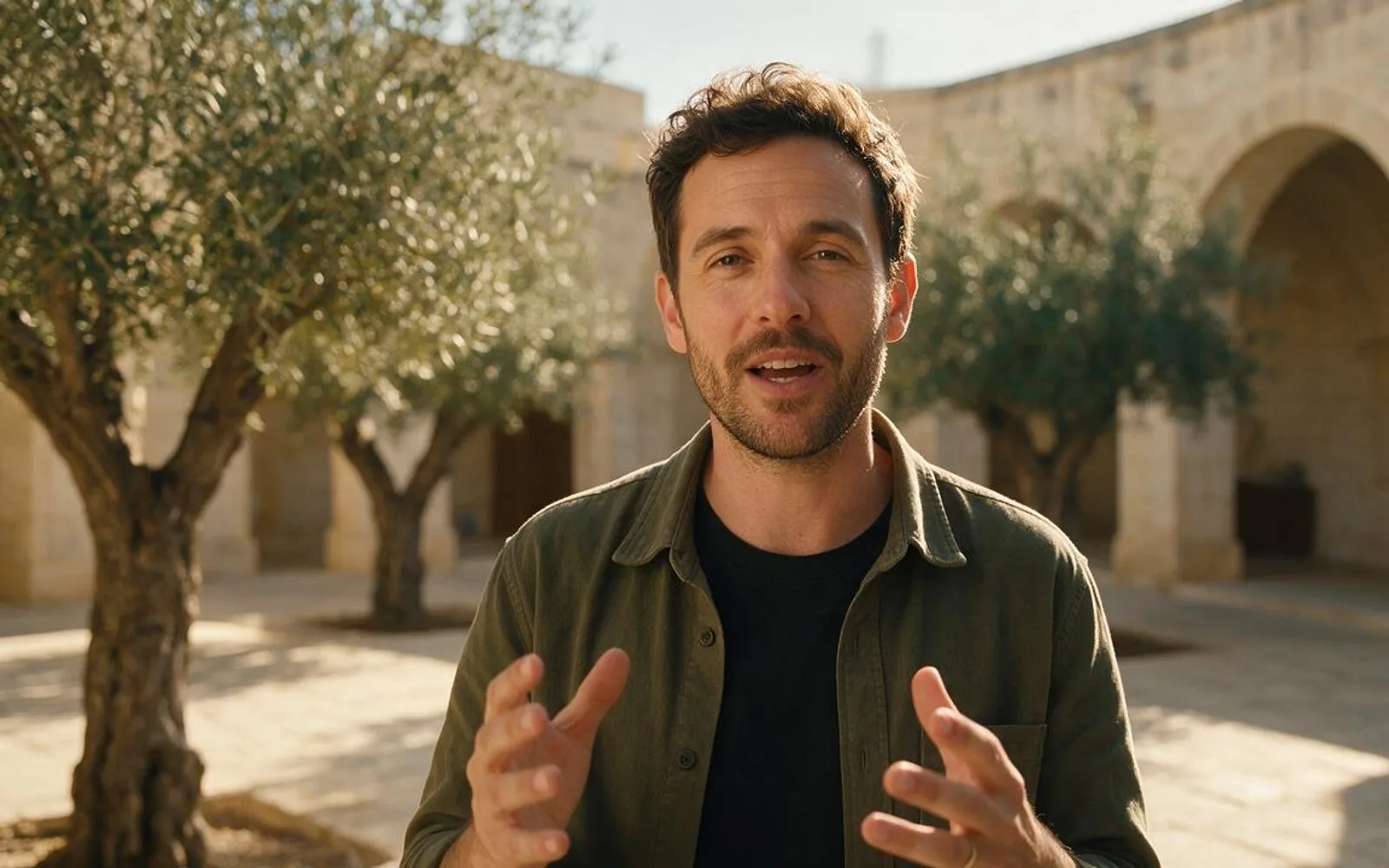
Filming outdoors in real life means fighting wind noise, passing pedestrians, changing clouds, and permits. With AI scene relocation and reference-to-video generation, you can record clean audio at your desk and place yourself—or your locked AI host—into an outdoor location that matches your brand's mood. The secret to believable outdoor AI video is choosing locations with natural depth perspective and matching the sunlight direction on the speaker's face. Here are five outdoor scenes that elevate vertical reels without looking like a flat green-screen key.
1. Golden Hour Tree-Lined Boulevard
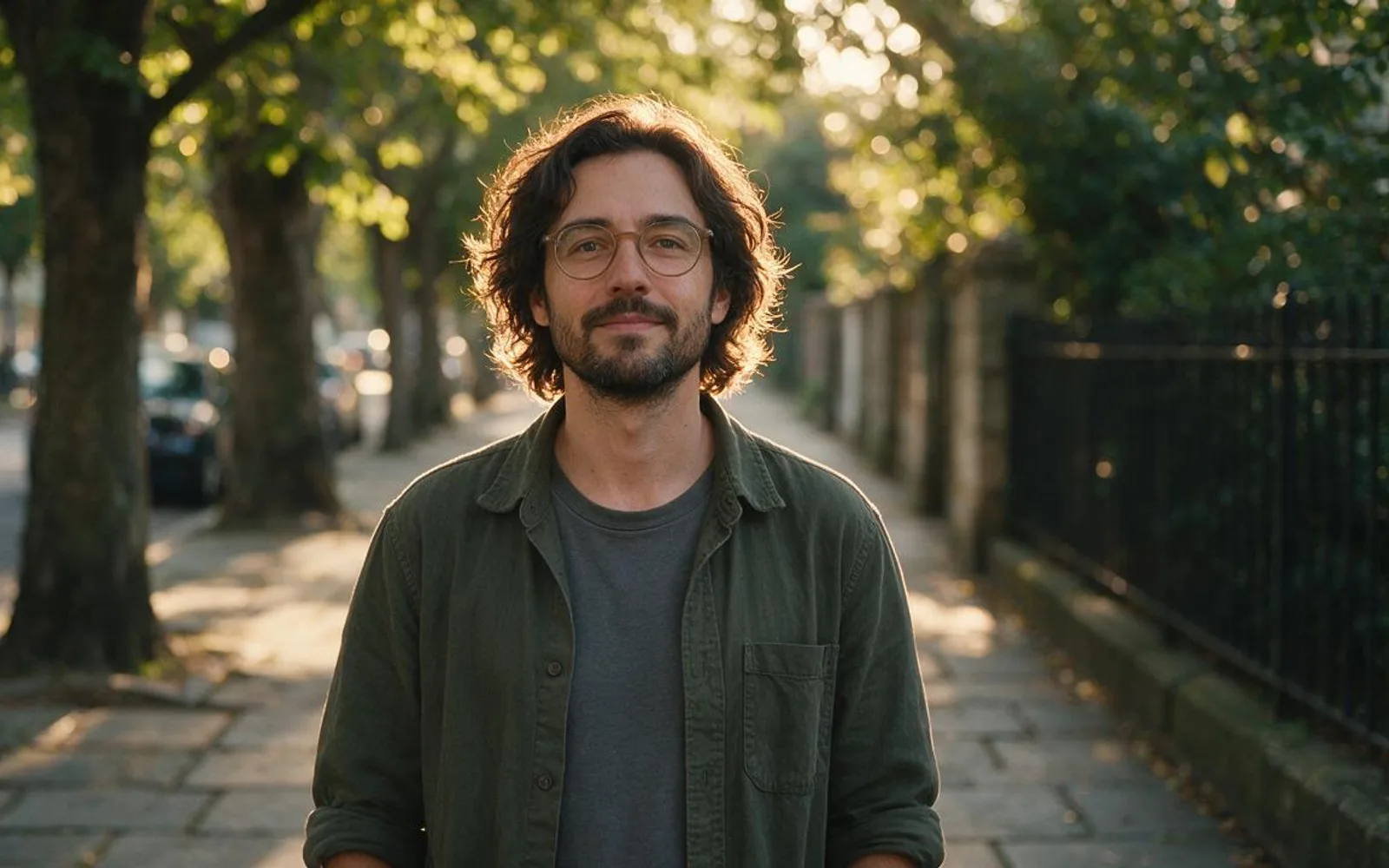
A tree-lined sidewalk with receding perspective lines gives the frame natural depth from foreground to horizon. Dappled afternoon sun through leaves creates organic circular bokeh that hides background detail while wrapping the speaker's hair in a warm rim light.
2. European Limestone Cafe Terrace
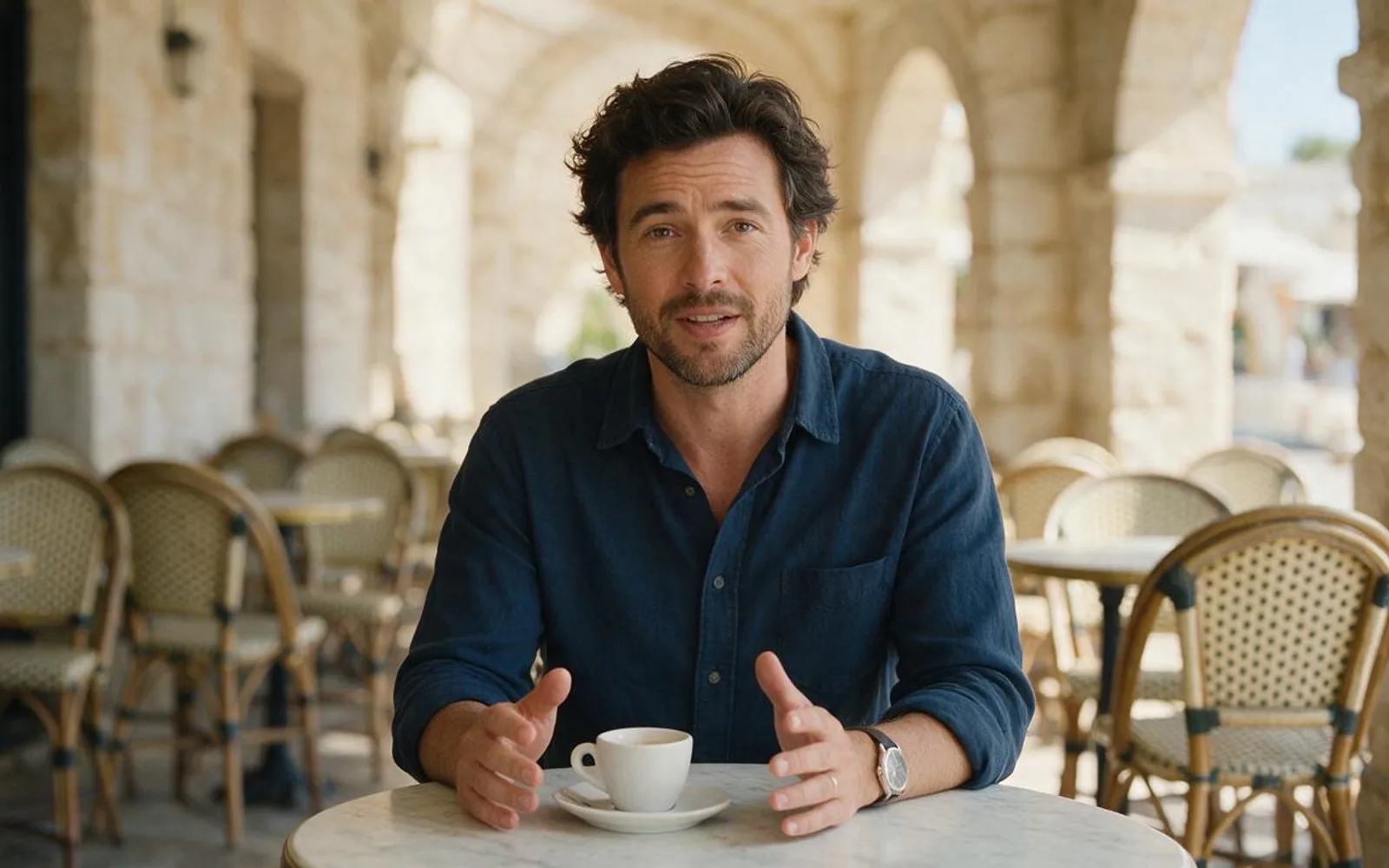
Seated terrace shots work seamlessly when relocating a desk-recorded video because your posture—sitting with forearms near a table—already matches a cafe table. Keep street signs and awnings out of frame or completely blank so no garbled lettering appears.
3. Sunlit Botanical Glasshouse Conservatory
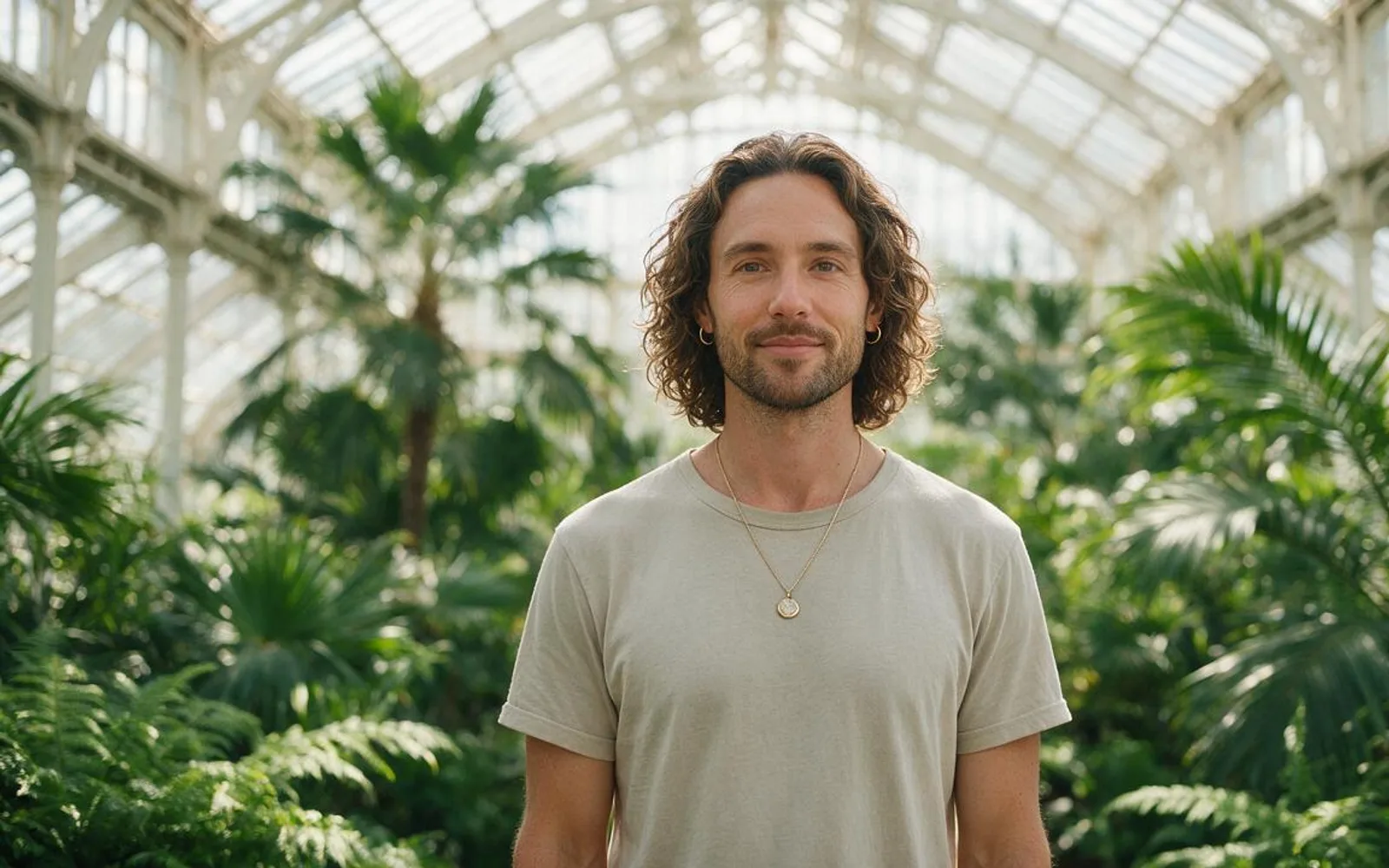
A glasshouse conservatory acts like a giant natural softbox: the glass roof diffuses overhead sunlight while deep green foliage provides rich color contrast against warm skin tones. Wellness, sustainability, skincare, and botanical brands use this setting to project freshness year-round.
4. Minimalist Limestone & Olive Courtyard

Warm travertine stone arches and subtle leaf shadows create a clean editorial backdrop for fashion, jewelry, homeware, and luxury hospitality reels. Because the stone palette is monochromatic, wardrobe textures and product colors take center stage.
5. Coastal Boardwalk & Overcast Ocean Horizon
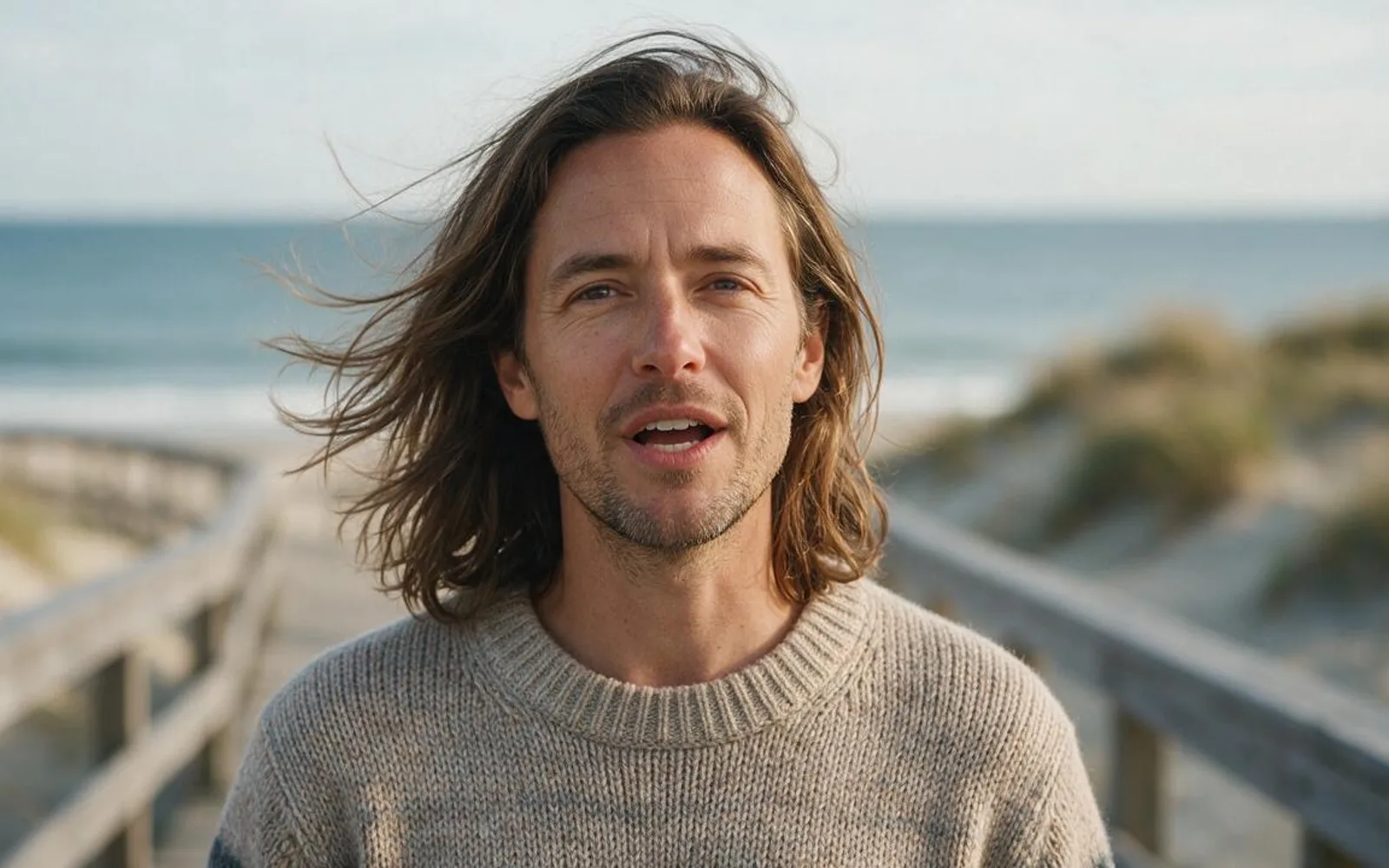
Overcast coastal light is nature's easiest match for indoor recordings: because the cloud layer diffuses the sky, there are no harsh nose shadows to mismatch your source clip. The calm horizon line in the background keeps the upper third completely clear for captions.
A worked production example
A travel gear founder records a 20-second backpack pitch seated at a desk, then uses Scro Teleport to place the shot onto a European Limestone Cafe Terrace for the hook and a Coastal Boardwalk for the durability test.
Before you generate motion
- Posture in the source clip (standing vs. seated) matches the outdoor setting.
- Sunlight direction on the face matches the sky and shadow angle in the background.
- Street backgrounds contain zero unreadable shop signs or license plates.
Where Scro fits
Scro Teleport relocates your original person and voice into any uploaded location photo or a freshly generated Seedream 5.0 Pro outdoor plate—no green screen required.
Teleport your video into an outdoor scene in Scro. Finished samples are on the examples page.