
5 Lighting Setups to Know for AI Video
See 5 essential lighting setups for AI video—from soft window key light to neon dual-tone—with visual examples and prompt recipes.
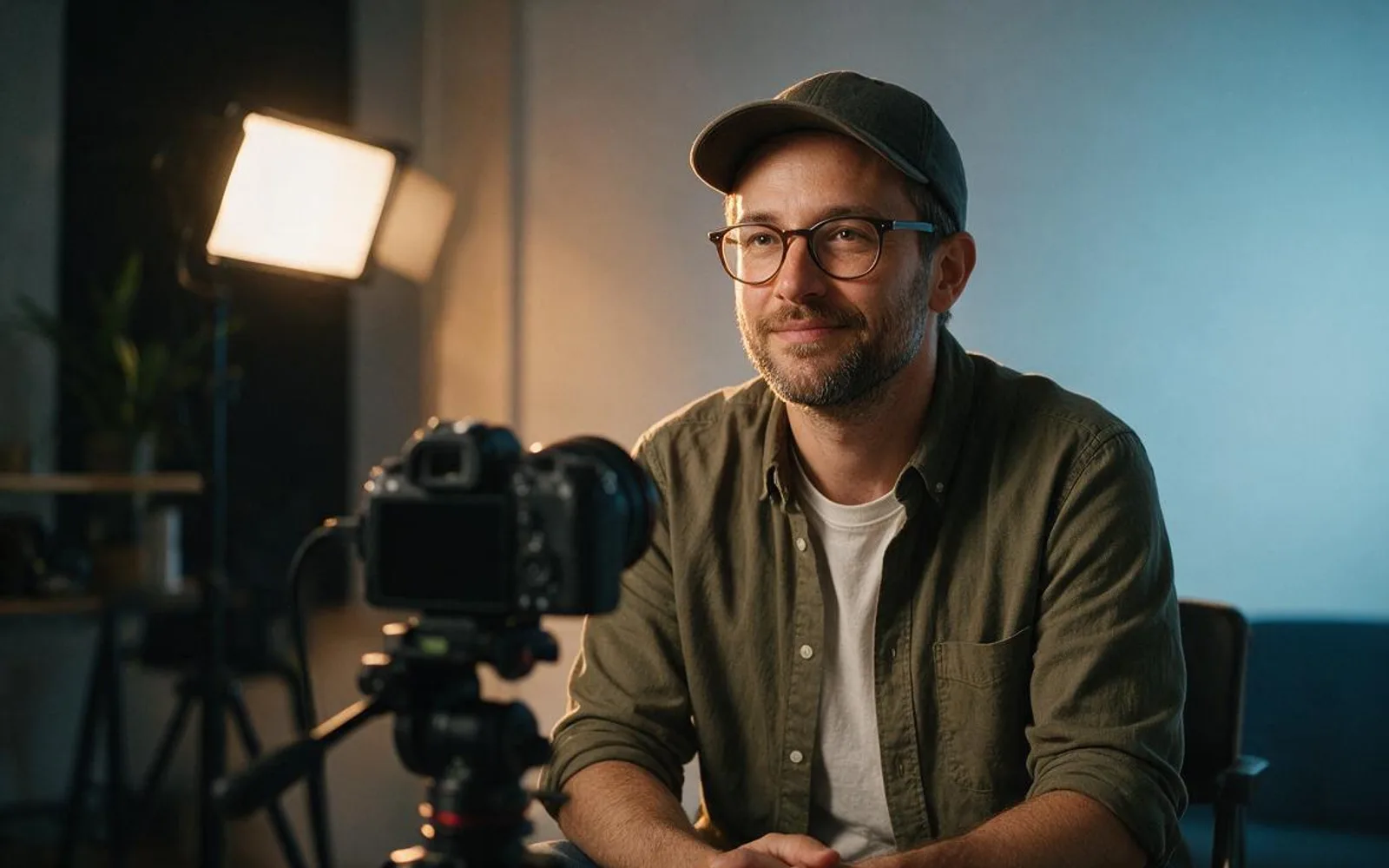
Lighting is the fastest cue viewers use to judge whether an AI video looks like a real camera shoot or a flat synthetic cutout. When a prompt only names a person and a room, the generator defaults to even, shadowless illumination that makes skin look waxy and separates the speaker from the background. Naming one specific lighting direction, color temperature contrast, and shadow falloff gives the still frame real depth before a single frame of motion runs. Below are the five core lighting setups every AI video creator should know, complete with generated reference examples and how to lock each look.
1. Soft Window Key Light (45-Degree Daylight)
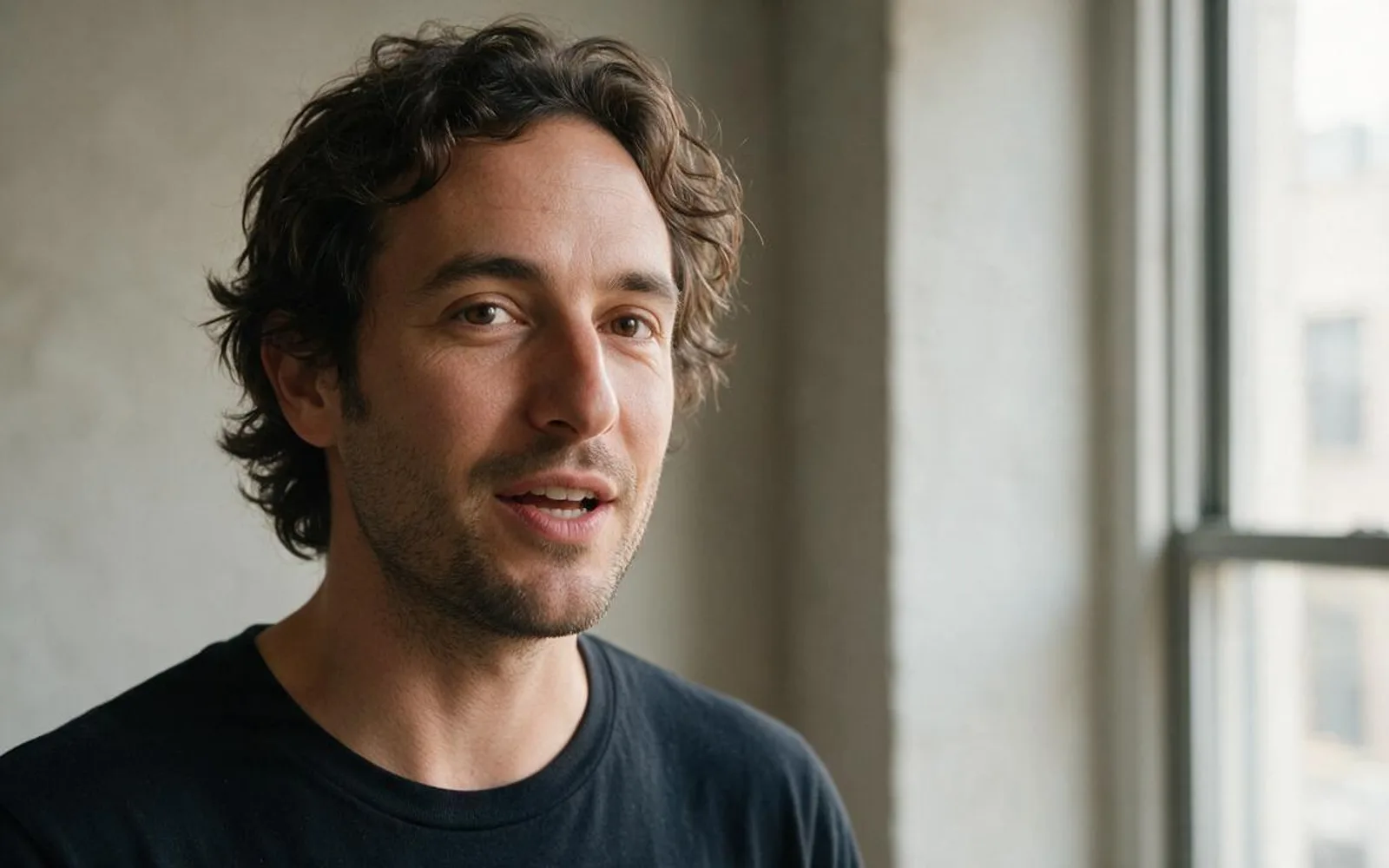
Soft window key light is the gold standard for everyday founder updates, educational talking heads, and service explainers. Place a large diffused daylight source 45 degrees to one side of the camera so the near cheek is brightly lit while the far cheek drops into a smooth, readable shadow. That gentle gradient defines the jawline and nose bridge without harsh lines, and it leaves a clean rectangular catchlight in both eyes. When approving your start frame, check that the background wall is one stop darker than the face so the speaker naturally separates from the room.
2. Golden Hour Rim & Backlight

Golden hour rim light puts the sun behind the speaker at a low angle so hair strands and shoulders catch a warm amber halo while a soft front bounce keeps the eyes and mouth clear. This setup immediately signals outdoor lifestyle authenticity, travel, or personal storytelling. The rule that saves the shot is front fill: never let the face drop into a dark silhouette when the person needs to lip-sync. Inspect the approved still to confirm the iris and lip edges remain crisp while the amber rim stays on the hair and shoulder line.
3. Rembrandt 45-Degree Studio Contrast
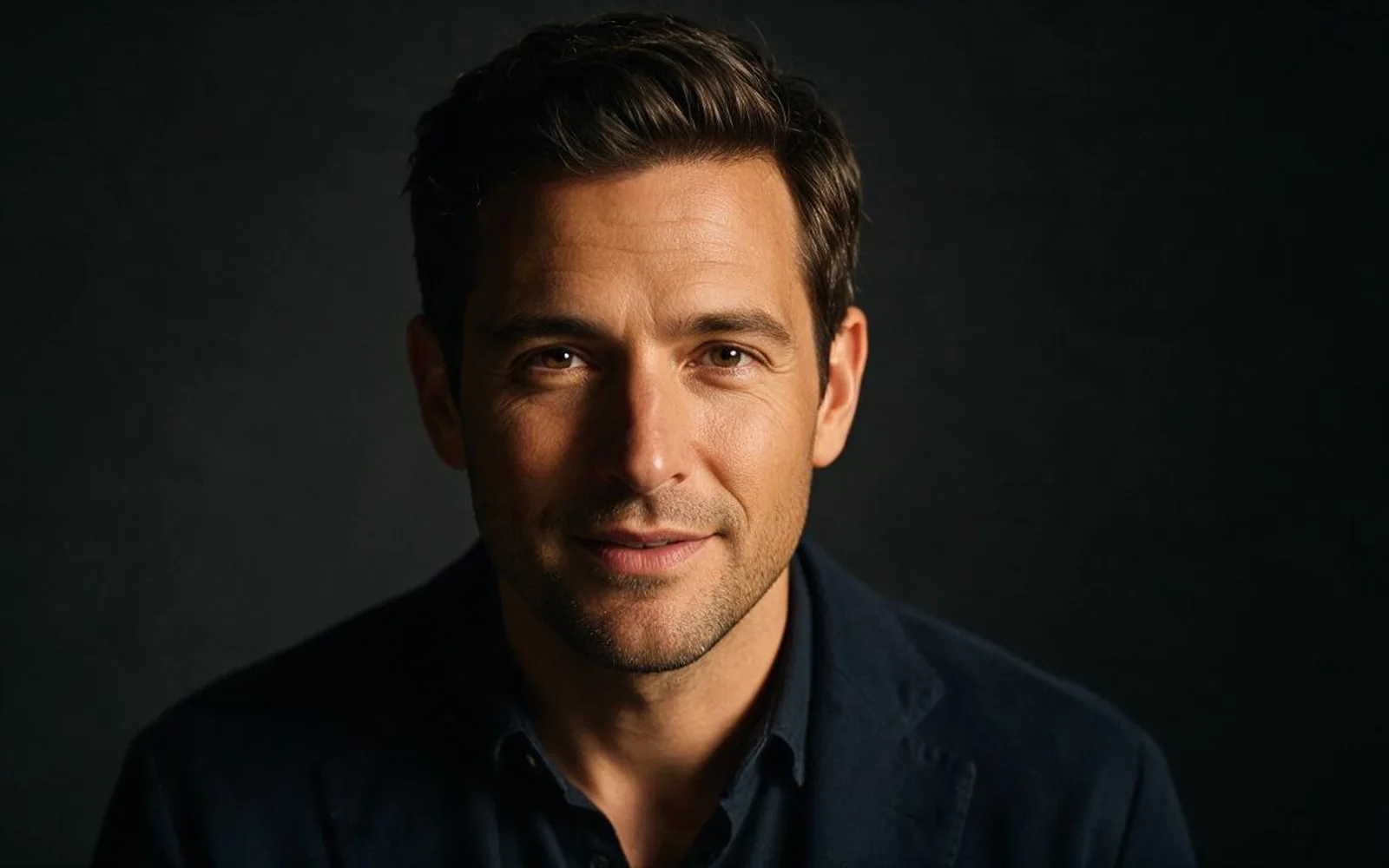
Rembrandt lighting raises the key light slightly above eye level and angles it until a small triangle of light appears just beneath the eye on the shadow side of the face. Use this look for high-ticket consulting, book hooks, finance breakdowns, and podcast clips where authority matters more than casual chatter. Because half the room falls into deep shadow, viewers focus entirely on the speaker's eyes and mouth movement. Reject any frame where the dark side of the face clips into pure black noise; you still want subtle ear and jaw detail in the shadows.
4. Neon Dual-Tone Cyber Contrast (Warm vs. Cool)
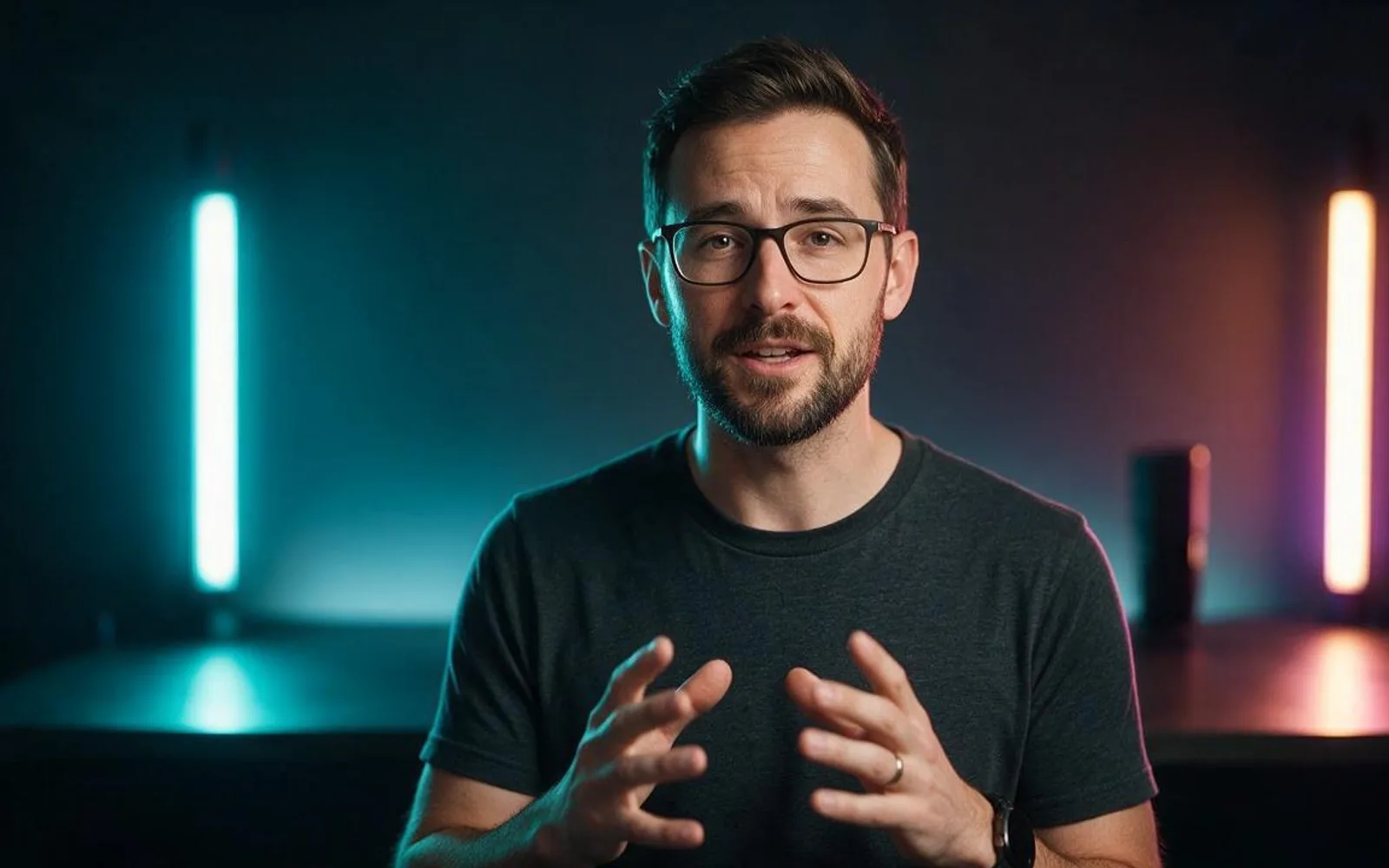
Dual-tone lighting pairs two opposite color temperatures—typically a cool cyan or teal key on one side and a warm amber or magenta rim on the opposite edge. Tech reviewers, gaming channels, music producers, and night-life brands use this contrast to stop the scroll in dark-mode feeds. Keep the light hitting the center of the face closer to neutral or soft cyan so skin tone stays believable, and restrict the saturated neon color to the jawline, neck, and shoulder edge.
5. High-Key Clamshell Beauty Light
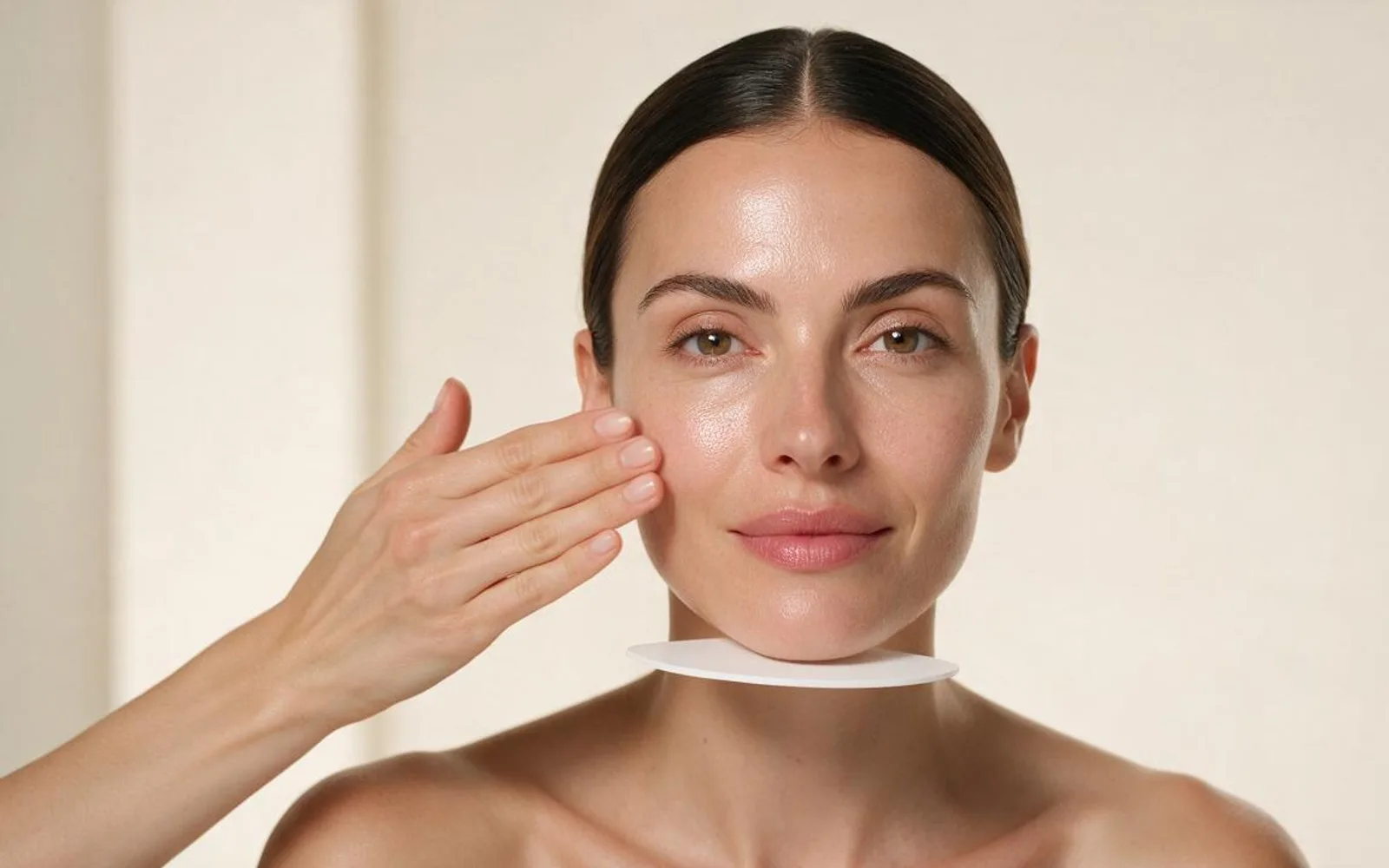
Clamshell lighting stacks a large diffused key light slightly above the camera and a white bounce reflector right below chest level, wrapping the face in clean, shadow-free illumination. Skincare, cosmetics, dental, and clinical wellness brands rely on this setup because it erases dark under-eye circles without blurring real skin pores. When checking the still frame, verify that the nose bridge and philtrum still retain natural micro-texture—if the face looks airbrushed into plastic, lower the fill intensity before generating video.
A worked production example
A skincare founder tests two versions of the same 20-second hook. The first uses a generic prompt with no lighting direction; the resulting frame looks flat and grey. The second specifies High-Key Clamshell Beauty Light for the morning routine beat and Golden Hour Rim Light for the outdoor payoff beat, keeping the exact same locked face across both clips. Watch time past three seconds jumps because the skin texture and eye catchlights read like a real studio camera.
Before you generate motion
- Both eyes show a clean catchlight matching the key light direction.
- Skin pores and jaw edges remain sharp rather than smoothed into plastic.
- The background is at least one stop darker or lighter than the speaker's face.
Where Scro fits
In Scro you can lock your host's face once and apply any of these five lighting directions on the start frame—or use Scro Swap's 17-look studio relight to transform existing footage into Golden Hour, Neon Cyber, or Soft Window daylight.
Test these lighting setups in Scro. Finished samples are on the examples page.
Related: 5 Night & Low-Light Looks for AI Video.