
5 Framing Rules for 9:16 Vertical Reels
Keep your 9:16 vertical AI reels clean and readable with 5 proven composition rules—illustrated with Seedream visual examples.
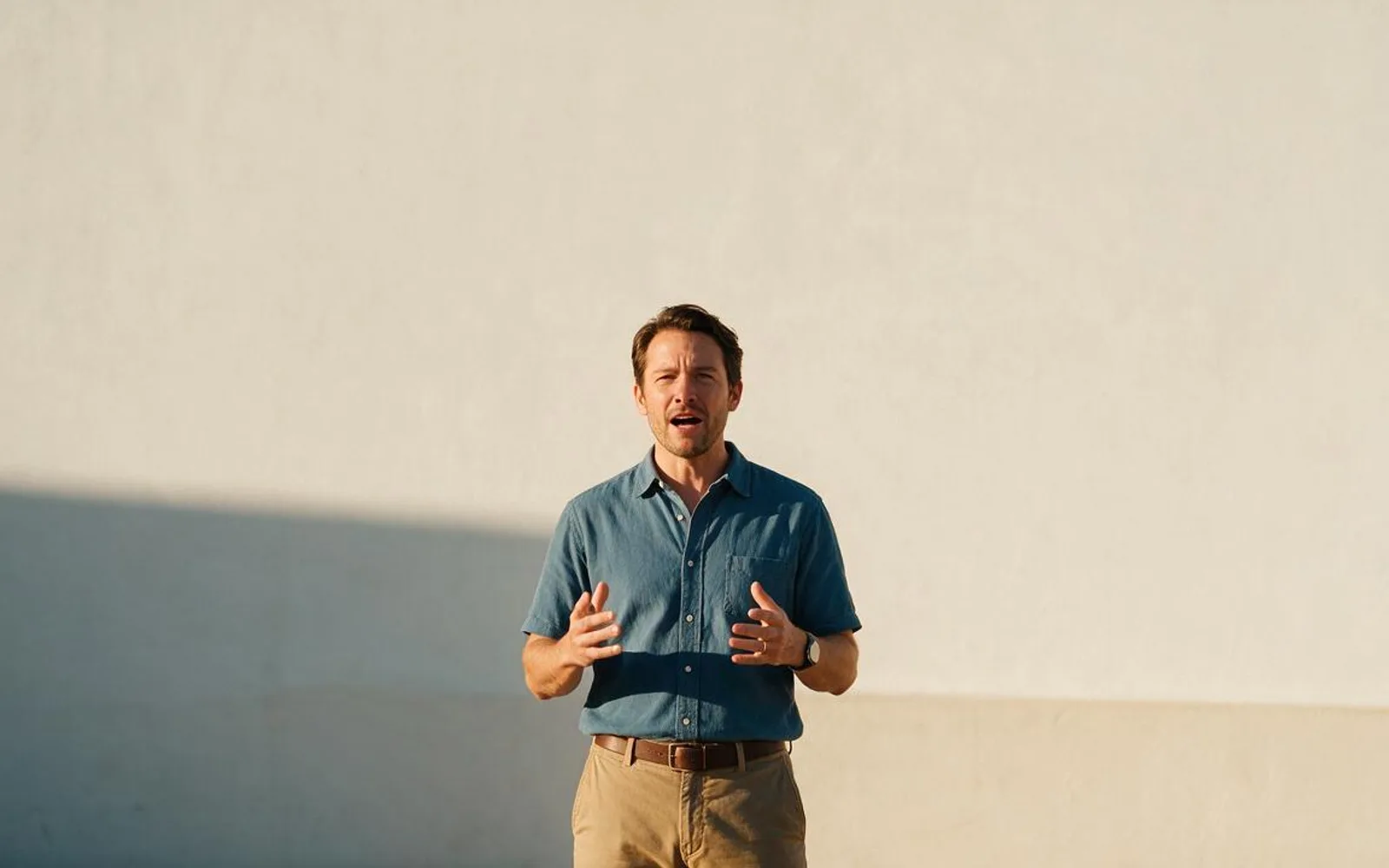
Vertical 9:16 video is not just a horizontal shot with the sides chopped off—it is a tall column where platform buttons cover the bottom and right edges while captions need a clean home in the upper-middle. If your AI start frame fills the top third with busy shelves, hanging lamps, or the speaker's forehead, your burned-in captions become unreadable. Below are five vertical framing compositions that make both your subject and your captions pop on Reels, TikTok, and Shorts.
1. Upper-Third Negative Space (Caption Safe-Zone Framing)
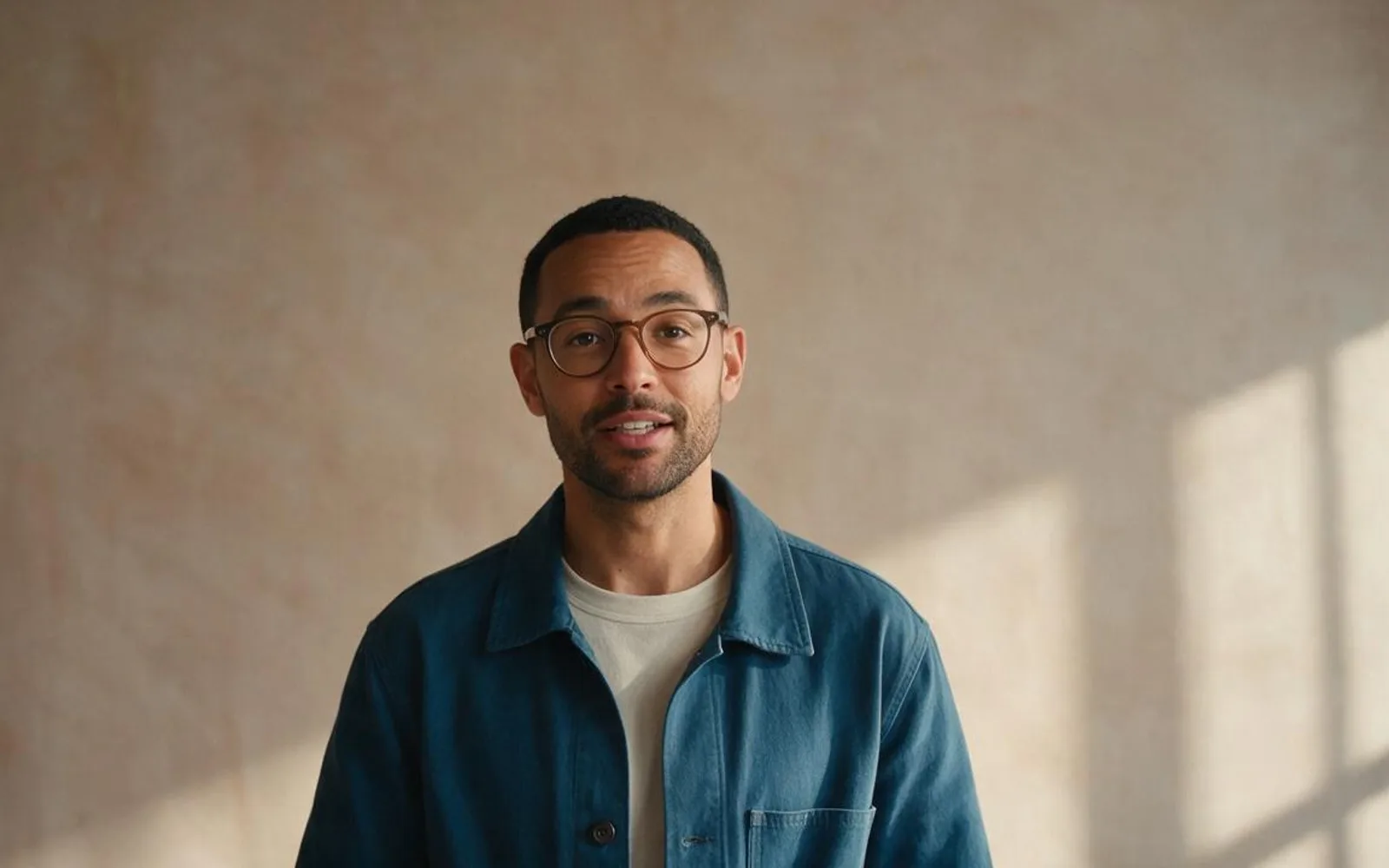
Place the speaker's eyes just below the horizontal centerline so the top third of the frame is an uncluttered sky, ceiling, or matte plaster wall. That quiet upper zone lets burned-in hook titles and two-line captions read effortlessly on mute without ever touching the speaker's eyebrows.
2. Center-Locked Wes Anderson Symmetry
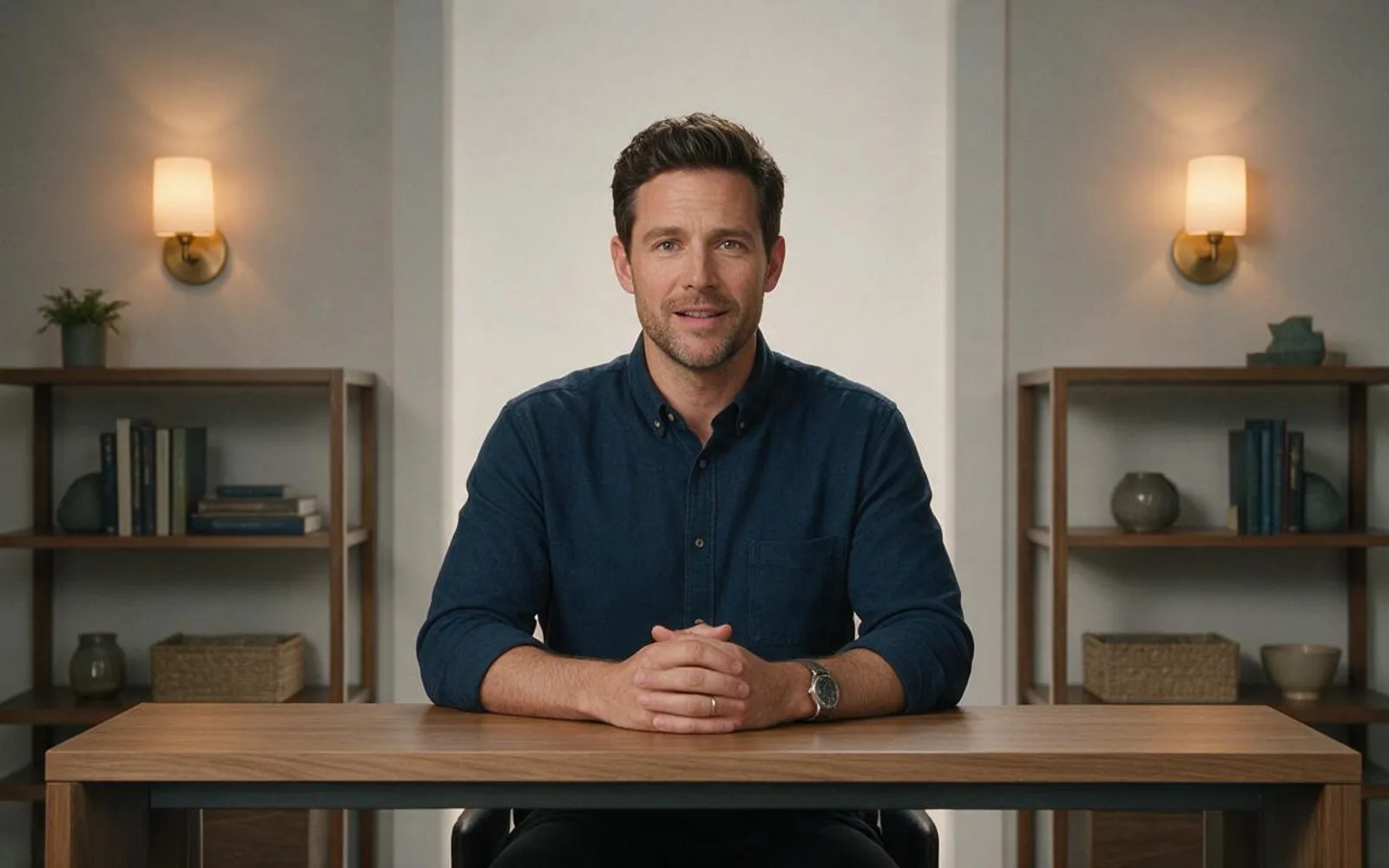
Dead-center symmetry—where the speaker's nose bridge aligns with the exact vertical center and architectural lines mirror left and right—stops fast scrollers because order contrasts with chaotic feeds. Keep desk props minimal and symmetrical on both sides.
3. Off-Center Rule-of-Thirds (Prop & Gesture Pocket)

When your host needs to hold up a product bottle or point at a visual prop, shift their torso slightly toward one vertical third line and open up the opposite side as a dedicated display pocket. That prevents the product from blocking the speaker's mouth during lip-sync.
4. Foreground Depth Blur (Three-Layer Framing)

Placing an out-of-focus element—a coffee cup rim, a plant leaf, or a doorframe edge—in the lower corner of the foreground creates instant three-layer cinema depth (foreground, sharp subject, blurred background). Make sure the foreground blur stays near the frame edge and never crosses the chin or hands.
5. Clean Table-Edge Anchor for Hand Gestures

Floating torso shots sometimes feel weightless when the bottom of the frame cuts awkwardly at the elbows. Anchoring the bottom fifth of the shot with a clean wooden desk or counter surface gives the speaker's hands a natural resting place and keeps gestures grounded.
A worked production example
A nutritionist switches from tight forehead-cropping selfies to Upper-Third Negative Space framing anchored by a clean kitchen counter edge. Their burned-in 13-style captions sit in the calm upper wall space without covering their eyes, boosting silent-viewer completion rate.
Before you generate motion
- The top third of the frame is calm enough to read white or yellow captions.
- Important props and hands stay clear of the right-edge icon column.
- Foreground depth elements never block the speaker's mouth.
Where Scro fits
Scro generates native 9:16 start frames with clean caption headroom and burns in 13 animated subtitle styles positioned inside the multi-platform safe zone.
Compose 9:16 reels with burned-in captions in Scro. Finished samples are on the examples page.
Related: 5 款高留存 AI 口播鏡頭角度範例.