
OfferNew accounts keep every subscription at 85% of the list price, forever, plus 145 free credits. Extra credit packs include 5% more.
Create account세 가지 동작
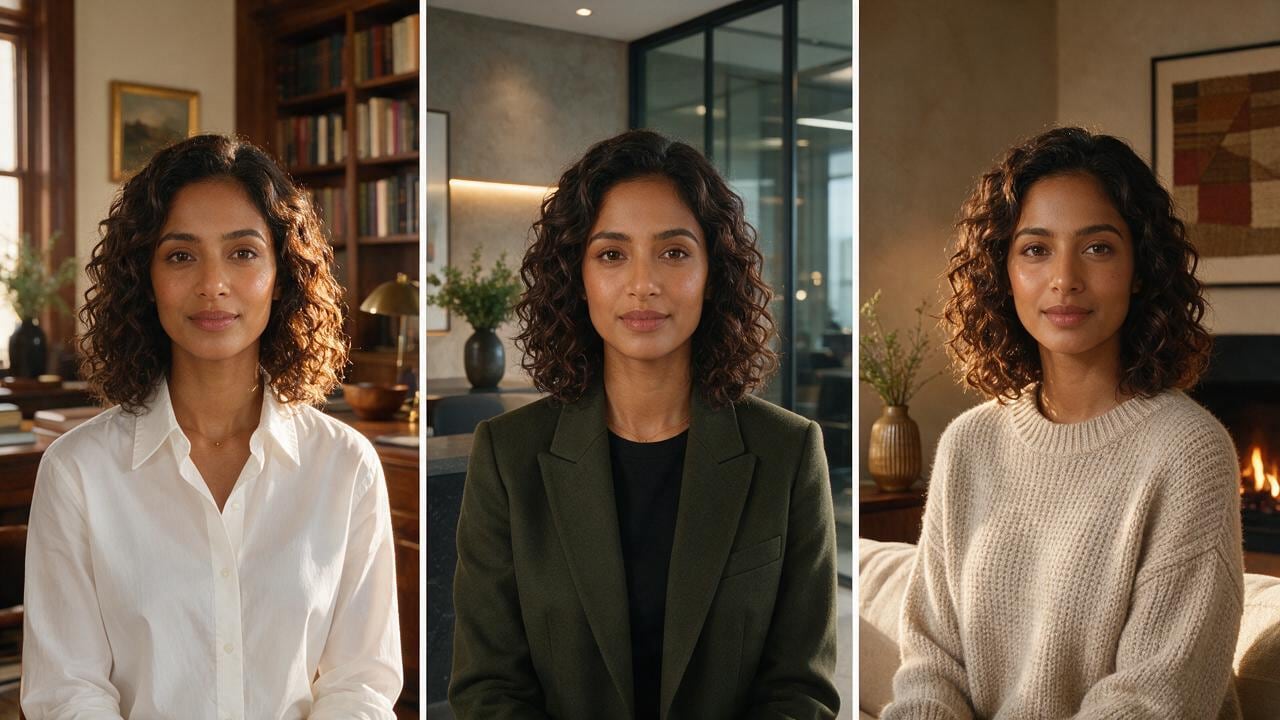
의상, 대본, 완료——자막도 함께.
촬영팀도 프롬프트 강의도 불필요. 룩을 고정하고 할 말을 쓰면 Reels용 자막 토킹헤드가 나옵니다.
AI 초안 + 사람 마무리
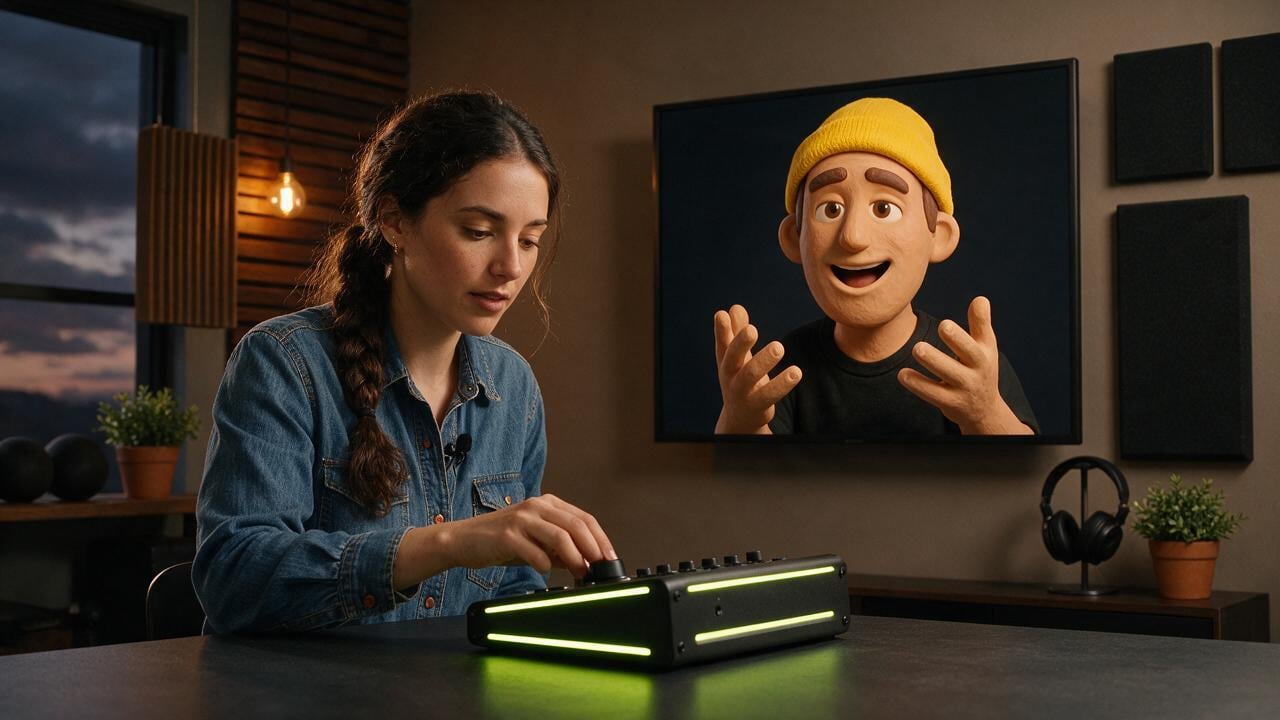
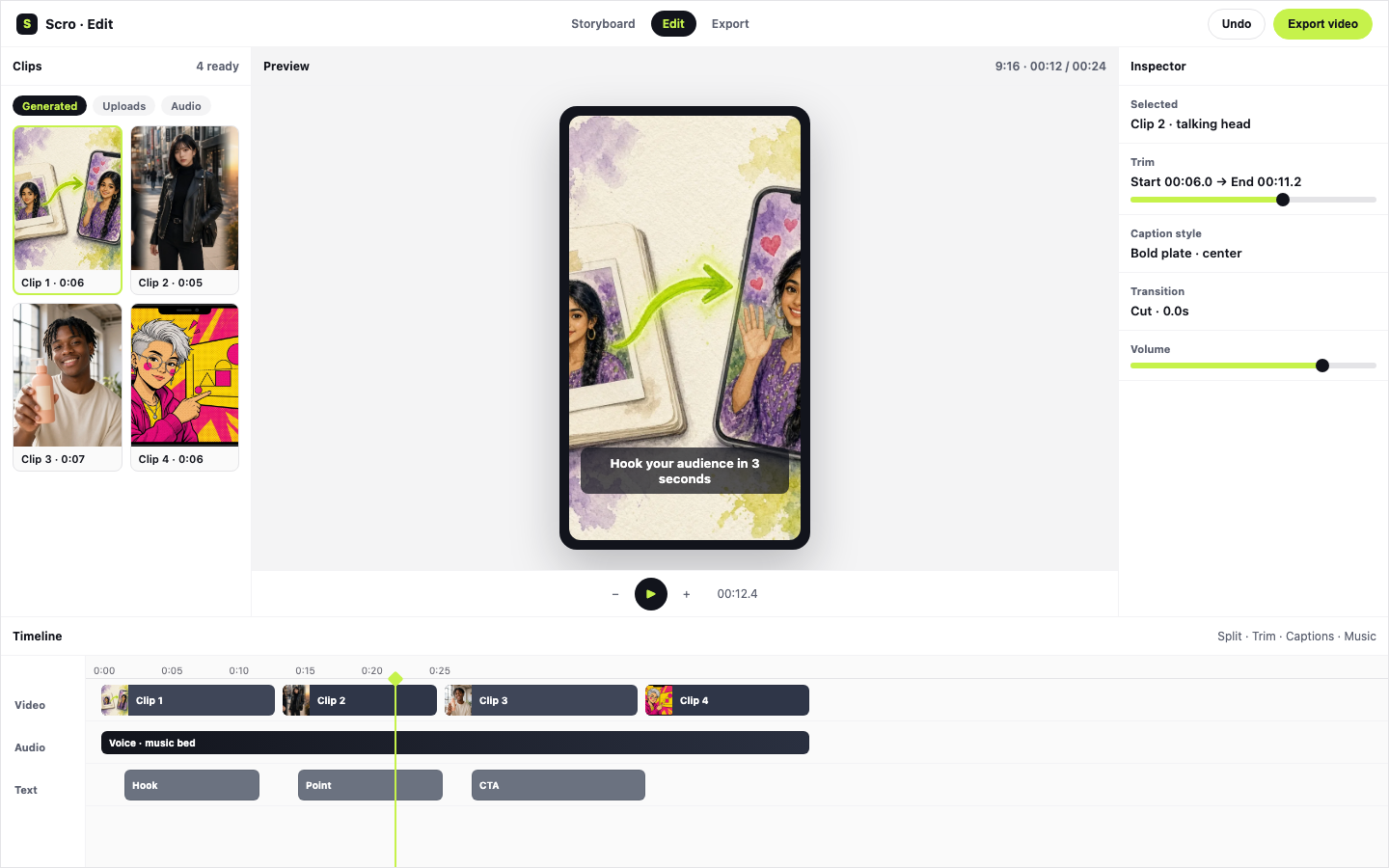
빠르게 생성. 편집자처럼 마무리.
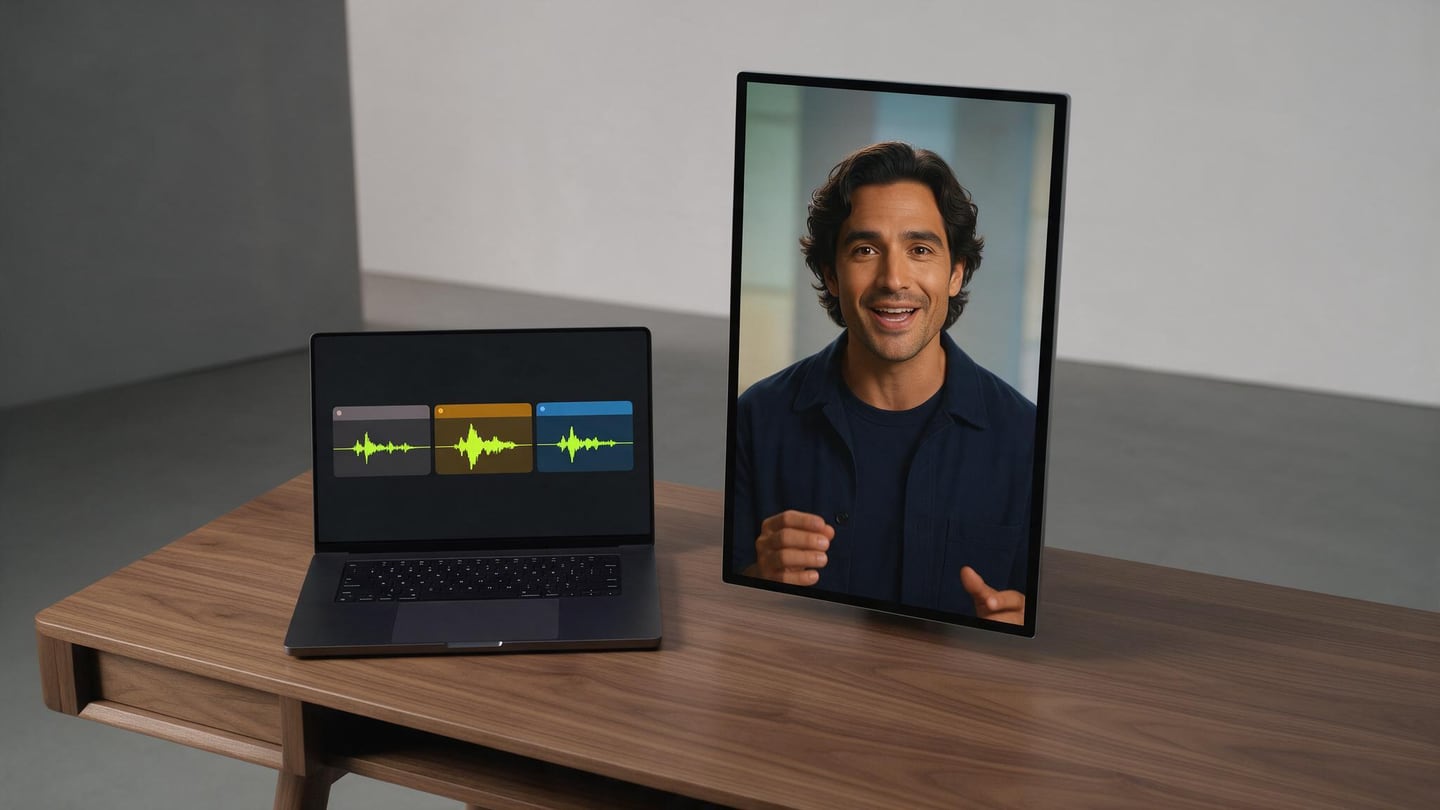
속도와 질감의 균형: AI가 토킹헤드를 만들고, 트림·효과음·BGM 후 같은 데스크에서 Reel보내기.
트림과 페이스
침묵을 자르고 훅을 조이며 읽기를 자연스럽게.
효과음과 BGM
목소리 아래 사운드 디자인——Scro를 떠나지 않음.
Reel보내기
9:16로 Reels, Shorts, TikTok에.
New in Scro Studio · Creator Engine
From live mic voice cloning & sketchboards to AI auto-editing.
Four built-in studio upgrades remove the friction between your raw idea and a retention-ready vertical reel — all inside one workspace.
01 · Mic Recording & 21 Languages
In-browser mic recorder + 21 voiceover languages
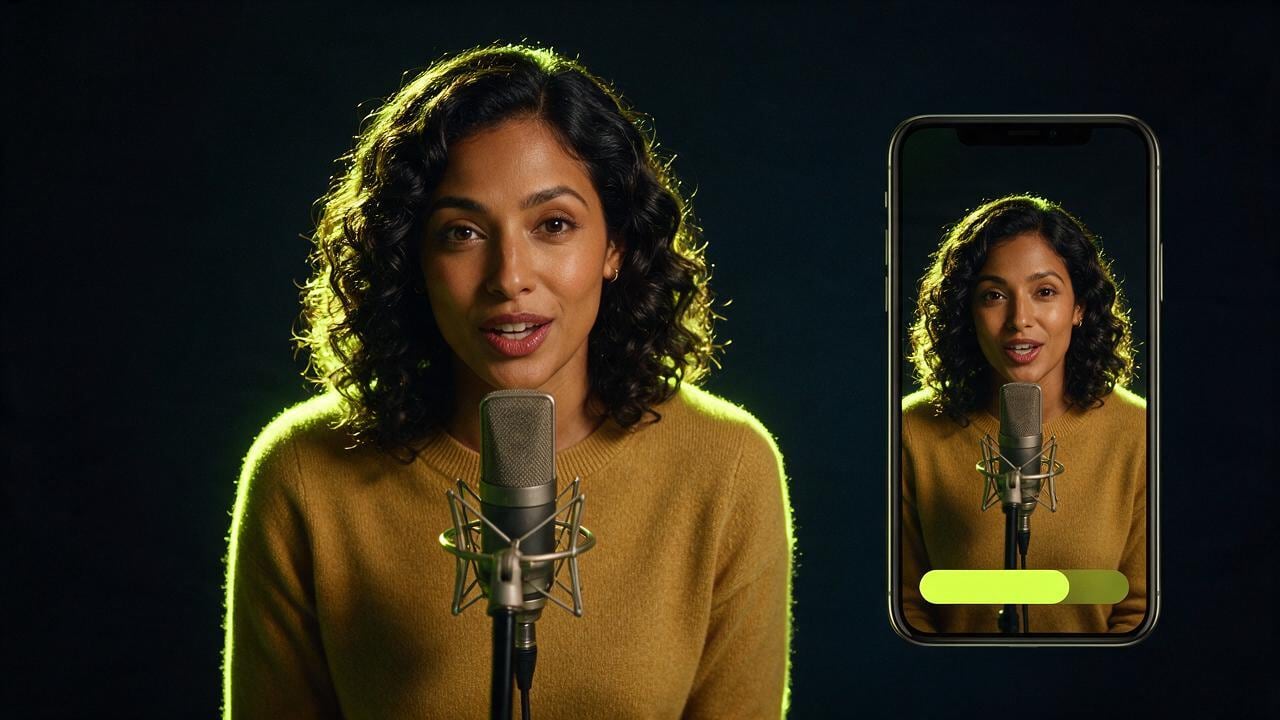
Record a 15-second voice sample right in your browser with built-in teleprompter scripts, or upload audio files. Clone your voice and generate videos across 21 matched languages including English, Cantonese, Mandarin, Japanese, Korean, Spanish, Indonesian, and more.
Live Mic RecorderBuilt-in Teleprompter21 Matched Languages
02 · Storyboard Sketchpad & AI Chat
Draw rough layout sketches + co-write clips with AI
In Step 03 Storyboard Drafts, add custom clips, sketch where characters and diagrams sit on a canvas, or chat with the AI assistant on the right to draft visual explanations and VO lines from your script — or leave it blank for full AI auto-planning.
Interactive SketchpadAI Draft ChatroomOptional Auto-Plan
03 · Silence Trim & Free Stock B-Roll
Auto dead-air removal + 1-click Stock B-Roll cutaways
OpenCut analyzes audio RMS on load to trim leading and trailing dead air with smooth 15ms micro-fades so clips flow without awkward pauses. Search free stock photos & videos in-panel or click Auto Insert B-Roll to overlay cutaways automatically.
Auto Silence TrimSeamless Clip Flow1-Click Stock B-Roll
04 · Artistic Subtitles & Root Face Lock
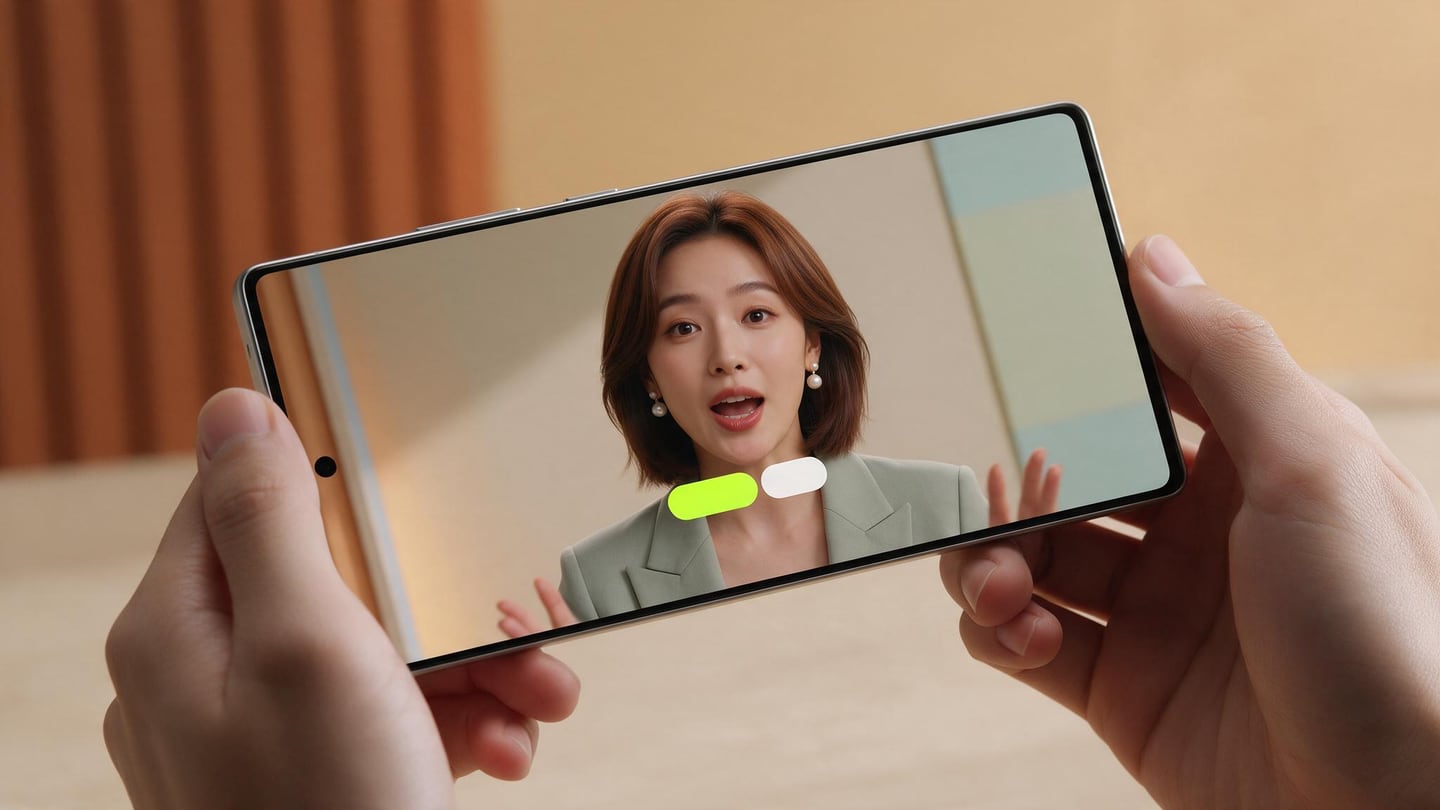
13 artistic caption styles, Google Fonts & drift-free wardrobe
Generate editable native subtitle tracks from your VO in one click with 13 artistic presets (stroke, 3D shadow, neon glow, pill strips) and bilingual Google Fonts — while root-anchored wardrobe edits keep facial geometry 100% identical from v1 to v10.
13 Artistic CaptionsBilingual Google FontsDrift-Free Wardrobe Lock
Examples
Talking-head, before the polish.
Living room, vertical frame, wardrobe already picked, or a podcast desk.
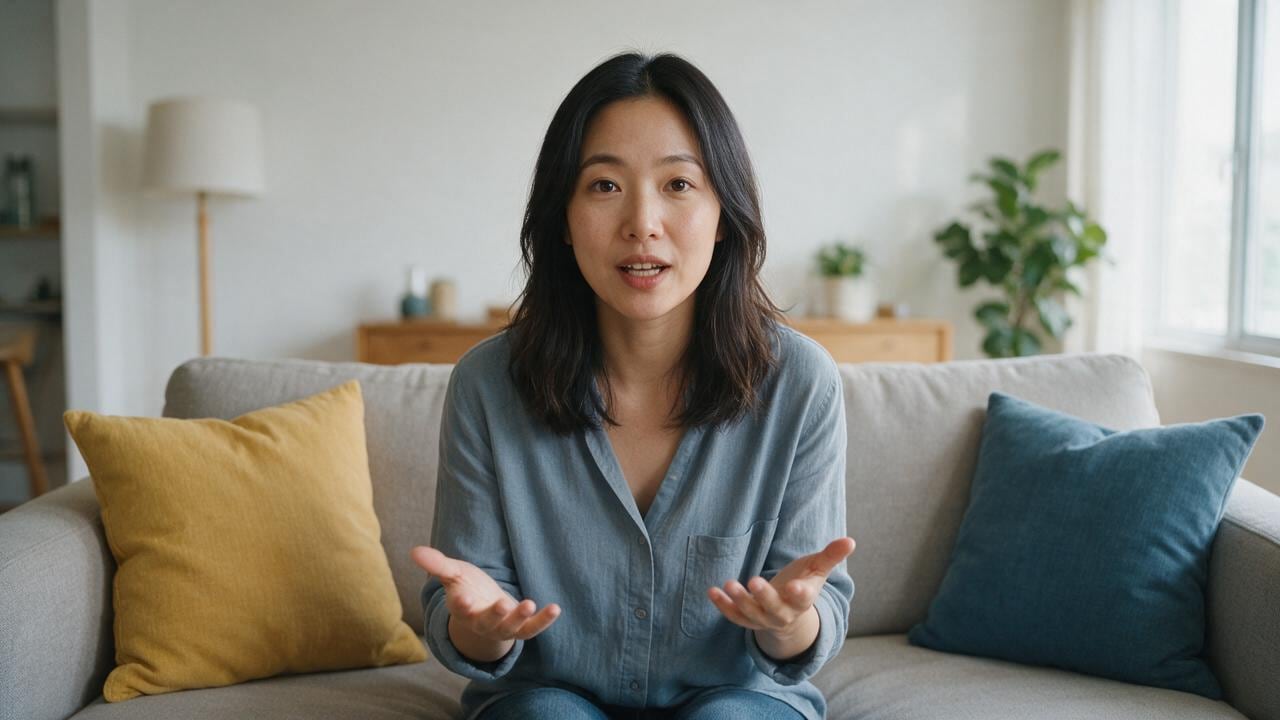
Living-room host
Speak from the sofa. No crew in the shot.
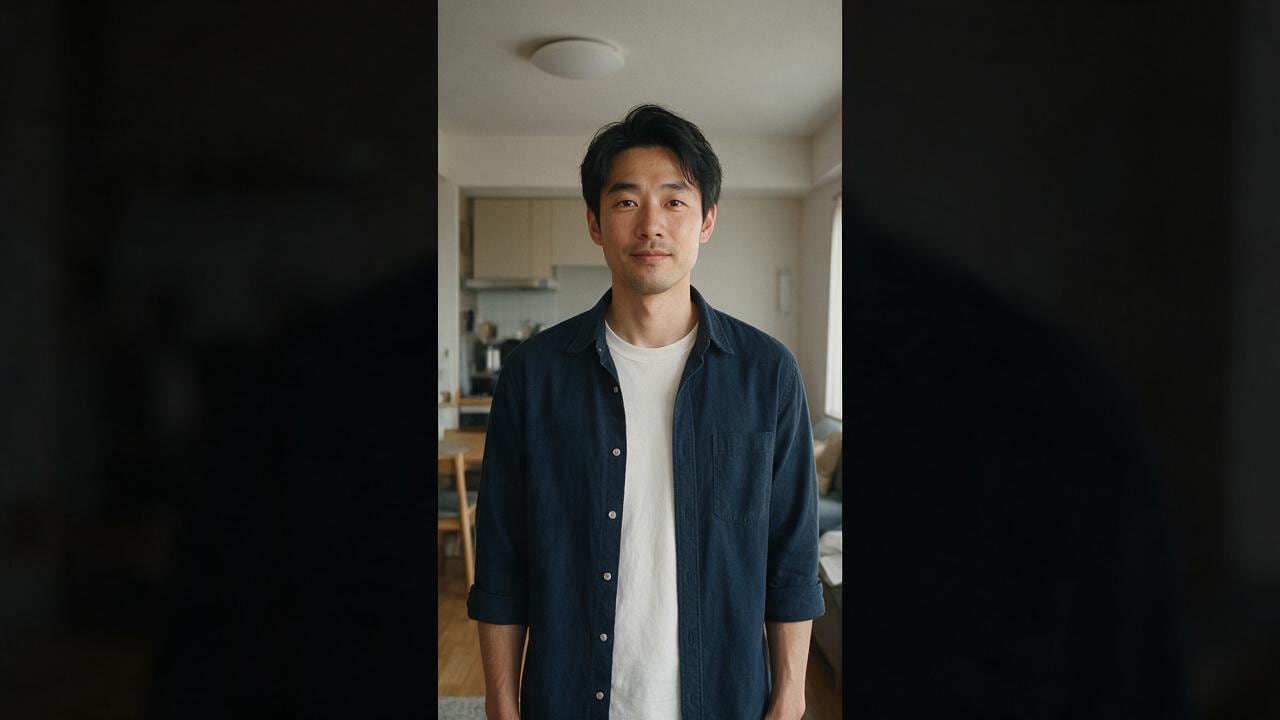
Vertical frame
Composed for a phone, head fully in frame.
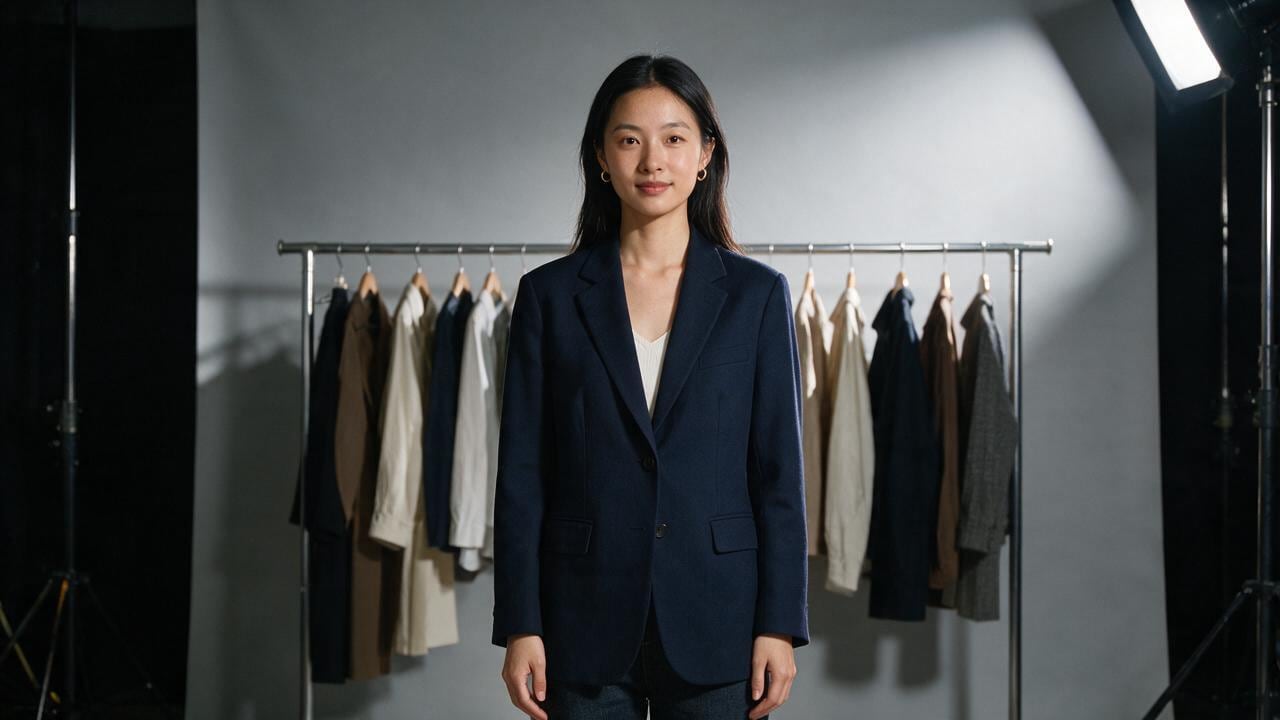
Wardrobe locked
The outfit is chosen before you hit generate.
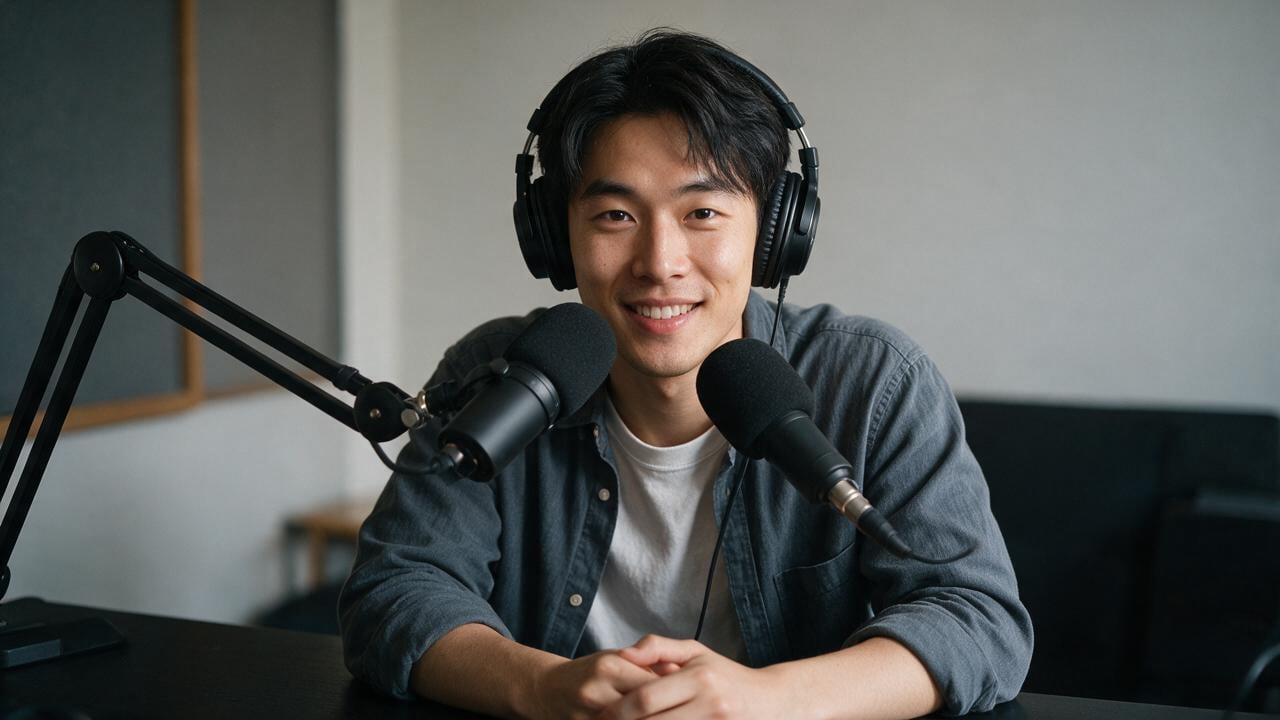
Podcast desk
Mic, headphones, a darker talking-head setup.
게시물
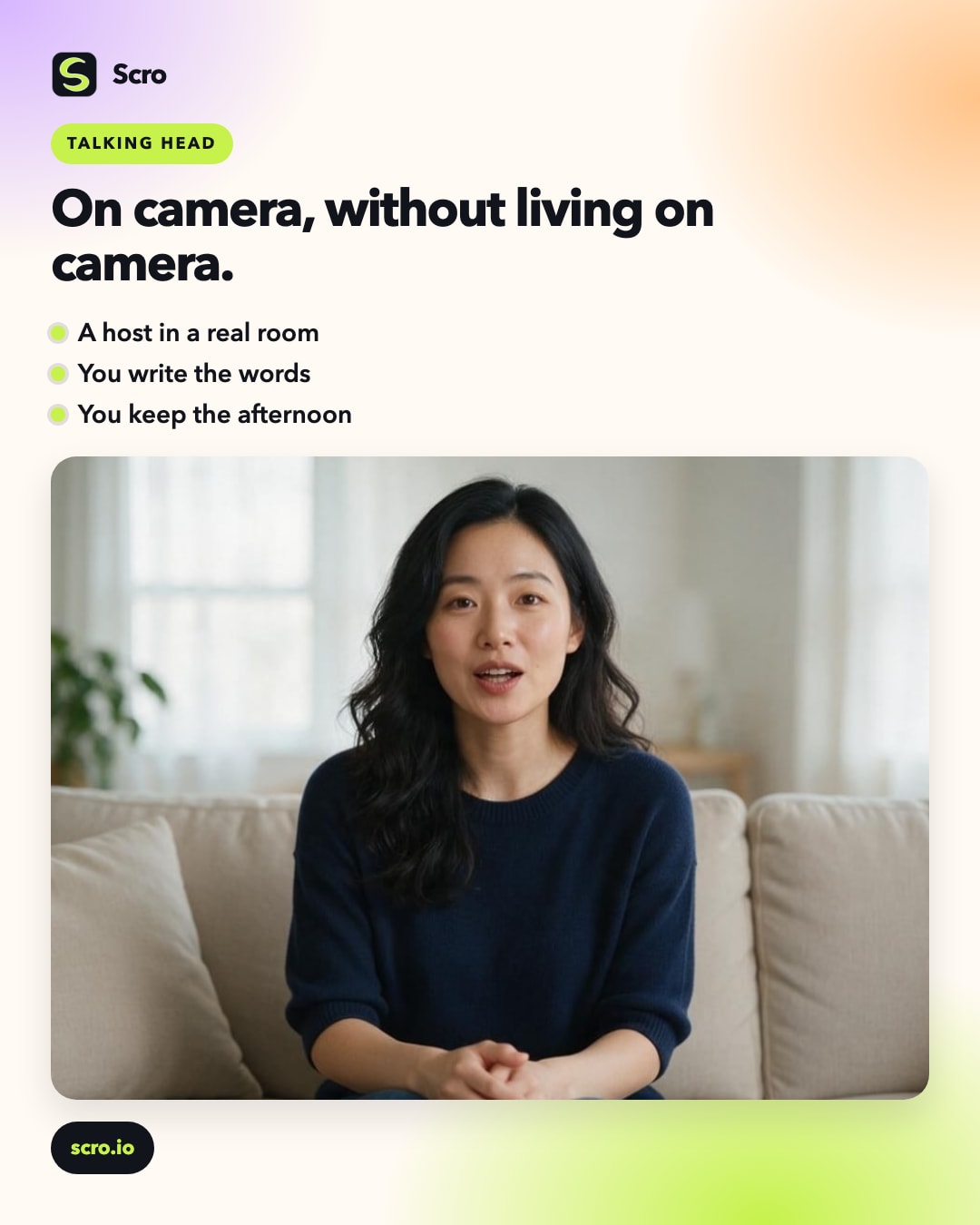
You, on camera, without living on camera.
A talking-head film is a person looking at the audience and saying one thing clearly. It does not require you to set up lights every morning.
The character sits in a real room: a sofa, a phone frame, a wardrobe, a podcast desk. The shot feels like a creator filming at home, because that is the grammar people already trust.
You write the words. Scro keeps the face, the voice, and the framing. A vertical phone video and a wide living-room take can be the same person on the same day.
Use it when the idea is yours and the delivery should feel personal. The audience hears a host. You keep the afternoon.
몇 분 만에 토킹헤드
얼굴은 안 나와도. 말은 나갑니다.
무료 credits를 받고 AI Influencer를 고정한 뒤 대본을 입력해 자막 토킹헤드를 발행——필요하면 효과음으로 다듬기.