
토킹헤드
카메라 응시 대사, 고정 프레이밍과 자막.
토킹헤드 만들기OfferNew accounts keep every subscription at 85% of the list price, forever, plus $1.50 free USD Credit. Extra USD Credit packs include 5% more.
Create accountScro
프롬프트 강의에 돈 쓰고 AI 도구에서 맹목 재시도로 USD Credit을 태우지 마세요. Scro는 AI 디렉터, 가상 인플루언서, 편집 데스크까지——생성, 마무리, 발행.
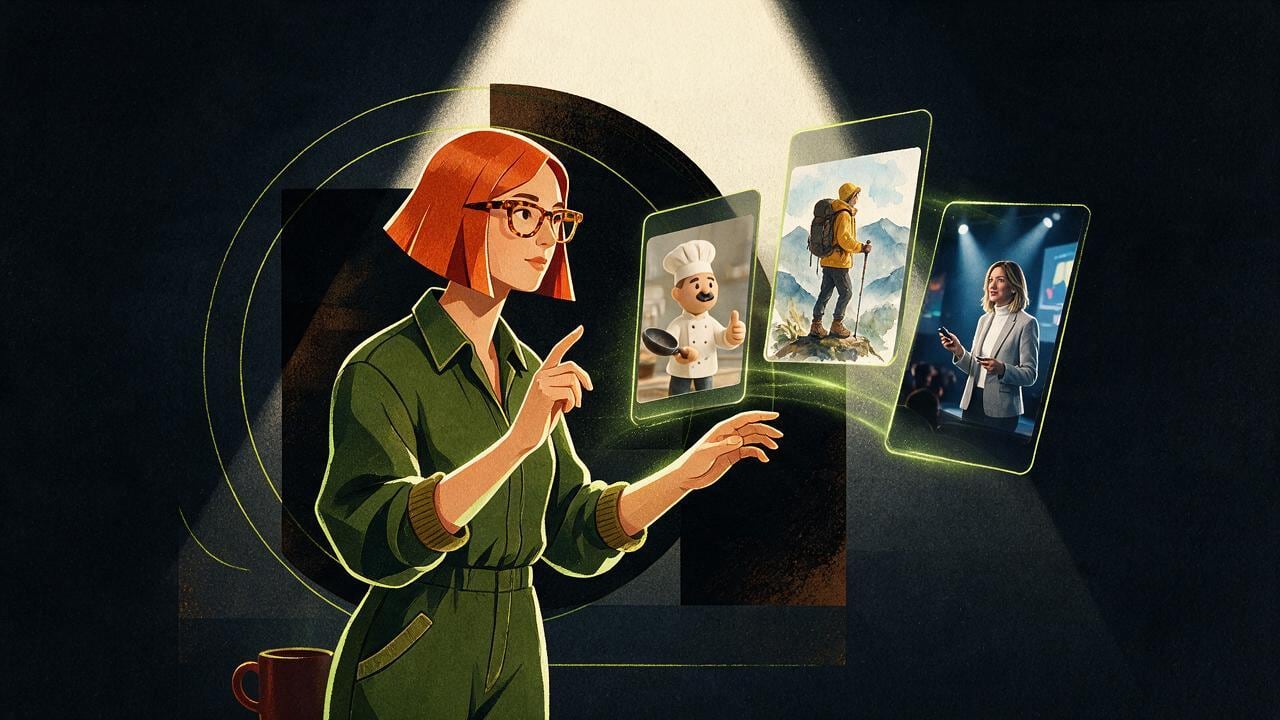
내장 AI 디렉터
스토리보드, 훅, 샷 플랜이 Scro에 포함——필름스쿨 워크플로를 발명하는 대신 아이디어에 시간을 쓰세요.
카메라 응시 대사, 고정 프레이밍과 자막.
토킹헤드 만들기낙서 장면과 VO로 개념 분해.
Explainer 만들기고통 → 공개 → 기능 사용. 광고에 적합.
내 상품 홍보번호 팁, clip당 한 포인트.
내 AI Influencer 만들기결과를 먼저 보여주고 각 단계를 명확히.
광둥어 Reel 만들기메시지에서 스토리 비트——촬영팀 불필요.
생성 → 편집 보기가상 인플루언서 툴킷
모든 모델과 플러그인을 배우는 대신, 얼굴·옷장·Life·숏폼을 하나의 AI Influencer에 고정하는 도구를 쓰세요.
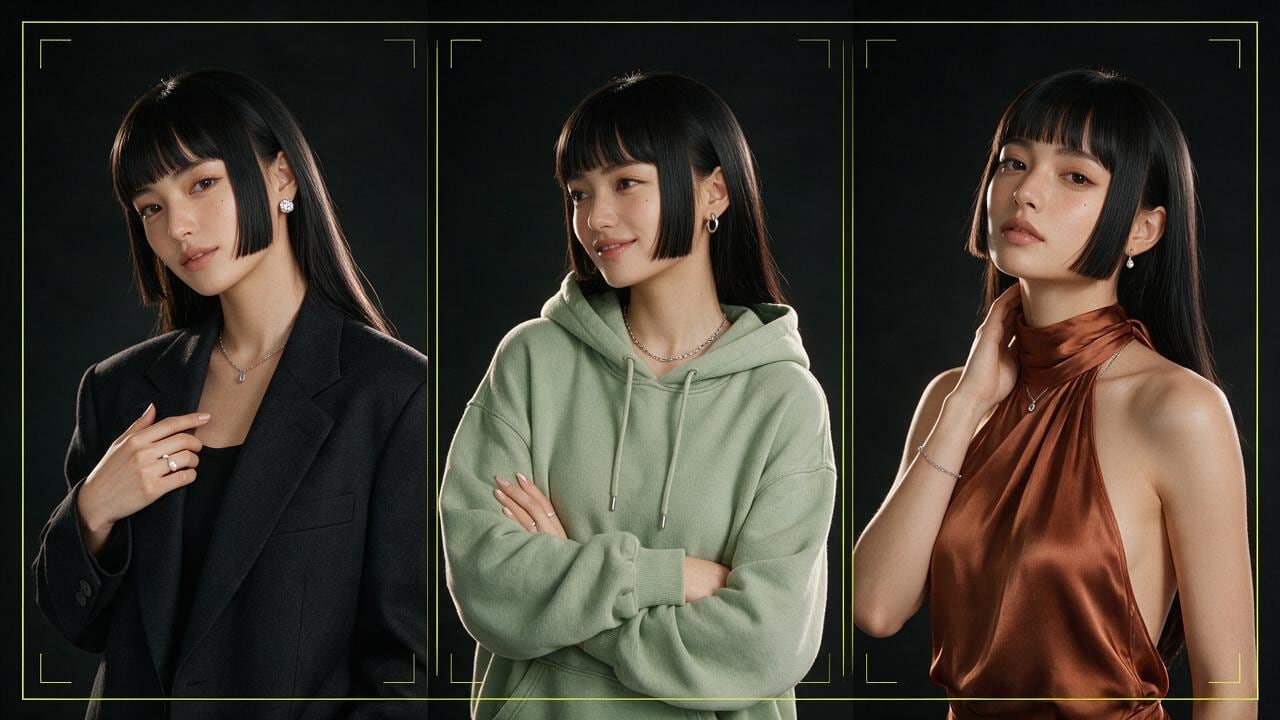

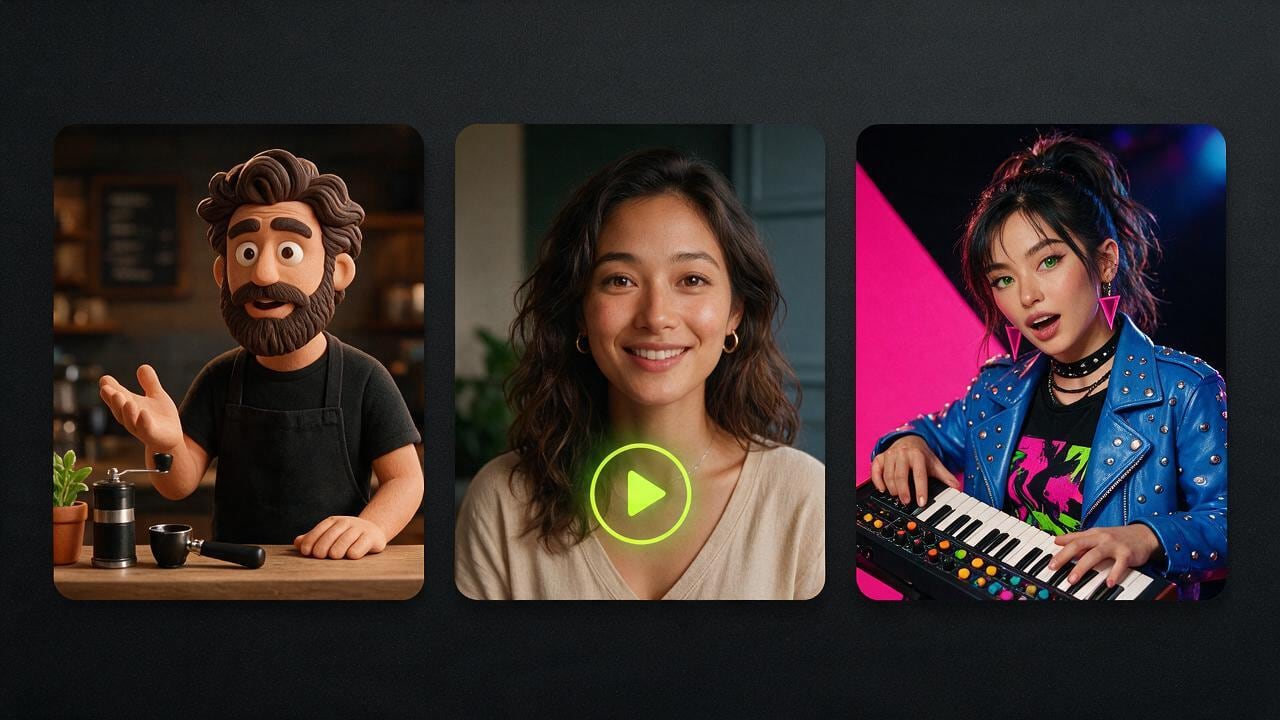
생성 → 편집 →보내기
Clip이 타임라인에 떨어지면 트림, 자막, 음악, Reel 내보내기까지. 아이디어에서 발행까지 한 파이프라인.
Generated Clips & AI Voice
Talking-head, explainer, or swap clips + crisp voiceover
Auto Merge & Audio Mix
Trim dead air, duck background music & stitch seamlessly
Ready-to-Post MP4
Completes in the cloud—preview and download anywhere
침묵을 자르고 순서를 바꿔 리듬을 잠근 뒤보내기.
훅과 CTA를 화면에——다른 앱으로 뛰지 않음.
같은 데스크에서 Reels, Shorts, TikTok용 9:16.
SCRO CANVAS · ALL-IN-ONE CREATIVE WORKSPACE
No technical hurdles or scattered tools. Start from a template or ask the free AI Assistant, then let our cloud pipeline render and merge everything automatically.
Generate natural 1080p talking-head videos up to 120 seconds ($0.08/s), or pair any clip with instant AI voiceovers in 21 languages including Cantonese, Mandarin, and English.
Drop a reference clip to swap the person or outfit into your AI character with 17 cinematic lighting looks, or keep the speaker and move them into any new location.
Turn any topic or article into a complete multi-scene animated explainer with crisp on-screen titles, diagrams, and synchronized voiceover—assembled automatically.
Join up to 8 clips with smooth transitions, blend voiceovers over background audio with automatic volume ducking, trim silence, and resize to 9:16, 16:9, or 1:1.
Not sure which blocks to connect? Describe your goal in plain language right below the canvas and the AI Assistant wires the right tools and characters automatically for free.
Drop your saved AI Influencer or product blueprints into any Canvas workflow to create 2K lifestyle shots, posters, and video clips—running reliably in the background.
Examples
Talking-head, whiteboard, product promo, then the edit desk — pick the format, finish in the same place.
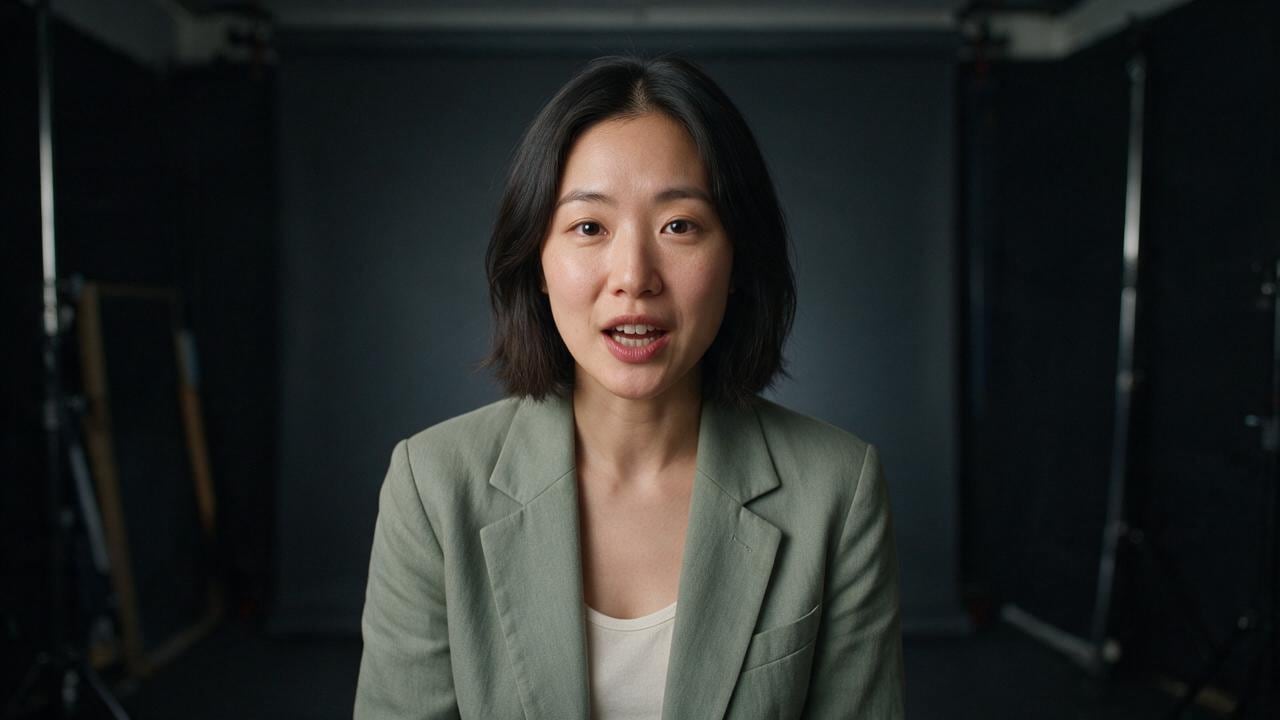
A host to camera, ready for captions.

One diagram, one idea, readable on mute.
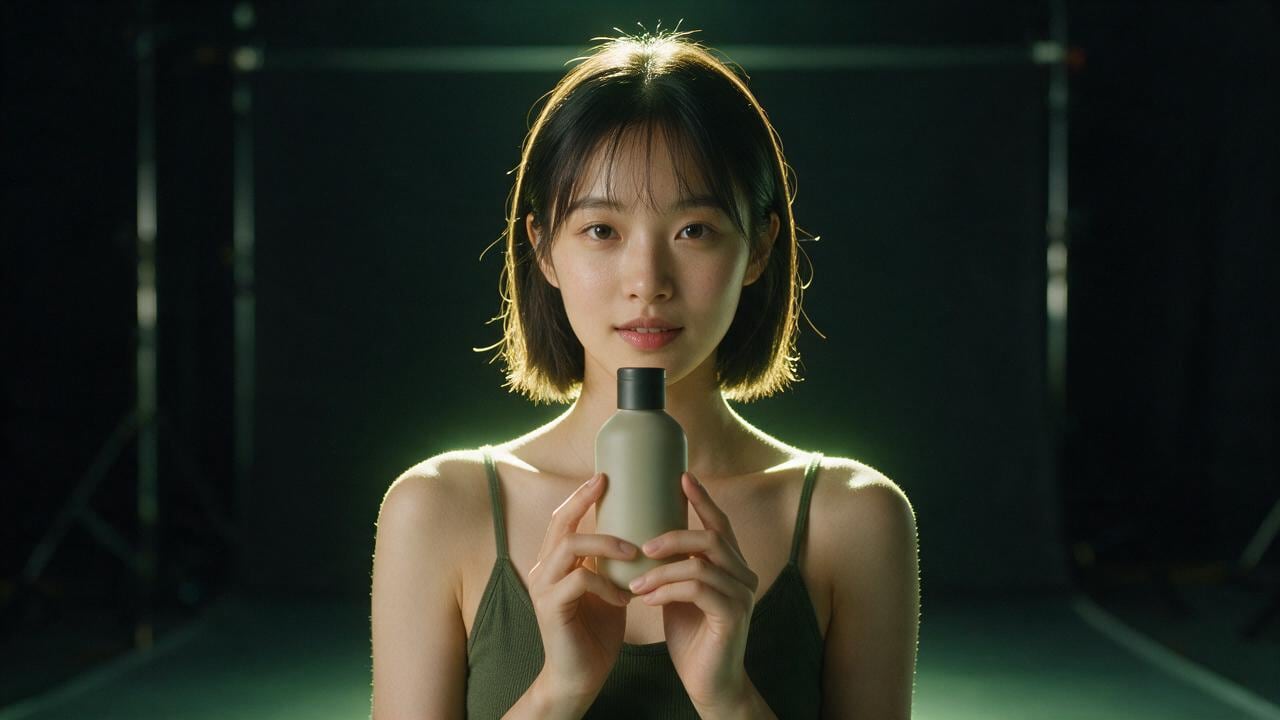
The host and the product share the frame.

Trim, sound, and captions after the draft.
게시물
The right tool is the one that takes a character from the first line to a finished cut, without five subscriptions and a folder of exports.
Write the piece, pick the director, and let the storyboard follow the same face. Talking-head, explainer, and promo are different jobs. They should not be different products.
The edit stays in the same place as the generation. Captions, pacing, and the final frame are part of the film, not a second app you open after the render.
When the character, the script, and the cut live together, you can change one line and see the film again. That is the whole point of having one tool.
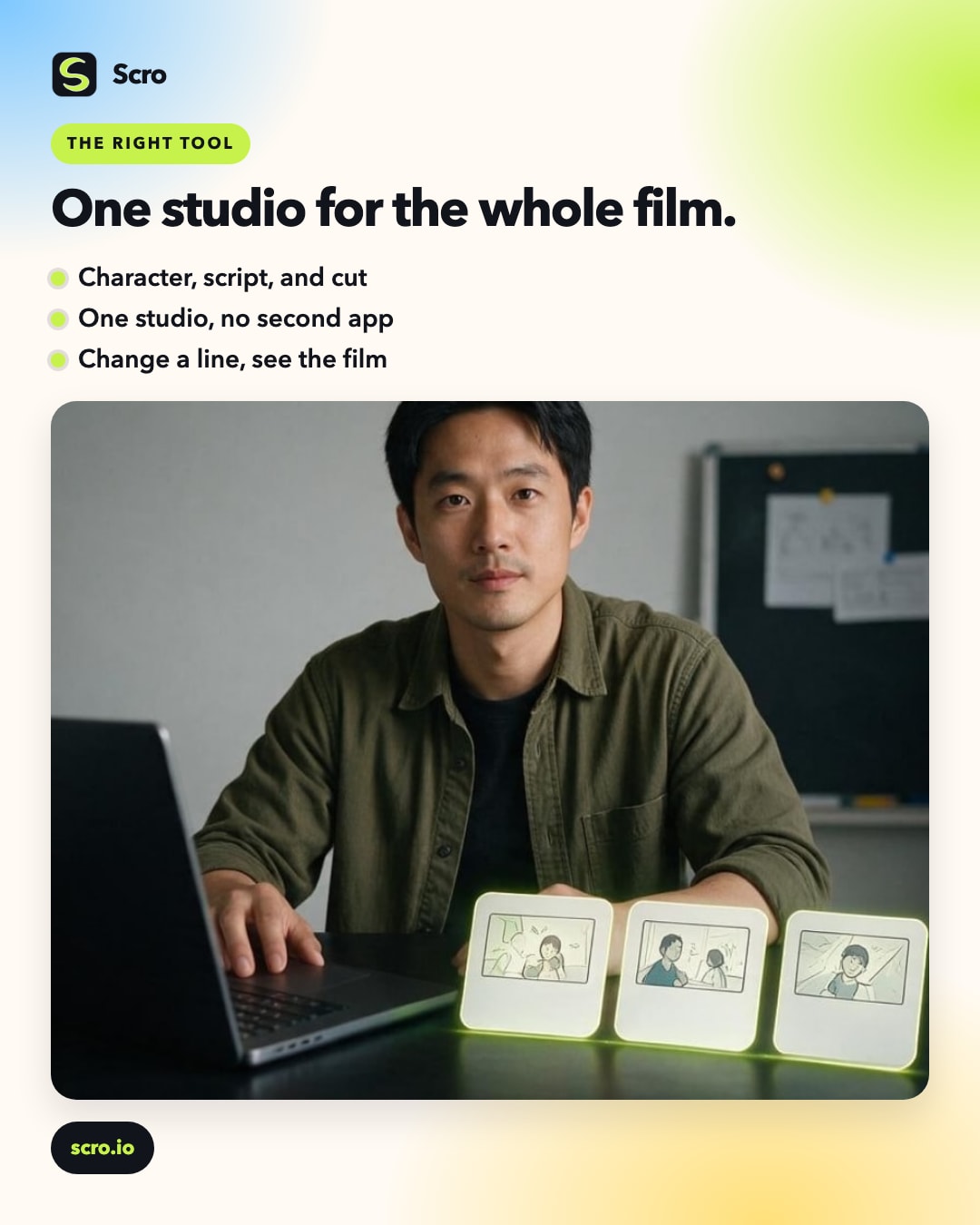
올바른 도구 선택
무료 USD Credit를 받고, 디렉터를 고르고, AI Influencer를 고정한 뒤 컷을 마무리해 발행——또 다른 강의나 실패한 생성 더미 없이.