
トーキングヘッド
カメラ目線の台詞、固定フレーミングと字幕。
トーキングヘッドを作るOfferNew accounts keep every subscription at 85% of the list price, forever, plus $1.50 free USD Credit. Extra USD Credit packs include 5% more.
Create accountScro
プロンプト講座に金を払い、AI ツールで盲目に再試行して残高を燃やすのはやめましょう。Scro は AI ディレクター、仮想インフルエンサー、編集デスクまで——生成、仕上げ、公開。
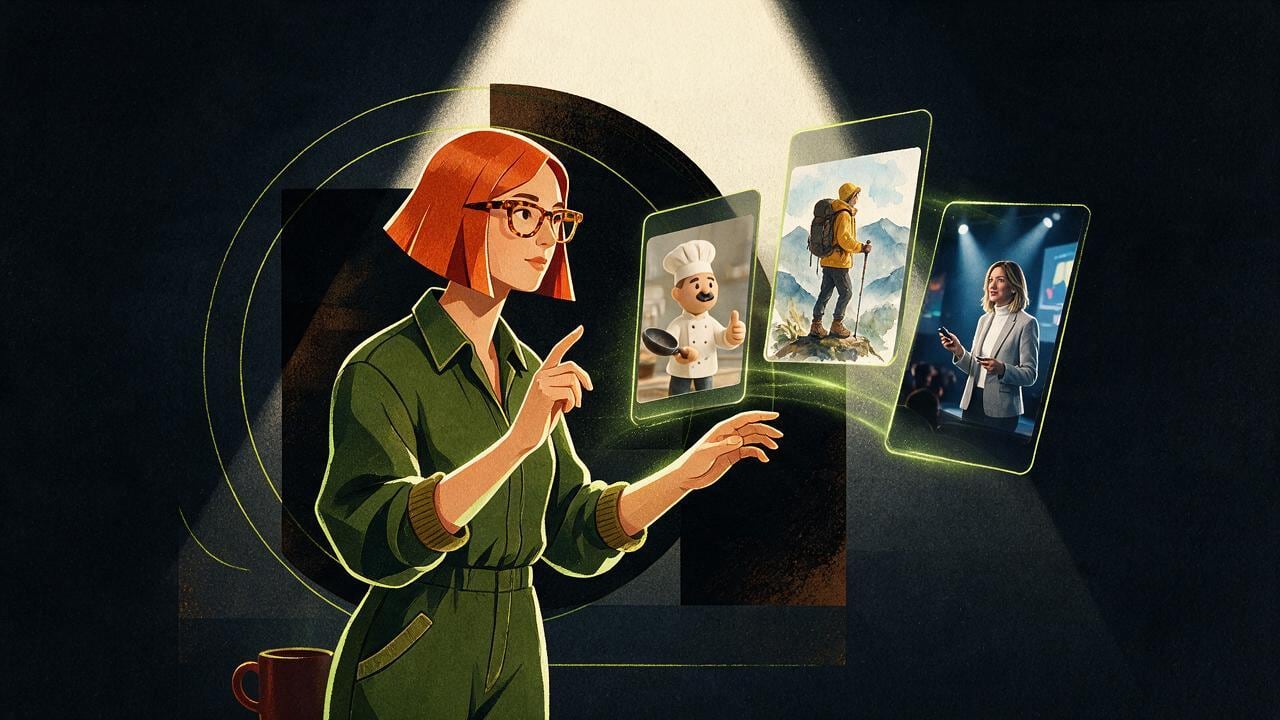
内蔵 AI ディレクター
絵コンテ、フック、ショット計画は Scro 同梱——フィルムスクールの流れを発明する時間を、アイデアに使えます。
カメラ目線の台詞、固定フレーミングと字幕。
トーキングヘッドを作る落書きシーンと VO で概念を分解。
Explainer を作る痛み → 開示 → 機能利用。広告向き。
商品を宣伝する番号付きのヒント、1 clip 1 ポイント。
自分の AI Influencer を作るまず結果を見せ、各ステップを明確に。
広東語 Reel を作るメッセージから物語のビート——撮影班不要。
生成 → 編集を見る仮想インフルエンサー・ツールキット
すべてのモデルとプラグインを学ぶ代わりに、顔・衣装・Life・短尺をひとつの AI Influencer に固定するツールを使います。
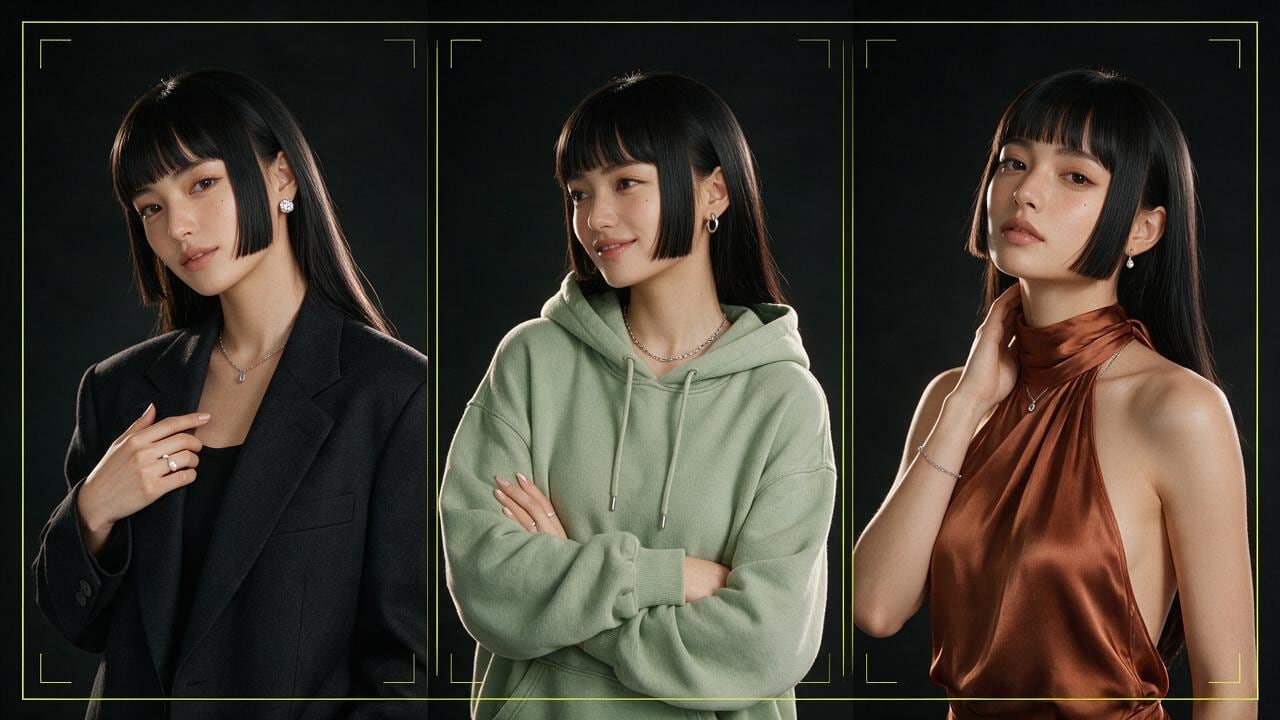

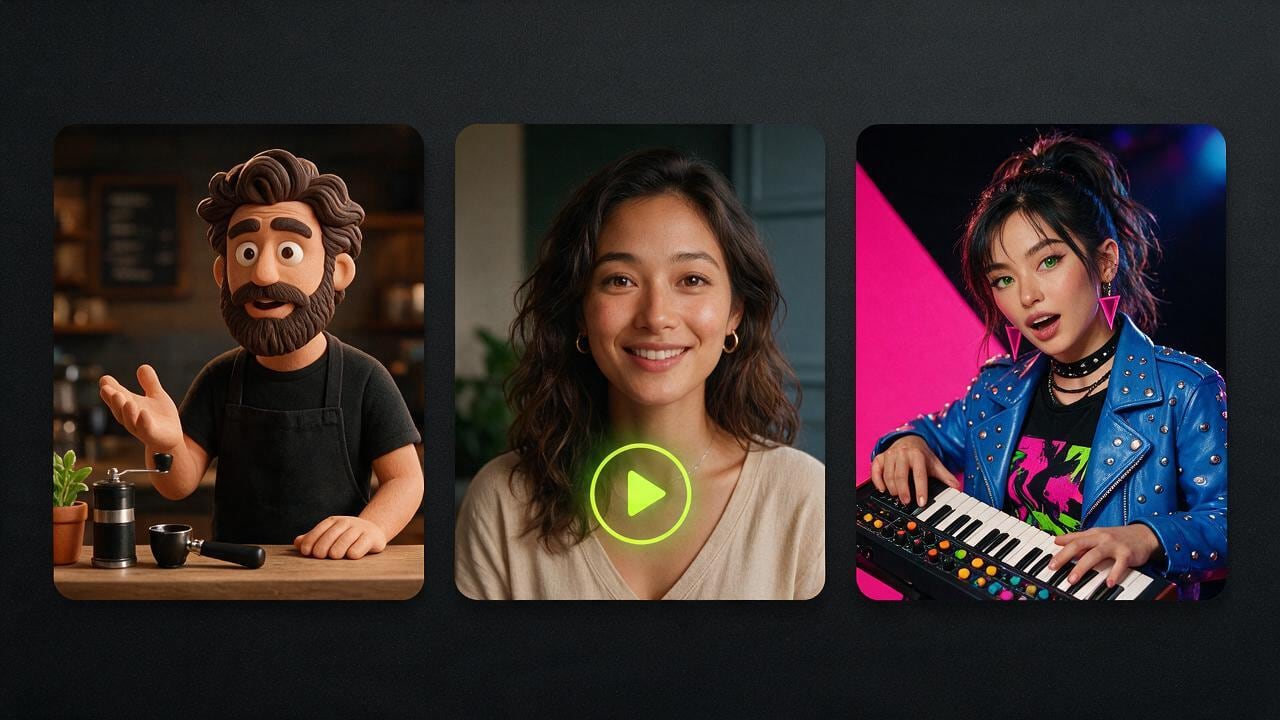
生成 → 編集 → 書き出し
Clip はタイムラインに落ち、トリム、字幕、音楽、Reel 書き出しまで。アイデアから公開まで一本のパイプライン。
Generated Clips & AI Voice
Talking-head, explainer, or swap clips + crisp voiceover
Auto Merge & Audio Mix
Trim dead air, duck background music & stitch seamlessly
Ready-to-Post MP4
Completes in the cloud—preview and download anywhere
無音を切り、順番を入れ替え、リズムを固めてから書き出し。
フックと CTA を画面に——別アプリへ飛ばない。
同じデスクから Reels、Shorts、TikTok 向け 9:16。
SCRO CANVAS · ALL-IN-ONE CREATIVE WORKSPACE
No technical hurdles or scattered tools. Start from a template or ask the free AI Assistant, then let our cloud pipeline render and merge everything automatically.
Generate natural 1080p talking-head videos up to 120 seconds ($0.08/s), or pair any clip with instant AI voiceovers in 21 languages including Cantonese, Mandarin, and English.
Drop a reference clip to swap the person or outfit into your AI character with 17 cinematic lighting looks, or keep the speaker and move them into any new location.
Turn any topic or article into a complete multi-scene animated explainer with crisp on-screen titles, diagrams, and synchronized voiceover—assembled automatically.
Join up to 8 clips with smooth transitions, blend voiceovers over background audio with automatic volume ducking, trim silence, and resize to 9:16, 16:9, or 1:1.
Not sure which blocks to connect? Describe your goal in plain language right below the canvas and the AI Assistant wires the right tools and characters automatically for free.
Drop your saved AI Influencer or product blueprints into any Canvas workflow to create 2K lifestyle shots, posters, and video clips—running reliably in the background.
Examples
Talking-head, whiteboard, product promo, then the edit desk — pick the format, finish in the same place.
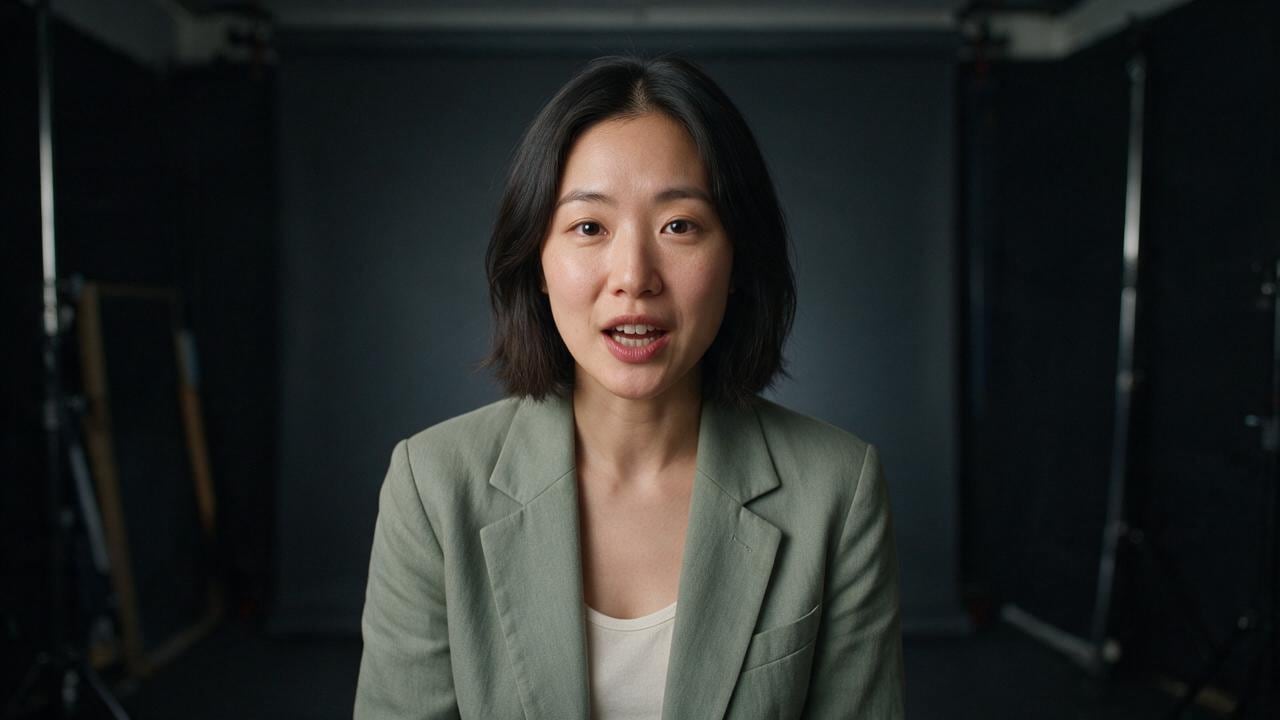
A host to camera, ready for captions.

One diagram, one idea, readable on mute.
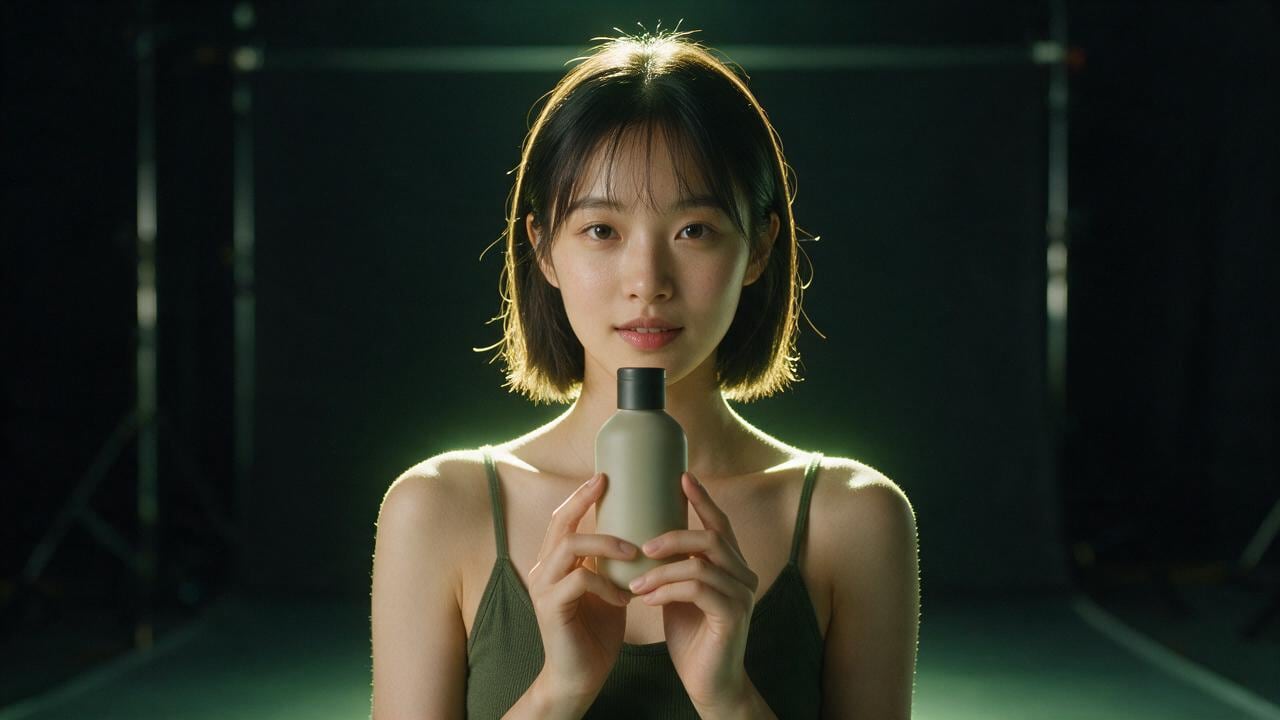
The host and the product share the frame.

Trim, sound, and captions after the draft.
記事
The right tool is the one that takes a character from the first line to a finished cut, without five subscriptions and a folder of exports.
Write the piece, pick the director, and let the storyboard follow the same face. Talking-head, explainer, and promo are different jobs. They should not be different products.
The edit stays in the same place as the generation. Captions, pacing, and the final frame are part of the film, not a second app you open after the render.
When the character, the script, and the cut live together, you can change one line and see the film again. That is the whole point of having one tool.
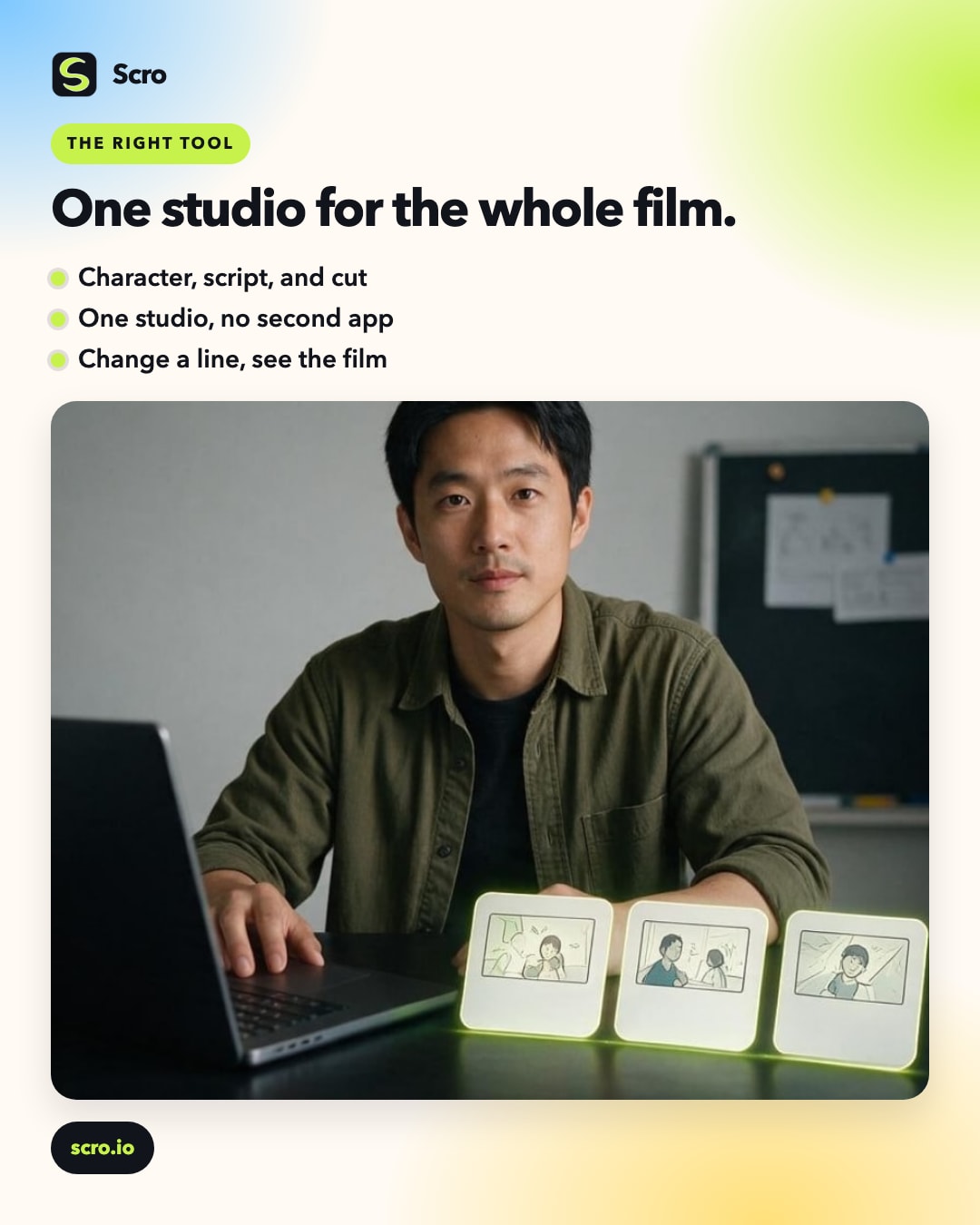
正しいツールを選ぶ
無料 USD Credit を受け取り、ディレクターを選び、AI Influencer を固定し、カットを仕上げて公開——もう講座も失敗生成の山も不要。