
Reject a Still That Changed Color
If a still changes the product color, the cap, or the flavor you sell, reject it. A nicer grade is a different product.
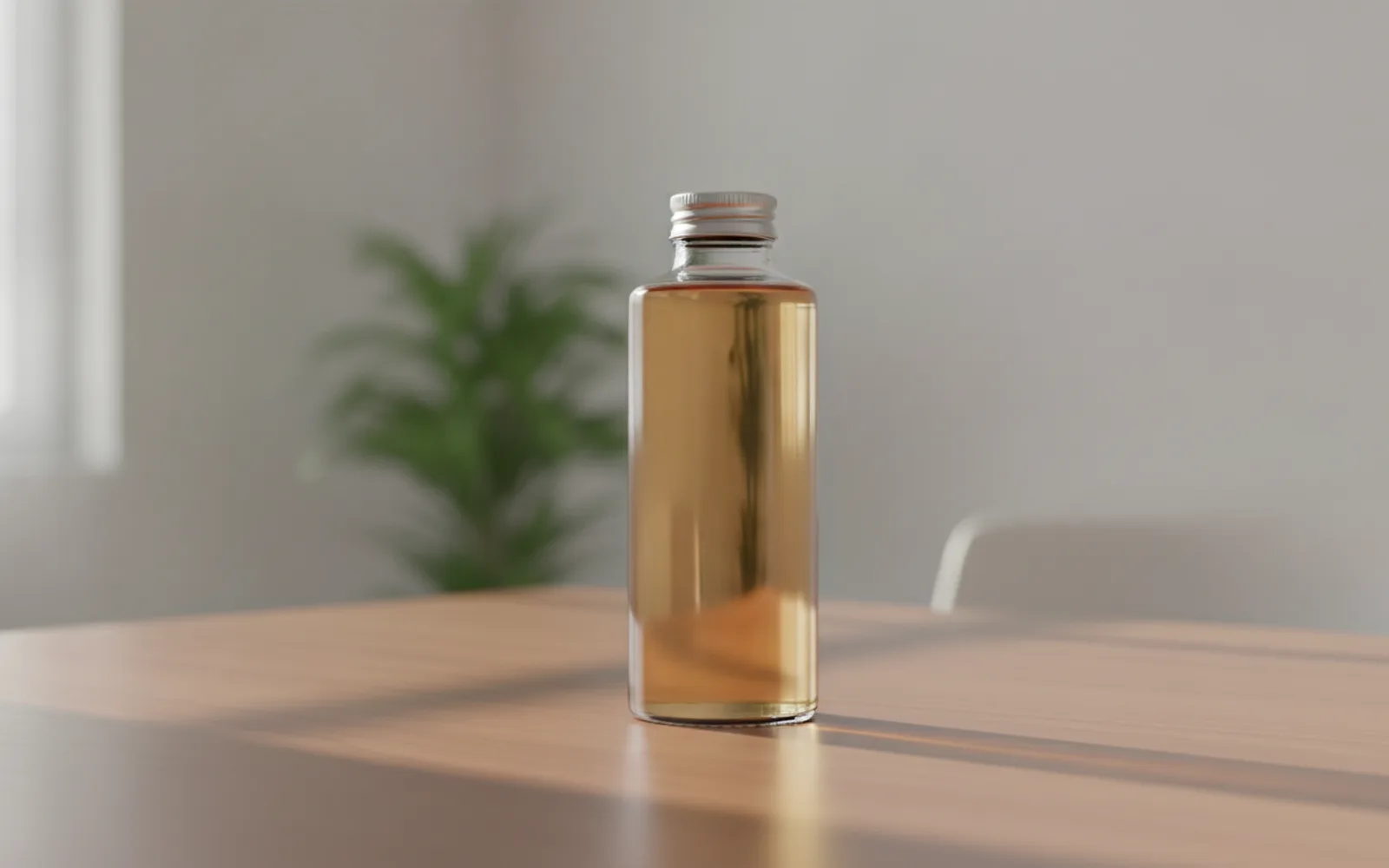
Reject a still that changed the color. Put it next to the real pack or the real photo and check the hue, the cap, and the liquid if you can see it. Models "improve" a muted green into a brighter one and call it lighting. Customers who own the product notice the cap before they notice your shadow work. A wrong color is not a grade you can explain in the caption.
Compare, do not remember
Open the source photo beside the still. Caps, liquids, and boxes drift. Memory is generous. The photo is not. One mismatch is a new still, not a small flaw.
Light may warm, it may not recolor
A window can warm a white cap slightly. It cannot turn a white cap black or a blue box teal. If the name of the color changed, the still failed.
Do not ask for a richer color
Richer, more premium, and more vibrant are how the pack leaves the factory. Describe the light. Leave the object alone. Invented colors are invented products.
A worked example
The real bottle is a dull green with a white cap. The still that made it emerald with a black cap is rejected. The still that only moved the shadow is kept.
Check the still
- The still sat beside the source photo.
- The color name did not change.
- The prompt did not ask for a richer hue.
Where Scro fits
Scro's product path starts from your photos so this comparison is possible. Approve the still only when the color matches. Then show one use and export 9:16.
Compare the still to the real pack. Finished samples are on the examples page.
Related: 點樣令 AI 人像唔似塑膠.