
One Light Source in an AI Still
One light source gives an AI still a believable shadow. A second equal light makes the person look cut out.
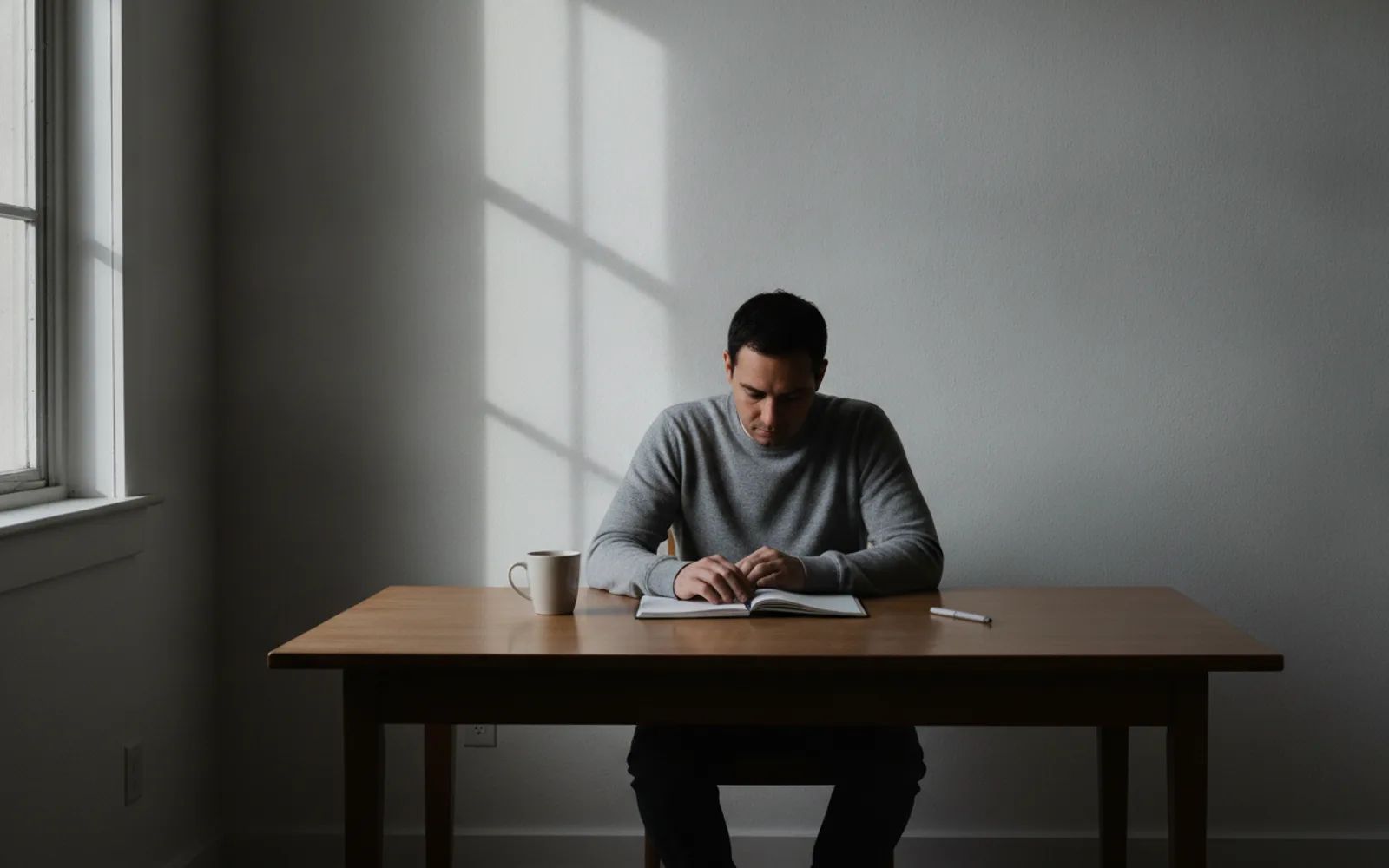
One light source is the fastest way to make an AI still feel photographed. Pick the window, the lamp, or the sun, and let every shadow agree with it. Two equal sources pull the person in two directions, which is how a cut-out starts to look pasted on. If you cannot say where the light is, the frame is not finished.
Pick one and say so
"Only the window" or "only the desk lamp" belongs in the description. If you also mention neon, a ring light, and sunset, you asked for three photographs at once. The model will average them into a glow with no owner.
Shadows must agree
The nose shadow, the chair shadow, and the shadow on the wall should point the same way. A nose shadow going left and a wall shadow going right is the tell. Reject that still before it moves.
Practical lights stay practical
A lamp in the background can be on, but it should not relight the face unless it is the source you chose. A tiny bulb that paints the whole cheek is a second key, even if you called it atmosphere.
A worked example
Desk, afternoon window camera-right, lamp off. The shadow of the mug and the shadow of the nose both fall left. The still is approved. The lamp stays a prop.
Check the still
- The prompt names one source.
- Nose and wall shadows agree.
- Background bulbs are not lighting the face.
Where Scro fits
Scro keeps the approved still as the start of the talking clip. Pose changes later are meant to keep that face and that light, not invent a new setup. Export 9:16 after the shadow agrees with the window.
Approve a still with one light. Finished samples are on the examples page.
Related: Catchlights That Make Eyes Real.