
Introducing VidClean: Browser Video Cleanup with Silence Cuts and Captions
VidClean is a free browser video editor plus cleanup tools — cut silence and fillers, add captions, transcribe, and export without an account or watermark.
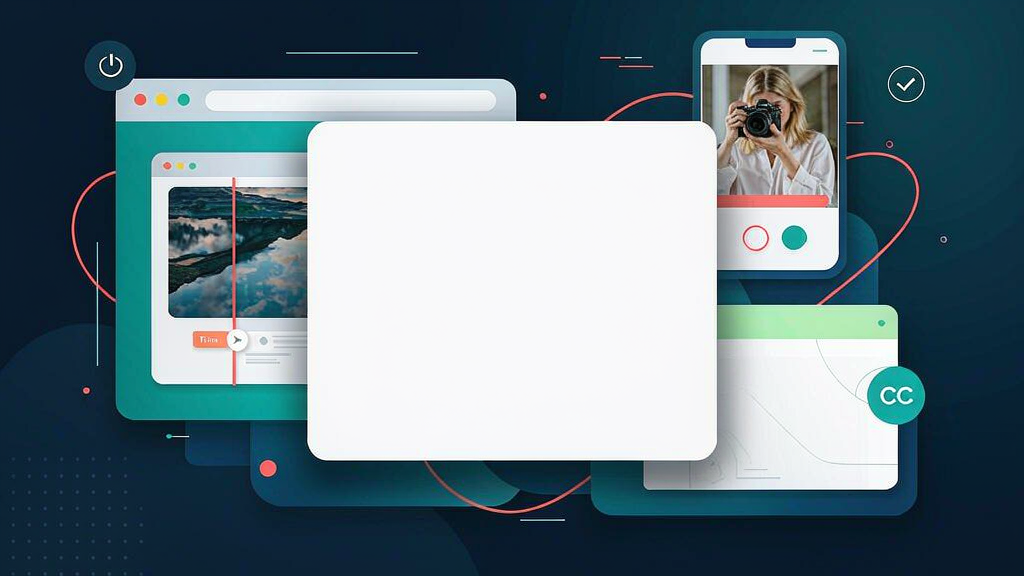
Introducing VidClean: Browser Video Cleanup with Silence Cuts and Captions
Talking-head takes often need silence cuts and captions before they are postable. VidClean is a free browser video editor plus a suite of cleanup tools — cut dead air and fillers, add captions, transcribe, and export without an account or watermark.
What VidClean does
VidClean is built for packaging cleanup in the browser:
- Transcript-first editor — cut from the transcript instead of scrubbing a timeline
- Silence and filler removal — tighten interviews and talking-head takes
- Captions and subtitles — generate captions and export SRT/VTT-friendly outputs
- Standalone utilities — noise removal, silence remover, compress, convert and more
- No account required — free core workflow with no watermark on exports
Explore:
Who it is for
Creators, educators and marketers who want a free packaging pass — silence cuts and captions — without installing a heavy NLE or paying per-minute AI credits.
Where it fits in a content stack
VidClean owns rough take → tightened, captioned file. Recording sits upstream; scheduling and distribution sit downstream. It complements clipping agencies and storyboard tools rather than replacing either.
Quick tips if you try VidClean
- Run silence removal first, then review cuts before you burn captions.
- Edit captions on the transcript so wording matches how you actually speak.
- Export a clean master before you add platform-specific overlays elsewhere.
- Use standalone tools when you only need noise removal or an SRT.
- Write hello@vidclean.net if a file or export question needs a human.
Soft close — related tool
If you also need concept → storyboard → animated or whiteboard explainer / Reels (not talking-avatar presenters), see Scro Explainer. Scro (by NOVAX) is built around approving an AI storyboard before you render — useful when the job is teaching a process, not only cleaning the take. Keep VidClean as the focus of this intro; Scro is only a related option for storyboard-first explainers.