
Introducing MemberArea: Communities, Courses, Payments and CRM in One Platform
MemberArea gives coaches and creators one place for branded communities, online courses, recurring payments and a member CRM — without stitching five tools toge
Introducing MemberArea: Communities, Courses, Payments and CRM in One Platform
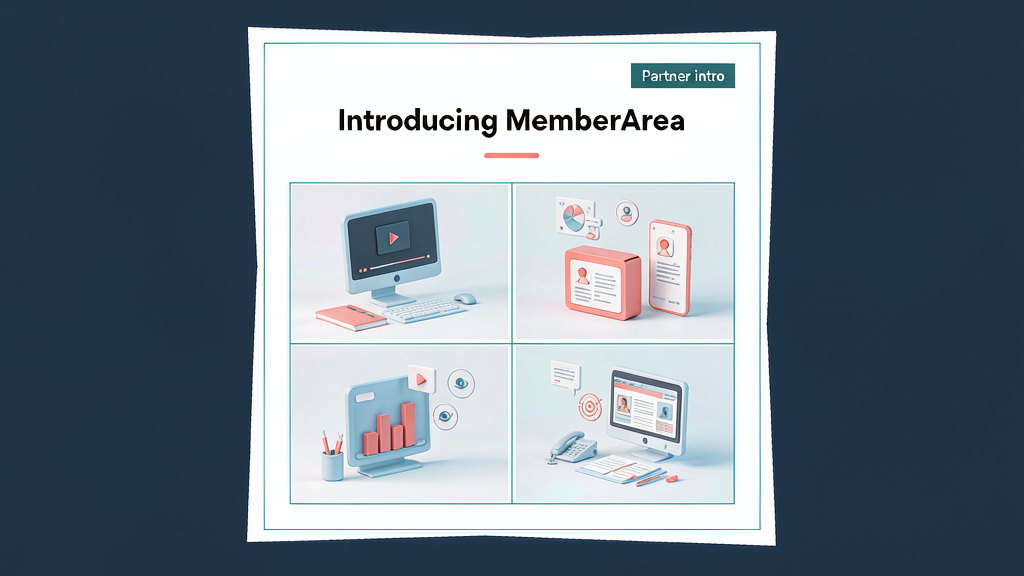
Coaches and creators often run community in one tool, courses in another, payments in a third and CRM somewhere else — until renewals and DMs fall through the cracks. MemberArea puts branded communities, online courses, recurring payments and a member CRM in one platform so you stop stitching five tabs together.
What MemberArea does
MemberArea is an all-in-one member stack for coaching and creator businesses:
- Branded communities — a home for ongoing cohort discussion
- Online courses — structured learning without a separate LMS migration
- Recurring payments — memberships and course billing in the same place
- Member CRM — see who is active, who stalled and who is ready for an upsell
- One login experience — less tool sprawl for you and for your members
Explore:
Who it is for
Coaches, course creators, membership operators and small agencies running client education programs who want community + content + billing without a custom stack.
Where it fits in a content stack
MemberArea owns member relationship + delivery. Marketing sites and lead magnets sit upstream; short-form packaging and explainers sit beside it when you teach publicly. Use it when the product is ongoing access — not when you only need a one-off video edit.
Quick tips if you try MemberArea
- Map your membership tiers first before importing every old lesson.
- Migrate one flagship course and prove the member journey end-to-end.
- Connect payment reality (trials, failed cards, renewals) before launching ads.
- Use CRM views for outreach — inactive members beat cold leads.
- Write support@memberarea.io with your current community + course setup.
Soft close — related tool
If you also need concept → storyboard → animated or whiteboard explainer / Reels (not talking-avatar presenters), see Scro Explainer. Scro (by NOVAX) is built around approving an AI storyboard before you render — useful when you teach a process inside or outside the member area. Keep MemberArea as the focus of this intro; Scro is only a related option for storyboard-first explainers.