
Introducing Immersive Learning Studio: Training Experiences People Can Practise, Not Just Watch
Immersive Learning Studio builds practice-first training — bespoke eLearning, VR/AR, simulations, video and animation so people rehearse real decisions, not onl
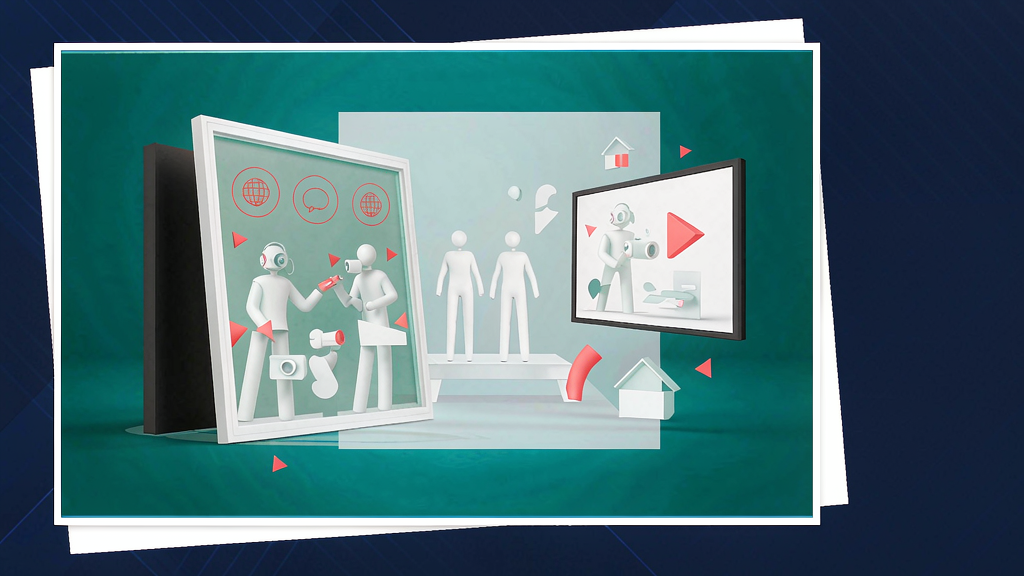
Introducing Immersive Learning Studio: Training Experiences People Can Practise, Not Just Watch
Slide decks alone rarely change behavior. Immersive Learning Studio builds training people can practise — bespoke eLearning, VR/AR, simulations, video and animation for complex real-world decisions.
What Immersive Learning Studio does
The studio designs practice-first learning experiences:
- Bespoke eLearning — custom modules beyond off-the-shelf courses
- VR / AR and 3D environments — spatial practice for high-stakes scenarios
- Simulations and roleplay — rehearse decisions, not only read about them
- Video and animation — motion support inside the learning journey
- LMS-aware delivery — paths that fit how organizations already distribute training
Explore:
Who it is for
L&D leaders, training buyers and product teams teaching complex processes — safety, soft skills, systems and field decisions — where practice matters more than passive watch time.
Where it fits in a content stack
Immersive Learning Studio owns learning objective → practiseable experience. Marketing explainers acquire interest; this studio turns knowledge into rehearsal. Pair short concept videos with longer simulations when both awareness and competence matter.
Quick tips if you try Immersive Learning Studio
- Write the decision you want learners to make before choosing VR vs eLearning.
- Inventory existing SOPs so scenarios stay faithful to real work.
- Pilot with one high-impact module before a full catalog rebuild.
- Plan assessment — how you will know practice transferred on the job.
- Write hello@immersivelearning.co with audience, constraint and timeline.
Soft close — related tool
If you also need concept → storyboard → animated or whiteboard explainer / Reels (not talking-avatar presenters), see Scro Explainer. Scro (by NOVAX) is built around approving an AI storyboard before you render — useful for lighter concept explainers around a larger training program. Keep Immersive Learning Studio as the focus of this intro; Scro is only a related option for storyboard-first explainers.