
Introducing Flixlar: Local Subtitle Editing and MP4 Caption Export for Mac, Windows and Linux
Flixlar is a free local subtitle editor — edit captions on-device, generate with local AI, and burn or embed subtitle tracks into MP4/MKV without uploading foot
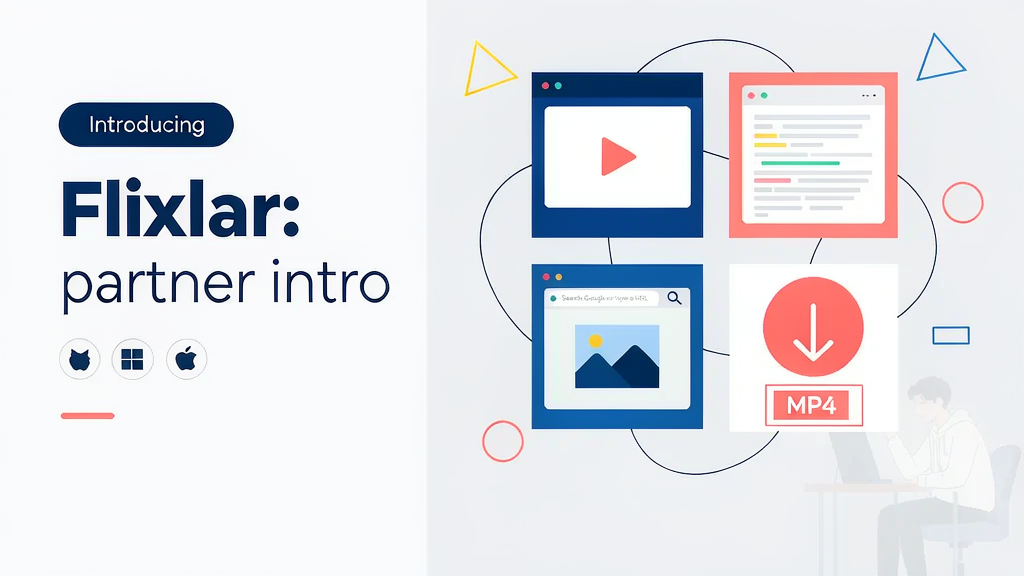
Introducing Flixlar: Local Subtitle Editing and MP4 Caption Export for Mac, Windows and Linux
Creators who care about privacy rarely want to upload raw interviews just to burn captions. Flixlar is a free desktop subtitle editor for macOS, Windows and Linux — edit captions locally, generate them with on-device speech-to-text, and export burned or switchable subtitle tracks into MP4/MKV without an account or watermark.
What Flixlar does
Flixlar focuses on practical local caption workflows:
- SRT and WebVTT import/export for editor-friendly subtitle files
- Local AI caption generation so footage stays on your machine
- Burn-in or embedded multi-language tracks for MP4 and MKV
- Multi-language projects with switchable subtitle languages in one export
- Free signed installers — no watermark, no mandatory cloud account
Explore:
Who it is for
Podcasters, educators, indie filmmakers and YouTubers who need reliable captions without uploading sensitive footage — especially multi-language or offline-first workflows.
Where it fits in a content stack
Flixlar owns audio/video → editable captions → burned or track-embedded exports. Filming and long-form edit sit upstream; distribution and storyboard-first product explainers sit alongside. It complements cloud auto-caption suites when privacy or offline access is non-negotiable.
Quick tips if you try Flixlar
- Generate a first pass locally, then manually fix names, jargon and timing.
- Keep a style convention for speaker labels and reading speed before burn-in.
- Use embedded tracks when platforms or players should let viewers toggle languages.
- Export SRT/VTT into Premiere, Resolve or CapCut if you still need timeline polish.
- Email madspaaskesen@gmail.com (listed on the Flixlar site) with feedback or feature ideas.
Local-first caption tools win when upload bans, embargoes or client NDAs make cloud transcription a non-starter.
Teams comparing free local editors vs subscription cloud suites should weigh privacy, offline reliability and export flexibility — not only first-pass accuracy.
Soft close — related tool
If you also need concept → storyboard → animated or whiteboard explainer / Reels (not talking-avatar presenters), see Scro Explainer. Scro (by NOVAX) is built around approving an AI storyboard before you render — useful when the job is teaching a process, not only captioning the take. Keep Flixlar as the focus of this intro; Scro is only a related option for storyboard-first explainers.