
Introducing erm: Remove Filler Words From Talking-Head Video on Mac
erm is a Mac app that finds every erm, um and long pause in talking-head footage, lets you choose what to cut, and keeps your video on-device — never uploaded.
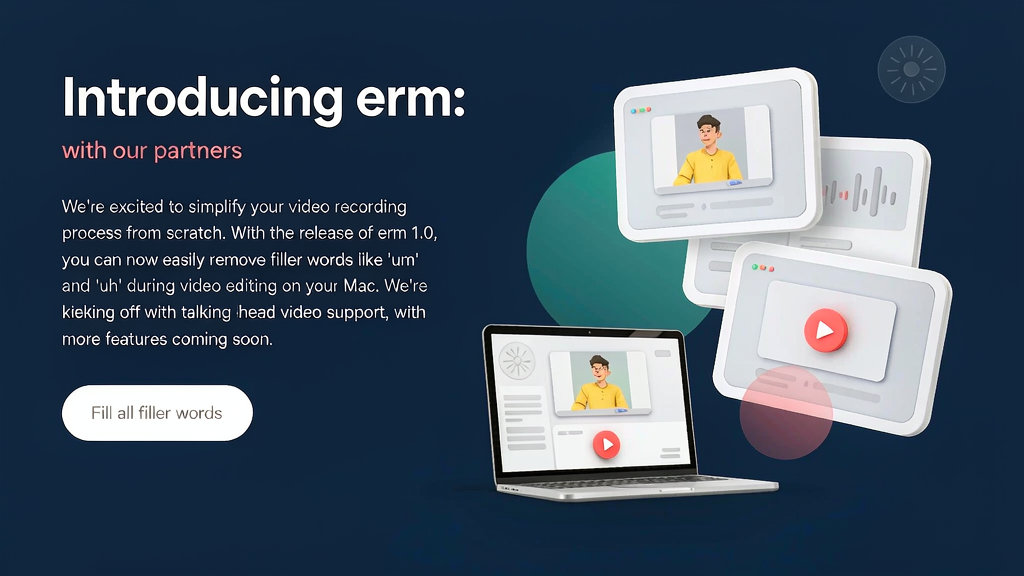
Introducing erm: Remove Filler Words From Talking-Head Video on Mac
You already filmed the take — then spent longer cutting erms, ums and dead air than saying the thing. erm is a Mac app that finds filler words and long pauses in talking-head video, lets you choose what goes, and keeps everything on your device.
What erm does
erm is built for Mac talking-head packaging cleanup:
- Filler and pause detection — surfaces every erm, um and long pause beside a transcript-style review
- You choose the cuts — keep intentional hesitations; remove the rest cleanly
- On-device privacy — your video never leaves your Mac; nothing is uploaded
- Simple pricing — first videos free to try, then a clear one-time or yearly option via the Mac App Store
- Guides and use cases — practical help for creators packaging real on-camera speech
Explore:
Who it is for
Mac-first creators, coaches and founders who shoot talking-head content and want filler cleanup without cloud editors or generative avatars.
Where it fits in a content stack
erm owns talking-head raw take → filler-cleaned cut. It complements caption tools and short-form clippers. When the job is teaching a process with boards or animation rather than packaging an on-camera take, use a storyboard-first explainer beside it.
Why filler cleanup is packaging, not vanity
Viewers forgive imperfect lighting faster than they forgive a forest of ums. erm’s bet is that selective filler removal is the packaging layer most talking-head posts need before captions and thumbnails. Keep the delivery human; let local software remove the friction that makes people re-record instead of publish.
Quick tips if you try erm
- Review struck-through fillers before exporting — keep pauses that help pacing.
- Start with a short take to learn the review UI quickly.
- Pair with your caption tool of choice after the cut is clean.
- Use the free first videos to validate on your own speech patterns.
- Email hello@ermvideo.com for product questions.
Soft close — related tool
If you also need concept → storyboard → animated or whiteboard explainer / Reels (not talking-avatar presenters), see Scro Explainer. Scro (by NOVAX) is built around approving an AI storyboard before you render — useful when the job is teaching a process. Keep erm as the focus of this intro; Scro is only a related option for storyboard-first explainers.