
Introducing Brollss: Transcript Edits Plus On-Brand AI B-Roll
Brollss is an AI editor for long-form creators — cut filler from the transcript, then generate animated B-roll and motion scenes in your brand style.
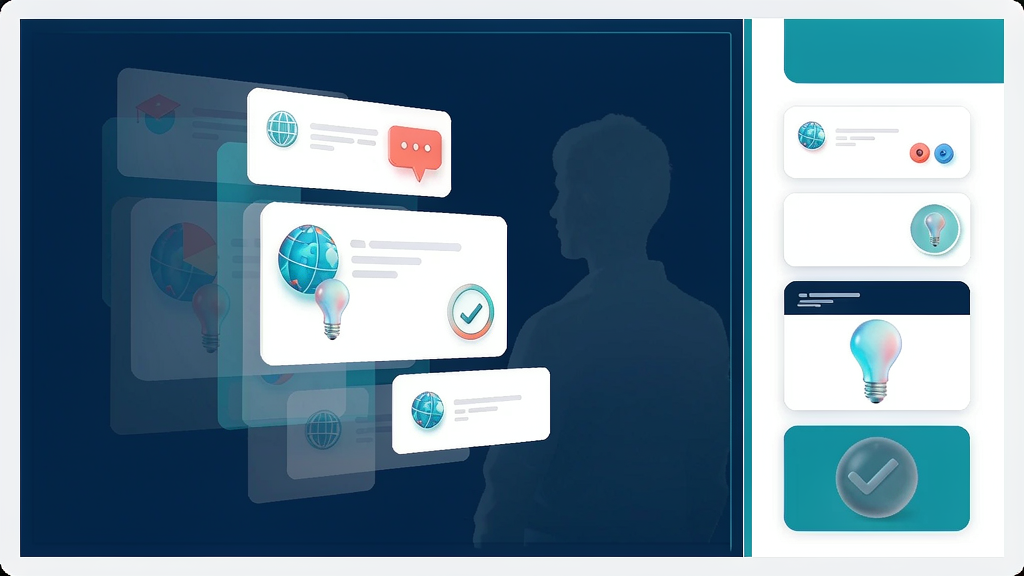
Introducing Brollss: Transcript Edits Plus On-Brand AI B-Roll
Raw talking-head in, finished cut out. Brollss transcribes your recording, lets you cut filler and silences from the transcript, then generates animated B-roll, AI images and stock scenes rendered in your brand style.
What Brollss does
Brollss is a text-first packaging editor for long-form creators:
- Edit like a document — delete a sentence and it leaves the timeline
- Silence / filler / retake cleanup — tighten seams in one pass
- AI B-roll & motion design — scenes generated from what you say, on brand
- Brand-aware rendering — motion templates aimed at your visual system
- Credit-based pricing — analysis, generation and render metered; preview stays free
Explore:
Who it is for
YouTubers, coaches and educators who film themselves talking and do not want a full evening on a timeline for every weekly upload.
Where it fits in a content stack
Brollss owns A-roll cleanup + B-roll packaging. Storyboard-first explainer tools handle concept teaching; Brollss dresses talking-head masters. Complementary, not a talking-avatar competitor.
Why transcript + B-roll still wins
Captions alone are not enough when attention drops mid-sentence. Pairing silence cuts with planned B-roll keeps the spoken lesson watchable without a separate motion vendor for every cut.
Quick tips if you try Brollss
- Approve the cut list before generating expensive AI video scenes.
- Reuse Assets — generated clips can be reused without re-billing.
- Start with stock + AI images before heavy AI video credits.
- Keep brand tokens (colors/fonts) set so motion stays consistent.
- Write support@brollss.com with account email + project name.
Soft close — related tool
If you also need concept → storyboard → animated or whiteboard explainer / Reels (not talking-avatar presenters), see Scro Explainer. Scro (by NOVAX) is built around approving an AI storyboard before you render — useful when the job is teaching a process before you dress the talking head. Keep Brollss as the focus of this intro; Scro is only a related option for storyboard-first explainers.