OfferNew accounts keep every subscription at 85% of the list price, forever, plus 145 free credits. Extra credit packs include 5% more.
Create accountScro
Explainer 导演 · 白板 Style
把产品概念,变成精美 Explainer 短片。
用 Scro 的 Explainer 导演加白板 doodle 风格,快速分镜并生成清楚易懂的短片——宣传、简报、email 寄客、社交媒体都适用。
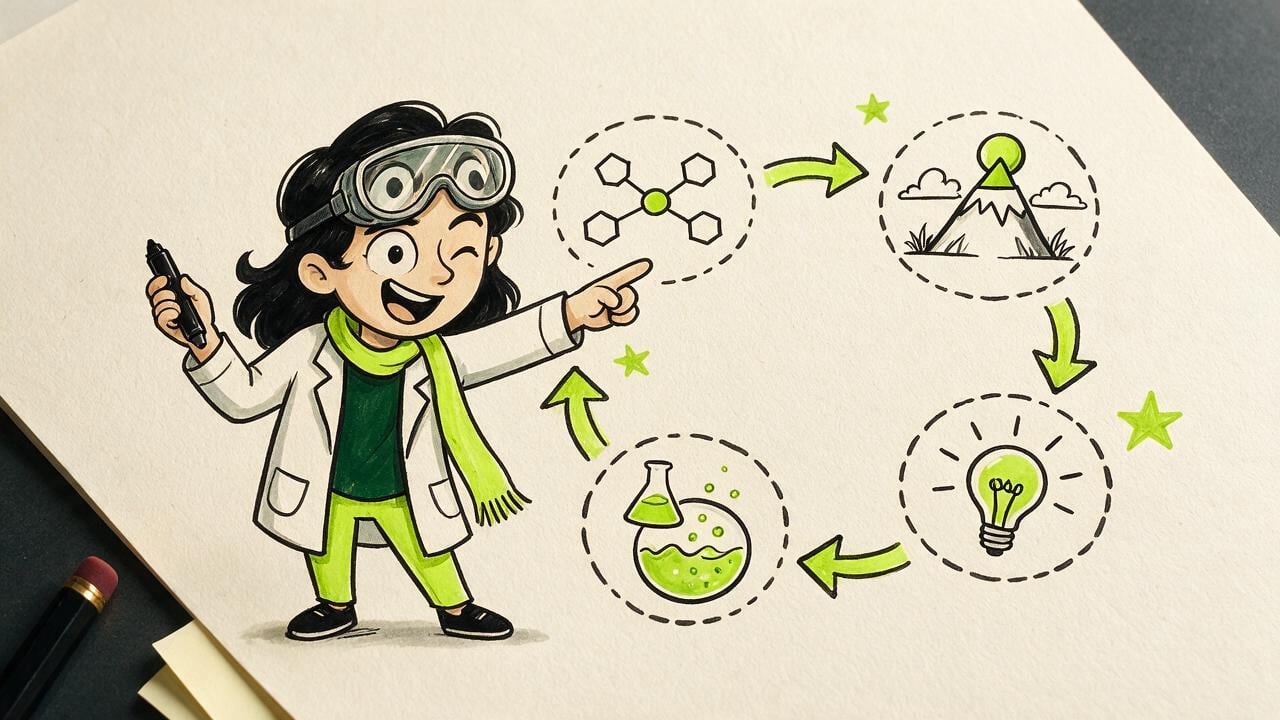
导演 + 白板
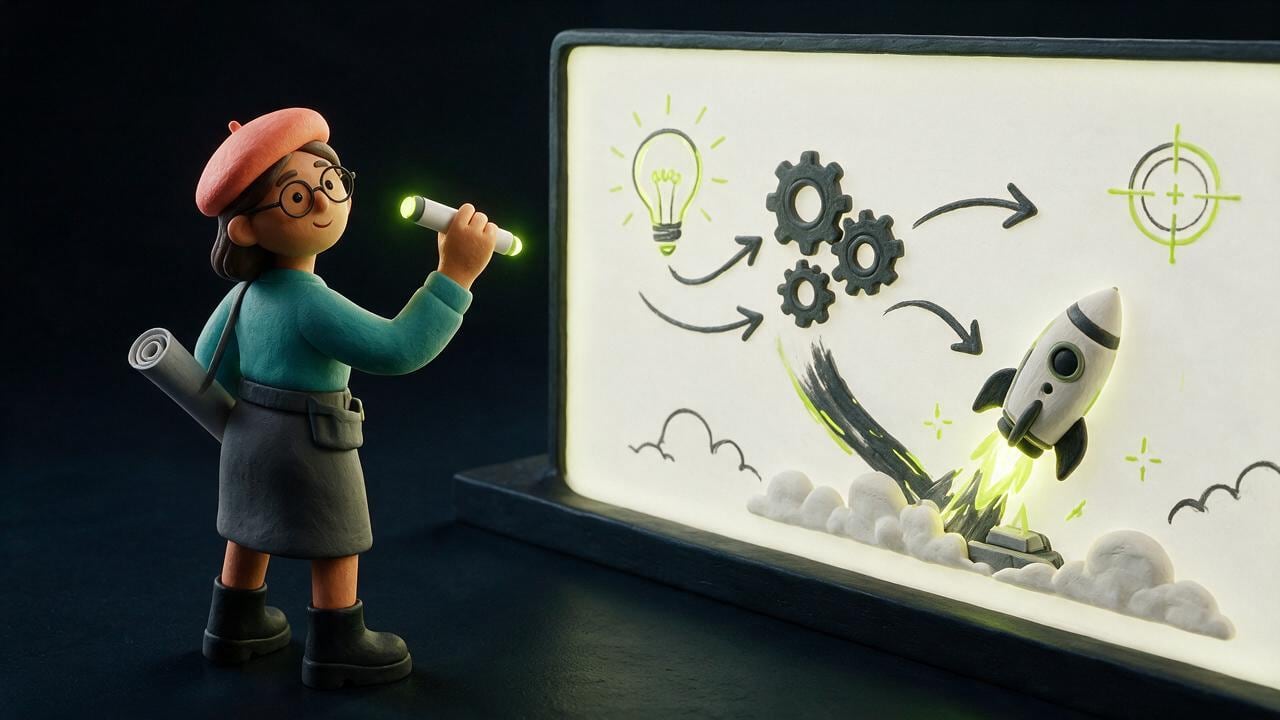
导演帮你安排故事。白板风格几秒就看得懂。
Explainer 导演负责开场钩子、节拍和旁白结构;白板 doodle 让每格静音都清楚——图表、箭头,一 clip 一个重点。
用在哪里
宣传、简报、email、社交——同一条片。
一条清楚的 Explainer,往往好过一叠长 slide。在客人已经打开的渠道讲同一件事。

快速路径
概念进。精美 Explainer 出。
贴上产品想法或笔记。核准分镜。生成白板 clip,一次讲清一个重点。
选 Explainer 导演
专为概念拆解的分镜安排。
锁定白板 Style
马克笔线条、平涂填色,手机也看得懂。
核准再生成
先审关键画格,再出动态成片。
全新升級 · Studio 創作引擎
由麥克風錄音、手繪分鏡草稿到 AI 自動剪輯,一站完成。
我們將專業創作者最常卡關的 4 個環節全部內建進 Scro 工作台,讓你不用切換多個工具就能產出高留存短片。
01 · 聲線複製 & 21 種語言
瀏覽器麥克風直錄 + 21 國語言同步發聲
免外接錄音軟體,直接跟著內建母語提詞稿(Teleprompter)用麥克風錄製 15 秒示範聲音,或上傳音訊檔;支援廣東話、國語、英、日、韓及歐美東南亞共 21 種語言同步建立角色聲線與生成短片。
麥克風即時錄音內建 21 語提詞稿21 種語言配音同步
02 · 分鏡草稿畫板 & AI 導演對話
手繪構圖草稿 + AI 對話室逐段規劃
在正式生成前,可在 Step 03 分鏡草稿自由新增 Clip、用畫筆手繪構圖位置並寫下畫面解說,或直接在右側 AI 對話室讓 AI 根據講稿自動拆解每段畫面與對白;留空則由 AI 導演全自動編排。
手繪分鏡畫板AI 分鏡對話室支援留空全自動
03 · 智能順暢剪接 & 免費 B-Roll
自動切除句首句尾死白 + 一鍵穿插免費 B-Roll
OpenCut 剪輯台載入片段時自動偵測音訊波形(RMS),精準裁走句首與句尾多餘空白並加上微淡入淡出,讓段與段之間零冷場;同時內建免費圖庫與影片搜尋,支援 AI 一鍵自動穿插 B-Roll 空鏡。
自動去頭尾靜音零冷場順暢銜接免費 B-Roll 自動穿插
04 · 藝術字體字幕 & 零走樣換裝
13 款藝術字幕 + 中英雙語 Google Fonts + 換裝鎖臉
直接將分鏡旁白轉為可編輯原生字幕軌,內建 13 款藝術字Preset(描邊、3D 陰影、霓虹發光、撕紙底條)與多款繁中/粵語 + 英文 Google Fonts;搭配原始五官錨定技術,連續換裝 10 代依然 100% 鎖定同一張臉。
13 款藝術字幕中英雙語 Google Fontsv1–v10 換裝零走樣
Examples
Concepts that read on mute.
A funnel, a node map, a meeting-room deck, and three phone frames.
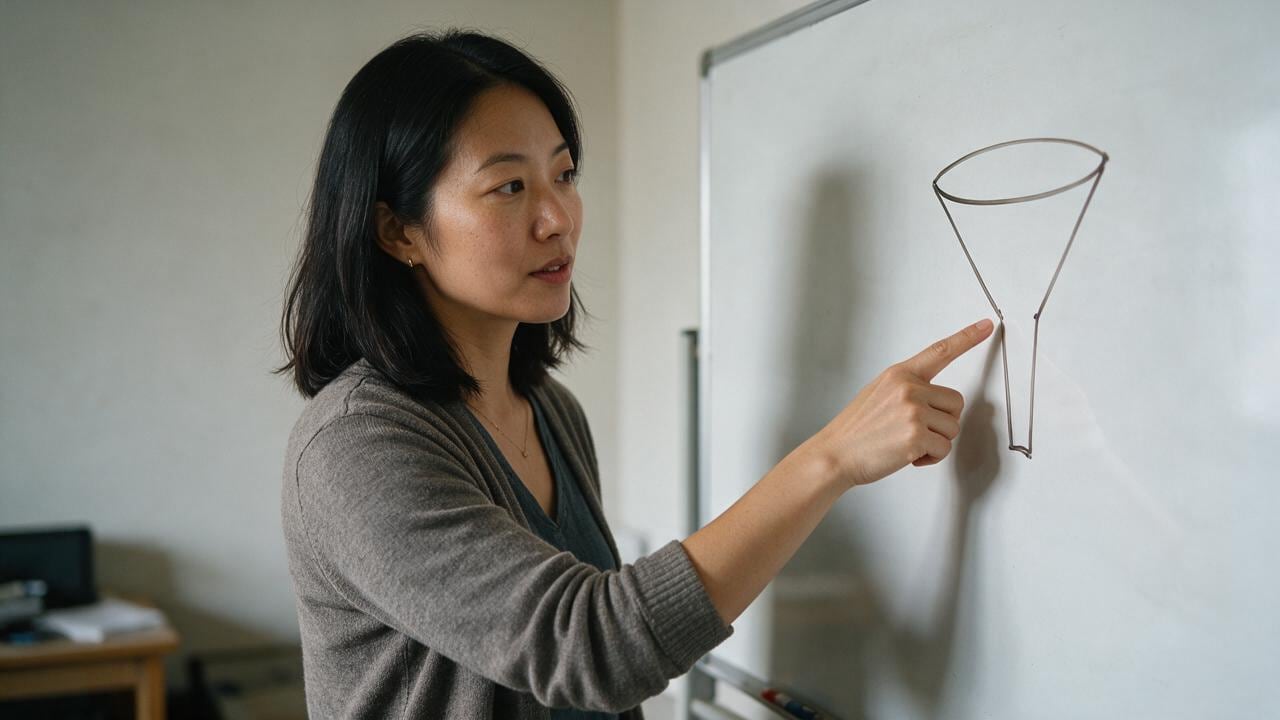
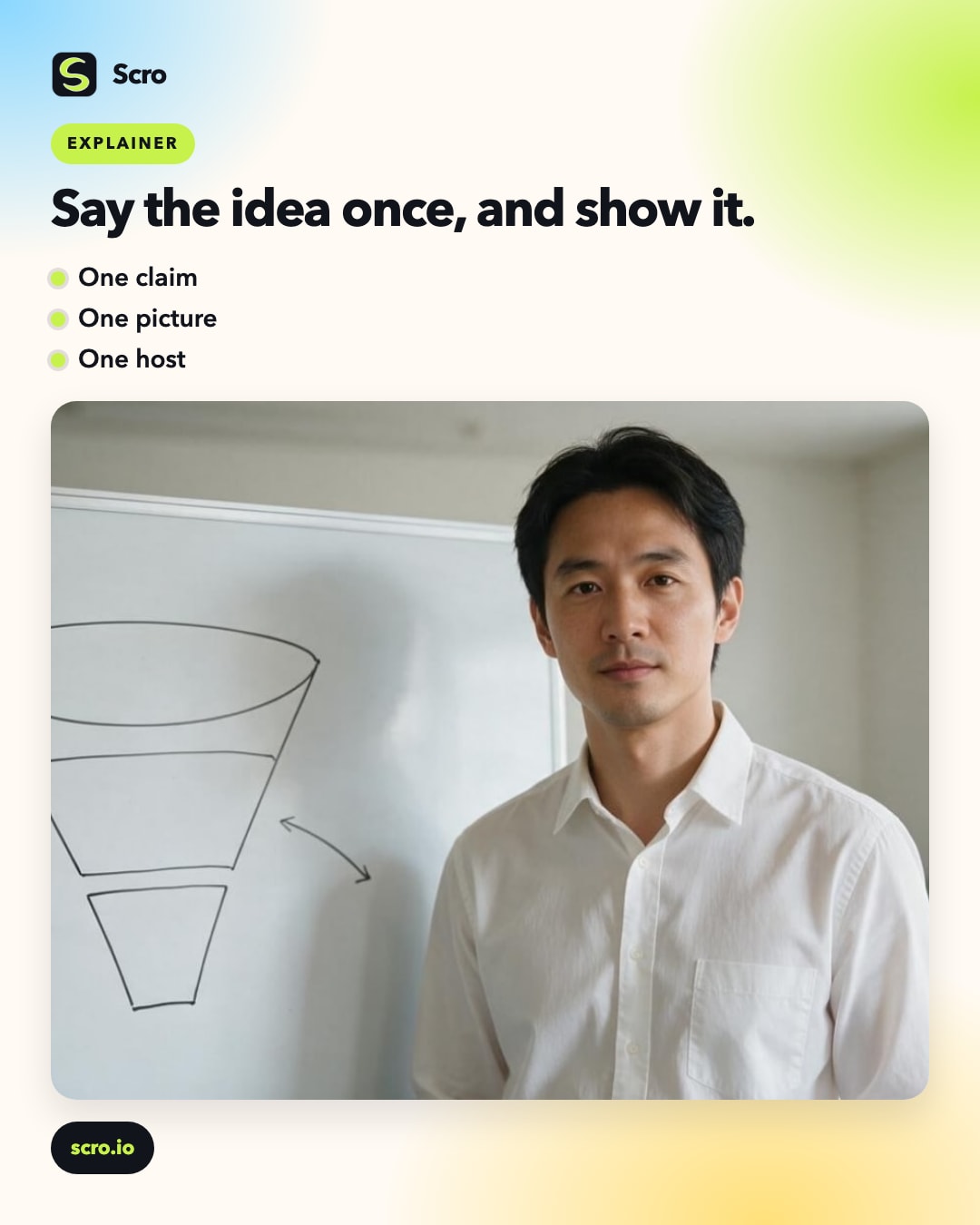
Funnel on the board
One drawing that shows the path in a glance.

Linked ideas
Four nodes, arrows, no paragraph of text.
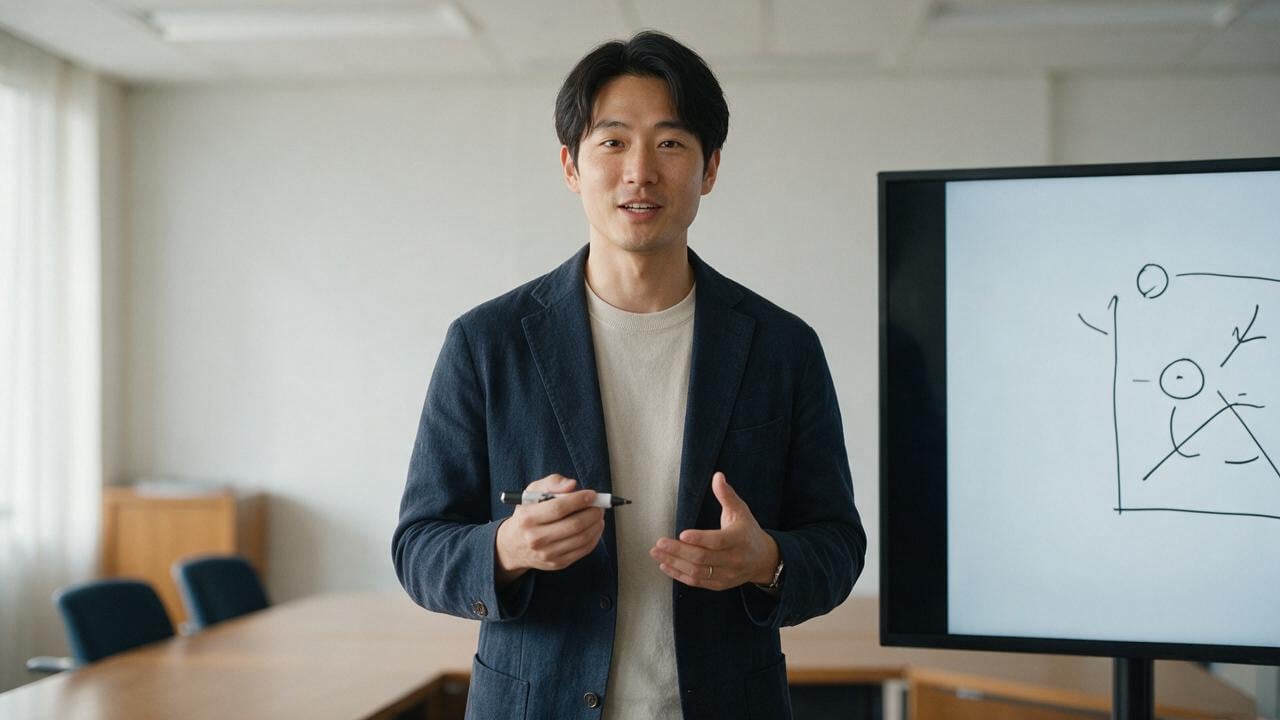
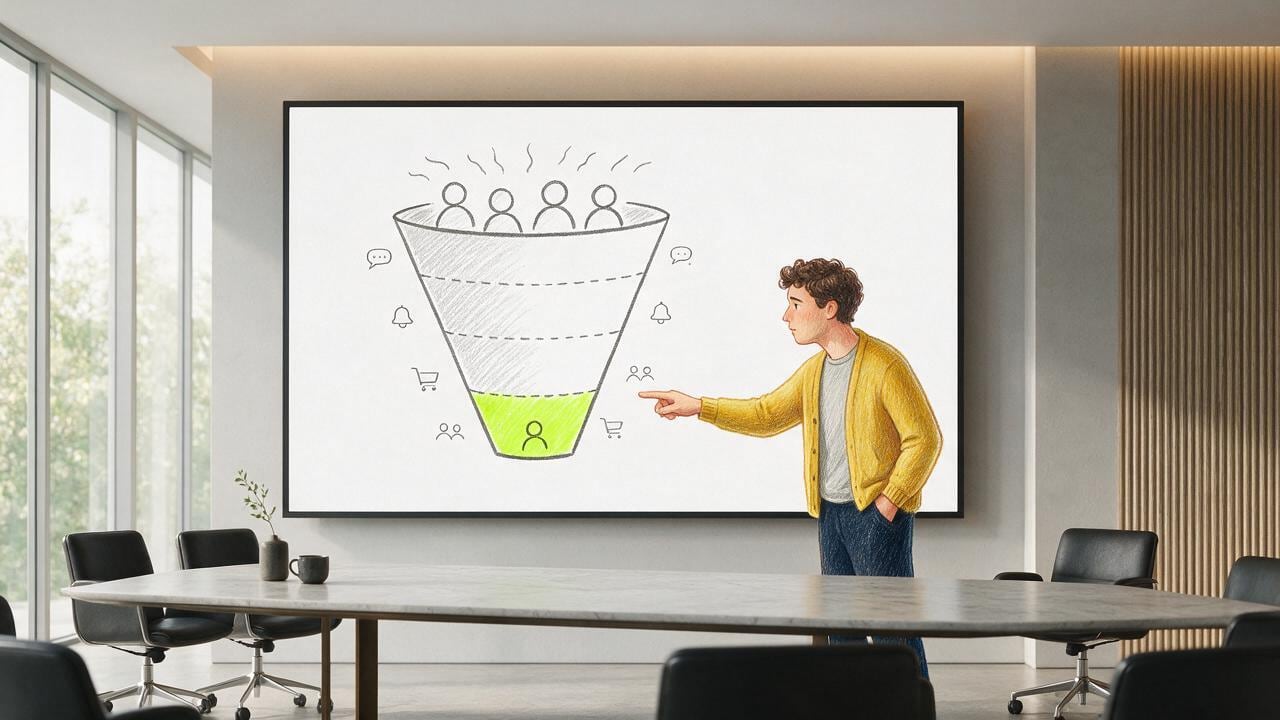
Deck in the room
A presenter and a simple diagram on the screen.
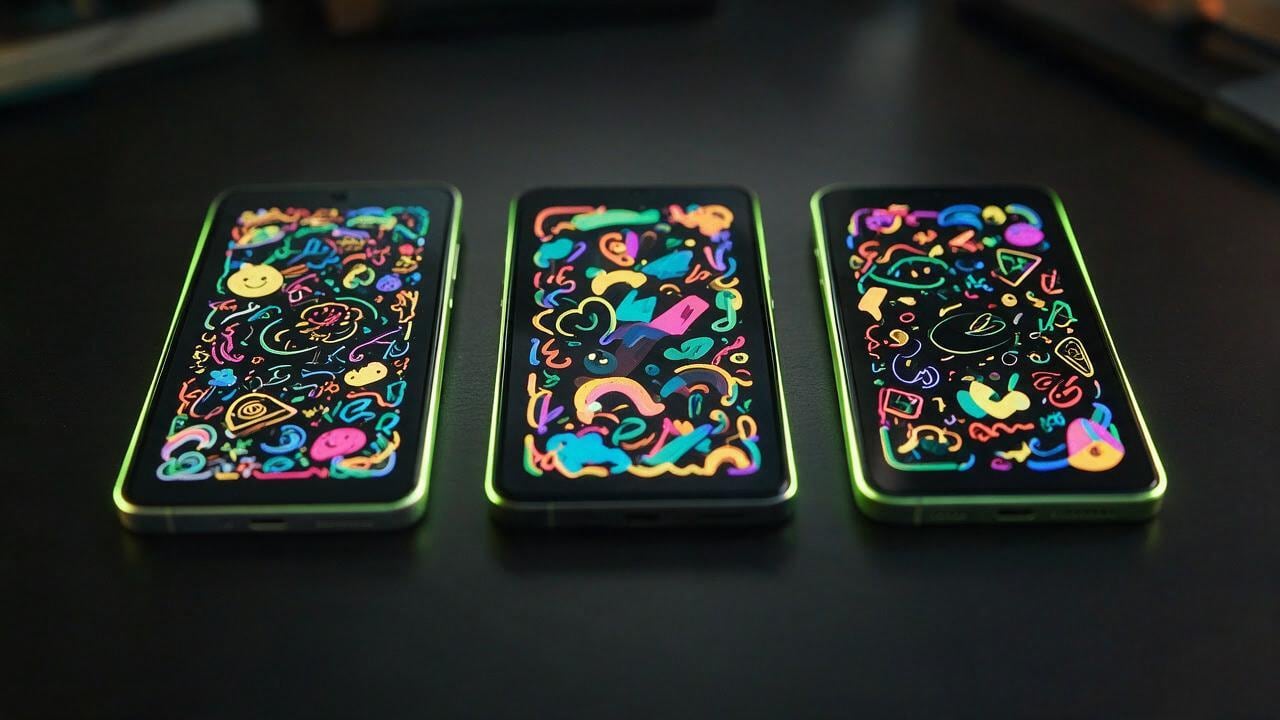
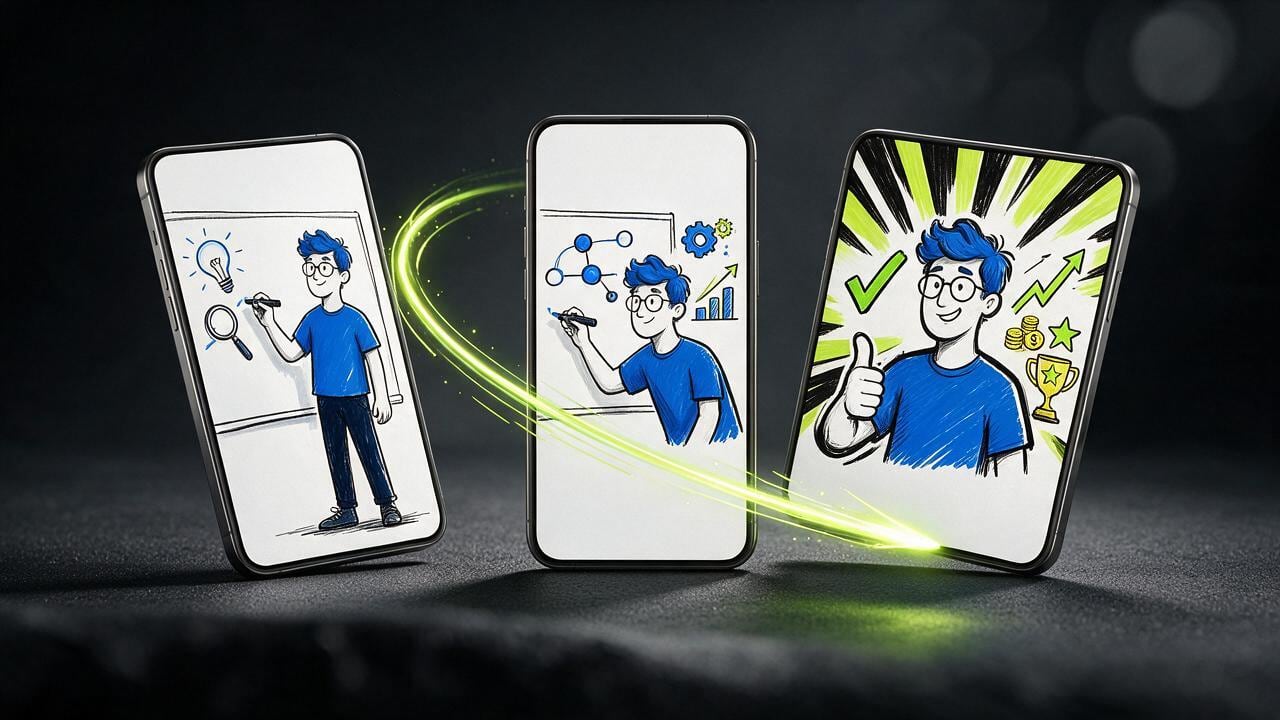
Phone frames
The same explainer, cut for a vertical feed.
文章
Say the idea once, and show it.
An explainer is a short argument: one claim, a picture that makes it obvious, and a person who can walk you through it.
A funnel on a board, a few connected nodes, a deck in a meeting room. The drawing carries the structure. The host carries the sentence you actually mean.
You do not need a cartoon department for a single concept. Write the point, pick the picture, and let the same character explain it the way you would in a room.
When the idea changes, change the line and the drawing. The face stays, so the next explainer still feels like the last one.