
OfferNew accounts keep every subscription at 85% of the list price, forever, plus 145 free credits. Extra credit packs include 5% more.
Create accountScro
Explainer ディレクター · ホワイトボード
商品コンセプトを、明快な Explainer ショートに。
Scro の Explainer ディレクターとホワイトボード落書きスタイルで、複雑なアイデアをシンプルに感じさせる美しいショートを——プロモ、デッキ、メール、SNS に。
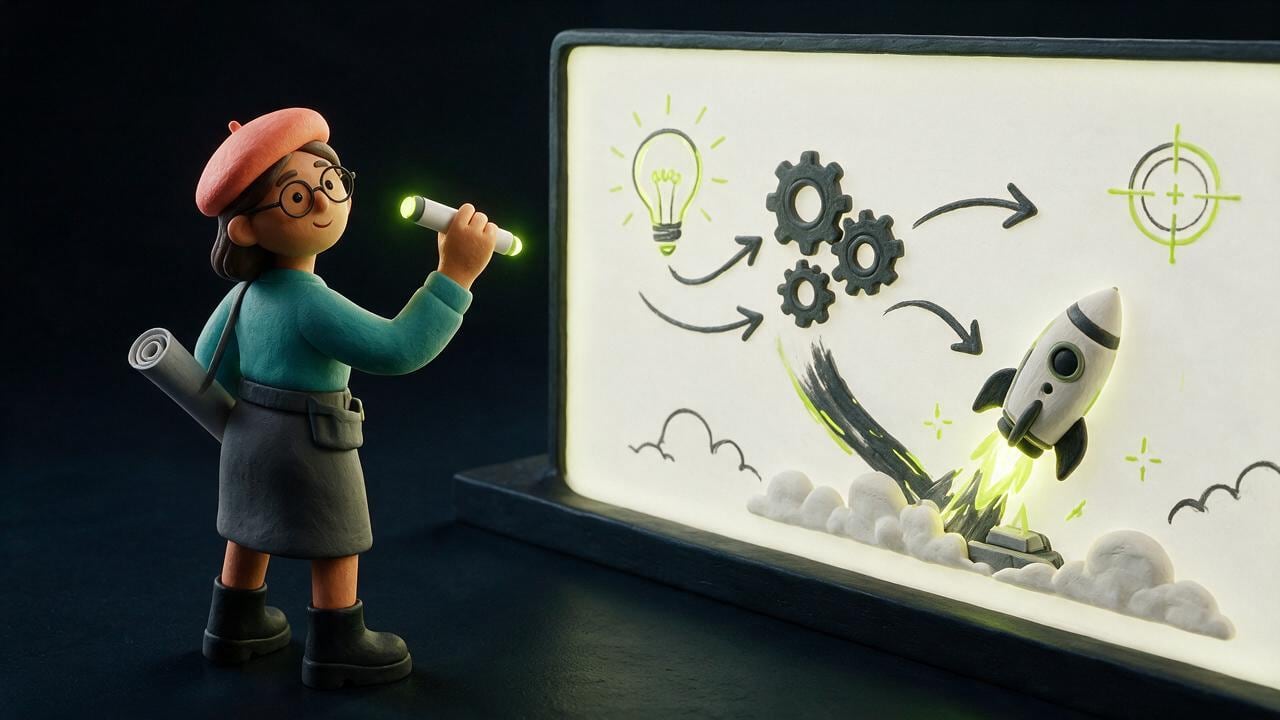
ディレクター + ホワイトボード
物語を計画するディレクター。数秒で読めるスタイル。
Explainer ディレクターがフック、ビート、VO を構成。ホワイトボード落書きはミュートでも各フレームが明快——図、矢印、1 clip 1 アイデア。
使える場所
プロモ、発表、メール、SNS——同じカット。
一本の Explainer は長いデッキより効くことがある。買い手がすでに開くチャネルで同じ明快な物語を。
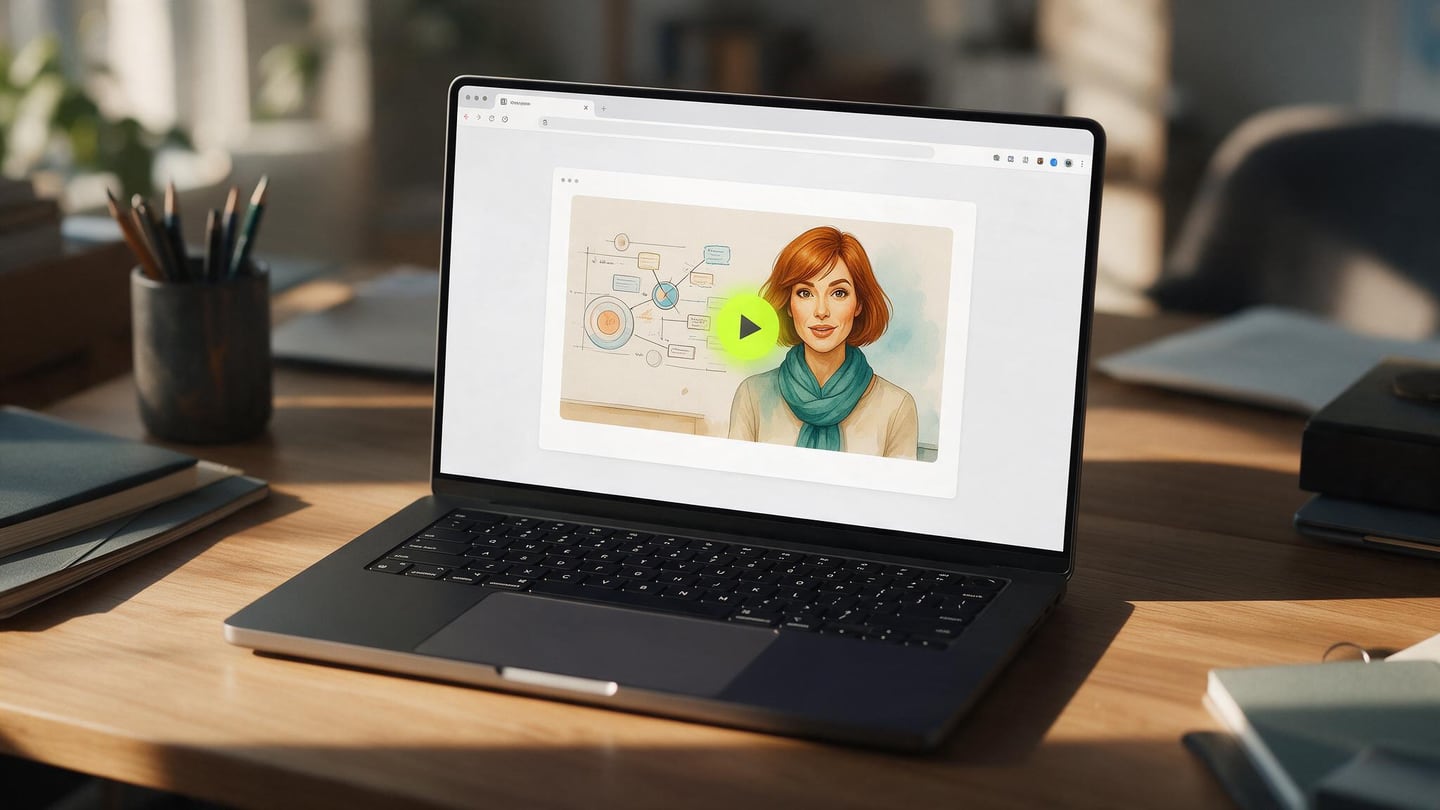
速い道
コンセプト入り。優雅な Explainer 出し。
商品アイデアやメモを貼る。絵コンテを承認。一点を教えるホワイトボード clip を生成。
Explainer ディレクターを選ぶ
概念分解向けのホワイトボード準備済み計画。
ホワイトボードスタイルを固定
マーカー線、フラット塗り、スマホでも読める。
承認して生成
まずキーフレーム静止画——それからモーション。
New in Scro Studio · Creator Engine
From live mic voice cloning & sketchboards to AI auto-editing.
Four built-in studio upgrades remove the friction between your raw idea and a retention-ready vertical reel — all inside one workspace.
01 · Mic Recording & 21 Languages
In-browser mic recorder + 21 voiceover languages
Record a 15-second voice sample right in your browser with built-in teleprompter scripts, or upload audio files. Clone your voice and generate videos across 21 matched languages including English, Cantonese, Mandarin, Japanese, Korean, Spanish, Indonesian, and more.
Live Mic RecorderBuilt-in Teleprompter21 Matched Languages
02 · Storyboard Sketchpad & AI Chat
Draw rough layout sketches + co-write clips with AI
In Step 03 Storyboard Drafts, add custom clips, sketch where characters and diagrams sit on a canvas, or chat with the AI assistant on the right to draft visual explanations and VO lines from your script — or leave it blank for full AI auto-planning.
Interactive SketchpadAI Draft ChatroomOptional Auto-Plan
03 · Silence Trim & Free Stock B-Roll
Auto dead-air removal + 1-click Stock B-Roll cutaways
OpenCut analyzes audio RMS on load to trim leading and trailing dead air with smooth 15ms micro-fades so clips flow without awkward pauses. Search free stock photos & videos in-panel or click Auto Insert B-Roll to overlay cutaways automatically.
Auto Silence TrimSeamless Clip Flow1-Click Stock B-Roll
04 · Artistic Subtitles & Root Face Lock
13 artistic caption styles, Google Fonts & drift-free wardrobe
Generate editable native subtitle tracks from your VO in one click with 13 artistic presets (stroke, 3D shadow, neon glow, pill strips) and bilingual Google Fonts — while root-anchored wardrobe edits keep facial geometry 100% identical from v1 to v10.
13 Artistic CaptionsBilingual Google FontsDrift-Free Wardrobe Lock
Examples
Concepts that read on mute.
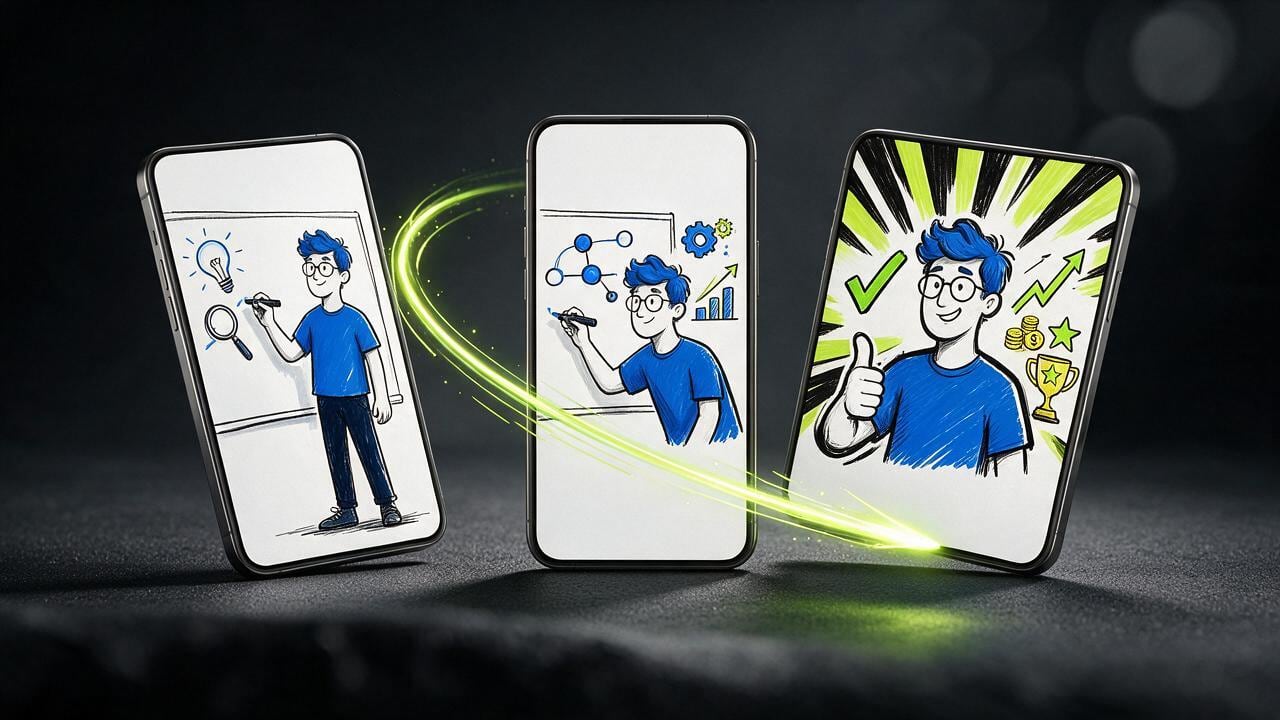
A funnel, a node map, a meeting-room deck, and three phone frames.
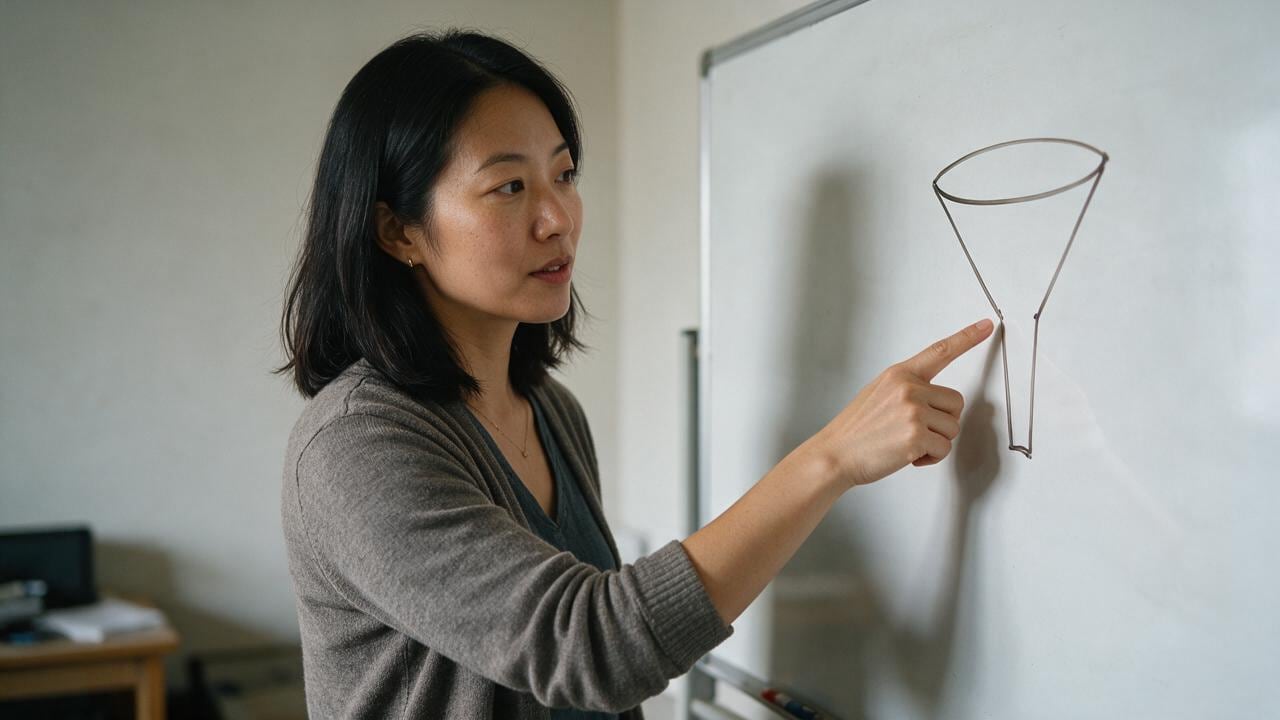
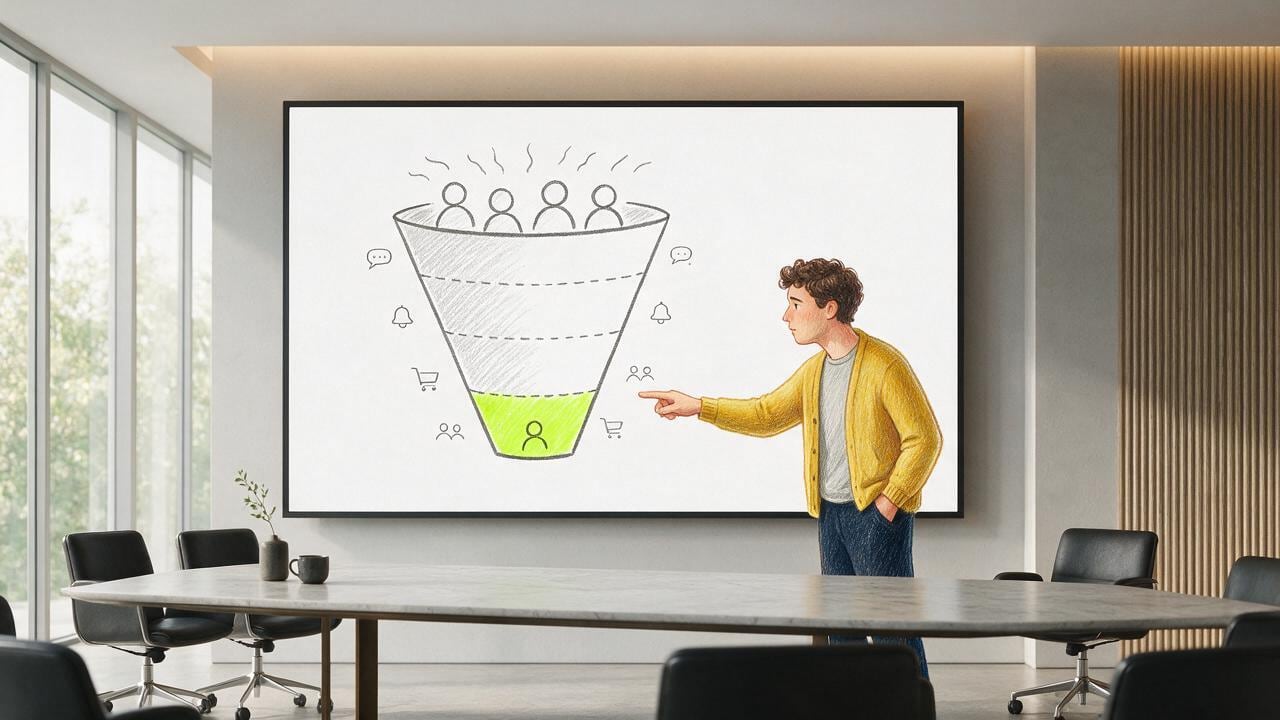
Funnel on the board
One drawing that shows the path in a glance.

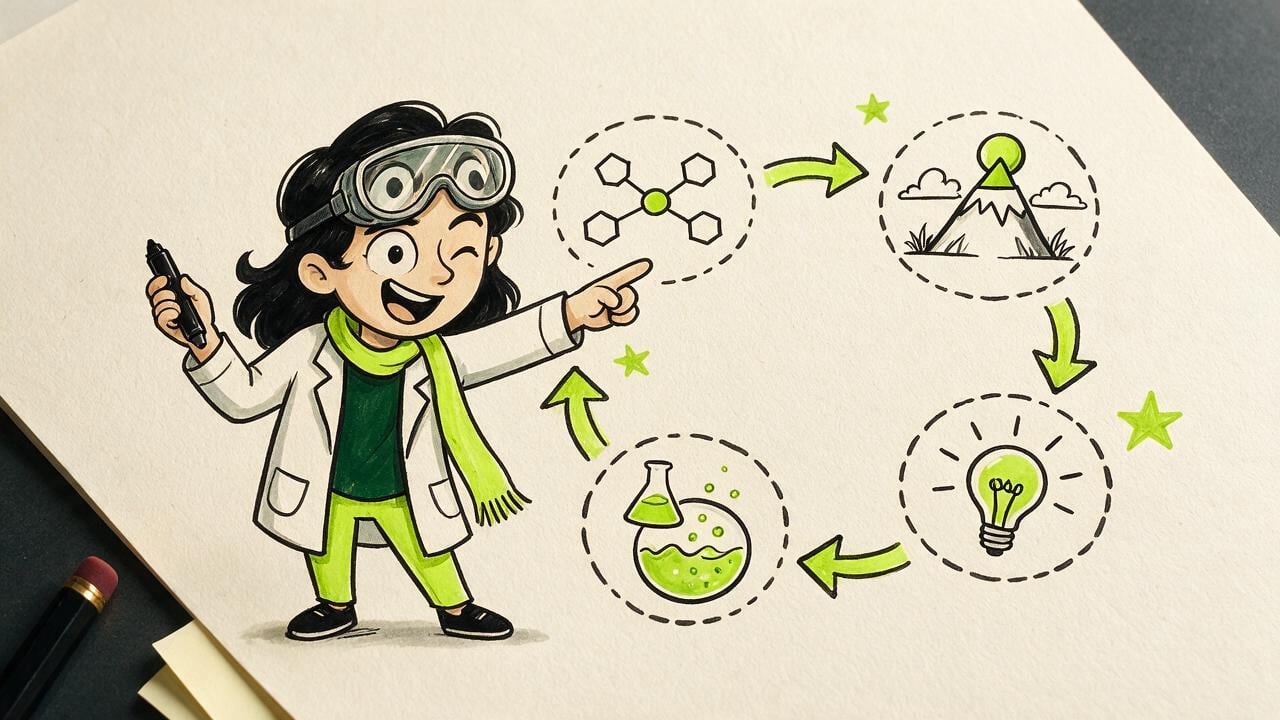
Linked ideas
Four nodes, arrows, no paragraph of text.
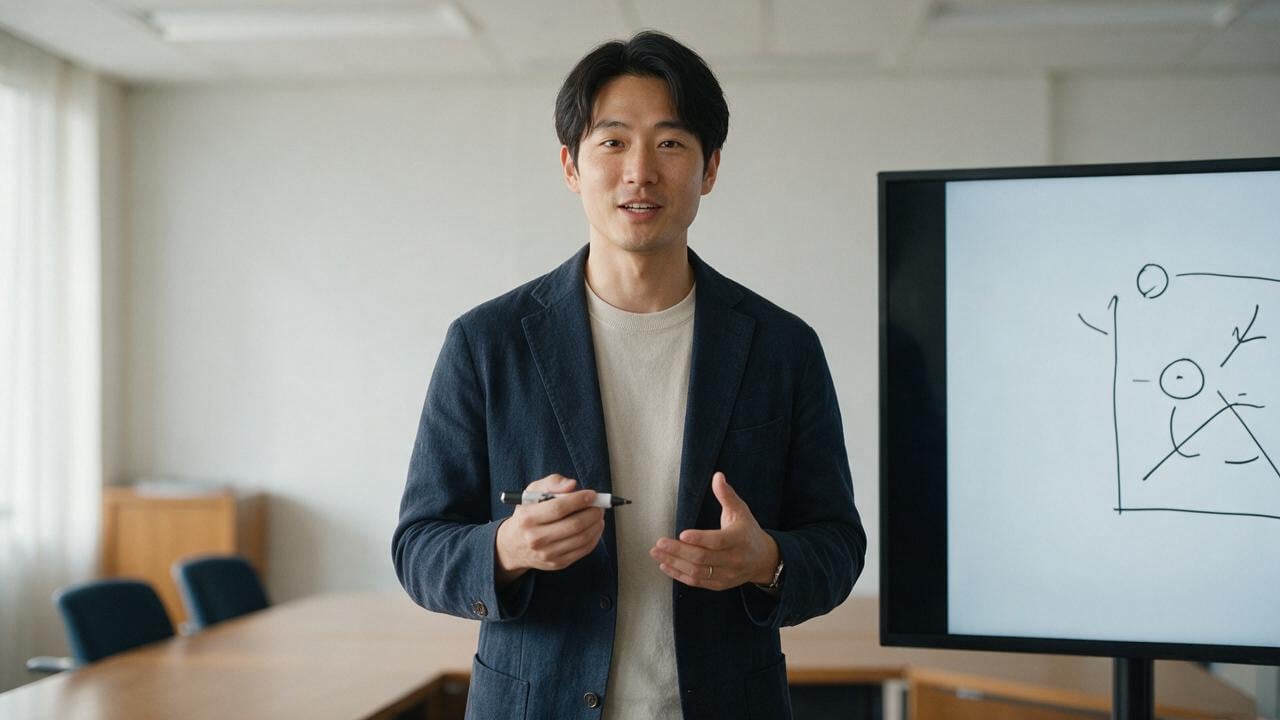
Deck in the room
A presenter and a simple diagram on the screen.
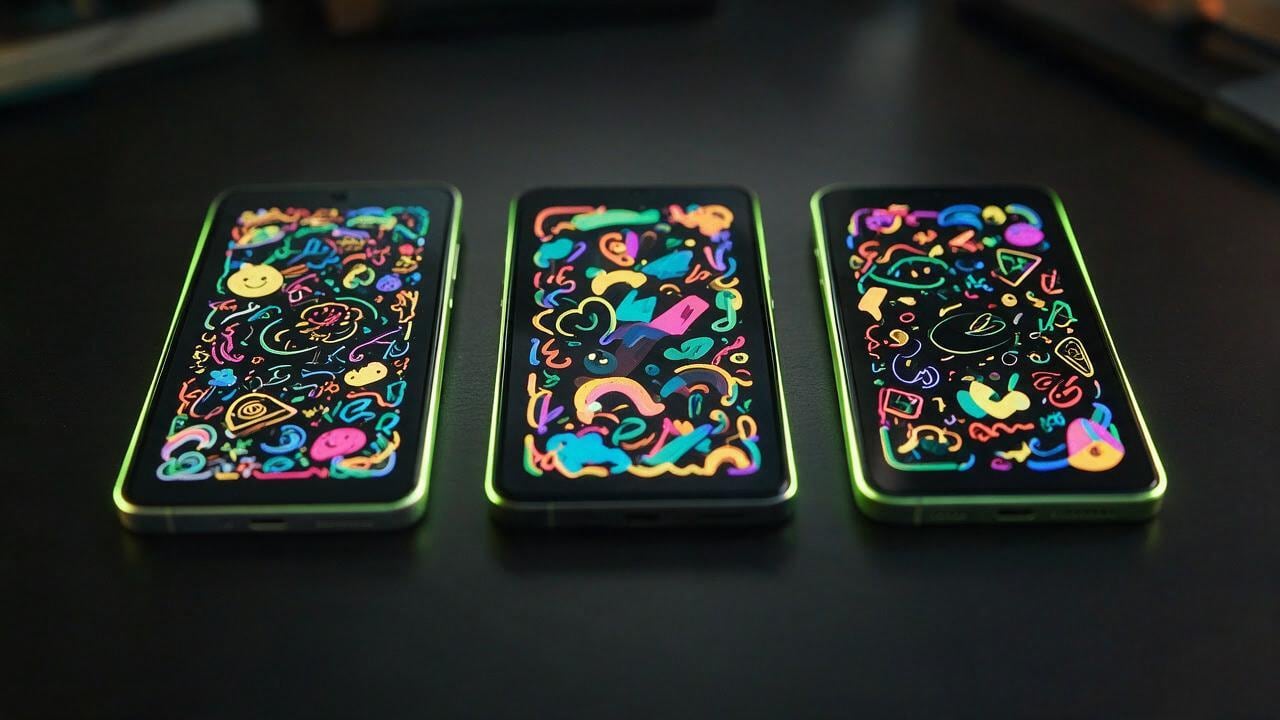
Phone frames
The same explainer, cut for a vertical feed.
記事
Say the idea once, and show it.
An explainer is a short argument: one claim, a picture that makes it obvious, and a person who can walk you through it.
A funnel on a board, a few connected nodes, a deck in a meeting room. The drawing carries the structure. The host carries the sentence you actually mean.
You do not need a cartoon department for a single concept. Write the point, pick the picture, and let the same character explain it the way you would in a room.
When the idea changes, change the line and the drawing. The face stays, so the next explainer still feels like the last one.
美しく説明する
あなたのコンセプトには、明快な 45 秒がふさわしい。
無料 credits を受け取り、Explainer ディレクターとホワイトボードを選び、観客が最後まで見るショートを出す。