
Introducing Punch Edit: One Recording to Finished Talking-Head Shorts
Punch Edit turns a raw talking-head take into a finished short — captions, B-roll, motion graphics, sound effects, and silence cuts — so creators ship without a
Introducing Punch Edit: One Recording to Finished Talking-Head Shorts
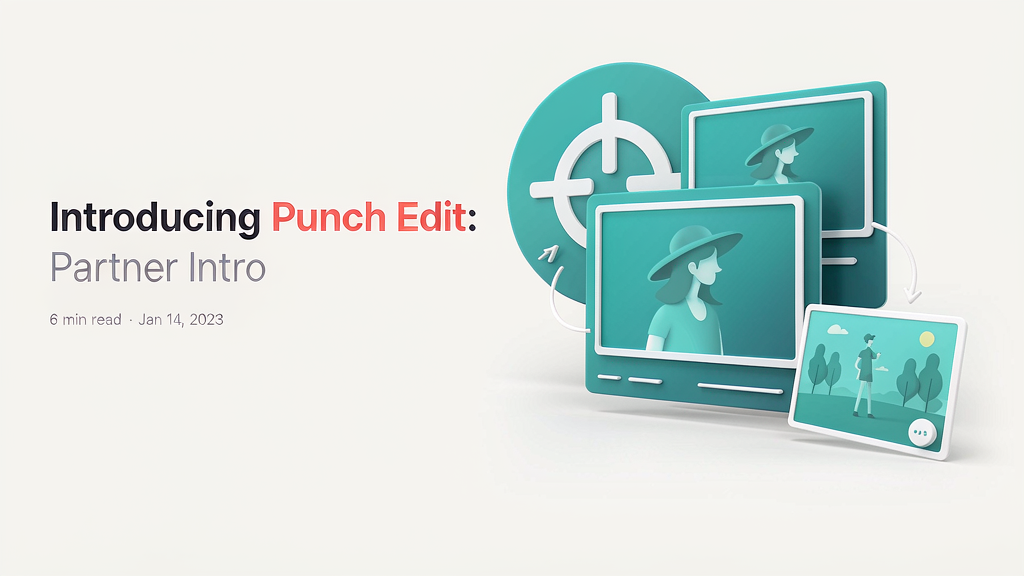
Raw talking-head takes rarely look ready for TikTok, Reels, or Shorts. Punch Edit turns a single camera recording into a finished short — with captions, B-roll, motion graphics, sound effects, and silence cuts — so creators ship without living in a timeline.
It sits in the one-take → vertical packaging layer for founders, coaches, and educators who already talk to camera.
What Punch Edit does
Talking-head packaging in one click:
- Captions in your style — word-timed captions you can restyle without retyping
- B-roll found for you — pulls relevant clips that match what you say
- Motion graphics and SFX — emphasis hits where your points land
- Silences cut — dead air removed before anyone sees it
- Plain-language re-edits — ask for a change in words, or fix small details yourself
Explore:
Who it is for
Creators who record one solid take and need a polished vertical ready to post — without hiring an editor for every tip video, announcement, or mini lesson.
Where it fits in a content stack
Punch Edit owns one take → captions + B-roll + graphics → export. Your story still comes from you on camera; Punch Edit is the packaging layer that makes the take feel finished.
How teams typically use Punch Edit
A founder records a two-minute product tip on their phone, drops it into Punch Edit, reviews the auto captions and B-roll, tweaks one title, and exports a 9:16 short for LinkedIn and Reels the same afternoon.
Quick tips if you try Punch Edit
- Start with a clean room — better audio helps caption accuracy and silence detection.
- Review hook text before you post; the engine proposes, you own the line.
- Ask for one change in plain words instead of rebuilding the whole edit.
- Your first video is free — use it to learn the style presets.
- Email hi@punchedit.com for product or account questions.
Soft close — related tool
If you also need concept → storyboard → animated or whiteboard explainer / Reels (not talking-avatar presenters), see Scro Explainer. Scro (by NOVAX) is built around approving an AI storyboard before you render — useful when the job is teaching a process, not packaging a talking-head take. Keep Punch Edit as the focus of this intro; Scro is only a related option for storyboard-first explainers.