
Introducing EchoWave: Browser Captions, Voices, and Shorts Packaging
EchoWave is a free-to-start browser video editor with auto captions in 86 languages, AI voices, visualizers, and cloud export — built for podcasters, musicians,
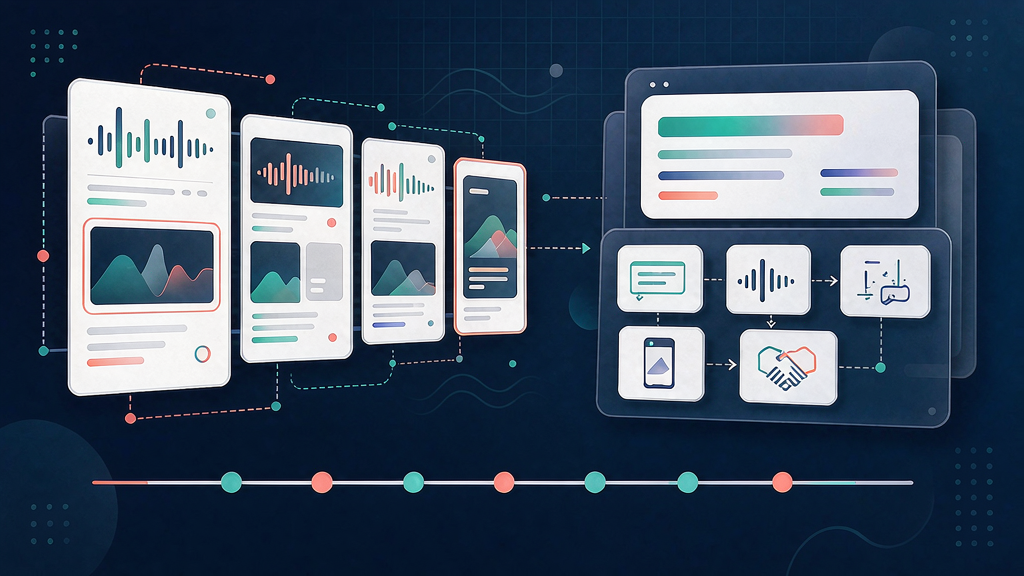
Introducing EchoWave: Browser Captions, Voices, and Shorts Packaging
Not every short needs a full desktop suite. EchoWave is a free-to-start browser video editor with auto captions in 86 languages, AI voices, visualizers, templates, and cloud export — so podcasters, musicians, and clippers package Shorts without installing anything.
It sits in the caption + packaging layer for creators who want subtitles, polish, and export in one tab.
What EchoWave does
Browser-based short packaging:
- Auto captions — 176 styles, karaoke highlights, translate across 86 languages
- AI voices — 63 voices plus optional voice cloning for scripted lines
- Visualizers and motion — waveforms, progress bars, transitions for audio-first content
- Record in-browser — screen, camera, or mic straight to the timeline
- Cloud export — up to 8K on paid plans; free tools with no watermark on many converters
Explore:
Who it is for
Podcasters chopping clips, musicians making lyric or visualizer videos, educators annotating lessons, and marketers who need captioned shorts without a heavyweight NLE.
Where it fits in a content stack
EchoWave owns footage or audio → captions / voice / visuals → export. It is the packaging and polish layer when the story already exists in a recording or a script.
How teams typically use EchoWave
A podcaster uploads an episode segment, generates captions, tweaks a few words, applies a karaoke style, and exports a Reels-ready MP4 — then reuses a template for next week's clips.
Quick tips if you try EchoWave
- Edit captions like a doc — fix names and brands before you burn them in.
- Use free tools for one-off compress, trim, or convert jobs without opening the full editor.
- Save a template once a look works so batch weeks stay consistent.
- Start free at 720p, then upgrade only when you need 4K or badge-free exports.
- Email hello@echowave.io for support or partnership questions.
Soft close — related tool
If you also need concept → storyboard → animated or whiteboard explainer / Reels (not talking-avatar presenters), see Scro Explainer. Scro (by NOVAX) is built around approving an AI storyboard before you render — useful when the job is teaching a process, not captioning a clip. Keep EchoWave as the focus of this intro; Scro is only a related option for storyboard-first explainers.