
Whiteboard vs Avatar Explainer: Decision Checklist for Marketing Teams
When deciding between a whiteboard and an avatar explainer, marketing teams should consider the core message, target audience, and desired outcome. A…
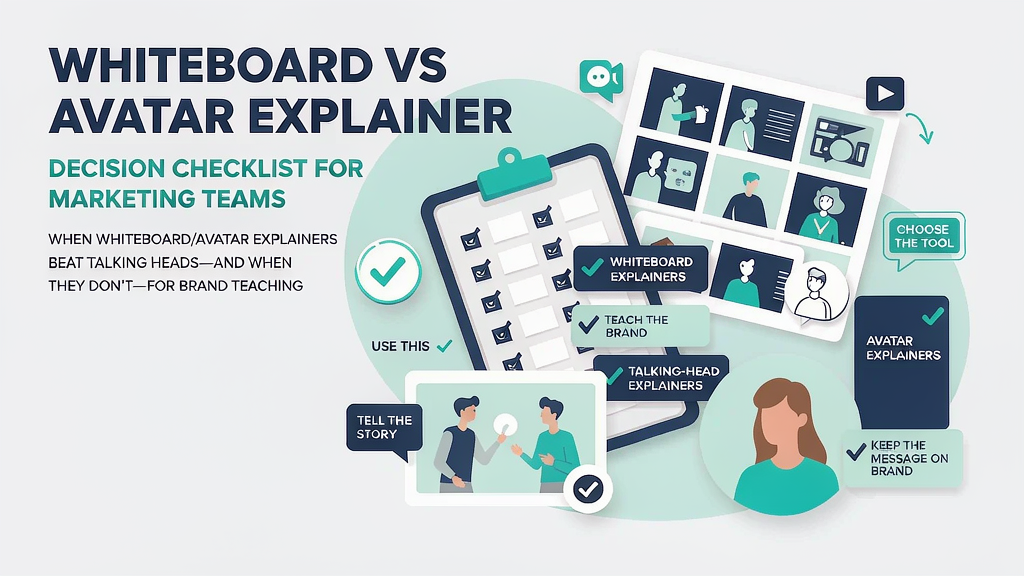
Whiteboard vs Avatar Explainer: Decision Checklist for Marketing Teams When deciding between a whiteboard and an avatar explainer, marketing teams should consider the core message, target audience, and desired outcome. A whiteboard explainer is ideal for complex, abstract concepts that require visual aids to enhance understanding, while an avatar explainer is better suited for more personal, emotive storytelling. By evaluating these factors, teams can create an effective explainer that resonates with their audience.
What Drives the Choice Between Whiteboard and Avatar Explainers? The decision between a whiteboard and an avatar explainer depends on several key factors, including the type of content, the audience's preferences, and the brand's tone. To make an informed decision, marketing teams should consider the following:
- The level of complexity in the message: Whiteboard explainers are often better at breaking down complex ideas into simple, easy-to-understand visuals.
- The desired tone: Avatar explainers can add a more personal, human touch to the message, while whiteboard explainers can come across as more formal and instructional.
- The audience's expectations: Understanding what the audience is looking for in terms of content style and delivery can help guide the decision.
Creating a Decision Framework To streamline the decision-making process, marketing teams can use a framework that considers the following factors:
- Message Clarity: How complex is the message, and how can it be best conveyed?
- Audience Engagement: What type of content is most likely to resonate with the target audience?
- Brand Identity: How does the chosen format align with the brand's overall tone and messaging?
By evaluating these factors, teams can create a decision matrix that helps guide the choice between a whiteboard and an avatar explainer.
Comparison of Whiteboard and Avatar Explainers The following table outlines the key differences between whiteboard and avatar explainers:
| Feature | Whiteboard Explainer | Avatar Explainer |
|---|---|---|
| Complexity | Better suited for complex, abstract concepts | More effective for simple, emotive storytelling |
| Tone | Formal, instructional | Personal, conversational |
| Audience Engagement | High engagement through visual aids | High engagement through emotional connection |
| Production Time | Generally faster production time | Can be more time-consuming due to character development |
Decision Table for Whiteboard and Avatar Explainers To further aid in the decision-making process, marketing teams can use the following decision table:
| Message Complexity | Desired Tone | Audience Expectations | Recommended Format |
|---|---|---|---|
| High | Formal | Instructional content | Whiteboard Explainer |
| Low | Personal | Emotional connection | Avatar Explainer |
| Medium | Neutral | Balanced content | Either format, depending on brand identity |
Worked Example: Choosing Between Whiteboard and Avatar Explainers Let's say a marketing team is tasked with creating an explainer video for a new software product. The product is complex, with multiple features and benefits that need to be conveyed. After considering the factors outlined above, the team decides that a whiteboard explainer is the best choice. They create a script that breaks down the product's features into simple, easy-to-understand visuals, and use a formal, instructional tone to convey the message.
Second Worked Example: Choosing Between Whiteboard and Avatar Explainers In another scenario, a marketing team is tasked with creating an explainer video for a non-profit organization. The organization's mission is to raise awareness about a social issue, and the team wants to create an emotional connection with the audience. After considering the factors outlined above, the team decides that an avatar explainer is the best choice. They create a script that tells a personal story, using an avatar to convey the message in a conversational tone.
Ship Checklist Before finalizing the explainer video, marketing teams should review the following checklist to ensure that all necessary elements are in place:
- Concept: Is the core message clear and concise?
- Storyboard: Is the visual flow logical and engaging?
- Script: Is the tone consistent with the brand's identity?
- Visuals: Are the visuals high-quality and relevant to the message?
- Audio: Is the audio clear and well-synced with the visuals?
- Brand Guidelines: Are all brand elements, such as logos and color schemes, correctly implemented?
- Final Review: Has the video been reviewed and approved by all necessary stakeholders?
Failure Modes and Fixes Even with a well-planned decision-making process, things can go wrong. Here are some common failure modes and fixes:
- Failure Mode: Poor Message Clarity. If the message is not clear, the audience may become confused or lose interest. Fix: Review the script and storyboard to ensure that the message is concise and easy to understand.
- Failure Mode: Inconsistent Tone. If the tone is not consistent with the brand's identity, the audience may become disconnected. Fix: Review the script and ensure that the tone aligns with the brand's overall tone and messaging.
- Failure Mode: Low Audience Engagement. If the audience is not engaged, the video may not be effective. Fix: Review the visuals and audio to ensure that they are high-quality and relevant to the message. Consider adding interactive elements or emotional connections to increase engagement.
By following this checklist, considering the key factors that drive the choice between whiteboard and avatar explainers, and being aware of potential failure modes, marketing teams can create effective, engaging explainer videos that resonate with their audience.
Related reading on Scro
- Best AI Explainer Video Tools for Marketing Teams in 2026
- Concept Brief Checklist for Marketing Explainer Videos
- Synthetic Media Disclosure Checklist for Brand Marketing Teams
- 20 Explainer Reel Storyboard Templates for Product Marketing
Soft close — storyboard-first workflow
Prefer concept → storyboard → approve stills → render over prompt-and-pray generation. If you want that loop productized, try Scro. The operating rules above still apply with any stack that lets you lock beats before motion credits burn.