
SEO GuideHow-ToExplainer ReelsAI Video
How to Ship a 30-Day Personal Brand Video Challenge From One Expertise Map
To successfully ship a 30-day personal brand video challenge, you need a solid foundation - an expertise map that generates a backlog of content and a…
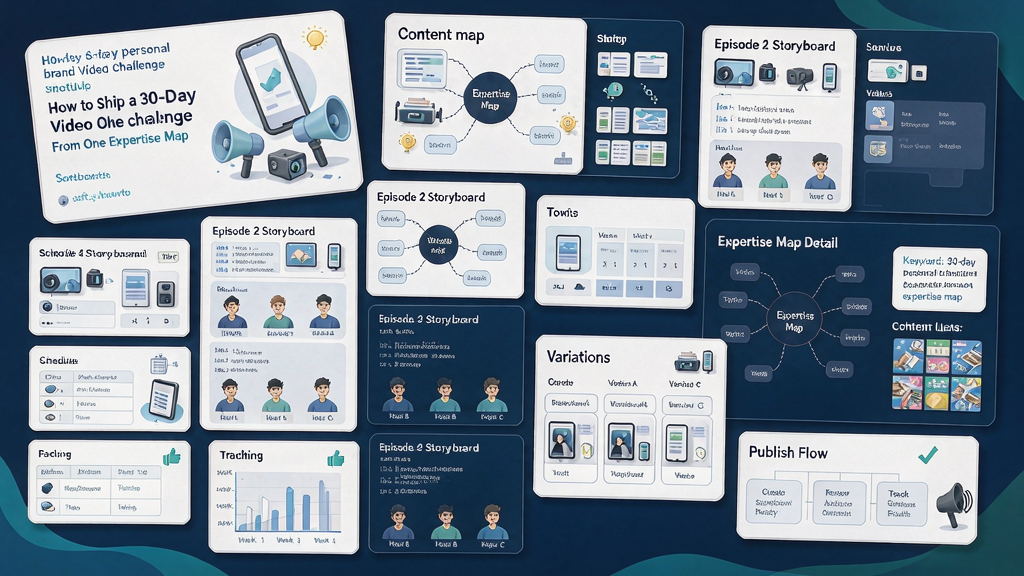
How to Ship a 30-Day Personal Brand Video Challenge From One Expertise Map To successfully ship a 30-day personal brand video challenge, you need a solid foundation - an expertise map that generates a backlog of content and a batch system to feed your calendar. This approach ensures that you can consistently produce high-quality videos for 30 days without running out of ideas or burning out. By having a clear plan and structure in place, you can create a engaging and valuable challenge that showcases your expertise and resonates with your audience.
What is an Expertise Map and How Do You Build One? An expertise map is a visual representation of your knowledge and skills in a particular area, broken down into key pillars and subtopics. To build an expertise map, start by identifying 4-6 core pillars that relate to your area of expertise. Under each pillar, list out relevant myths, processes, templates, objections, and stories that teach. This will help you create a comprehensive framework for your challenge and ensure that you have a steady stream of content ideas. Aim to have at least 30 job lines or content ideas before launching your challenge, as this will give you a solid foundation to work from.
Designing Your Challenge: Key Principles to Keep in Mind When designing your 30-day personal brand video challenge, there are several key principles to keep in mind: One job per day: focus on a single key topic or idea per day to keep your content concise and engaging Same CTA ladder all month: use a consistent call-to-action throughout your challenge to encourage audience engagement and drive results Continuity kit locked: establish a consistent visual brand and tone to create a cohesive and recognizable challenge Batch production: produce your videos in batches to save time and increase efficiency * Still lock before motion: finalize your stills and visuals before moving on to motion graphics to ensure a polished and professional finish
Creating a Calendar Template for Your Challenge To help you plan and organize your challenge, create a calendar template that outlines the topics and themes you'll be covering each week. For example: | Week | Topic | | --- | --- | | 1 | Definitions and myths | | 2 | Processes | | 3 | Templates and wrong-vs-right | | 4 | Objections, stories, and recap | Adjust the nouns and topics to fit your expertise map and challenge goals.
Production Math: How to Stay Ahead of the Game To ensure that you can consistently produce high-quality videos throughout your challenge, aim to be 7-10 days ahead of schedule. This will give you a buffer in case anything goes wrong or you need to make changes. If your buffer falls below 3 days, consider cutting a reactive day rather than publishing subpar content.
Engagement Strategies for Your Challenge To encourage audience engagement and participation in your challenge, use reply prompts tied to the teach, such as "Comment the step you skip." This will help create a sense of community and encourage audience members to share their thoughts and experiences. Additionally, consider converting repeat questions or topics into a Part 2 backlog, rather than derailing your challenge with live responses.
What to Do After Day 30: Evaluating Success and Next Steps After completing your 30-day personal brand video challenge, take the time to evaluate its success and plan your next steps. Consider: Clustering top-performing content into a lead magnet or cohort teaser Retiring weak or underperforming days Versioning your expertise map to reflect new insights and knowledge Using your challenge as an asset factory, rather than just a streak of content
Metrics for Success: What to Track and Why When evaluating the success of your challenge, track metrics such as: Completion of the challenge by you (process KPI) Saves, follows, and opt-ins Offer waitlist growth Engagement and participation metrics, such as comments and shares Avoid focusing solely on view spikes on day 1 and 30, as these may not accurately reflect the overall success and impact of your challenge.
Worked Example: Creating a 30-Day Personal Brand Video Challenge for a Fitness Expert Let's say you're a fitness expert who wants to create a 30-day personal brand video challenge to help people get in shape for summer. Your expertise map might include pillars such as: Nutrition and meal planning Workout routines and exercises Mindset and motivation Recovery and self-care Under each pillar, you might list out myths, processes, templates, objections, and stories that teach, such as: Myth: you need to spend hours at the gym to get in shape Process: creating a personalized workout plan based on your goals and fitness level Template: a sample meal plan for a week Objection: I don't have time to work out * Story: how I overcame my own fitness struggles and achieved my goals Using this expertise map, you can create a calendar template and batch produce your videos to ensure a consistent and high-quality challenge.
Ship Checklist: Ensuring a Successful Launch Before launching your 30-day personal brand video challenge, make sure to check off the following items on your ship checklist: 1. Expertise map is complete and comprehensive 2. Calendar template is finalized and scheduled 3. Batch production is underway and on track 4. Continuity kit is locked and consistent 5. Engagement strategies are in place and ready to go 6. Metrics for success are tracked and monitored By following this checklist and staying focused on your goals, you can create a successful and engaging 30-day personal brand video challenge that showcases your expertise and resonates with your audience.
Related reading on Scro
- Personal Brand IP Monetization: How Creators Turn Expertise Into Income
- AI Video Prompt Guide for Realistic Marketing Explainers (Brand-Safe)
- Brand-Safe Realism: How Marketers Use AI Video Without Deceptive Deepfakes
- How Personal Brands Use AI Video Generation Without Losing Authenticity
Soft close — storyboard-first workflow
Prefer concept → storyboard → approve stills → render over prompt-and-pray generation. If you want that loop productized, try Scro. The operating rules above still apply with any stack that lets you lock beats before motion credits burn.