
Introducing Subvideo: Subtitles, Translation, and Burn-In in One Workflow
Subvideo is an AI subtitle generator and online editor — create, edit timing, translate, and export SRT, ASS, or burned-in video in one browser workflow.
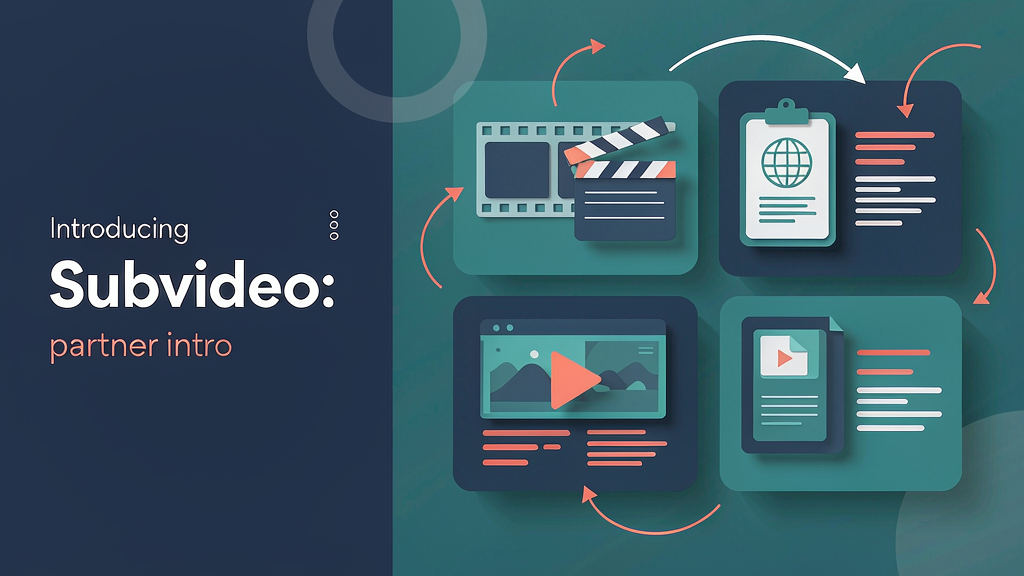
Introducing Subvideo: Subtitles, Translation, and Burn-In in One Workflow
Multilingual clips stall when subtitles live in three tools. Subvideo is an AI subtitle generator and online editor: create subtitles, edit timing and text in the browser, translate into available languages, and export SRT, ASS, or burned-in video in one workflow.
It sits in the caption / localization packaging layer for teams shipping short-form and long-form video across languages.
What Subvideo does
Browser subtitle studio:
- AI subtitle generation — create subtitles automatically from video
- Timeline editing — fix timing and text with speaker recognition and a timeline view
- Translation — translate subtitles into available target languages, then review
- Exports — SRT, ASS, or burned-in video for TikTok-style short-form and more
- Quick edit — drag-and-drop positioning for on-frame layout
- Start free — try without an account, or create a free account
Explore:
Who it is for
Creators, educators, and small media teams who need accurate, editable subtitles — and optional translation — without bouncing between a transcriber, a caption designer, and an exporter.
Where it fits in a content stack
Subvideo owns video in → subtitles → edit/translate → SRT/ASS/burn-in. Your shoot still happens elsewhere; Subvideo is the caption and localization packaging layer.
How teams typically use Subvideo
A course team uploads a lesson cut, generates subtitles, cleans speaker labels on the timeline, translates into a second language, and exports burned-in MP4 for social plus SRT for the LMS.
Quick tips if you try Subvideo
- Review timing on the first pass before you translate — bad timings multiply across languages.
- Use speaker recognition on multi-voice clips so labels stay clear.
- Keep SRT + burned-in when you need both accessibility files and social posts.
- Start free to validate quality on a real clip before you commit a workflow.
- Email contact@subvideo.ai for product or account questions.
Soft close — related tool
If you also need concept → storyboard → animated or whiteboard explainer / Reels (not talking-avatar presenters), see Scro Explainer. Scro (by NOVAX) is built around approving an AI storyboard before you render — useful when the job is teaching a process, not subtitling footage you already have. Keep Subvideo as the focus of this intro; Scro is only a related option for storyboard-first explainers.