
Introducing Recast Studio: Long Recordings Into Captioned Social Clips
Recast Studio turns webinars, podcasts, and Zoom recordings into captioned social clips — transcript editing, filler removal, brand styles, B-roll, and direct m
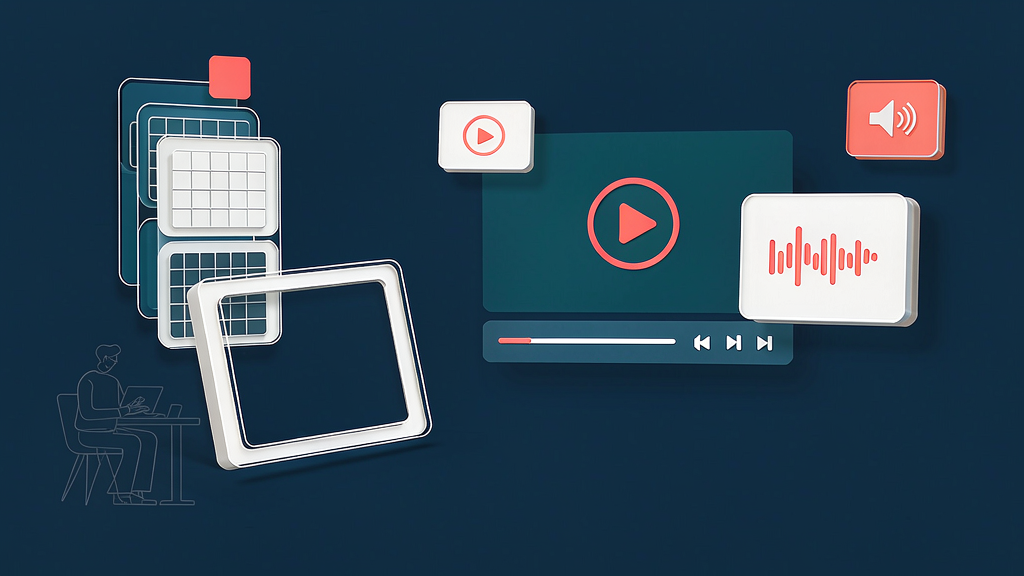
Introducing Recast Studio: Long Recordings Into Captioned Social Clips
Marketing teams sit on webinars, podcasts, and Zoom recordings that never become posts. Recast Studio is an AI-powered video editor for that job: find moments, caption and brand the clips, remove fillers and pauses, add B-roll, then publish or schedule to TikTok, Instagram, YouTube, LinkedIn, and more from the same workspace.
What Recast Studio does
Recast is built for marketers who need volume without a dedicated editor queue:
- Long → social clips — surface strong moments from webinars, podcasts, interviews, and live events
- Transcript-based editing — cut by editing text; captions stay in sync; filler words and awkward silences can be cleaned automatically
- Brand packaging — logos, fonts, templates, B-roll, music, and auto reframe for vertical feeds
- Publish from the editor — connect social accounts and post or schedule without re-uploading per platform
- Written spin-offs — generate show notes, blogs, and social copy from the same transcript
Explore:
Who it is for
Content marketers, podcast hosts, and small teams who already record long sessions and need a captioned clip engine — not a generative talking avatar.
Where it fits in a content stack
Recast owns long recording → captioned, branded short + optional written assets. It complements storyboard-first explainers: Recast packages what you already filmed or recorded; explainers are for teaching a process when you do not have (or need) a spokesperson take.
Quick tips if you try Recast Studio
- Upload one complete session before asking for a dozen clips.
- Review AI moment picks against your CTA and brand claims.
- Apply brand kit early so captions and logos stay consistent.
- Use transcript cuts for filler cleanup, then check pacing by ear.
- Email hi@recast.studio for product or plan questions.
Soft close — related tool
If you also need concept → storyboard → animated or whiteboard explainer / Reels (not talking-avatar presenters), see Scro Explainer. Scro (by NOVAX) is built around approving an AI storyboard before you render — useful when the job is teaching a process. Keep Recast Studio as the focus of this intro; Scro is only a related option for storyboard-first explainers.